Product Feedback Form Template
Use this free product feedback form template to collect ratings, feature requests, bug reports, comments, screenshots, and follow-up details.
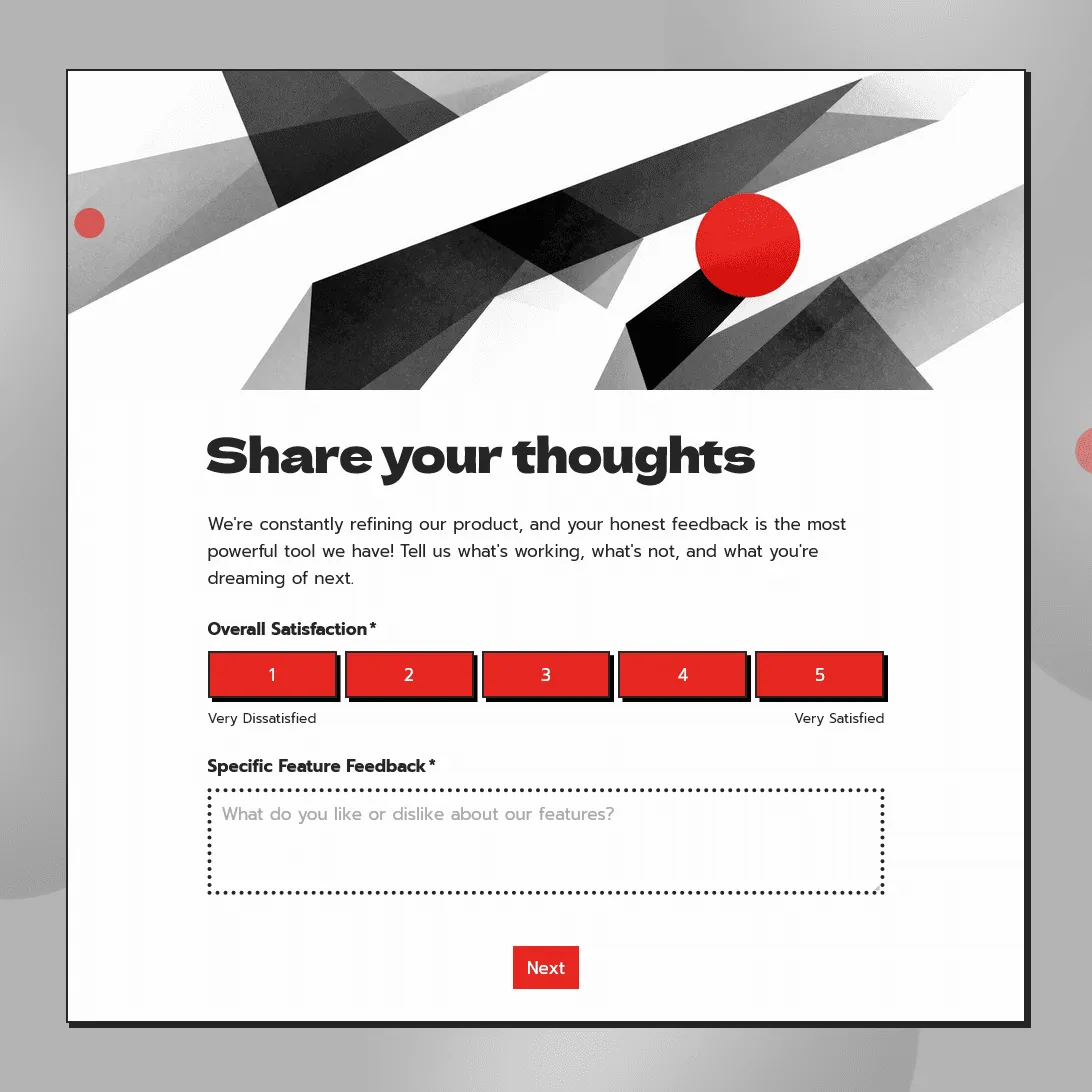
Need a custom product feedback form?
Describe your product and FormGrid will generate a feedback form template tailored to your needs.
About this product feedback form template
Use this free product feedback form template to collect ratings, comments, feature requests, bug reports, screenshots, and follow-up details from users or customers. The template includes questions for product satisfaction, ease of use, favorite features, missing features, problems, likelihood to recommend, open feedback, and contact details.
It can be used for SaaS products, mobile apps, ecommerce products, digital tools, software features, beta tests, product launches, and customer research. You can edit the questions, adjust the design, and share the form with a link or embed it on your website.
For broader customer feedback, use the customer feedback form template. For a comparison of feedback tools, see our guide to customer feedback survey tools.
What is a product feedback form?
A product feedback form is used to collect opinions, ratings, ideas, and issue reports about a product. It helps product teams understand what customers like, what feels unclear, what gets in the way, and what people want added or improved.
A good product feedback form should focus on a specific product, feature, release, or user experience. General questions can be helpful, but the best answers usually come from a clear context, such as “after using the new dashboard” or “after trying the beta version.”
Product feedback form questions
A product feedback form should include questions that help you understand the user’s experience and decide what to work on next.
Overall product feedback
Start with a few high-level questions:
- How satisfied are you with the product?
- How easy was it to use?
- How well did it solve your problem?
- How likely are you to recommend it to a friend or colleague?
- How often do you use the product?
These questions help you track general sentiment and compare feedback over time.
Feature feedback
Ask about the parts of the product you want to evaluate:
- Which feature do you use most?
- Which feature was most helpful?
- Was anything missing?
- Was anything difficult to find?
- What would make this feature more useful?
This works well after launching a new feature, redesigning a product area, or testing a new workflow with users.
Bug reports and issue details
If users are reporting problems, ask for enough context to investigate:
- What happened?
- What were you trying to do?
- When did the issue happen?
- What device or browser were you using?
- Can you upload a screenshot or screen recording?
A file upload field can help your team understand visual bugs, confusing UI, layout problems, and error messages faster.
Product improvement ideas
Use open questions to collect ideas in the customer’s own words:
- What should we improve first?
- What would you add to the product?
- What feels slower or harder than it should?
- What almost stopped you from using the product?
- Is there anything else you want to share?
Keep this section short. One or two open questions are usually enough.
Customer details and follow-up
Contact details should be optional unless your team needs them to respond:
- Name
- Email address
- Company name
- Account ID or order number
- Permission to contact the customer
This gives users a way to ask for follow-up, especially when they report a bug, request help, or share a detailed idea.
When to use a product feedback form
Use a product feedback form when you need direct input about a product, feature, or release.
Common moments include:
- after a customer buys or receives a product
- after a user completes onboarding
- after a product trial
- after launching a new feature
- during a beta test
- after a support conversation about a product issue
- after a cancellation or downgrade
- before planning your next product update
The best timing depends on the product. A physical product may need a few days or weeks of use before customers can give useful feedback. A software feature can often be reviewed right after someone uses it.
How to customize this template for different product feedback types
- For SaaS feedback, ask about setup, ease of use, missing features, bugs, onboarding, integrations, support, and likelihood to recommend.
- For mobile app feedback, ask about navigation, speed, crashes, notifications, account setup, device type, and the task the user was trying to complete.
- For ecommerce product feedback, ask about product quality, sizing, packaging, delivery, value for money, and whether the customer would buy again.
- For a new feature, ask what the user tried to do, whether the feature helped, what was unclear, and what would make it more useful.
- For beta testing, ask about first impressions, bugs, confusing steps, missing functionality, and whether the tester would use the final version.
- For product research, ask about the customer’s current process, alternatives they use, buying criteria, and the problem they want solved.
How to set up your product feedback form
- Open the template. Click “Use this template” to copy it into your FormGrid workspace.
- Add the product context. Mention the product, feature, release, order, or experience you want feedback on.
- Review the rating questions. Keep the ratings you will use for analysis, such as satisfaction, ease of use, product quality, or likelihood to recommend.
- Add product-specific questions. Ask about the feature, issue, product area, or customer journey you want to understand. Use conditional logic to show follow-up questions based on the user’s answers.
- Add issue details. Include fields for bug reports, screenshots, device type, browser, order number, or account ID if they help your team investigate.
- Add follow-up consent. Ask whether the customer is willing to be contacted.
- Write the confirmation message. Thank the customer and explain what will happen if they asked for follow-up.
- Test the form. Submit a test response and check the response table before sharing it.
- Share the form. Embed it on your website, send it by email, add it to a support reply, place it in your product, or link to it from a help center or changelog.
Related feedback templates and guides
These related templates and guides may also be useful:
- Customer feedback form template: for collecting general ratings, comments, suggestions, and follow-up details.
- Customer satisfaction survey tools: for measuring satisfaction with a product, service, or overall customer experience.
- Customer feedback survey tools: for comparing tools you can use to collect, analyze, and share customer feedback.
- How to create a feedback form: our step-by-step guide on planning, writing, and sharing feedback surveys.
- How to measure customer satisfaction: learn how to measure customer satisfaction with CSAT, NPS, CES, feedback surveys, reviews, complaints, retention data, and customer satisfaction survey questions.
Product feedback form FAQs
What should a product feedback form include?
A product feedback form should include product satisfaction, ease of use, feature feedback, bug reports, improvement ideas, open comments, and optional contact details. For software products, add fields for device, browser, screenshot upload, and permission to follow up.
What are good product feedback form questions?
Good product feedback questions are specific and easy to answer. Useful examples include “How satisfied are you with the product?”, “What were you trying to do?”, “What should we improve?”, “Was anything missing?”, and “Did anything feel unclear or difficult?”
How many questions should a product feedback form have?
A product feedback form usually works best with 5 to 8 questions. Use a few ratings, one or two open questions, and optional follow-up fields. Longer forms can be useful for beta tests or research interviews, but short forms tend to get more responses.
When should I send a product feedback form?
Send a product feedback form soon after the experience you want to measure. For a new feature, send it after the user has tried the feature. For a physical product, wait until the customer has had enough time to receive and use it. For a beta test, collect feedback during the test and again at the end.
Can I use this template for feature requests?
Yes. You can add questions for missing features, requested improvements, priority level, use case, and permission to follow up. Keep feature request questions specific enough to understand the problem behind the request.
Can I use this template for bug reports?
Yes. Add fields for what happened, what the customer was trying to do, device, browser, account or order ID, and screenshot upload. This gives your team enough context to investigate the issue.
Can I embed this product feedback form on my website?
Yes. You can embed the form on your website or share it with a direct link. This works well for product pages, help centers, changelogs, customer emails, support replies, and in-product feedback links.
Is this product feedback form template free?
Yes. This template is free to use. FormGrid also includes unlimited forms and unlimited responses on the free plan, so you can collect product feedback without response caps.
Related templates
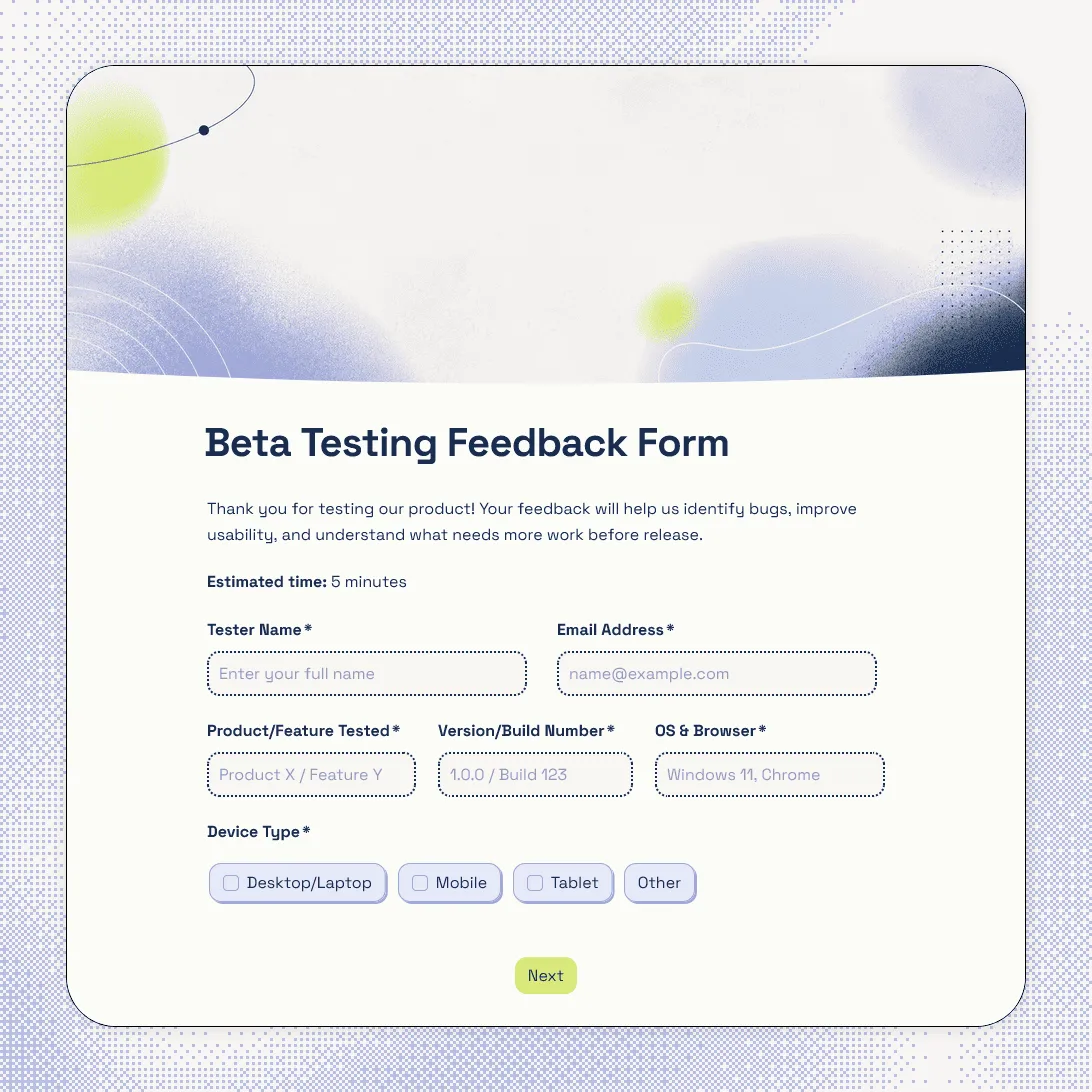
Beta Testing Feedback Form Template
Free beta testing feedback form template for collecting bug reports, usability feedback, screenshots, tester details, and device info.
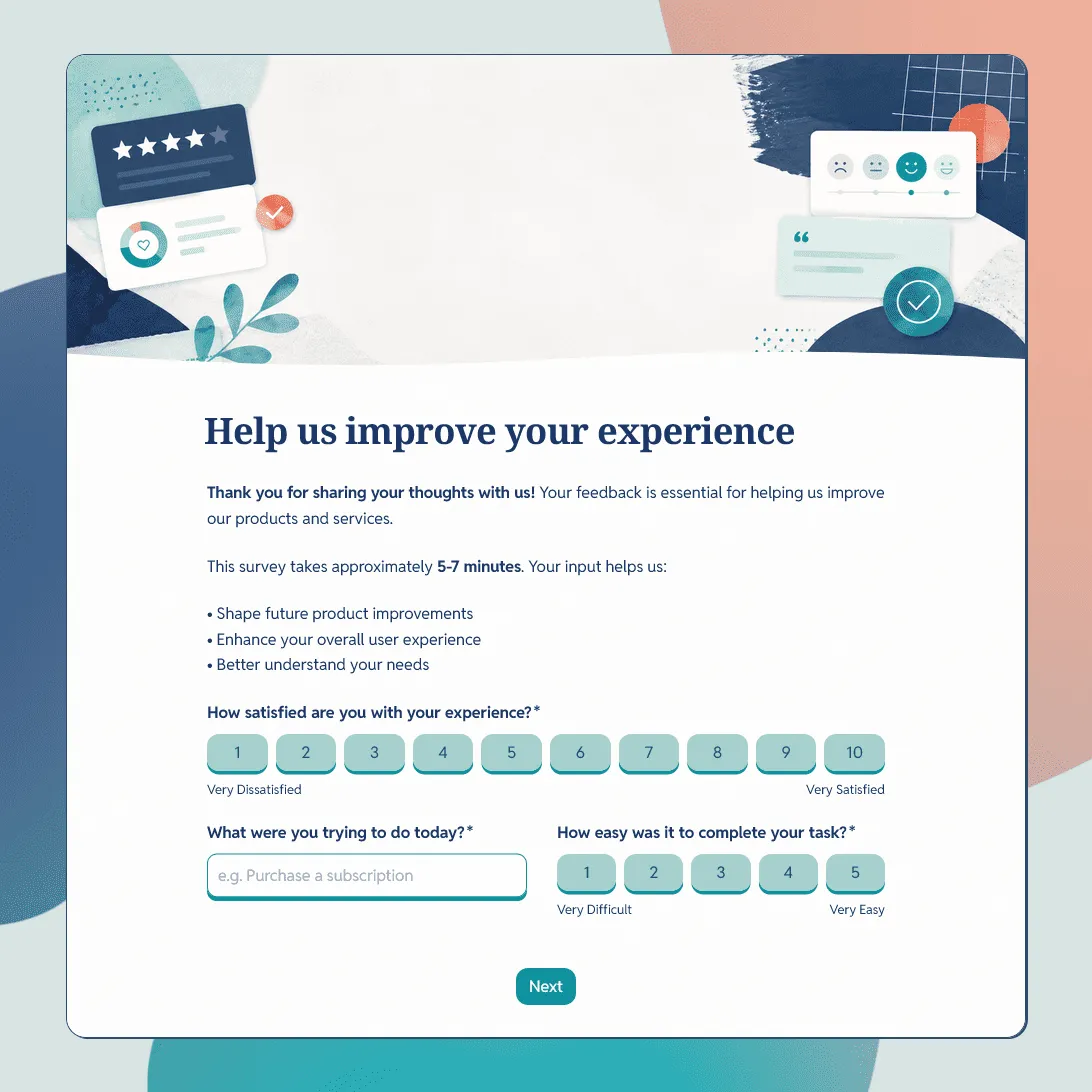
Customer Feedback Form Template
Use this free customer feedback form template to collect ratings, comments, suggestions, NPS, contact details, and follow-up consent.
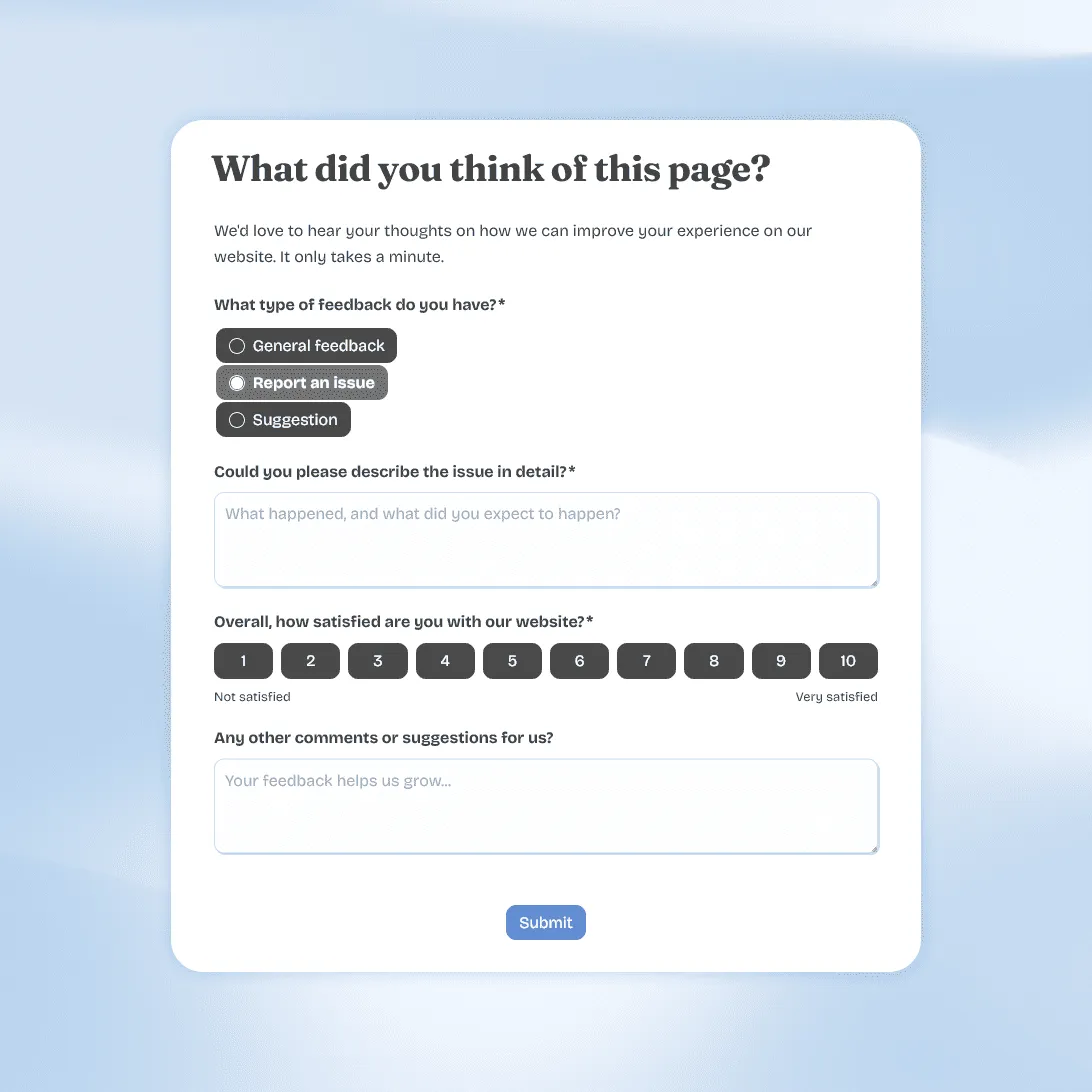
Website Feedback Form Template
Use this free website feedback form template to collect visitor feedback, UX issues, bug reports, and suggestions directly on your site.