B2B Customer Satisfaction Survey Template
Free B2B customer satisfaction survey template for measuring account health, product experience, onboarding, support quality, and renewal risk.
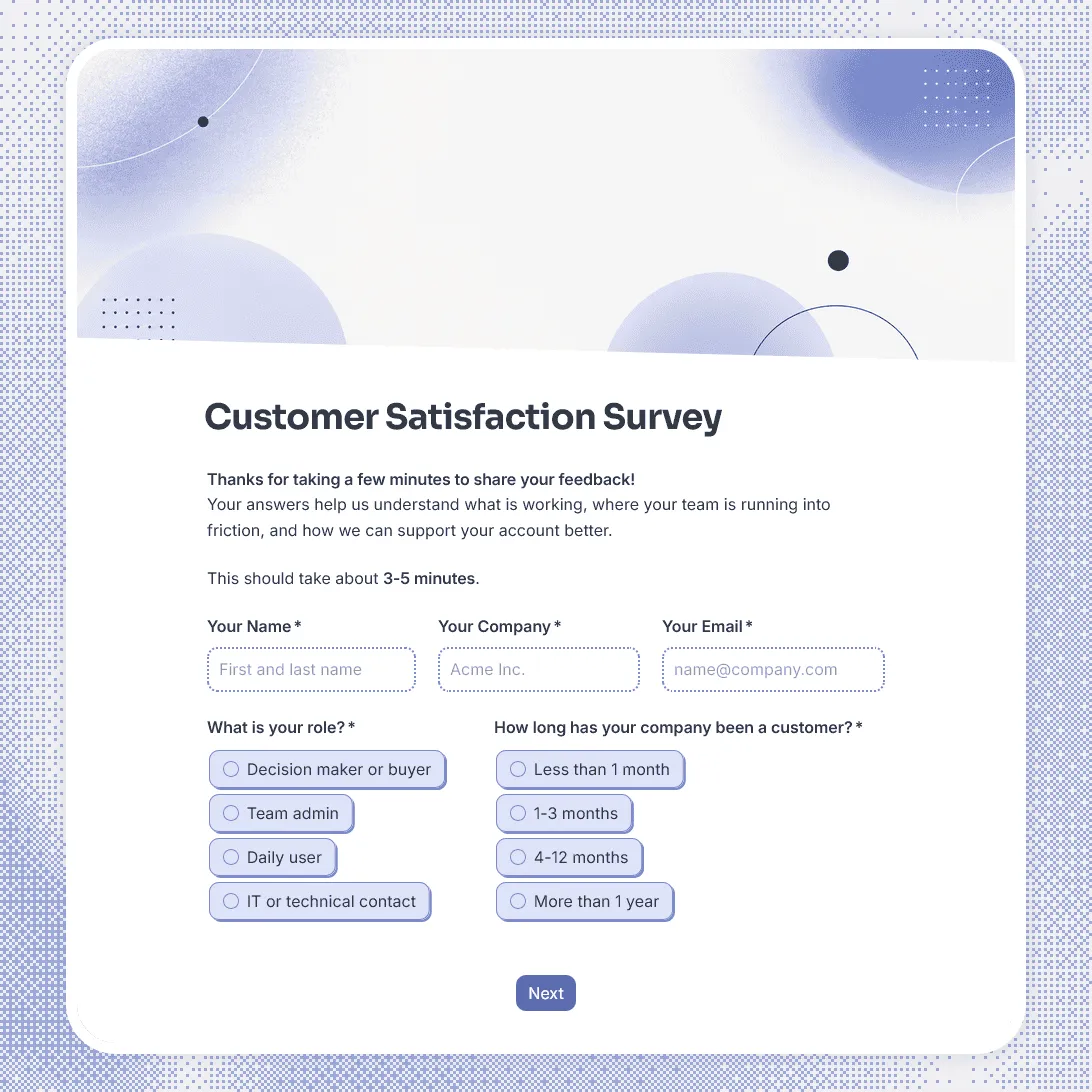
Need a custom satisfaction survey?
Describe your product and survey goal and FormGrid will generate a tailored template for you.
About this B2B customer satisfaction survey template
B2B satisfaction is rarely about one simple interaction. A customer may be judging the buying process, onboarding, product quality, support, account management, results, internal adoption, and whether the service is still worth renewing.
Our B2B customer satisfaction survey template gives you a structured way to check how business customers feel after onboarding, after support interactions, before renewal, after a major project, or during regular account reviews.
Use this template for SaaS customers, agencies, consultants, service providers, B2B marketplaces, enterprise tools, software vendors, professional services, and account-based customer success workflows.
What this template includes
This B2B customer satisfaction survey helps you understand:
- Who is responding and which company they represent
- Their role in the buying, admin, or day-to-day usage process
- Overall satisfaction with your product or service
- How well onboarding or implementation went
- Whether support and account management meet expectations
- How much value the customer feels they are getting
- Whether the product or service is easy for their team to use
- What is working well
- What needs improvement
- Whether the customer is likely to continue or renew
- Whether your team has permission to follow up
You can fully customize this template around your customer success process. Rewrite the questions, change the rating scales, adjust the design and images, add logic for different customer roles or low scores, and edit the final thank-you message.
How to use this template
Click “Use this template” to open the B2B customer satisfaction survey in FormGrid.
- Decide when to send the survey. Choose the customer moment you want to measure, such as onboarding, quarterly check-in, renewal, support resolution, implementation handoff, or project completion.
- Update the customer context. Add the account, product, plan, service, region, or customer segment details your team uses during review.
- Choose the right respondent fields. For B2B surveys, role matters. A buyer, admin, executive sponsor, and daily user may give very different feedback.
- Adjust the satisfaction questions. Keep the ratings that matter for your workflow, such as product value, support quality, onboarding, ease of use, reliability, communication, or business impact.
- Add follow-up questions for low scores. Use conditional logic to ask unhappy customers what went wrong, what they expected, and whether they want someone to reach out.
- Keep open-ended questions focused. Ask what is working, what could be better, and what would make the customer more likely to continue using your product or service.
- Edit the thank-you message. Use a custom end page to thank the customer, explain whether your team will follow up, and set expectations for response time.
- Publish and share the survey. After you publish the form, send the link by email, include it in a customer success workflow, add it to a renewal check-in, or embed it in a customer portal with an embed code.
Responses appear in your response table, where you can review satisfaction scores, account details, comments, renewal signals, and follow-up requests. You can also export responses when you want to share feedback with customer success, product, support, sales, or leadership.
Tips for B2B customer satisfaction surveys
A good B2B survey should show both sentiment and context. A low score from a daily user may point to a product issue. A low score from an executive sponsor may signal renewal risk.
- Ask who is answering. Role, team, and relationship to the product make the feedback easier to interpret.
- Separate product satisfaction from service satisfaction. A customer may like the product but be frustrated with onboarding, support, communication, or implementation.
- Include one renewal signal. A simple question about whether the customer expects to continue can help customer success teams spot risk earlier.
- Make low scores actionable. Follow up with a short conditional question so the respondent can explain what happened.
- Do not make every answer required. Business customers are busy. Keep the core rating questions required and make longer comments optional.
- Leave room for account-specific feedback. B2B customers may have issues tied to team setup, integrations, permissions, internal adoption, or procurement requirements.
Related guides and resources
B2B customer satisfaction survey template FAQs
What is a B2B customer satisfaction survey?
A B2B customer satisfaction survey is sent to business customers to understand how satisfied they are with a product, service, vendor relationship, support experience, onboarding process, or account management.
What should a B2B customer satisfaction survey ask?
It should ask about overall satisfaction, product or service value, ease of use, support quality, onboarding, communication, business impact, pain points, and likelihood to continue or renew. It should also ask who is responding so the feedback can be understood in context.
When should I send a B2B customer satisfaction survey?
Common times include after onboarding, after a support interaction, before renewal, after implementation, after a project ends, or during regular customer check-ins.
Can I show different questions to admins, buyers, and end users?
Yes. This template uses conditional logic to show different follow-up questions depending on the role selected in the survey. Admins may need setup and permissions questions, while end users may need usability and workflow questions.
Can I follow up with unhappy customers?
Yes. The template includes a follow-up permission question and asks for contact details when needed.
Can I embed this B2B customer satisfaction survey on a customer portal?
Yes. After publishing, you can add the survey to a customer portal, help center, account page, or success hub with an embed code, or share the link directly.
Is this B2B customer satisfaction survey template free?
Yes. This template is free to use, and you can collect unlimited B2B customer satisfaction responses on the free plan.
Related templates
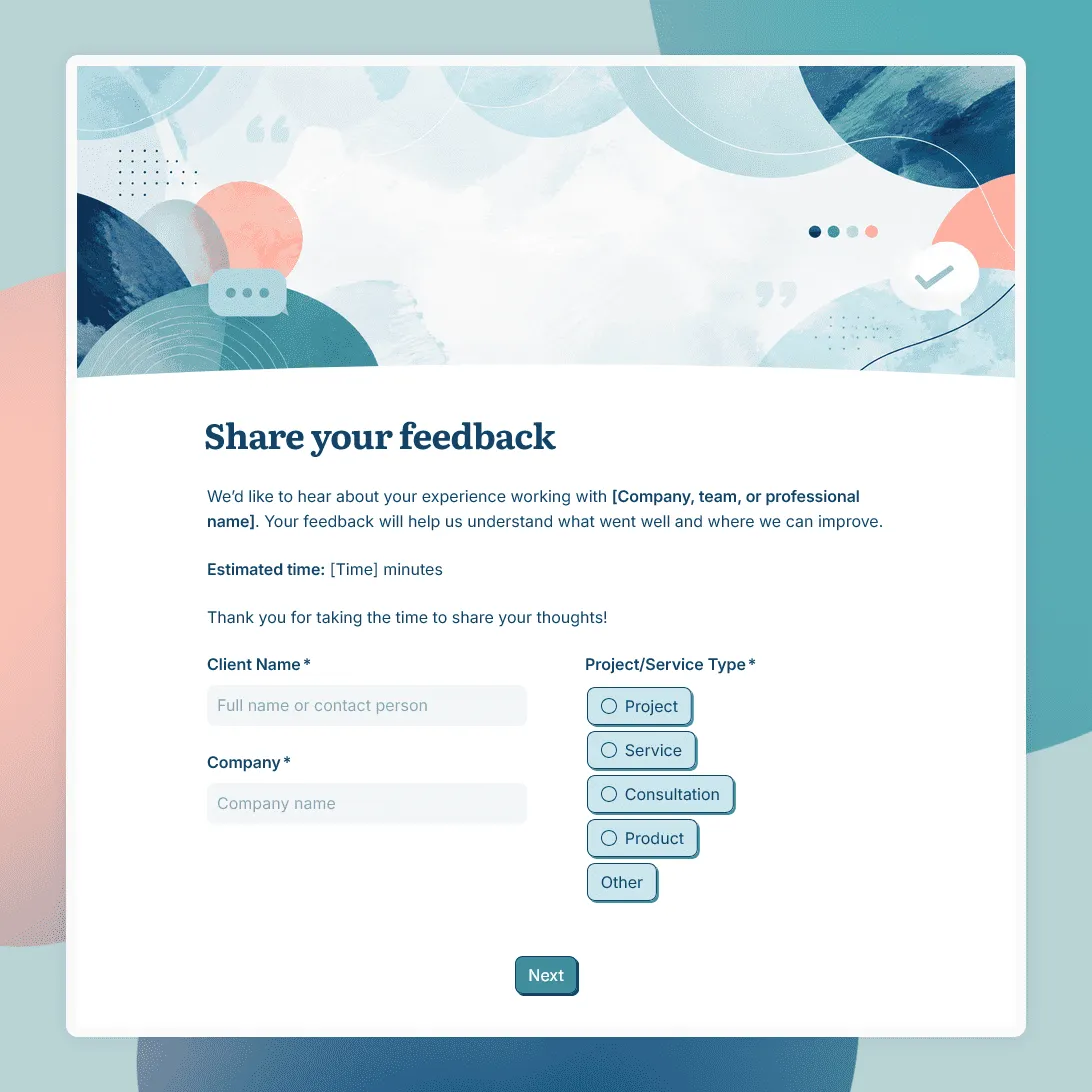
Client Feedback Form Template
Free client feedback form template for agencies, consultants, freelancers, and service businesses to collect post-project feedback, testimonials, and renewal signals.
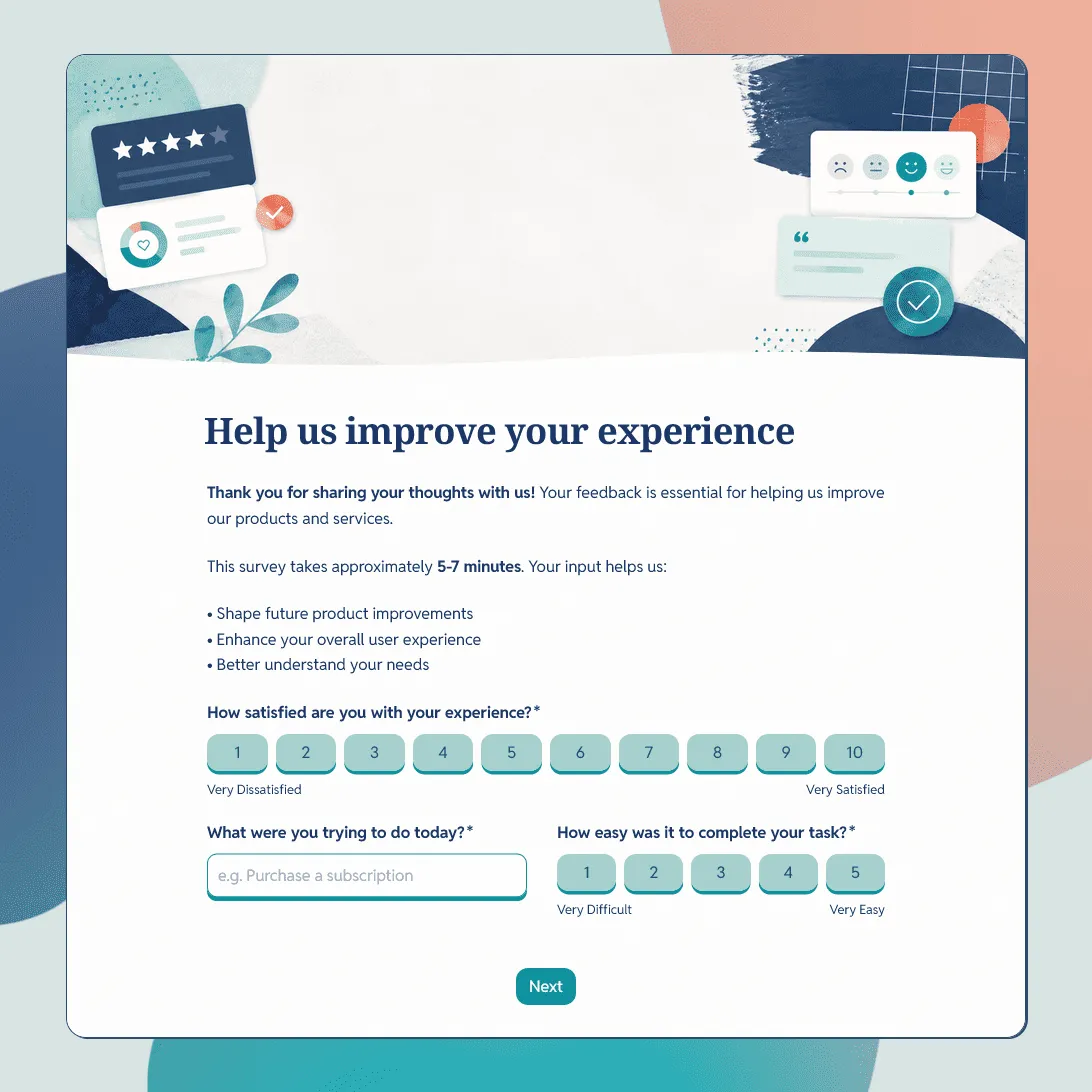
Customer Feedback Form Template
Use this free customer feedback form template to collect ratings, comments, suggestions, NPS, contact details, and follow-up consent.
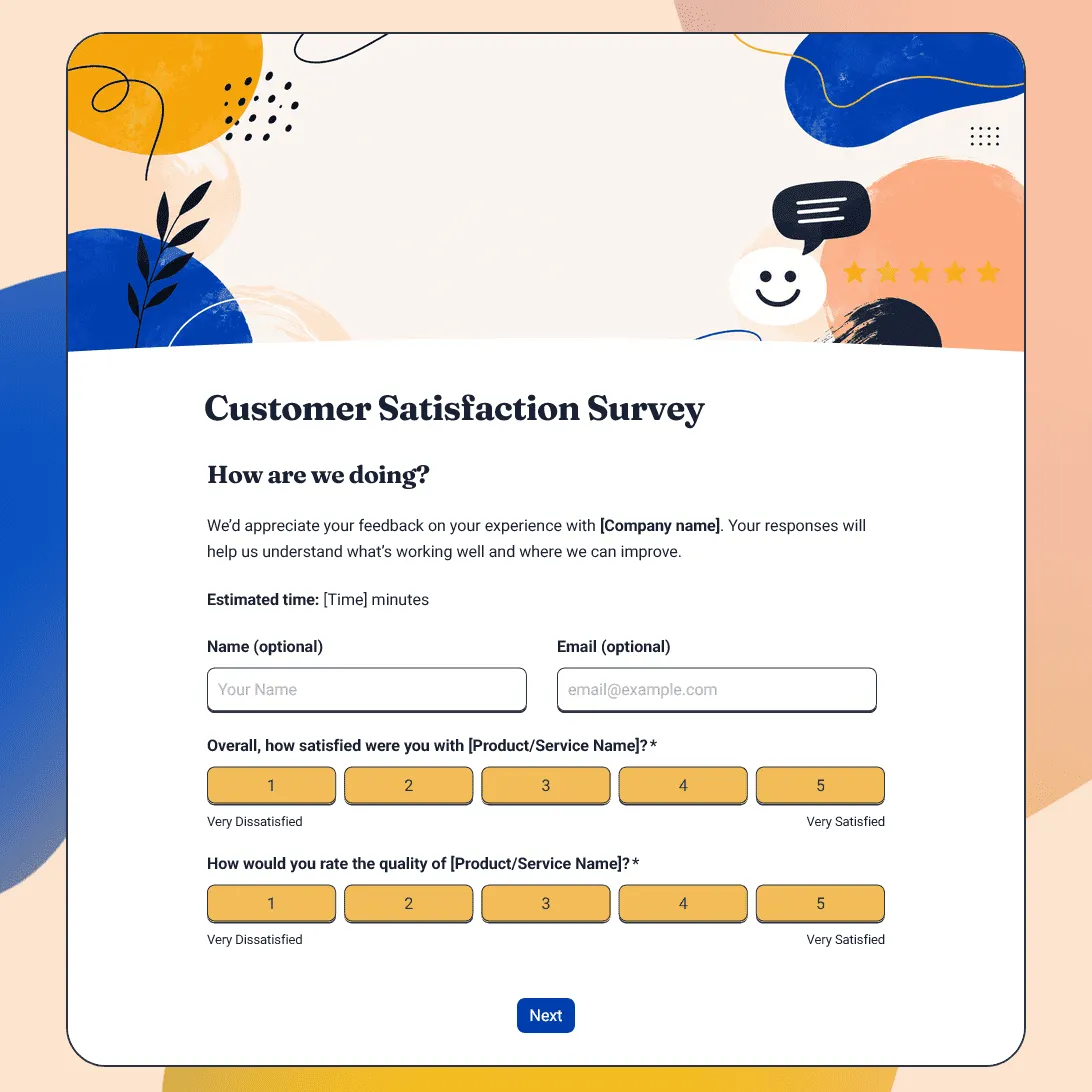
Customer Satisfaction Survey Template
Free customer satisfaction survey template for measuring customer experience, product quality, support, delivery, value, and likelihood to return.