Website Design Intake Form Template
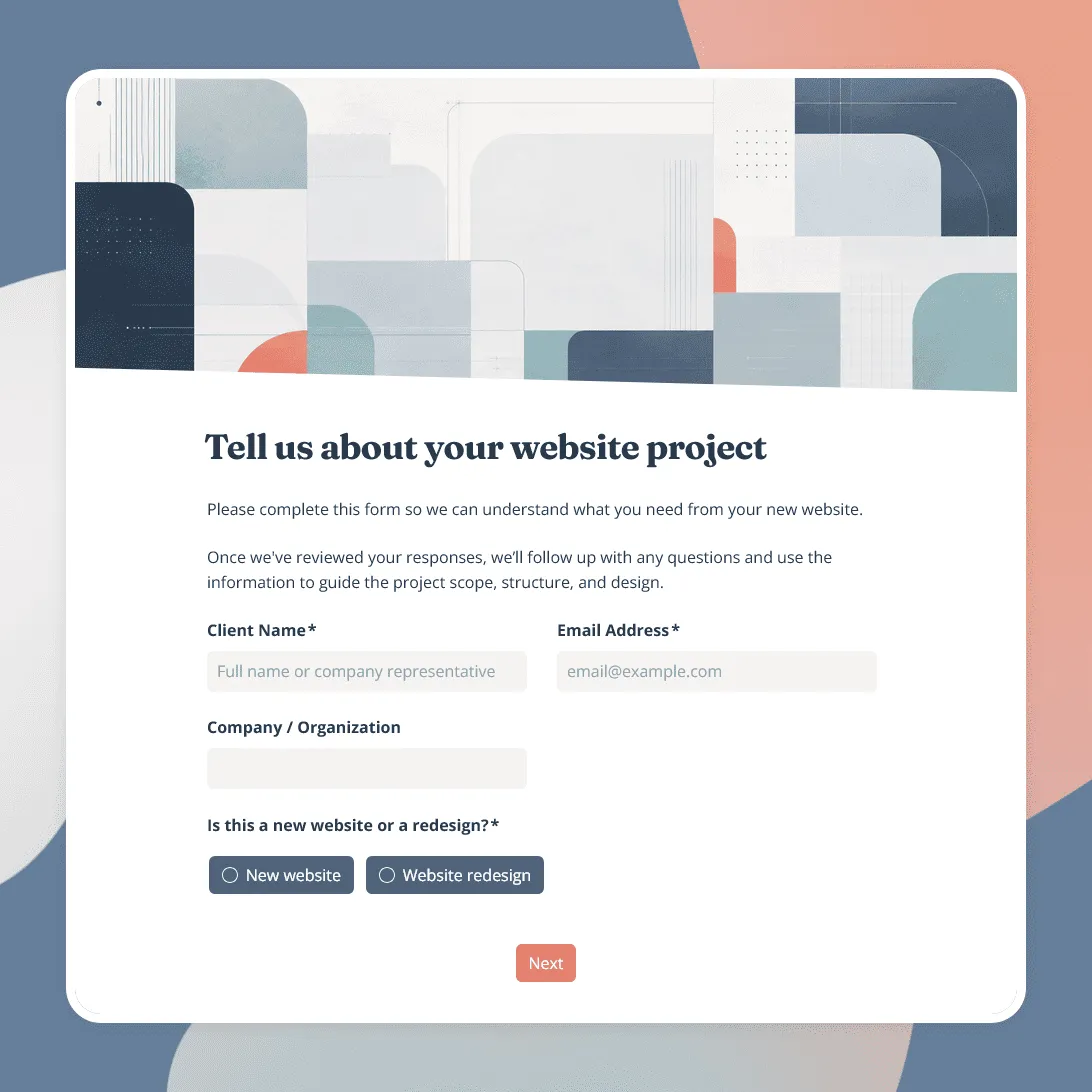
Free website design intake form template for collecting project goals, website requirements, design preferences, budget, timeline, content, and more.
Need a custom website design intake form?
Describe your web design services and FormGrid will generate a form tailored to your projects.
About this website design intake form template
Use this website design intake form template to collect the information you need before scoping a new website project, preparing a proposal, or starting discovery with a client.
The template covers the client’s business, current website, project goals, target audience, required pages and features, design direction, content and brand assets, reference websites, budget, and target timeline.
It works for freelance web designers, design studios, web development agencies, and creative teams handling new websites, redesigns, landing pages, ecommerce sites, and other web projects.
What this template includes
The website design intake form includes questions for:
- Client name and contact details
- Company or organization
- Current website URL, if there is one
- New website or redesign
- Website goals
- Target audience
- Pages or sections needed
- Required features or functionality
- Design preferences
- Websites they like or want to reference
- Existing logo and brand assets
- Website content
- Budget range
- Target launch date or timeline
- Additional project notes
Everything can be edited. Remove questions you prefer to cover during discovery, add requirements specific to the websites you build, and change the design to match your agency or portfolio site.
Adapt it for new websites and redesigns
A new website and a redesign usually need different follow-up questions.
Use conditional logic to ask which type of project the client needs near the beginning of the form.
For a new website, you might ask about:
- Domain or website address
- Pages they expect to need
- Content they already have
- Brand assets
- Required features or integrations
For a redesign, you can ask:
- What is not working on the current site?
- What should stay?
- What needs to change?
- Is existing content being reused?
- Are there features or integrations that must be preserved?
You can create similar paths for ecommerce sites, landing pages, portfolio sites, or other services you offer.
Make the project requirements specific
Replace the sample page and feature options with the types of work you actually provide.
For example, clients could select pages such as:
- Home
- About
- Services
- Pricing
- Blog
- Contact
- Portfolio or case studies
- Shop or product pages
You can also add options for functionality such as ecommerce, booking, forms, member areas, multilingual content, newsletter signup, search, CRM connections, or other integrations.
For open-ended requirements, give clients a place to describe what the website needs to let visitors do. This can reveal important scope details that do not fit neatly into a checklist.
Collect references, content, and brand assets
The template gives clients space to share websites they like and explain what they like about them. This is usually more useful than asking for a design style in abstract terms.
If you need materials before reviewing the project, add a file upload field for:
- Logos
- Brand guidelines
- Website copy
- Images
- Wireframes
- Existing design files
- Project briefs
You can also ask for links to current websites, inspiration sites, shared folders, or other materials.
Only request assets you actually need at this stage. If content collection happens after the project is approved, leave the detailed content requests for later.
Set up the next step
Once the client submits the form, tell them what happens next.
You might review the project before replying, send a discovery-call booking link, prepare an estimate, or ask for additional information.
Add a send email block to automatically confirm that the intake form was received and share the next step.
Responses appear in your response table, where you can review the project requirements, references, files, budget, and timeline together. You can also connect FormGrid to Airtable, Notion, Zapier, or Make if new website requests need to continue into your project or sales workflow.
Related resources
- Client intake form template: A broader intake form for collecting client details, service needs, goals, timelines, budgets, and supporting materials.
- Client consultation form template: Prepare for discovery calls and client conversations without collecting the full project brief upfront.
- Business consultation form template: Collect business goals, challenges, priorities, and context before a strategy or consulting conversation.
- How to create a consultation form: Learn how to choose questions, use conditional sections, collect files, and set up the next step.
Website design intake form template FAQs
What is a website design intake form?
A website design intake form collects information from a prospective or new client before a web design project begins. It helps the designer understand the client’s business, website goals, scope, design preferences, requirements, budget, and timeline.
What is included in this website design intake form template?
The template includes client and business details, current website information, project type, goals, target audience, pages and features, design preferences, reference websites, content and brand assets, budget, timeline, and additional notes.
Can I use this template for website redesign projects?
Yes. Use conditional logic to show redesign-specific questions about the current website, existing content, problems to fix, features to preserve, and what the client wants to change.
Can clients upload logos, brand guidelines, or website content?
Yes. Add a file upload field for logos, brand files, copy, images, briefs, wireframes, or other project materials.
Can I use this form before a discovery call?
Yes. You can send it before the call to collect the basic project context in advance, then use the discovery call to explore the requirements that need a deeper conversation.
Can I customize the website design intake form?
Yes. You can change the questions, page and feature options, layout, design, conditional logic, file uploads, confirmation message, and automatic email.
Is this website design intake form template free?
Yes. The template is free to use, and you can collect unlimited website design intake responses on the free plan.
Related templates
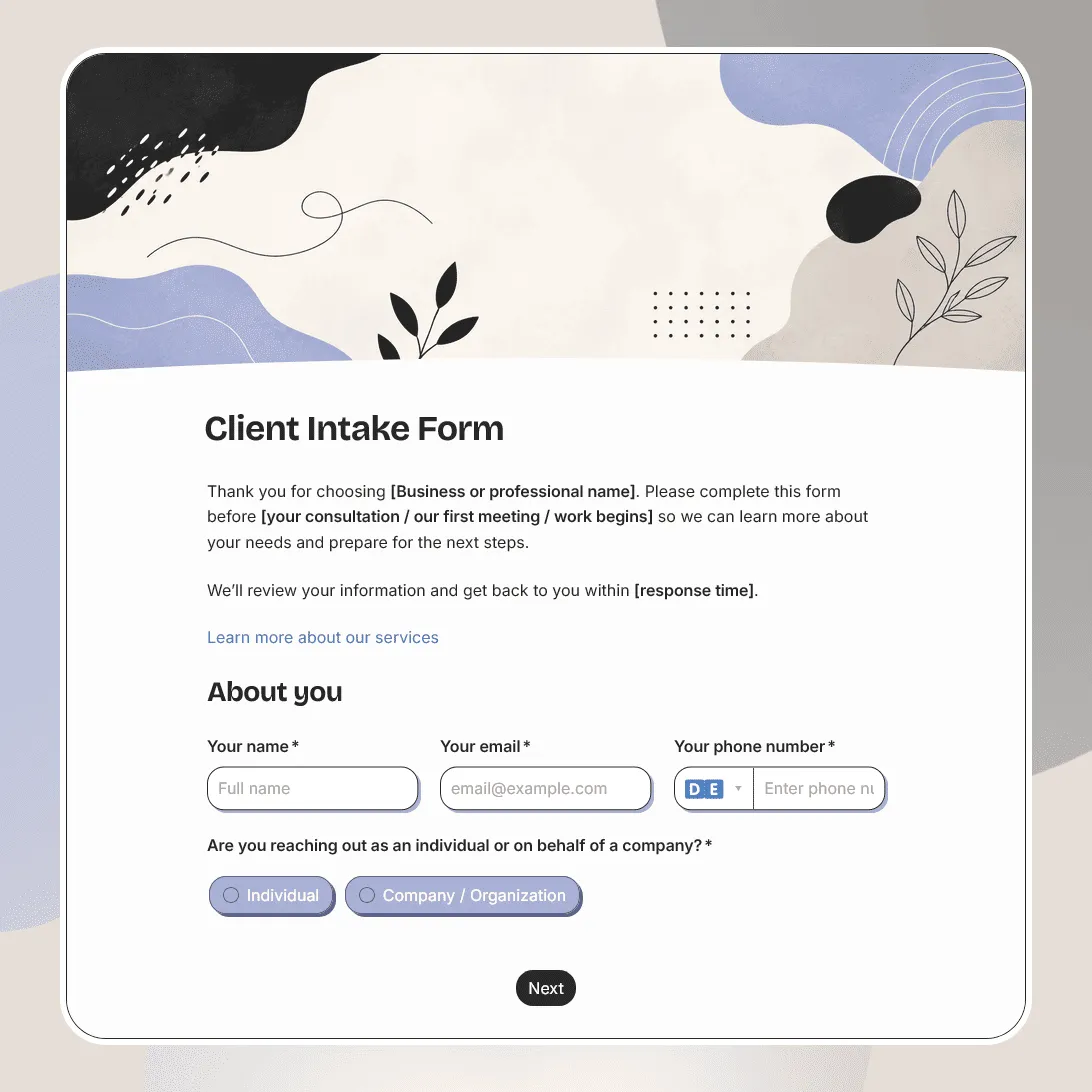
Client Intake Form Template
Free client intake form template for collecting client details, contact information, project goals, timelines, budgets, and more.
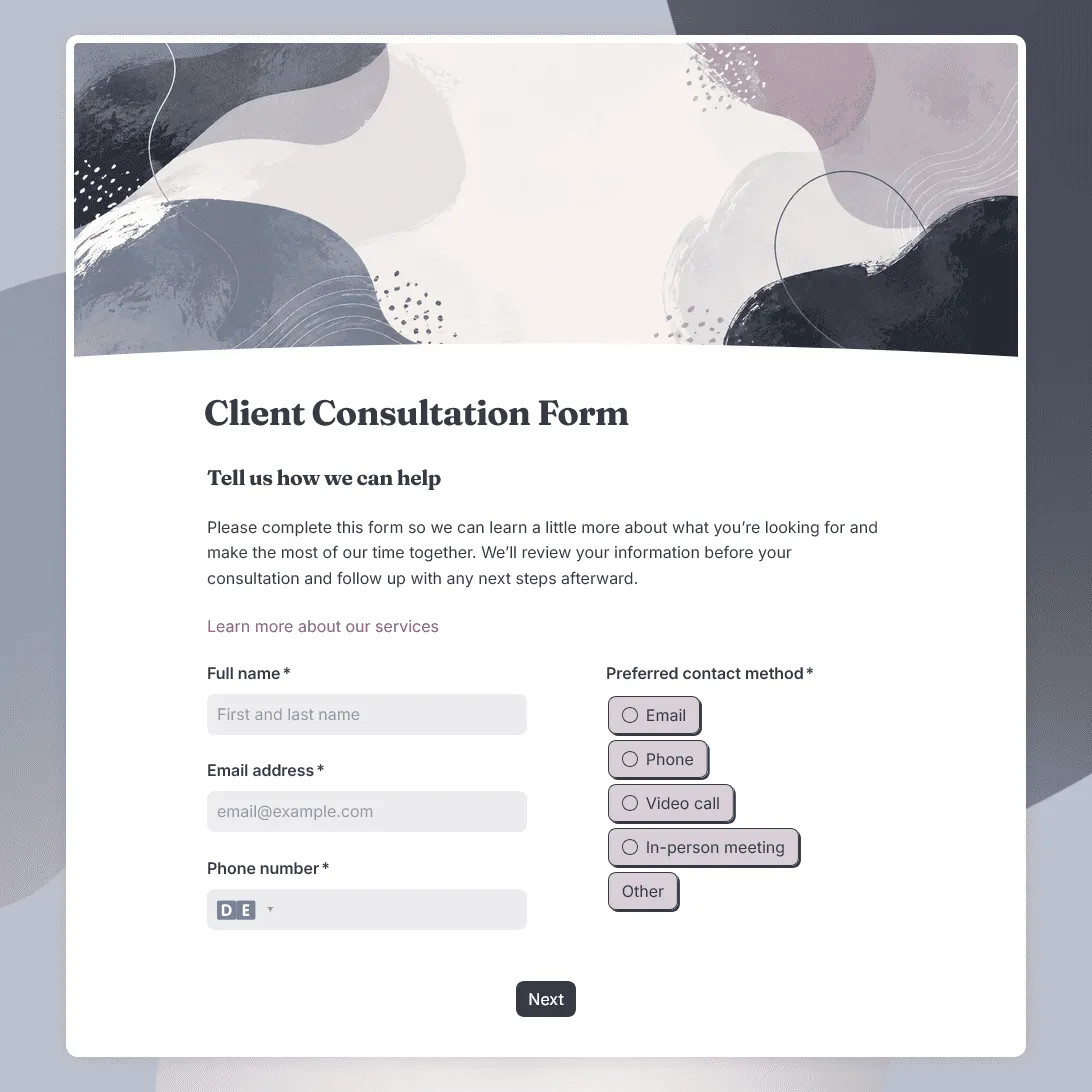
Client Consultation Form Template
Free client consultation form template for preparing calls, appointments, project discussions, and service recommendations.
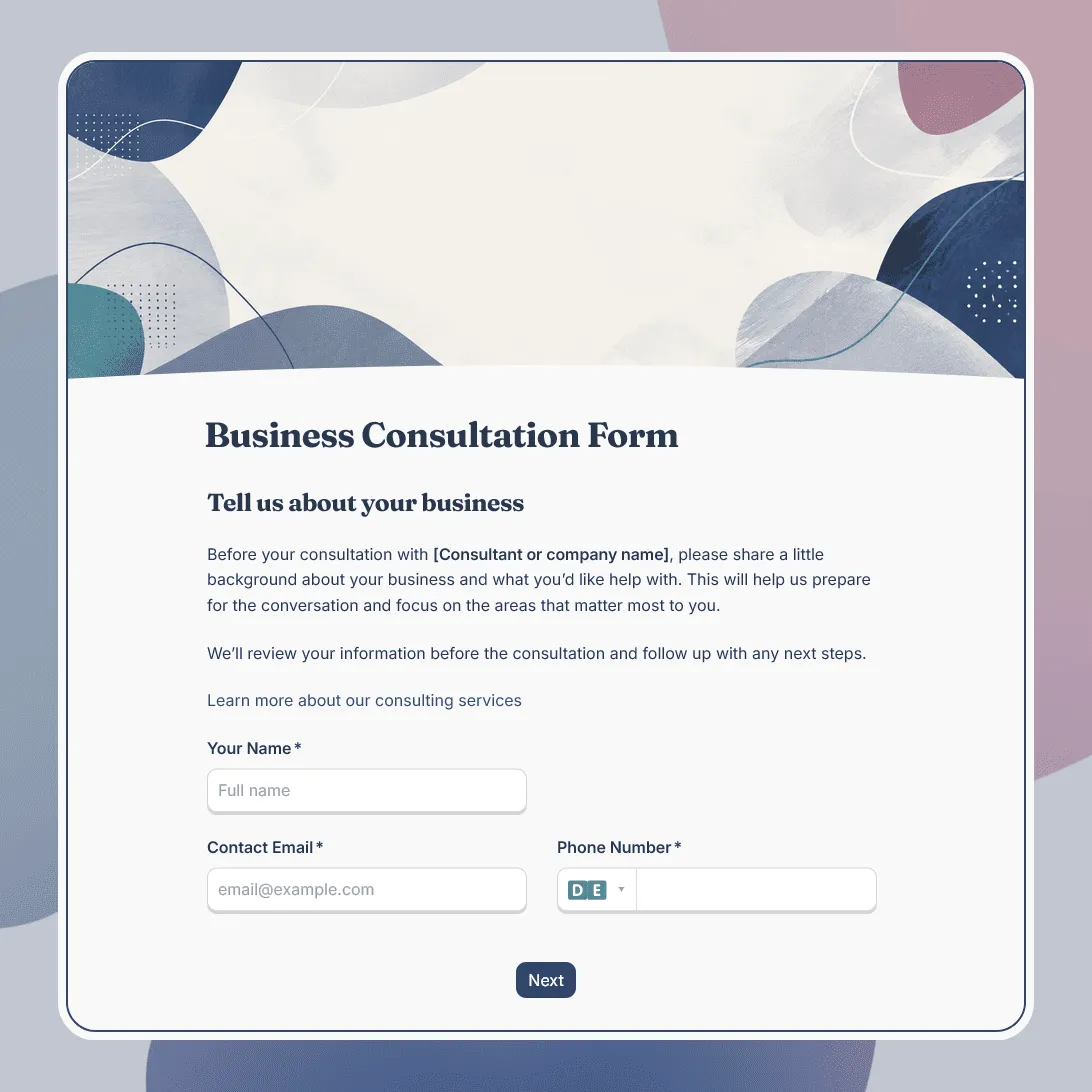
Business Consultation Form Template
Free business consultation form template for understanding a company's goals, challenges, and consulting needs before a strategy call.