Business Consultation Form Template
Free business consultation form template for understanding a company's goals, challenges, and consulting needs before a strategy call.
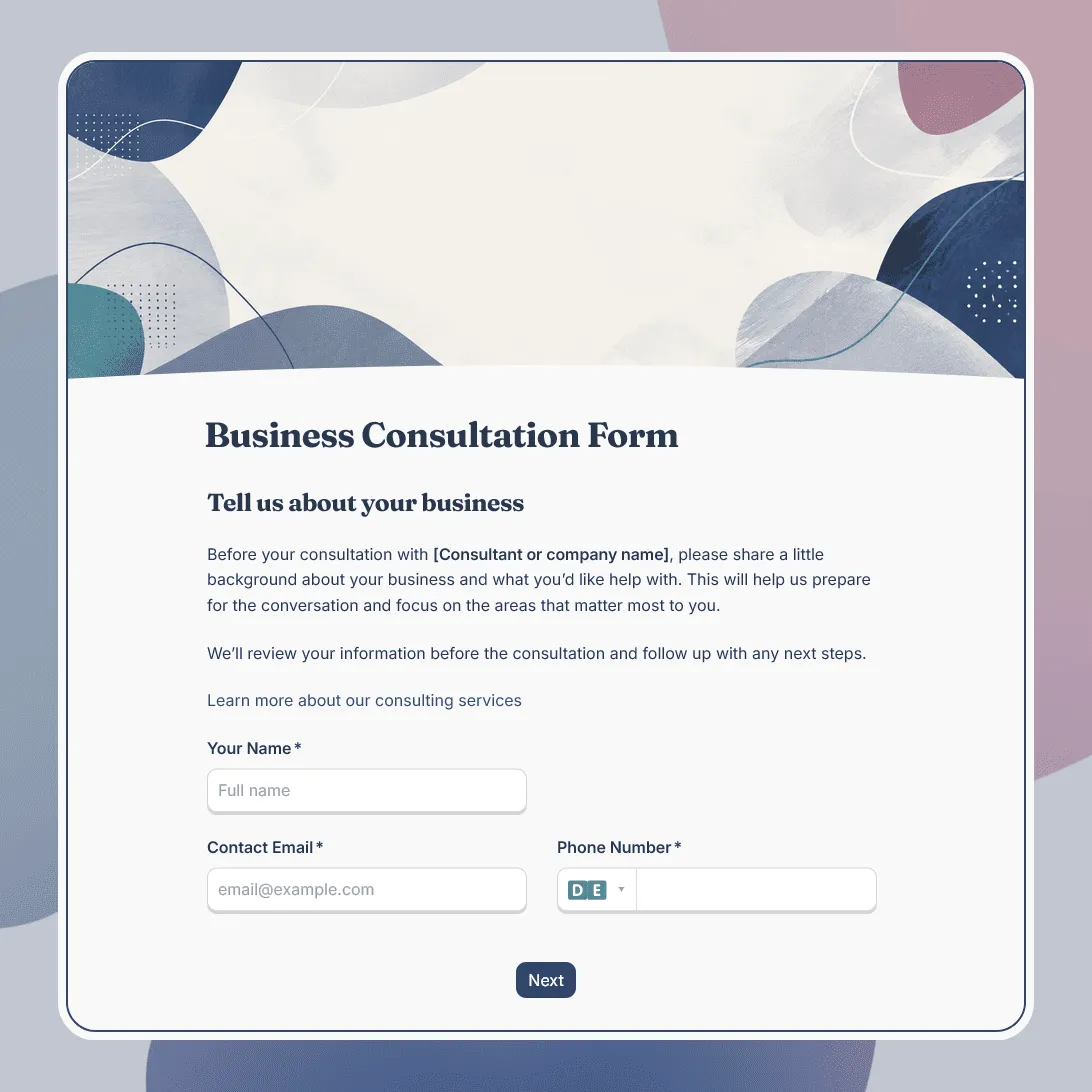
Need a custom business consultation form?
Describe your consulting service and FormGrid will generate a tailored form for your business.
About this business consultation form template
Business consultation requests often start with a broad problem. A company may want more leads, clearer positioning, better operations, stronger margins, a smoother sales process, a new growth plan, or outside advice before making a decision.
This business consultation form template is built for those early conversations. It gives consultants and advisors a structured way to understand the company, the problem, the urgency, and the decision context before the first call.
Use this template for business strategy consultations, growth audits, marketing consultations, operations reviews, finance discussions, sales process reviews, startup advisory calls, leadership coaching inquiries, and proposal conversations with prospective business clients.
What this template includes
This business consultation form is designed to capture the business context behind the request:
- Client name and contact details
- Company name and website
- Industry, business model, or market
- Company size or stage
- Main consultation topic
- Business goal or priority
- Current challenge
- What prompted the request
- Timeline or urgency
- Budget range, if relevant
- Decision makers involved
- Existing tools, processes, or constraints
- Documents, links, or reports to review
- Questions the client wants to discuss
- Preferred follow-up method
- Consent to be contacted
It also includes a confirmation email so the client knows the request went through and understands what happens next.
You can customize the template around your consulting offer: change the questions, redesign the page, add your own images, create logic for different business topics, and update the confirmation page or follow-up email. You can also use the AI chat in FormGrid to make changes faster, such as adding separate paths for marketing, operations, finance, or startup strategy consultations.
How to use this template
Click “Use this template” to open the business consultation form in FormGrid.
-
Define the type of consultation. Make it clear whether the form is for a discovery call, strategy session, audit, advisory call, paid consultation, or proposal request.
-
Add your consulting areas. Replace the sample options with the topics you actually work on, such as growth, marketing, operations, sales, finance, leadership, positioning, hiring, systems, or business planning.
-
Ask what triggered the request. A client looking for help after a slow quarter, a failed launch, a team change, or a new funding round may need a very different conversation than someone planning long-term growth.
-
Collect enough business context to prepare. Company size, market, business model, current tools, recent changes, and key constraints can help you ask better questions on the call.
-
Separate goals from blockers. Ask what the client wants to achieve and what is currently getting in the way. This keeps the request from becoming a vague “we need help with strategy” submission.
-
Use branching for different consulting topics. With conditional logic, marketing clients can see questions about channels and campaigns, operations clients can see process questions, and finance clients can see planning or reporting questions. You can also ask the AI chat to create these branches for you.
-
Add files only where they make the call better. Use a file upload field for decks, reports, screenshots, spreadsheets, briefs, or PDFs. For websites, dashboards, documents, or existing materials, a link field may be easier.
-
Set expectations after submission. Use a custom confirmation page to explain whether the client should book a call, wait for review, send more details, or expect a reply from your team.
-
Send the next step automatically. Add a send email block with a booking link, response time, preparation notes, or contact details.
-
Publish the form. After you publish it, share the link from your consulting page, LinkedIn profile, proposal workflow, newsletter, email signature, or sales process. You can also embed it on your website with an embed code.
New consultation requests will show up in the response table. You can export responses if you want to compare leads, prepare call notes, or share requests with another consultant on your team.
If you are still shaping your discovery process, our guide on how to create a consultation form walks through structure, service-specific questions, uploads, and next steps.
Tips for business consultation forms
A good business consultation form should give you context without asking the client to solve the problem before the call.
-
Ask what changed recently. A new competitor, hiring issue, cash flow concern, growth plateau, product launch, rebrand, or leadership change often explains why the consultation matters now.
-
Use practical topic labels. Clients may not know whether they need “positioning,” “operations,” or “revenue strategy.” Include plain options like “getting more leads,” “improving processes,” “planning growth,” or “understanding what to fix first.”
-
Ask who will be involved in the decision. If the consultation may lead to a proposal, it helps to know whether the founder, department lead, finance team, or board needs to approve the next step.
-
Keep sensitive business details optional. Clients may not want to share revenue, margins, contracts, or internal documents before trust is established. Ask for a high-level summary first.
-
Use budget ranges carefully. Explain that the answer helps you recommend the right scope, format, or next step. It should not feel like a test.
-
Make the confirmation page do real work. Tell clients whether the form confirms a call, starts a review, or triggers a scheduling email.
Business consultation form template FAQs
What kind of business consultations can this form support?
This template can work for strategy calls, marketing reviews, operations audits, sales process discussions, finance planning, startup advisory sessions, growth consulting, leadership coaching, and general business discovery calls. If your offer is more specific, you can use the AI chat in FormGrid to adjust the questions around your consulting niche.
Can I create different paths for marketing, operations, finance, and strategy clients?
Yes. Use conditional logic to show different follow-up questions based on the consultation topic. You can also use the AI chat and ask something like: “Add separate question paths for marketing, operations, finance, and growth strategy.”
Can clients upload reports, decks, or other business documents?
Yes. Add a file upload field when clients need to share decks, reports, screenshots, spreadsheets, briefs, PDFs, or planning documents. For lighter requests, ask for links instead.
Can I use this form for paid business consultations?
Yes. Update the intro and confirmation page so clients know whether payment is required before the consultation is confirmed. You can include preparation notes, cancellation terms, or a booking link in the confirmation email.
Can I send an automatic email after someone submits the form?
Yes. Add a send email block to confirm the consultation request. The email can include a booking link, response time, preparation instructions, payment details, or contact information.
Can I embed this business consultation form on my website?
Yes. After publishing, add the form to your consulting page, strategy call page, services page, contact page, or landing page with an embed code. You can also share the direct link in emails, proposals, newsletters, or social profiles.
Is this business consultation form template free?
Yes. This template is free to use, and you can collect unlimited business consultation responses on the free plan.
Related templates
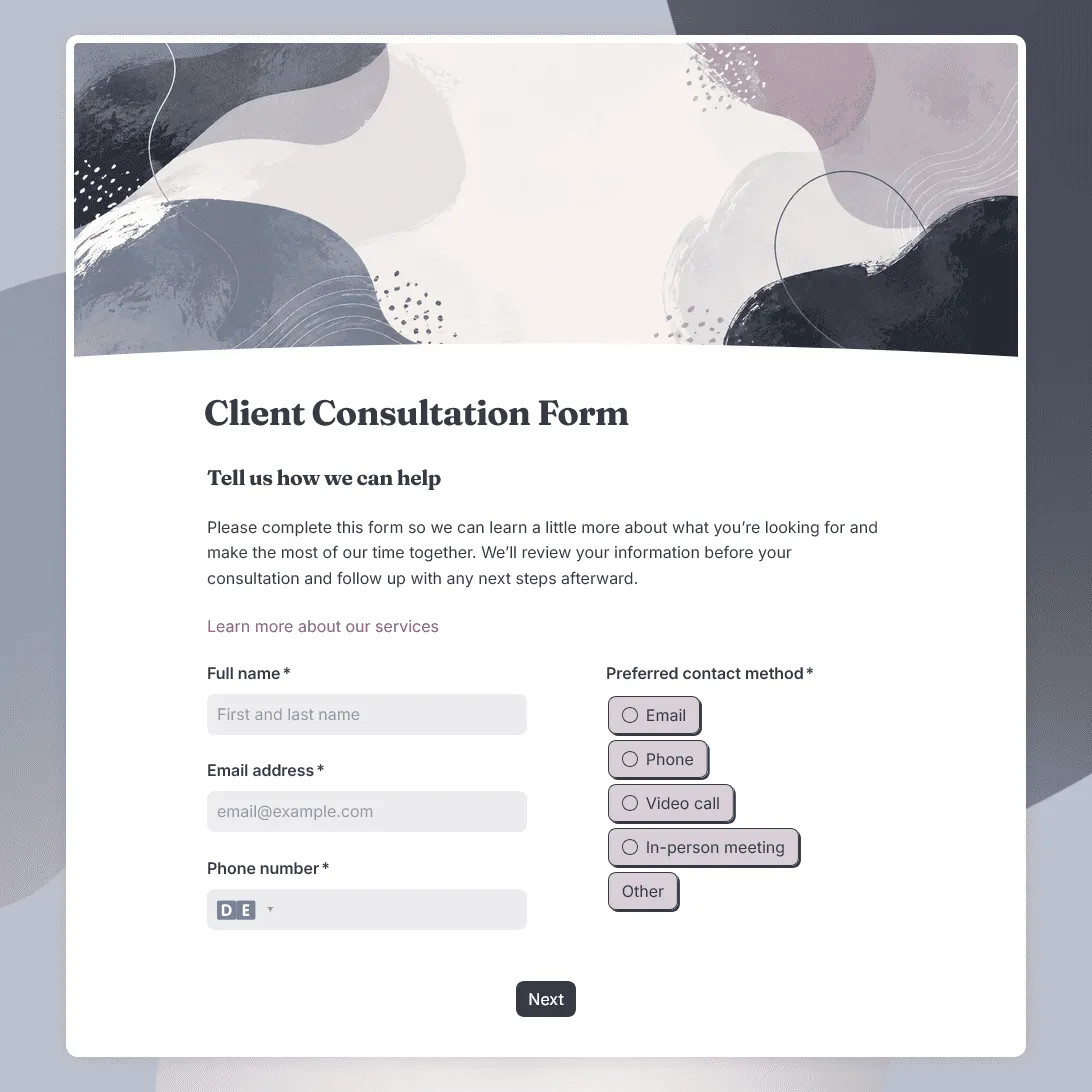
Client Consultation Form Template
Free client consultation form template for preparing calls, appointments, project discussions, and service recommendations.
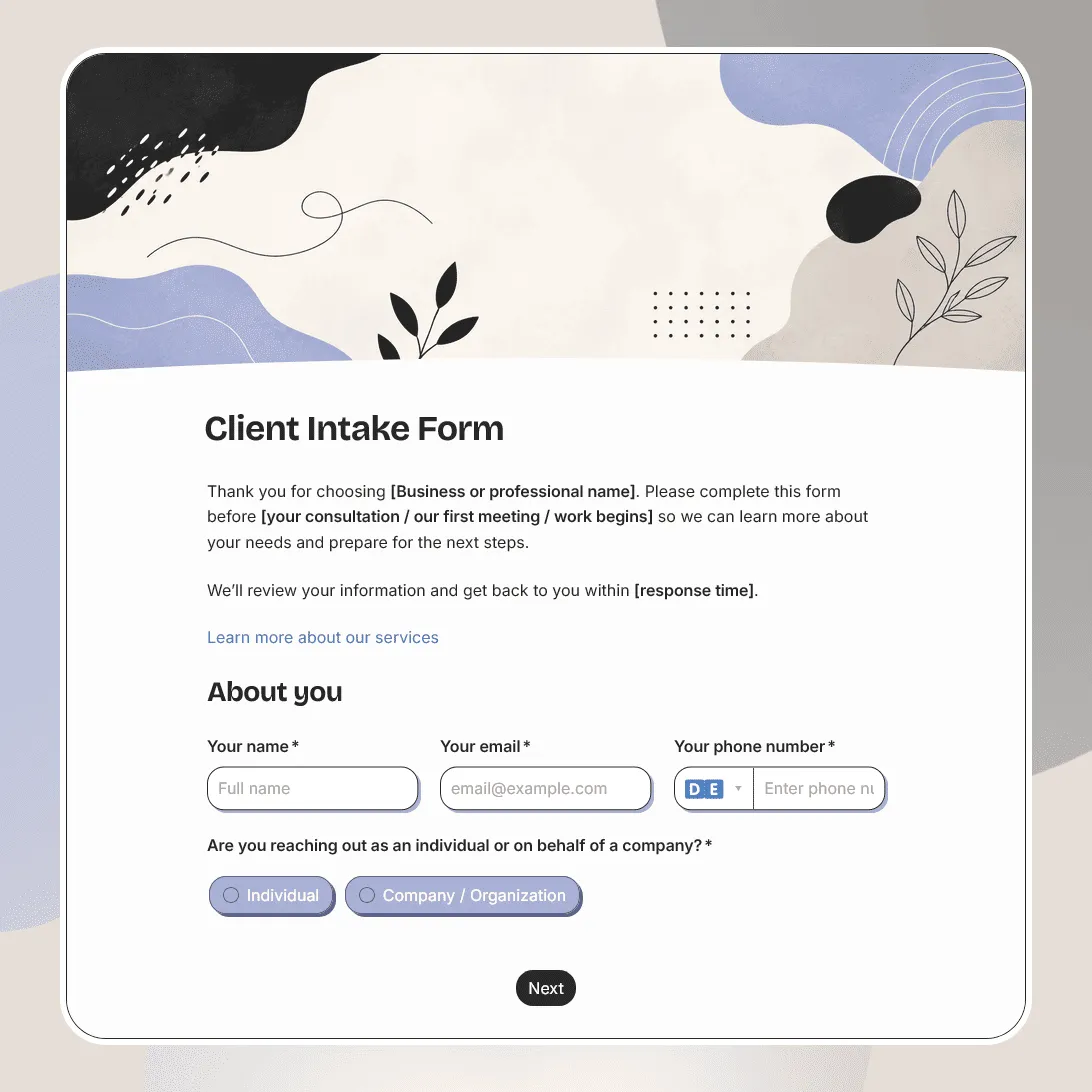
Client Intake Form Template
Free client intake form template for collecting client details, contact information, project goals, timelines, budgets, and more.
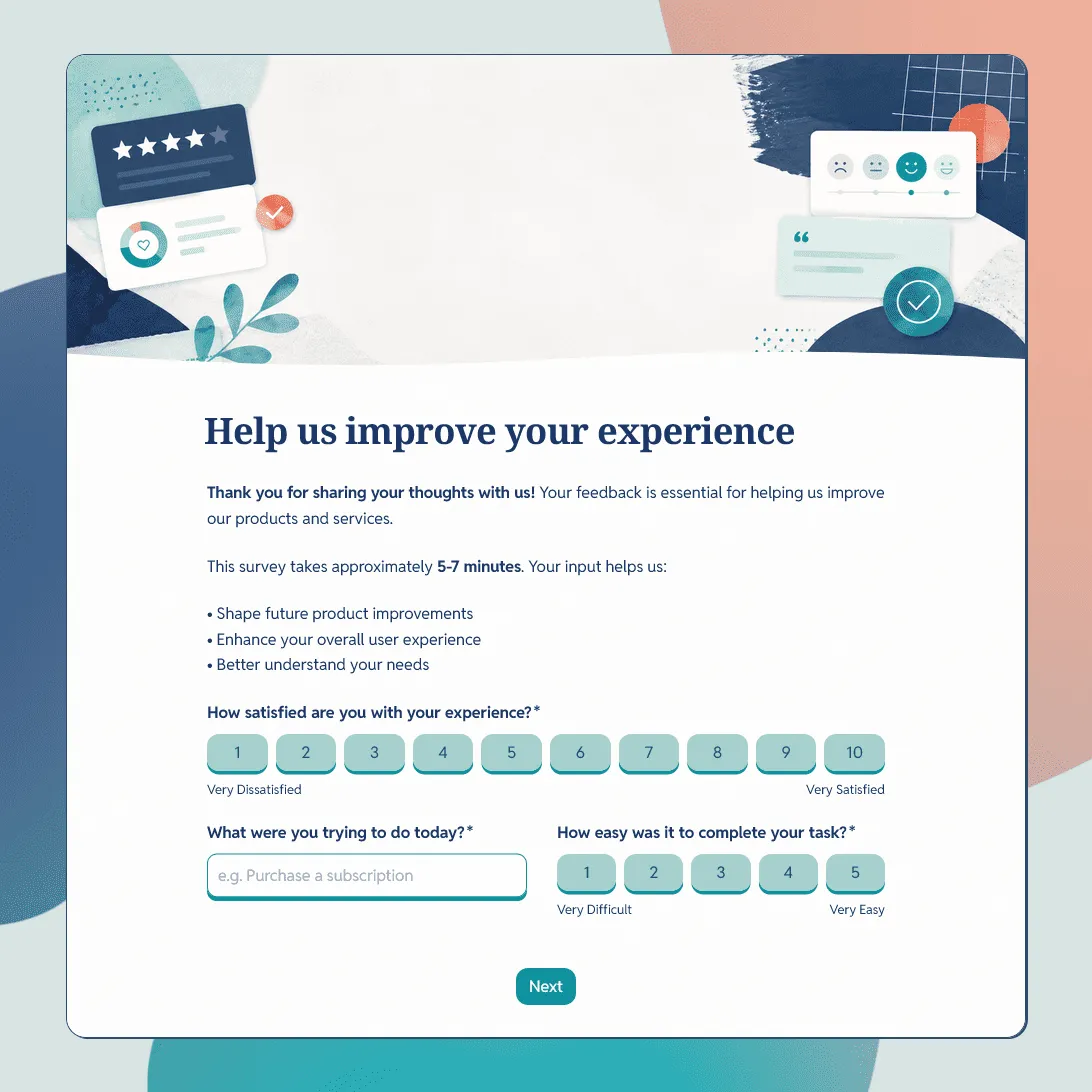
Customer Feedback Form Template
Use this free customer feedback form template to collect ratings, comments, suggestions, NPS, contact details, and follow-up consent.