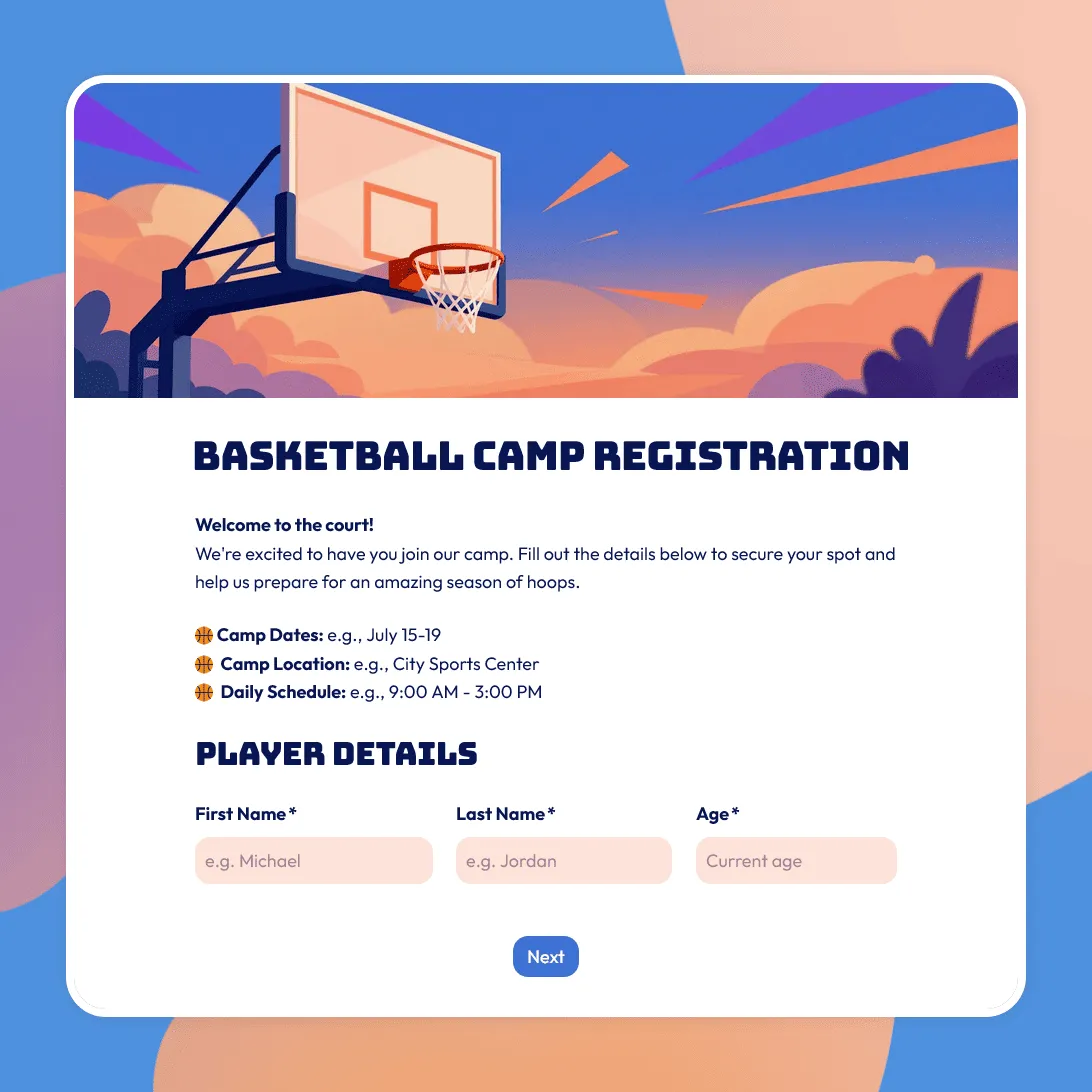
Basketball Camp Registration Form Template
Use this free basketball camp registration form template to collect player details, skill level, session choices, waivers, and emergency contacts.
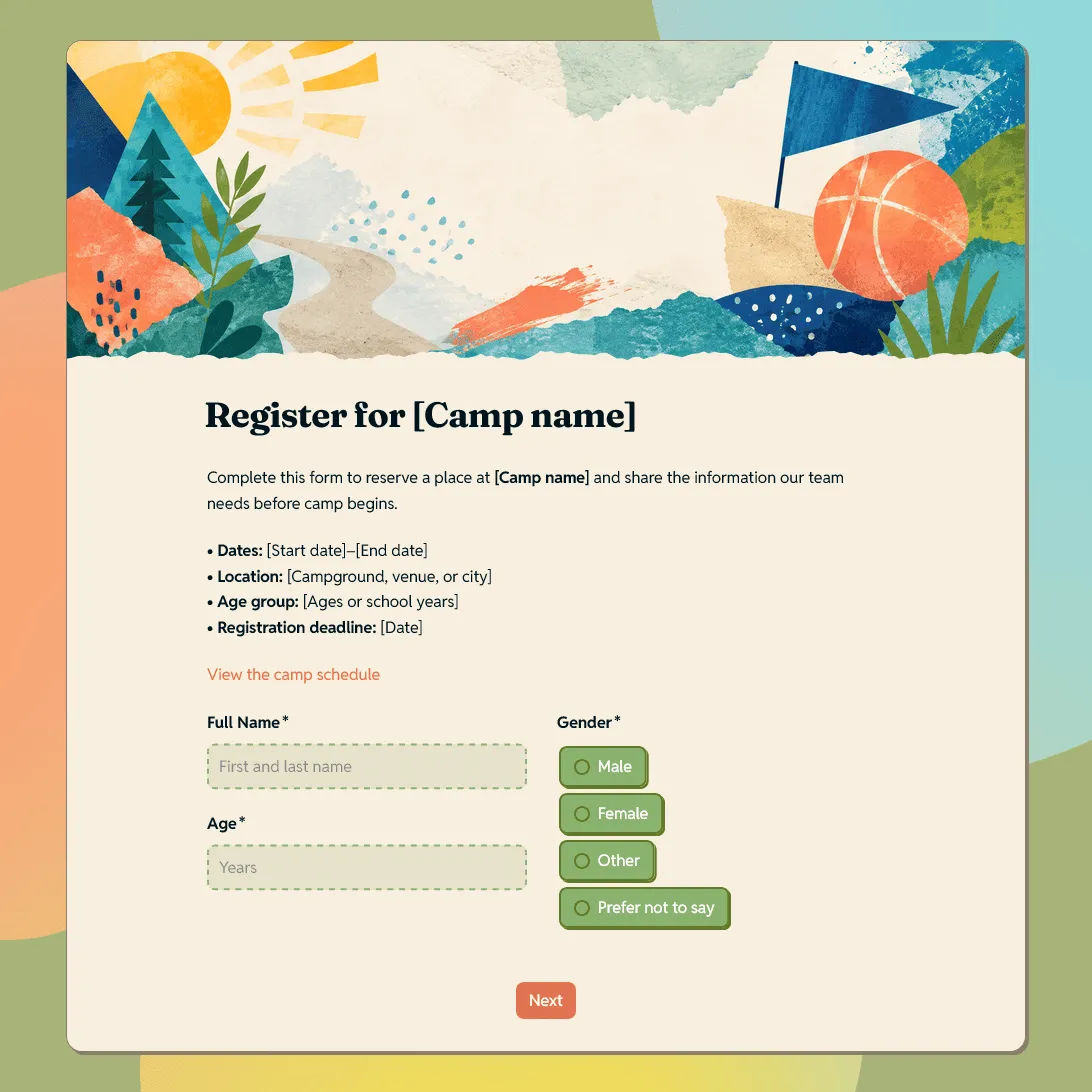
Camp Registration Form Template
Free camp registration form template for summer camps, sports camps, church camps, art camps, youth programs, and retreats.
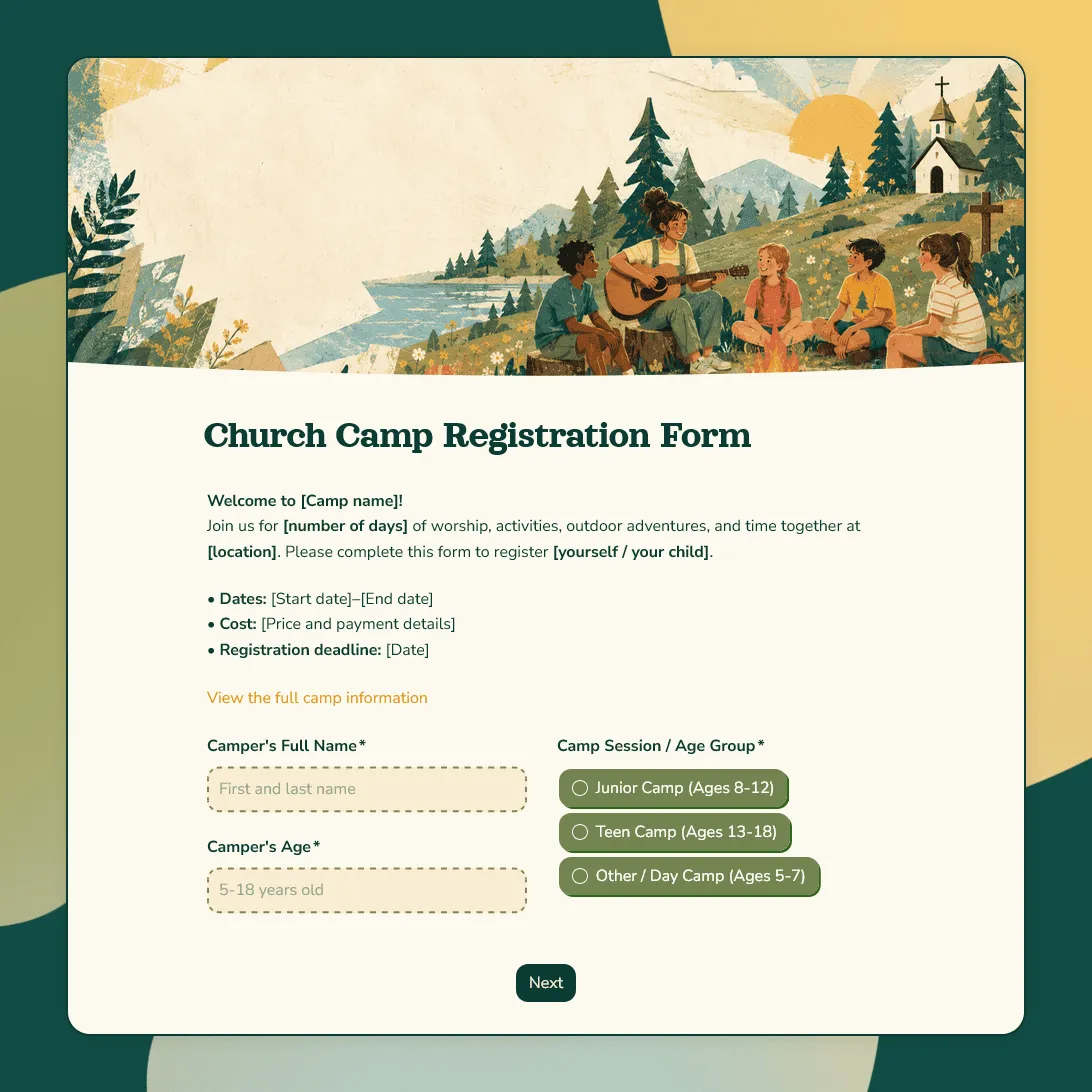
Church Camp Registration Form Template
Free church camp registration form template for summer programs and faith-based events. Collect camper details, parent contacts, and more.
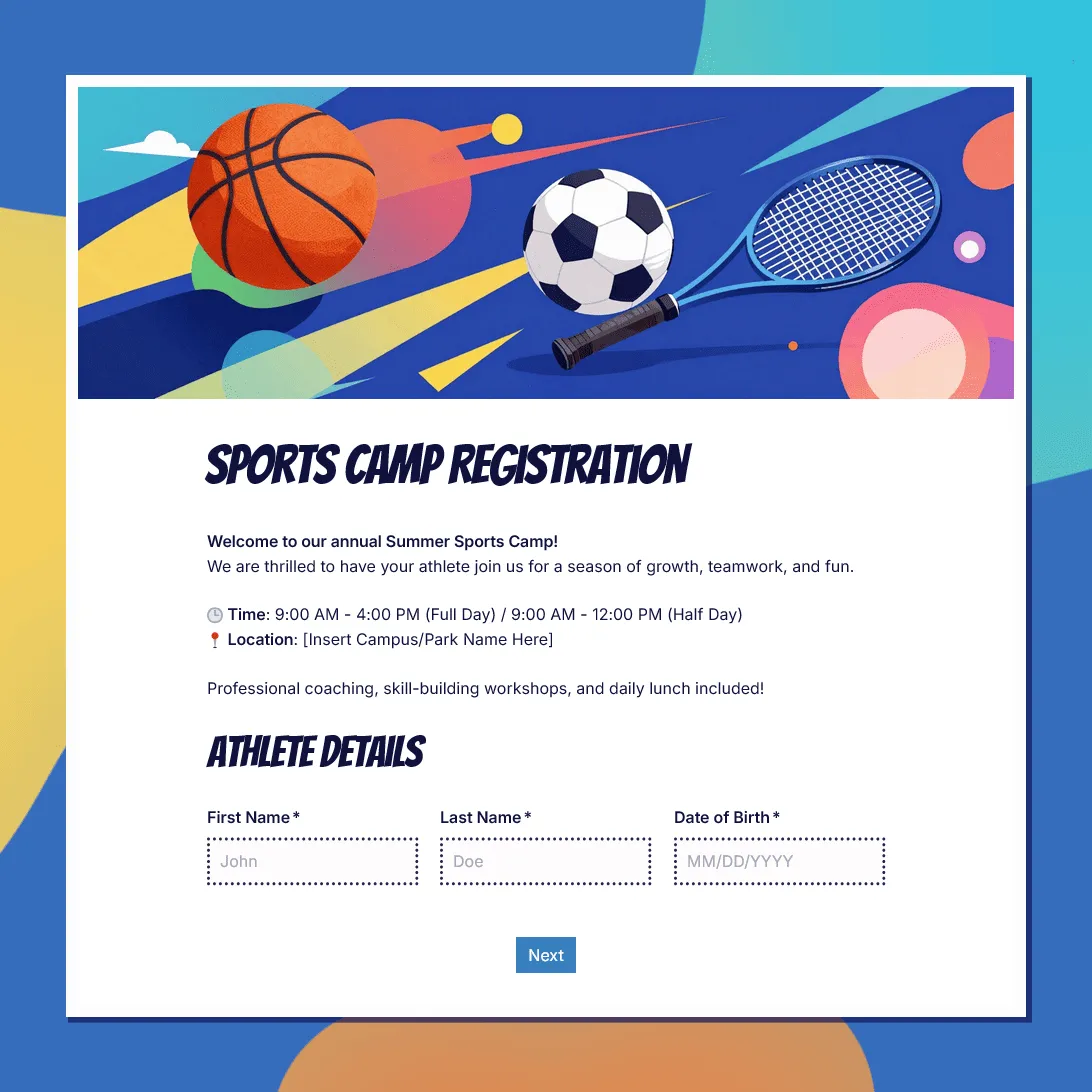
Sports Camp Registration Form Template
Use this free sports camp registration form template to collect athlete details, sport choices, waivers, and emergency contacts.
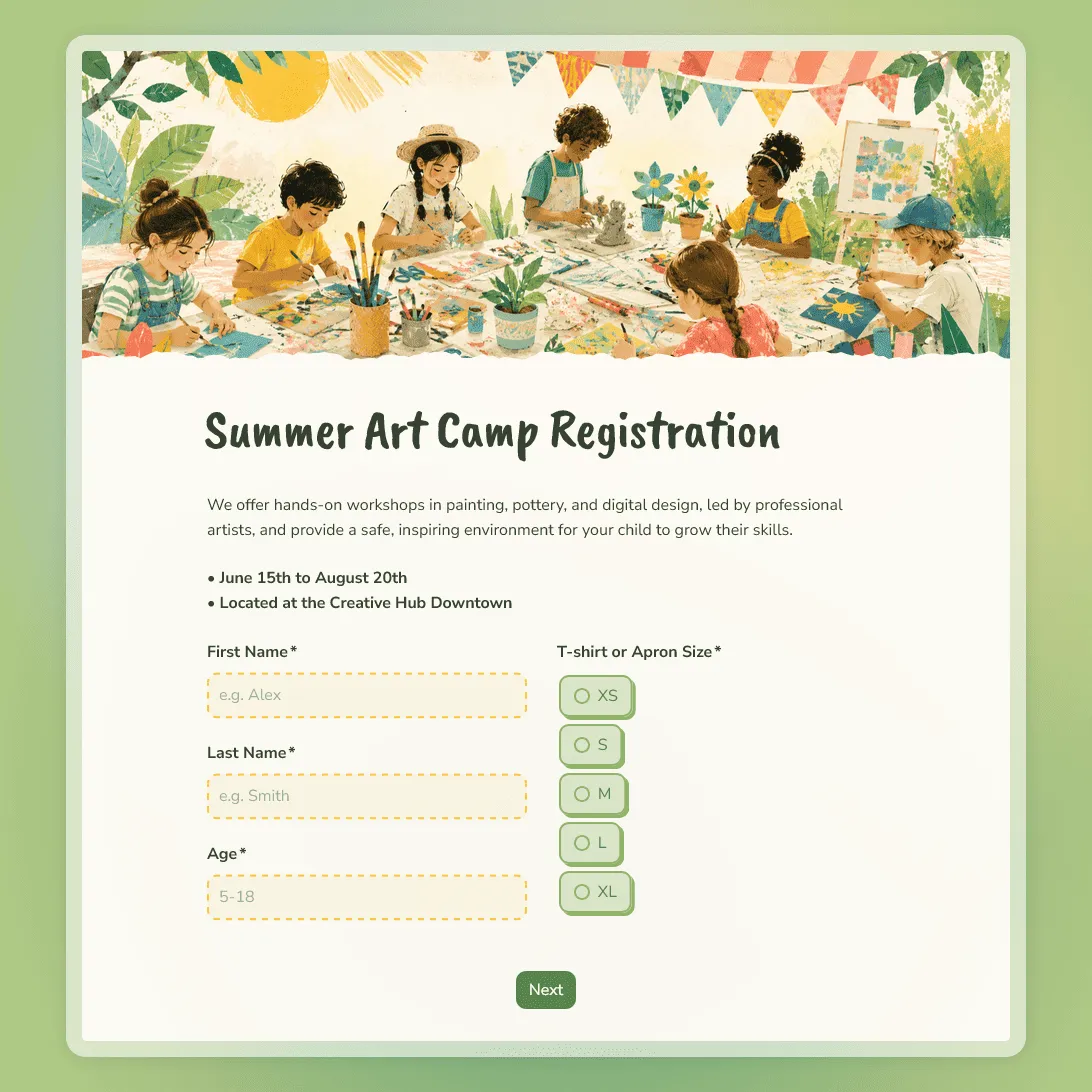
Summer Art Camp Registration Form Template
Use this free summer art camp registration form template to collect camper details, art experience, session choices, and parent contact information.
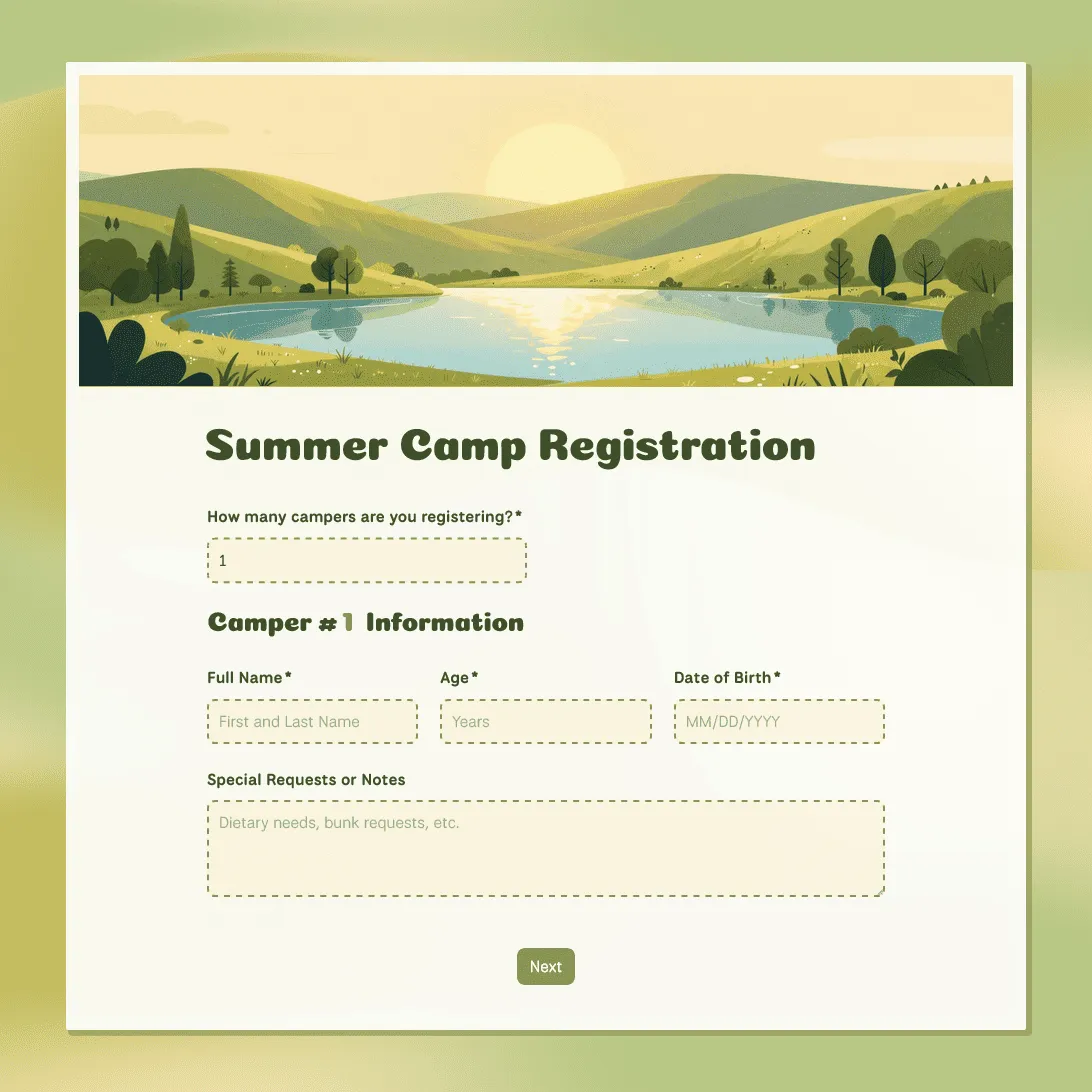
Summer Camp Registration Form Template
Free summer camp registration form template for summer programs and activities. Collect camper details, emergency contacts, waivers, and more.
About camp registration form templates
Camp registration usually involves parents, guardians, campers, staff, safety details, schedules, and consent forms. A good form keeps those details organized before check-in day.
Use these templates for summer camps, day camps, overnight camps, church camps, sports camps, art camps, retreats, and youth programs. They can help you collect camper details, parent contacts, emergency information, medical notes, pickup permissions, session choices, and waivers in one place.
The goal is to make registration easier for families while giving your team a cleaner way to plan groups, staffing, activities, meals, transportation, and follow-up.
What camp registration forms usually include
A good camp registration form should help with planning, staffing, safety, communication, and check-in. Depending on the camp, you may want to collect:
- Camper or participant details
- Parent or guardian contact information
- Emergency contacts
- Allergies, medications, and medical notes
- Dietary needs
- Session, date, or activity choices
- Pickup permissions
- T-shirt size or equipment needs
- Consent, waiver, or photo release agreement
- Payment instructions or registration notes
Keep the form short enough for parents to complete quickly, while still collecting the details your staff will need during activities, meals, transportation, check-in, and emergencies.
Tips for managing camp registrations
Use the form to collect the details your team will actually need before check-in, during camp, and in case something changes.
-
Make session choices easy to understand. If you offer different dates, age groups, day camp options, overnight stays, or activity tracks, label them clearly. Add capacity or deadline notes if some sessions fill up quickly.
-
Keep parent and emergency details easy to scan. Camp staff may need this information quickly, so separate parent contact details, emergency contacts, pickup permissions, and medical notes into clear sections.
-
Ask health and safety questions carefully. Include allergies, medications, dietary needs, medical conditions, and any notes staff should know before camp starts. Keep the wording simple and explain who will review the information.
-
Use conditional questions for different camp types. Overnight campers may need cabin, roommate, or medication questions. Day campers may need pickup details. Sports or art camps may need equipment, skill level, or material preferences.
-
Set expectations after submission. Use the confirmation message to explain whether the camper’s spot is confirmed, whether payment is still needed, when families will receive camp details, and who to contact with changes.
Camp registration form FAQs
What should a camp registration form include?
Most camp registration forms include camper details, parent or guardian contact information, emergency contacts, health notes, allergies, dietary needs, session choices, pickup permissions, and consent or waiver text. Add extra questions when they help with planning, safety, staffing, or communication.
Can I collect parent or guardian consent?
Yes. Add or update waiver, medical consent, photo release, pickup permission, and policy agreement sections as needed. You can also use a signature field when a parent or guardian needs to sign the form.
Can parents register multiple children on one form?
Yes. Use repeatable sections if one parent may register more than one child. This keeps family registrations together and avoids asking the same parent contact questions multiple times.
Can I use different questions for different camp sessions?
Yes. Use conditional logic to show different questions based on the selected camp type, session, age group, or registration option. This keeps the form shorter while still collecting the right details.
Can I add file uploads for permission slips or medical forms?
Yes. Add a file upload field if parents need to upload permission slips, insurance cards, medical forms, signed documents, or other files.
How do I share a camp registration form?
After you publish the form, copy the registration link and send it by email, text, social media, or newsletter. You can also add the form to your camp, church, school, or organization website with an embed code.
How do I keep track of camp registrations?
Responses appear in your response table. You can review campers, sessions, emergency contacts, allergy notes, pickup permissions, and consent details in one place. You can also export responses when you need a spreadsheet for rosters, check-in lists, cabin planning, or staff handouts.
Are these camp registration form templates free?
Yes. All FormGrid camp registration form templates are free to use, and you can collect unlimited registrations on the free plan.