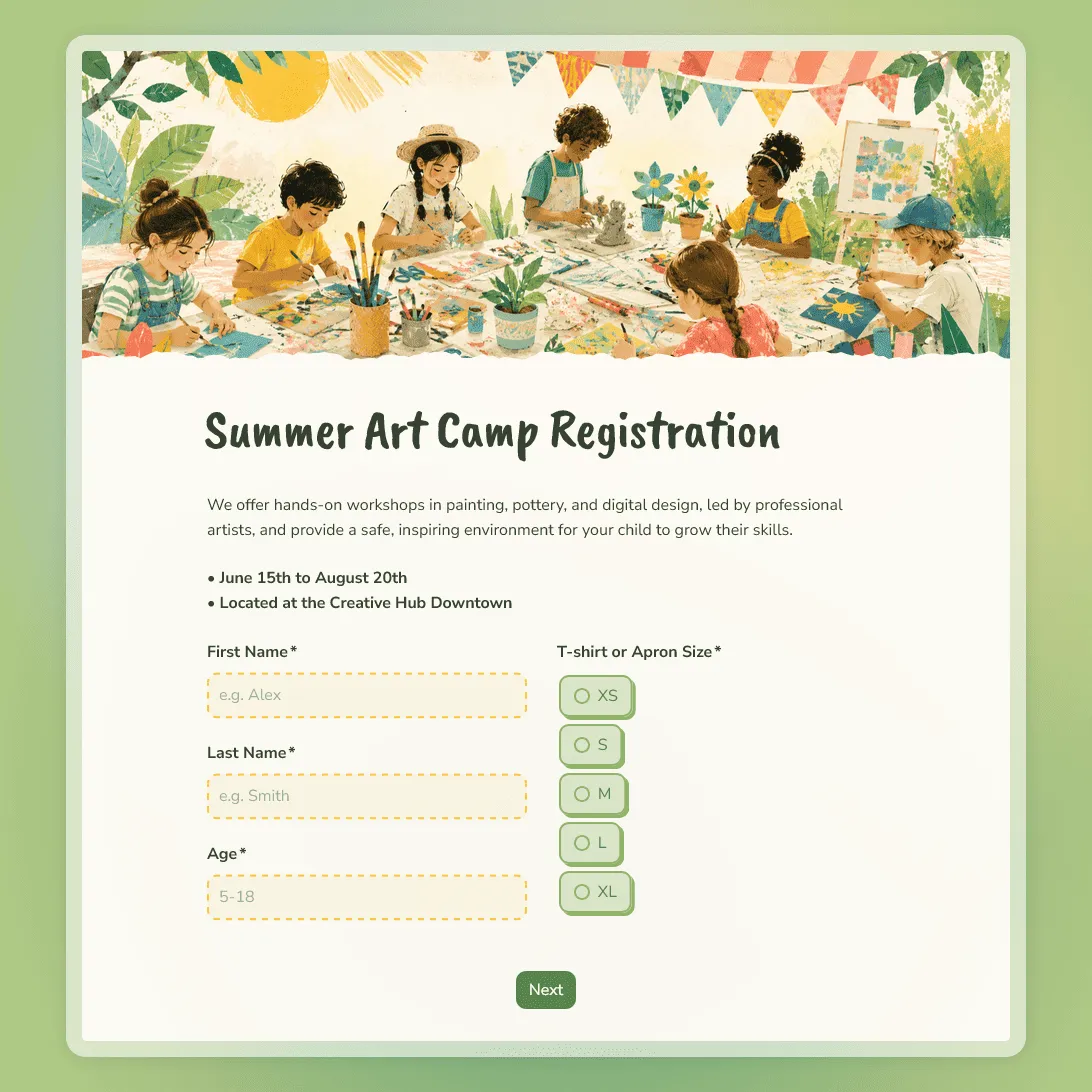
Camp Registration Form Template

Free camp registration form template for summer camps, sports camps, church camps, art camps, youth programs, and retreats.
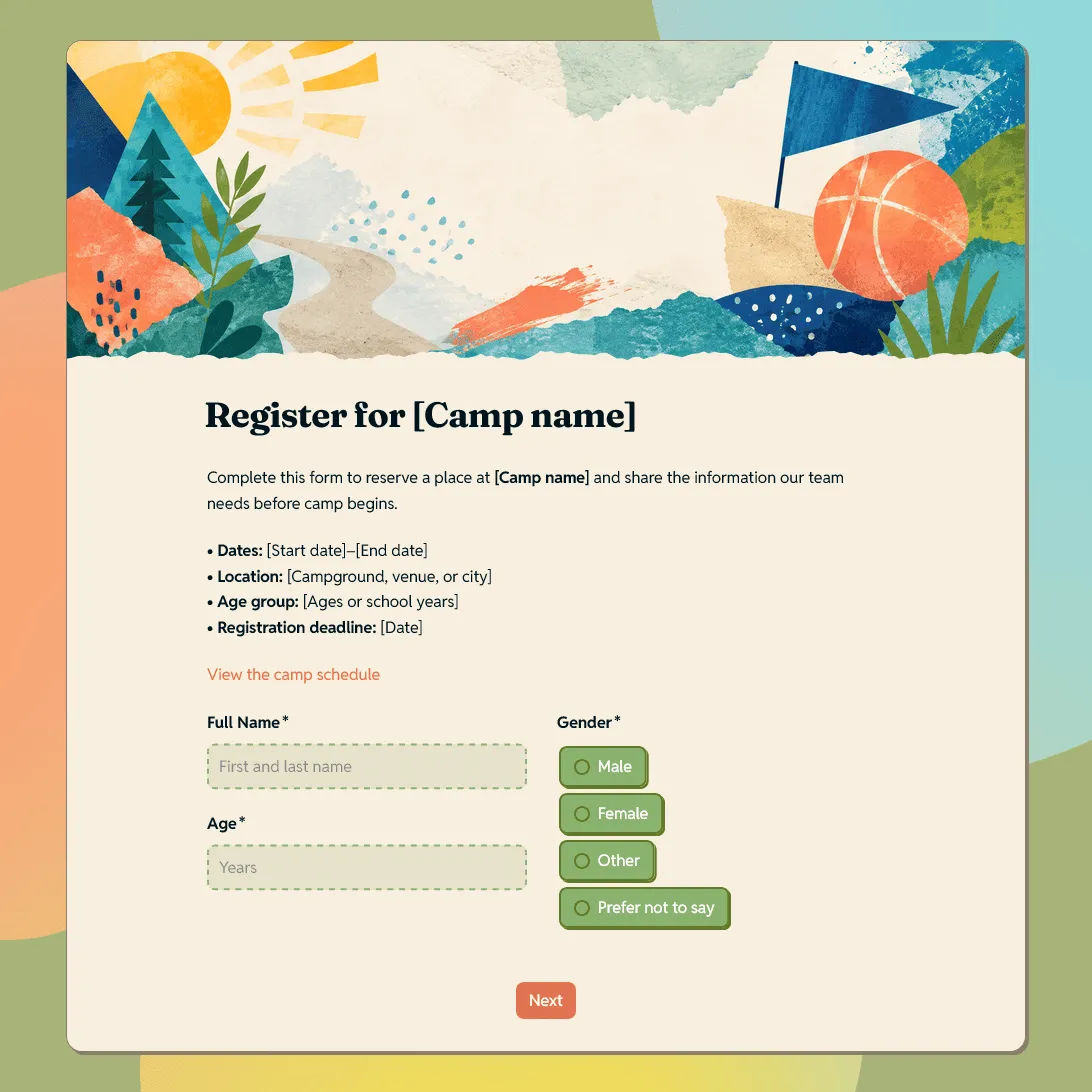
Use this free template
Fully customizable
Free unlimited submissions
No signup required
Camp Registration Form Template

Need a custom camp registration form?

Describe your camp and FormGrid will generate a custom registration form you can edit and share.

About this camp registration form template

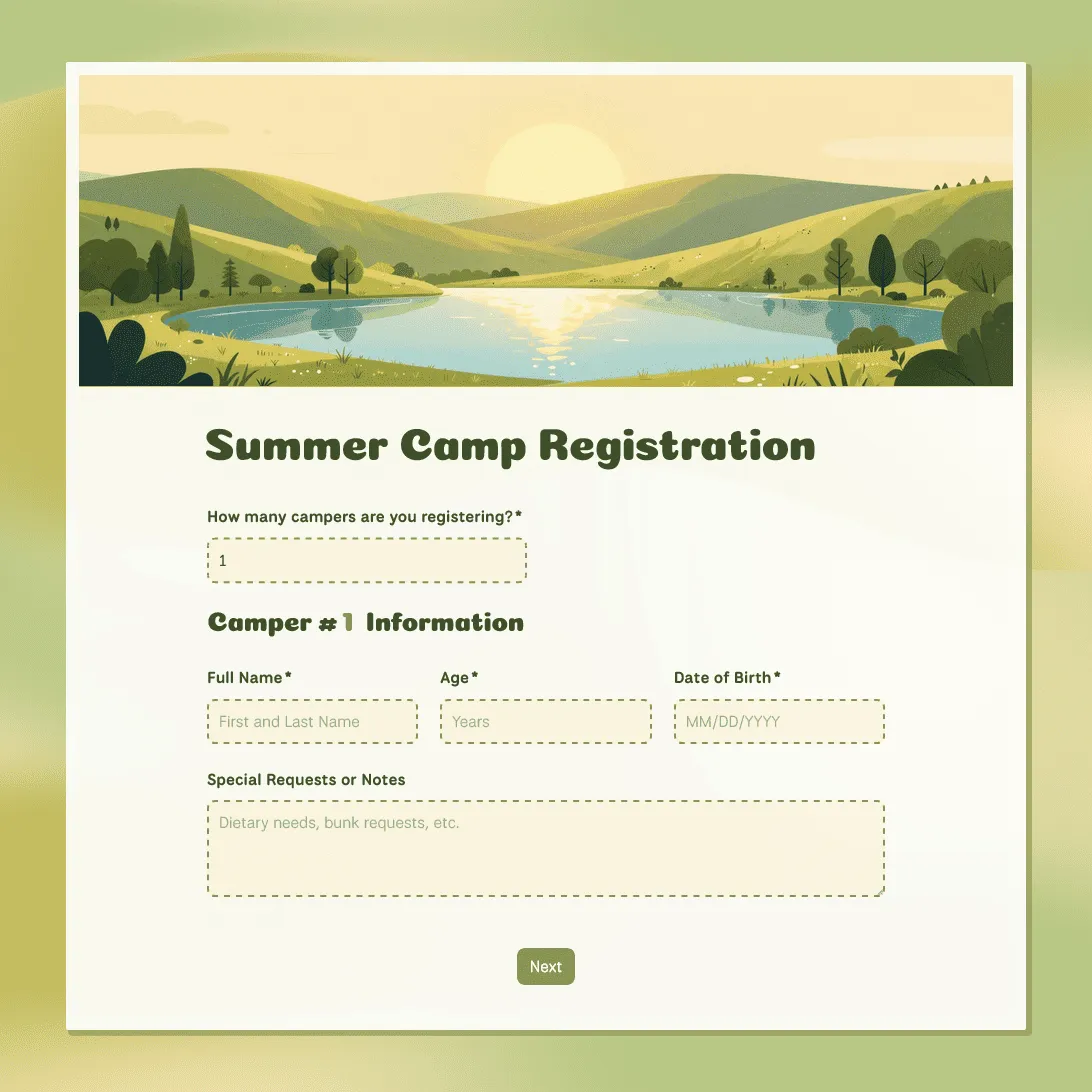
Camp registration has a lot of moving parts: families need a simple way to sign up, and organizers need clear details before planning groups, schedules, meals, activities, check-in, and safety procedures.

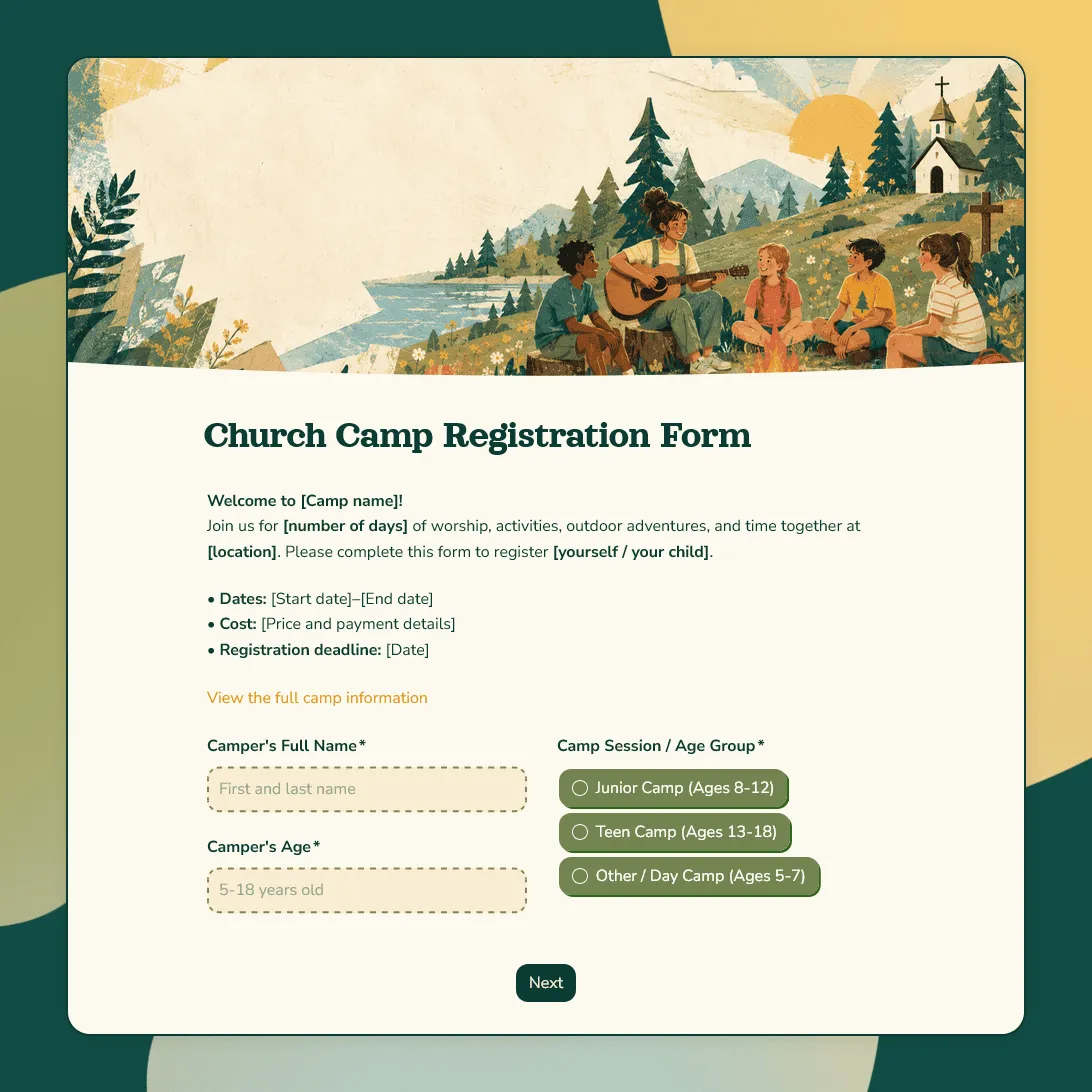
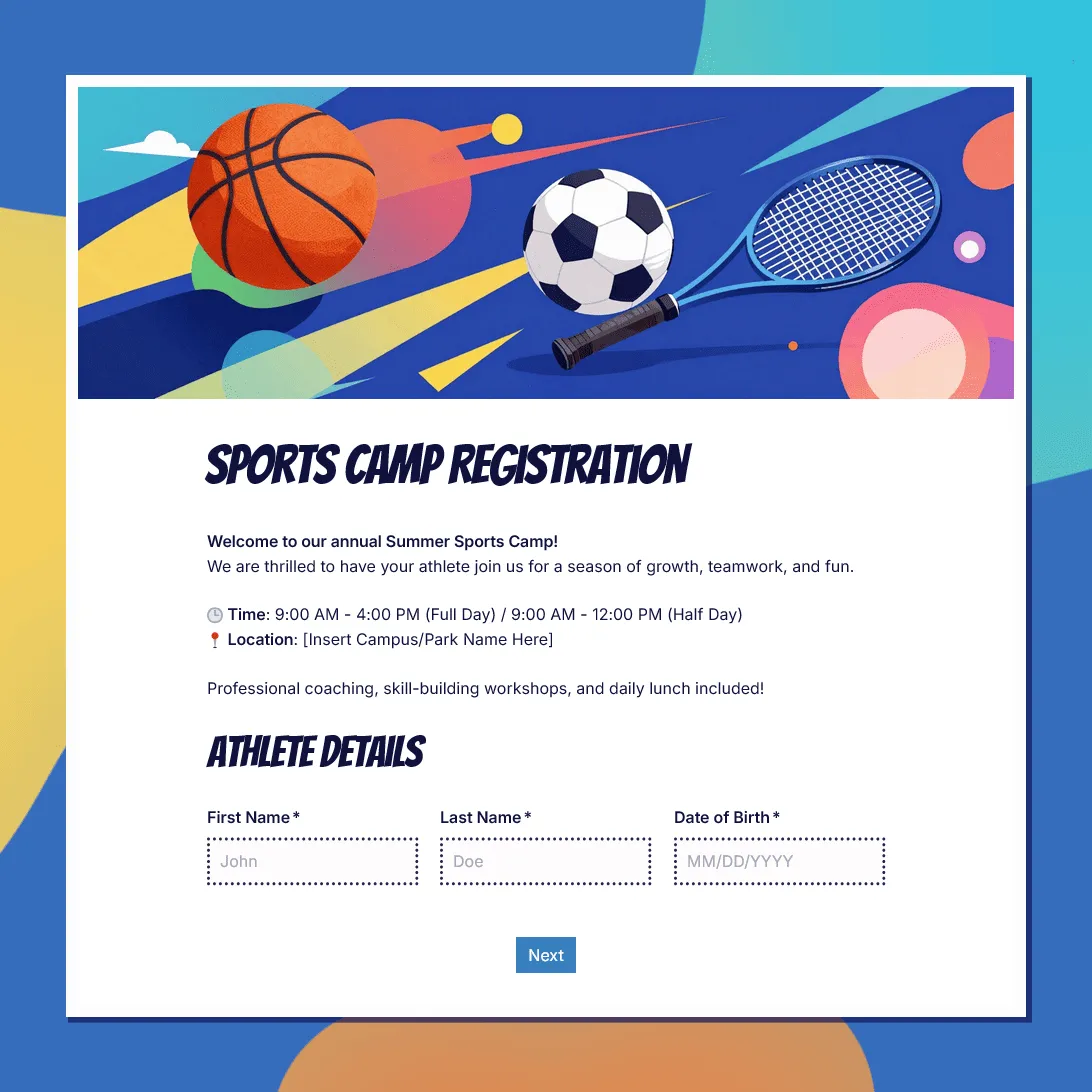
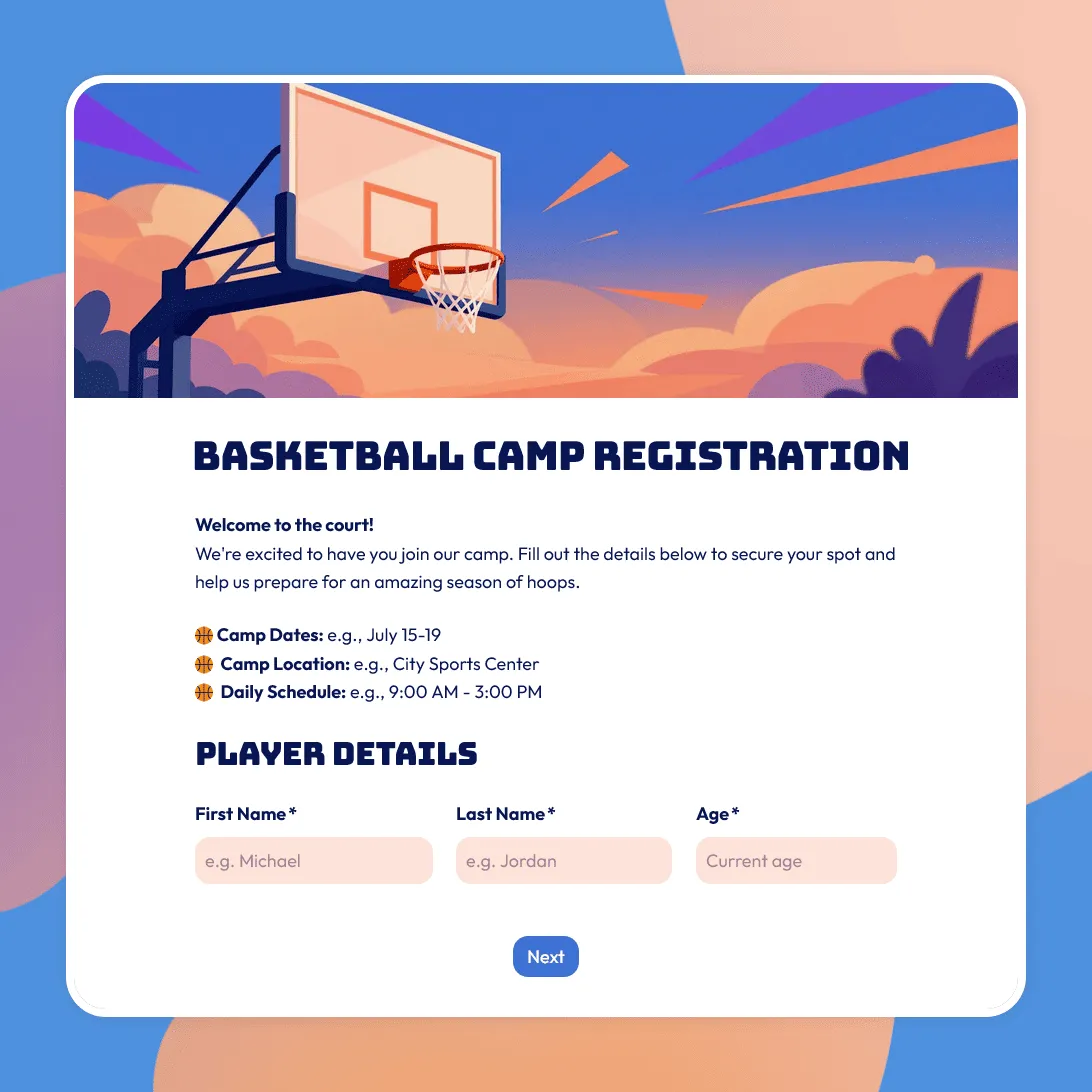
This camp registration form template gives you a flexible starting point for many types of camps, including summer camps, sports camps, basketball camps, church camps, art camps, day camps, overnight camps, youth retreats, school break programs, and community camps.

You can keep the form general, or adjust it around the way your camp works. A sports camp may need skill level and equipment details. An art camp may need material notes. An overnight camp may need cabin, roommate, and medication information. A church camp may need group, ministry, or parent consent details.

What this template includes

The camp registration form template is set up to collect the details camp organizers usually need before the first day:

  • Camper or participant details
  • Parent or guardian contact information
  • Emergency contacts
  • Camp session, date, or program choice
  • Allergies, dietary needs, and medical notes
  • Medication details and instructions
  • Pickup permissions
  • T-shirt size or equipment notes
  • Photo and video consent
  • Waiver or policy agreement
  • Parent or guardian signature
  • Notes for the camp organizer

You can remove sections that do not apply, or add more specific questions for your camp format, activities, age groups, or registration process.

How to use this template

Click “Use this template” to open the camp registration form in FormGrid.

  1. Add your camp details. Update the form title, intro text, camp name, dates, location, age range, registration deadline, cost, and organizer contact information.
  2. Review the session options. Replace the sample choices with your own camp sessions, age groups, activity tracks, day camp options, overnight stays, or registration types.
  3. Check the family contact section. Make sure parent or guardian details, emergency contacts, pickup permissions, and communication preferences match your process.
  4. Adjust the health and safety questions. Keep allergies, medications, dietary needs, and medical notes clear enough for staff to review before camp starts.
  5. Update the consent text. Replace the sample waiver, photo release, medical consent, behavior policy, refund note, or pickup agreement with your own wording.
  6. Add camp-specific questions. Ask about swimming ability, sports experience, basketball skill level, art materials, cabin requests, church group, transportation, equipment, or previous camp experience if those details matter.
  7. Use conditional questions when the form covers different camp types. With conditional logic, overnight campers can see cabin questions, sports campers can see equipment questions, and art campers can see material questions.
  8. Publish and share the form. After you publish the form, copy the link and send it to families, groups, schools, churches, clubs, or community members. You can also add it to your website with an embed code.

Responses appear in your response table, where you can review campers, sessions, contacts, health notes, pickup permissions, and consent details. You can also export responses when you need a spreadsheet for rosters, check-in lists, cabin groups, allergy lists, or staff planning.

More specific camp registration templates

If your camp has a clearer focus, one of these templates may be a better starting point:

Camp registration form template FAQs

What should a camp registration form include?

A camp registration form usually includes camper details, parent or guardian contact information, emergency contacts, camp session choice, health notes, allergies, medications, pickup permissions, consent text, and waiver agreement details.

Can I use this template for different types of camps?

Yes. The template is flexible enough for summer camps, sports camps, church camps, art camps, basketball camps, day camps, overnight camps, youth programs, and retreats. Update the session choices, activity questions, and consent text to match your camp.

Can parents register more than one child?

Yes. You can add extra camper sections or duplicate the camper details section when families need to register siblings together. Keep parent or guardian contact details separate so families do not have to enter the same information repeatedly.

Yes. Update the waiver or consent text, then use a signature field when a parent, guardian, or participant needs to sign before submitting the form.

Can I show different questions for day camp and overnight camp?

Yes. Use conditional logic to show different questions based on the selected camp type. Day campers may need pickup details, while overnight campers may need cabin, roommate, packing, or medication questions.

Can I embed the camp registration form on my website?

Yes. After publishing, you can add the form to your website with an embed code, or share the form link directly.

Is this camp registration form template free?

Yes. The template is free to use, and you can collect unlimited camp registrations on the free plan.