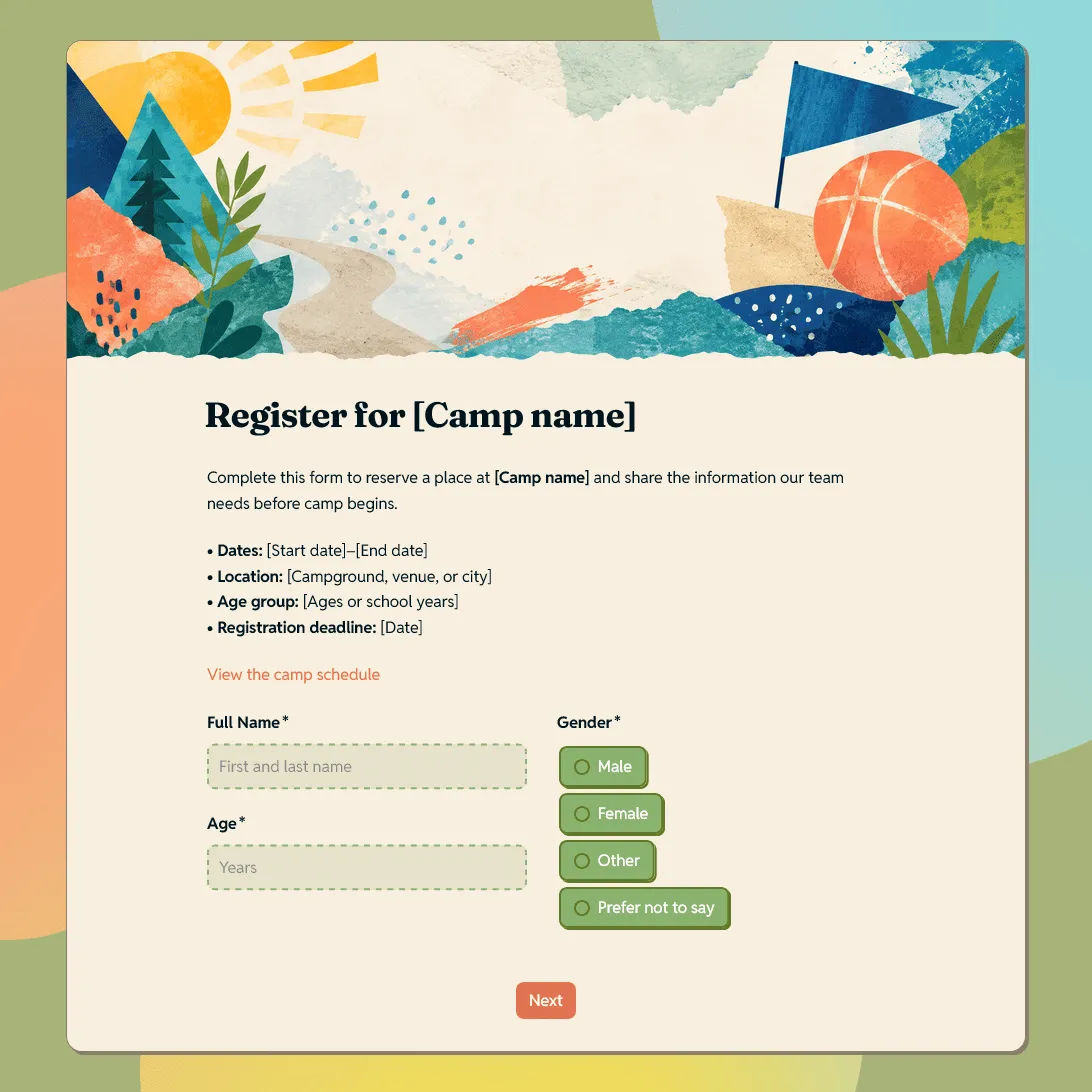
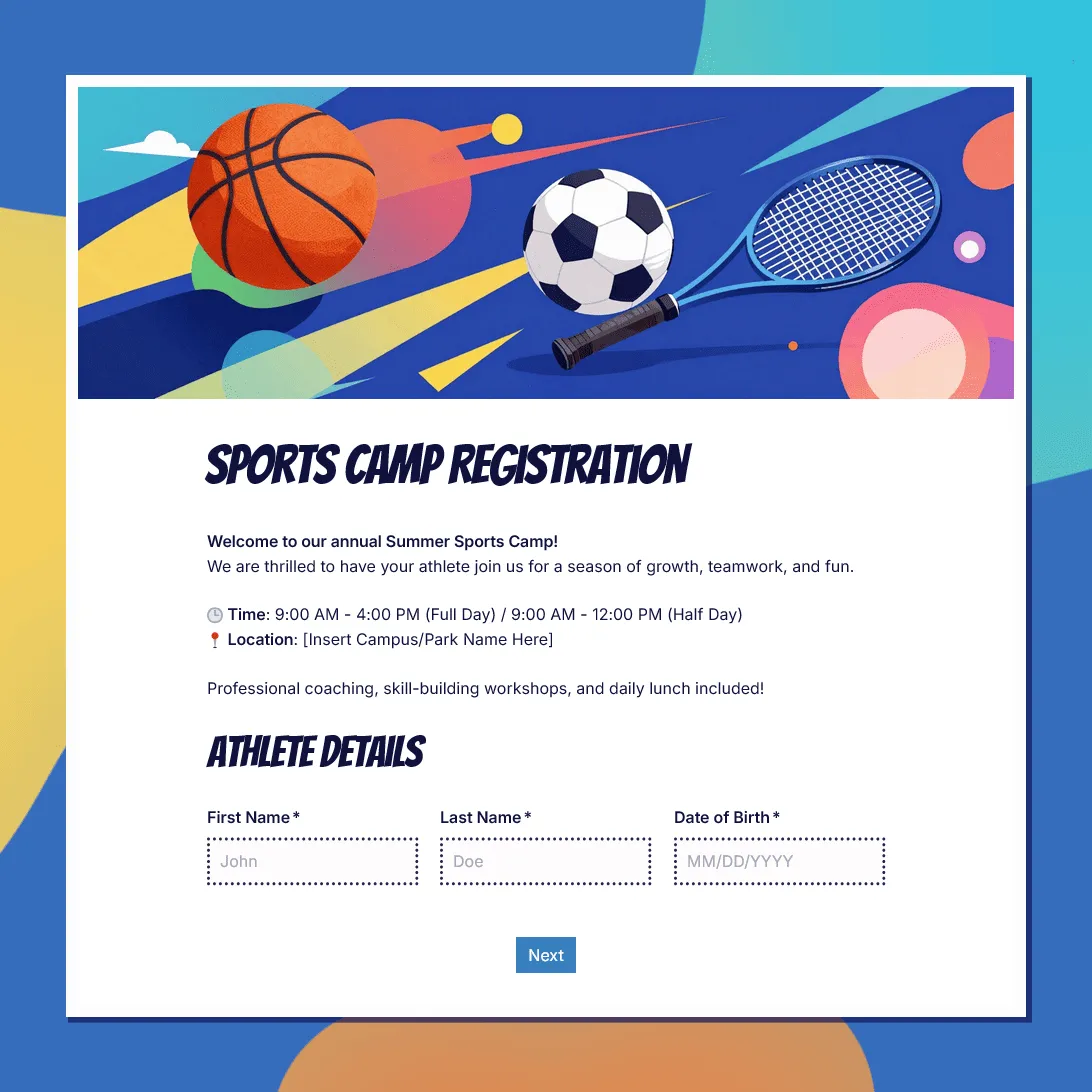
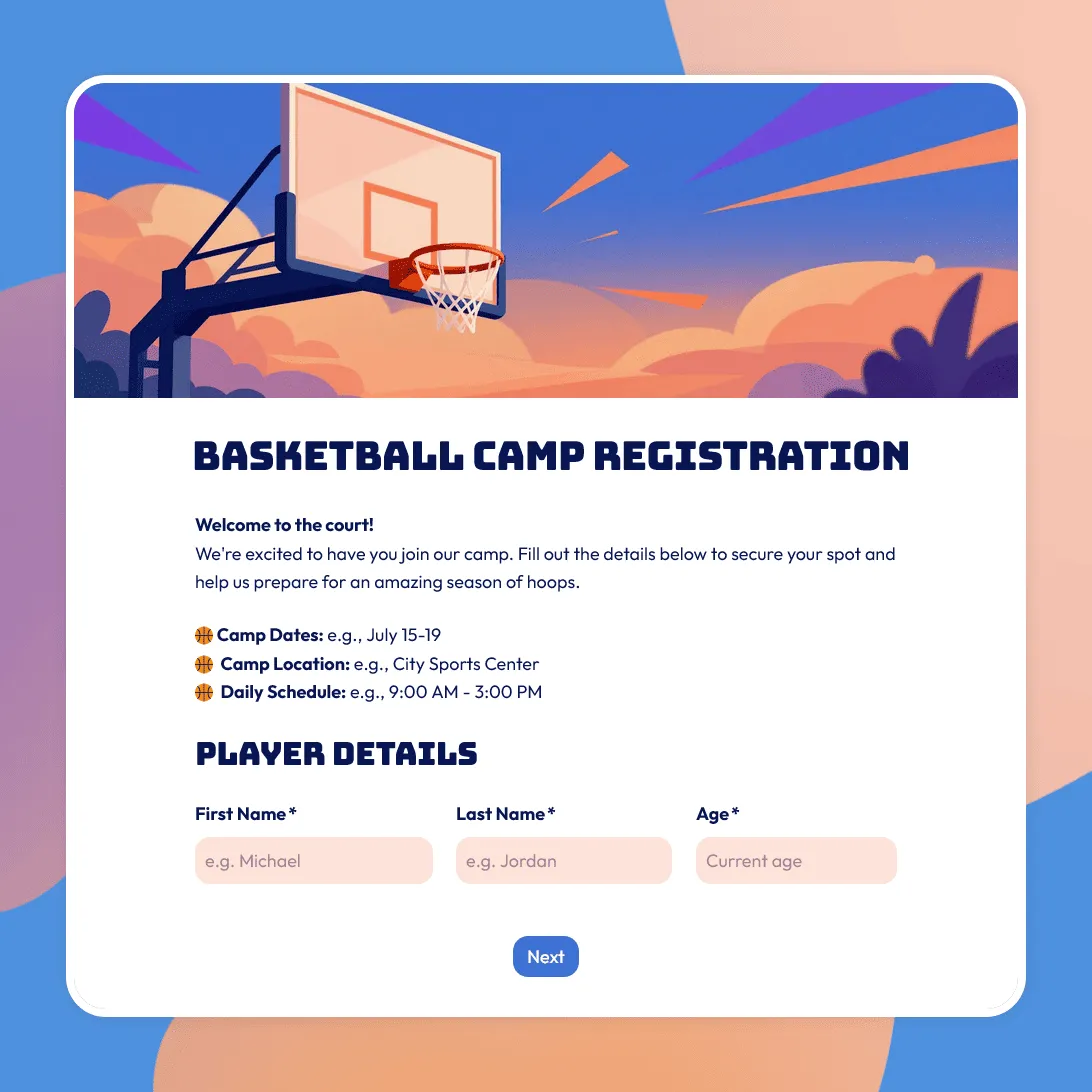
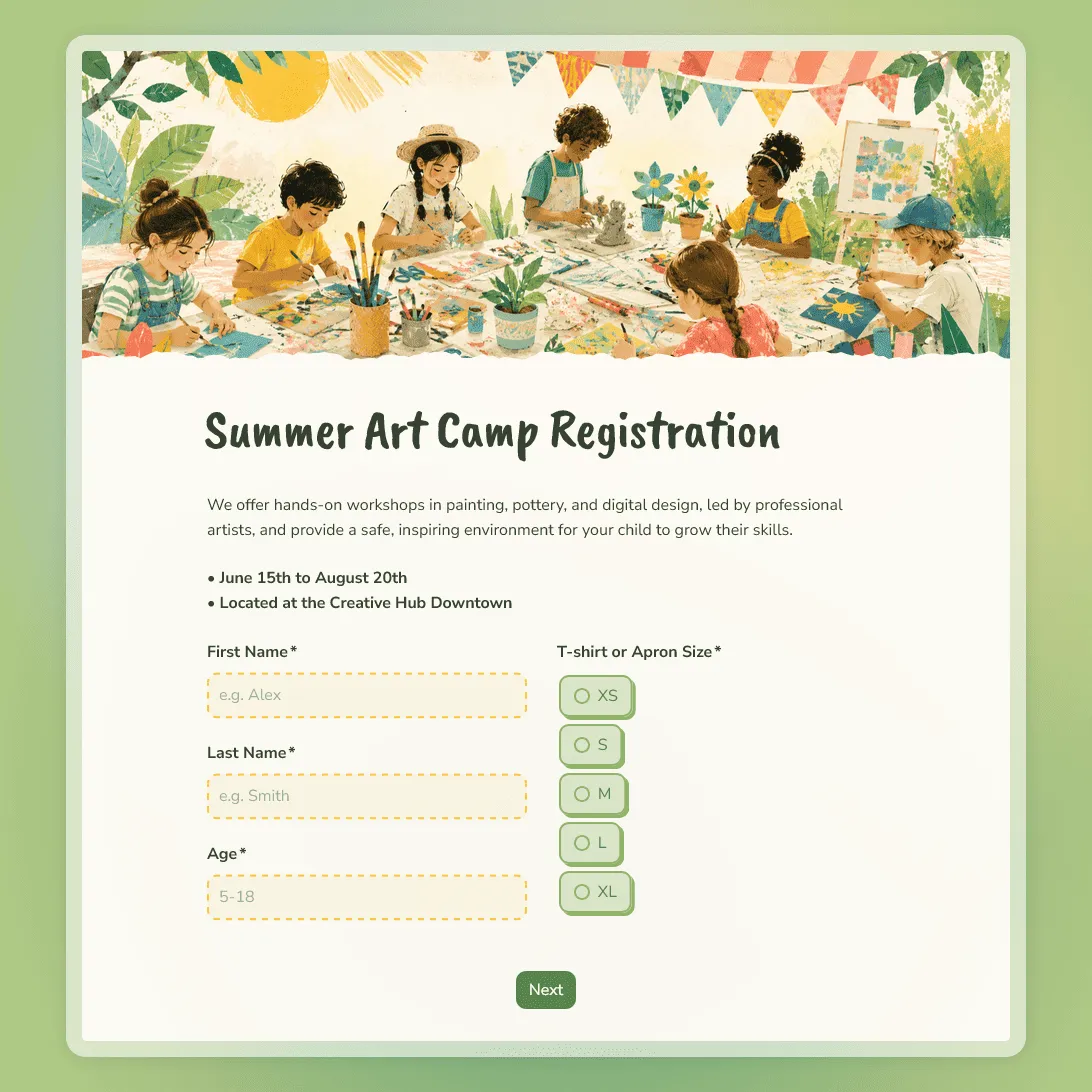
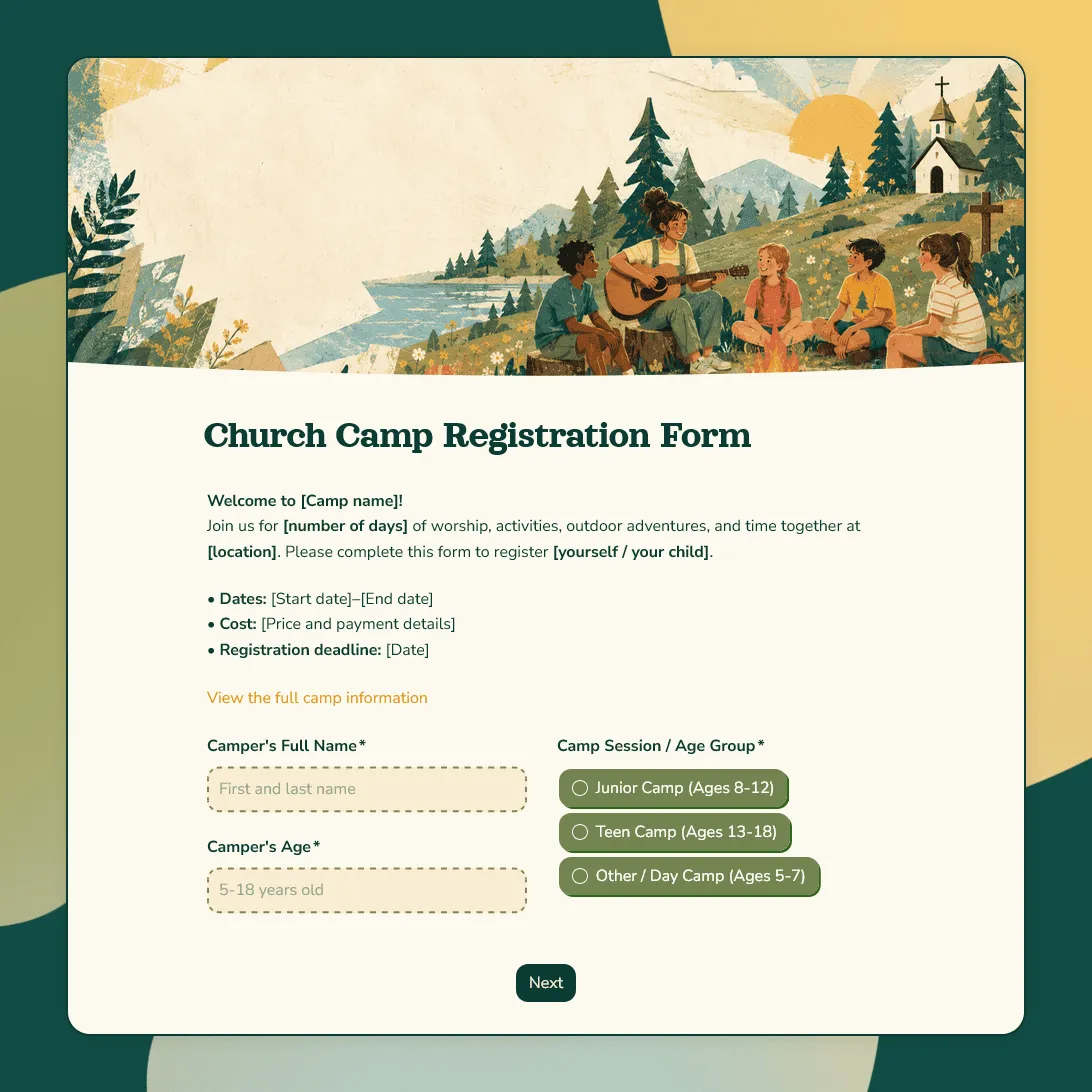
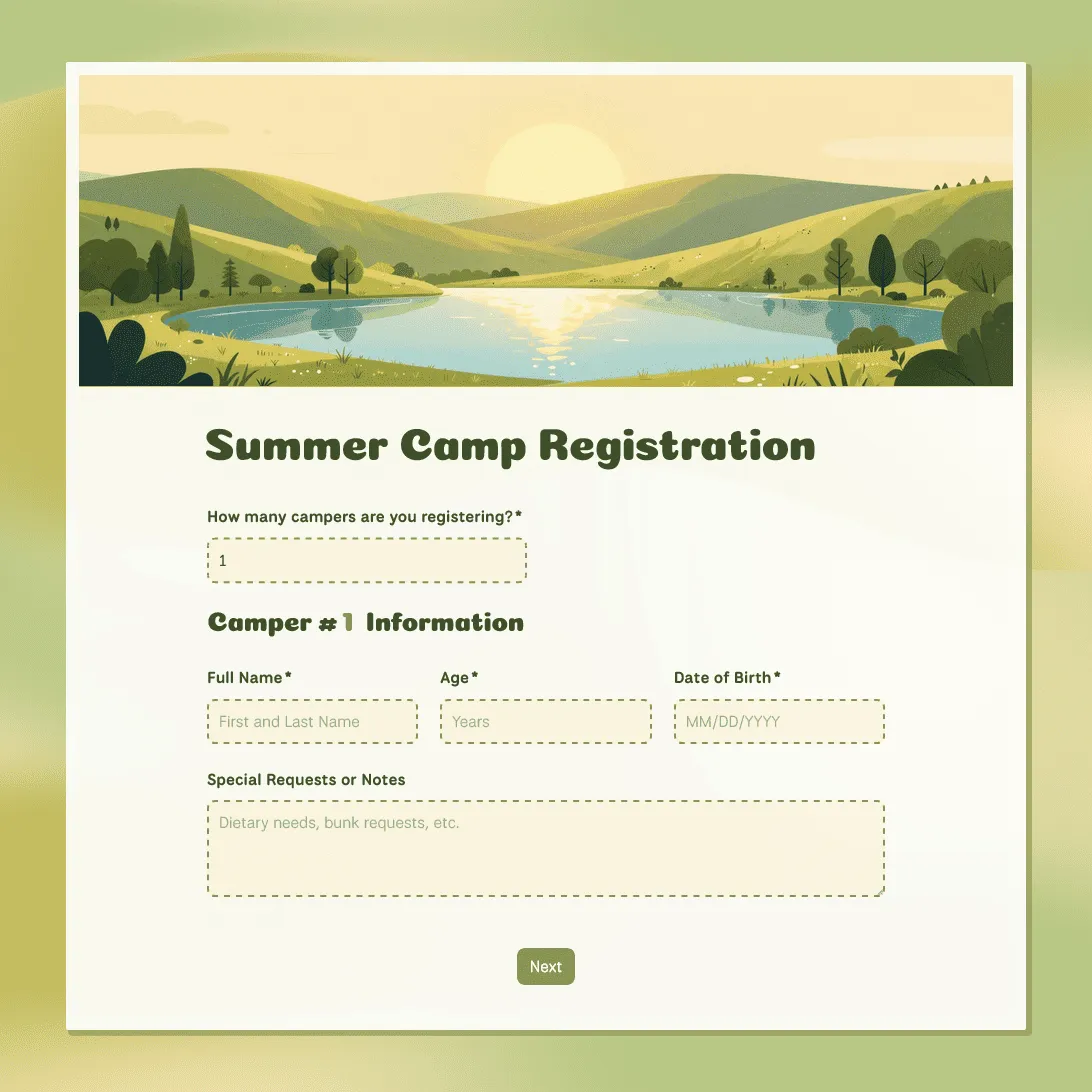
Summer Camp Registration Form Template
Free summer camp registration form template for summer programs and activities. Collect camper details, emergency contacts, waivers, and more.
Need a custom summer camp registration form?
Describe your summer camp and FormGrid will generate a tailored registration form for your campers.
About this summer camp registration form template
A summer camp registration form helps you collect the information you need before a child joins your program. Parents can share camper details, contact information, medical notes, emergency contacts, pickup permissions, and signed waivers in one place.
This editable summer camp registration form template gives you a practical starting point for day camps, overnight camps, sports camps, arts programs, workshops, and other summer activities. You can use it as-is or adjust the questions to match your schedule, age group, activities, and registration process.
What is a summer camp registration form?
A summer camp registration form is a form parents or guardians fill out to sign their child up for a camp. It usually collects:
- Camper details: Name, age, grade, date of birth, and other basic information.
- Parent or guardian contact details: Names, phone numbers, email addresses, and billing or communication details.
- Health and safety information: Allergies, dietary restrictions, medications, medical conditions, and emergency contacts.
- Permissions and waivers: Medical consent, liability waiver, photo release, and authorized pickup information.
- Session choices: Preferred dates, camp sessions, activities, or add-ons.
A good registration form makes the signup process easier for parents and gives your team the information they need before camp starts.
Summer camp registration form questions
This template includes the main questions most camps need. You can remove anything that does not apply and add questions for your own activities, policies, or age groups.
Camper details
- Camper first and last name
- Date of birth
- Age
- Grade entering in the fall
- T-shirt size
Parent or guardian contact information
- Primary parent or guardian name
- Secondary parent or guardian name
- Phone numbers
- Email addresses
- Home address
- Preferred contact method
Medical information and emergency contacts
- Food, medication, or environmental allergies
- Dietary restrictions
- Current medications and instructions
- Medical conditions camp staff should know about
- Doctor or pediatrician contact details
- Emergency contacts other than parents or guardians
Permissions and waivers
- Emergency medical treatment consent
- Liability waiver
- Photo and video release
- Authorized pickup persons
- Agreement to camp rules and policies
How to set up your summer camp registration form
- Open the template. Click “Use this template” to copy it into your FormGrid workspace.
- Add your camp details. Update the title and description with your camp name, dates, location, age range, and a short overview of the program.
- Review the questions. Keep the fields you need and remove anything that does not apply.
- Add camp-specific fields. For example, you can ask about swimming ability, preferred activities, cabin requests, instrument choice, or previous camp experience.
- Check the medical and waiver sections. Make sure the wording matches your policies and legal requirements.
- Set registration limits. If a session has limited spots, use submission limits to close the form once it is full.
- Share the form. Embed it on your website or send the link by email, social media, or community newsletters.
Summer camp registration form FAQs
Can I collect medical information with this form?
Yes. You can use this form to collect allergies, dietary restrictions, medications, emergency contacts, and other notes parents want your team to know.
For more sensitive medical information, check the rules that apply in your location. Some camps may need additional privacy, consent, or compliance steps depending on the type of data they collect.
Can parents register multiple children at once?
Yes. The form includes repeatable sections that automatically create the right number of fields based on how many children a parent is registering.
How do I collect digital signatures on waivers?
Add a signature field to the waiver section. Parents can sign using a mouse, trackpad, or touchscreen. Place it after the liability waiver, medical consent, photo release, or any other agreement that needs a signature.
Is this summer camp registration form template free?
Yes. This template is free to use. FormGrid also includes unlimited forms and unlimited responses on the free plan, so you can start collecting camp registrations without worrying about response caps.