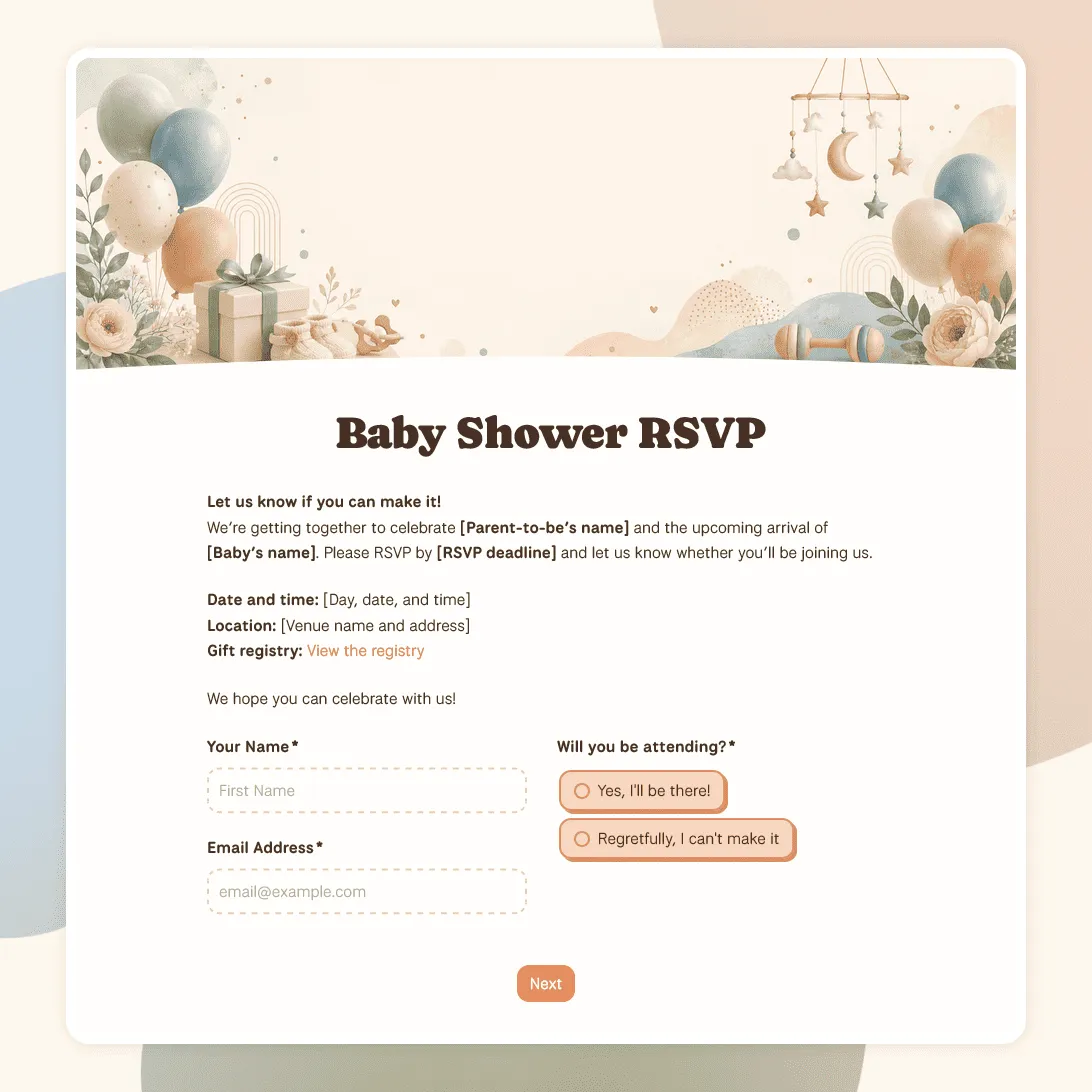
Baby Shower RSVP Template
Free baby shower RSVP template for collecting guest replies, guest counts, meal notes, gift details, and messages for the parents-to-be.
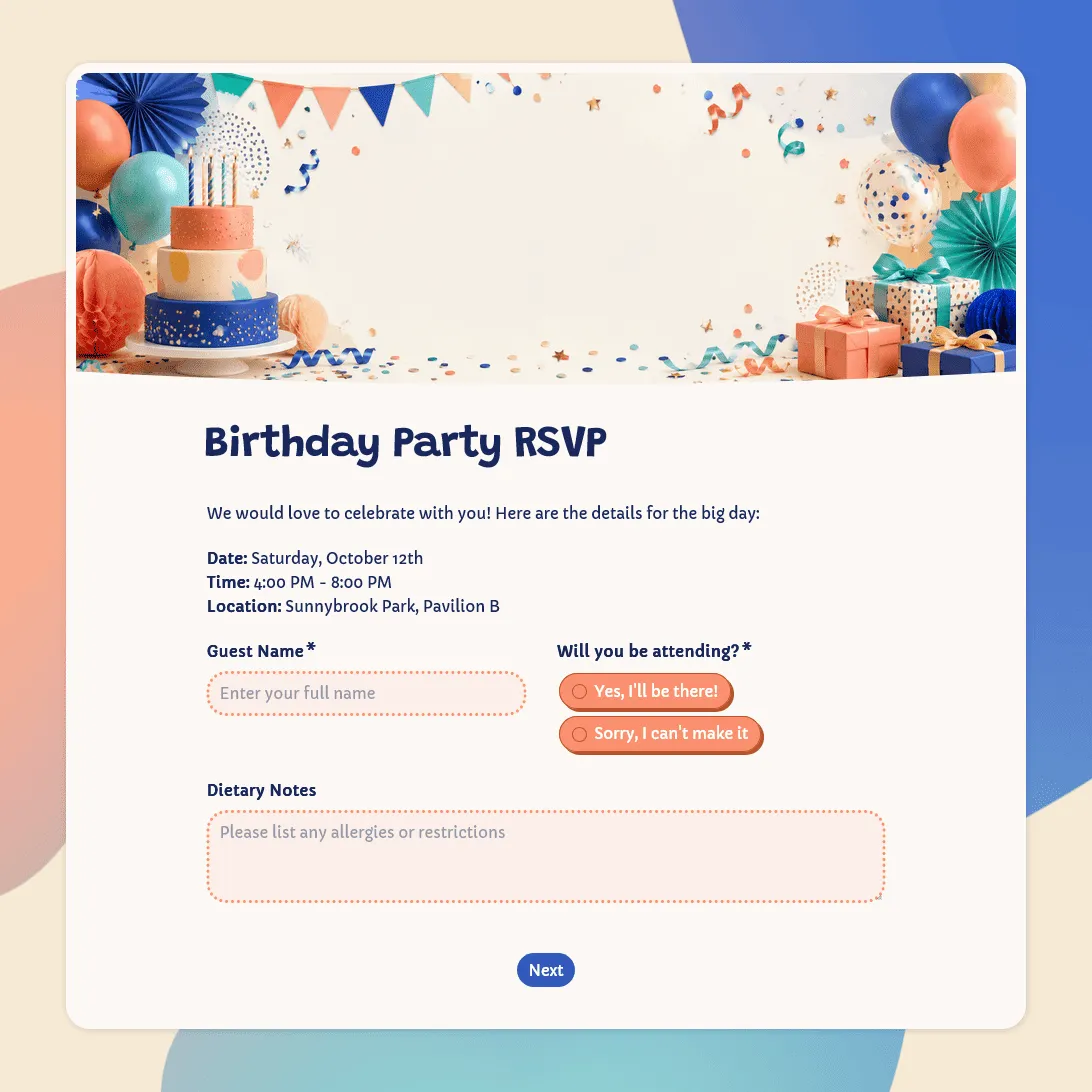
Birthday Party RSVP Template
Free birthday RSVP template for creating online birthday invitations with RSVP. Share an RSVP link, collect replies, and track guests in one place.
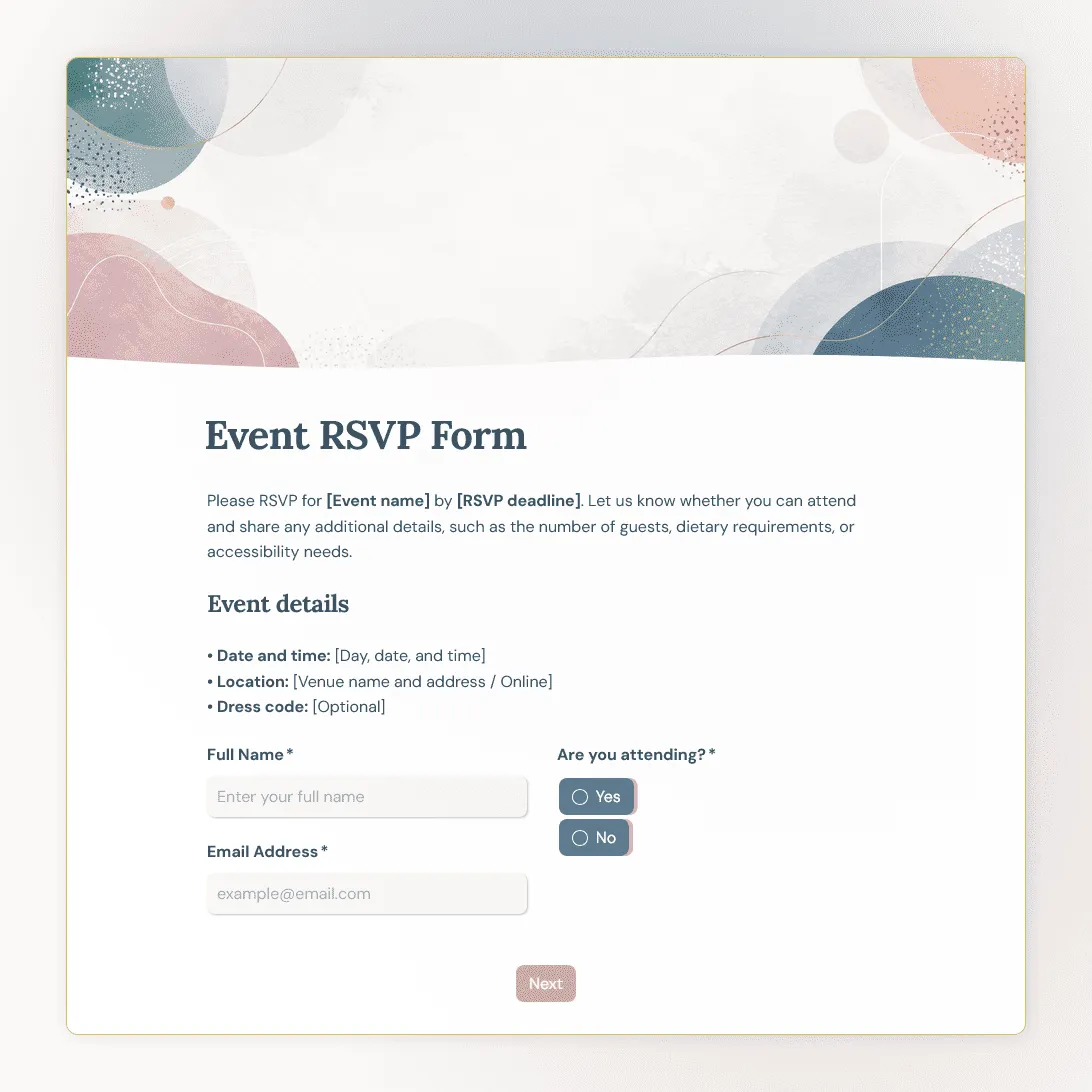
Event RSVP Form Template
Free event RSVP form template for parties, dinners, launches, fundraisers, workshops, open houses, and private events.
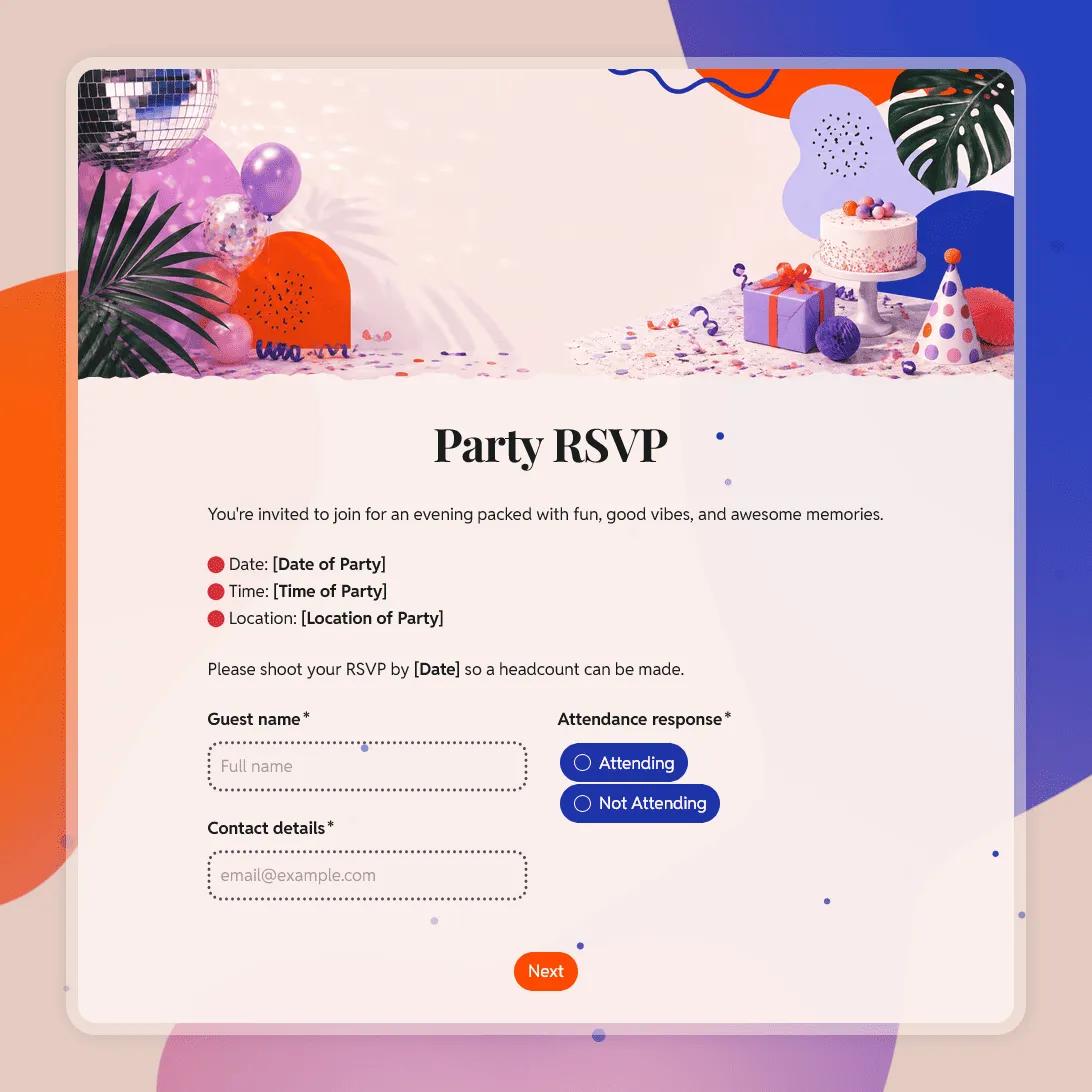
Party RSVP Template
Free party RSVP template for birthdays, holidays, baby showers, and other celebrations. Create an online party RSVP and collect replies for free.
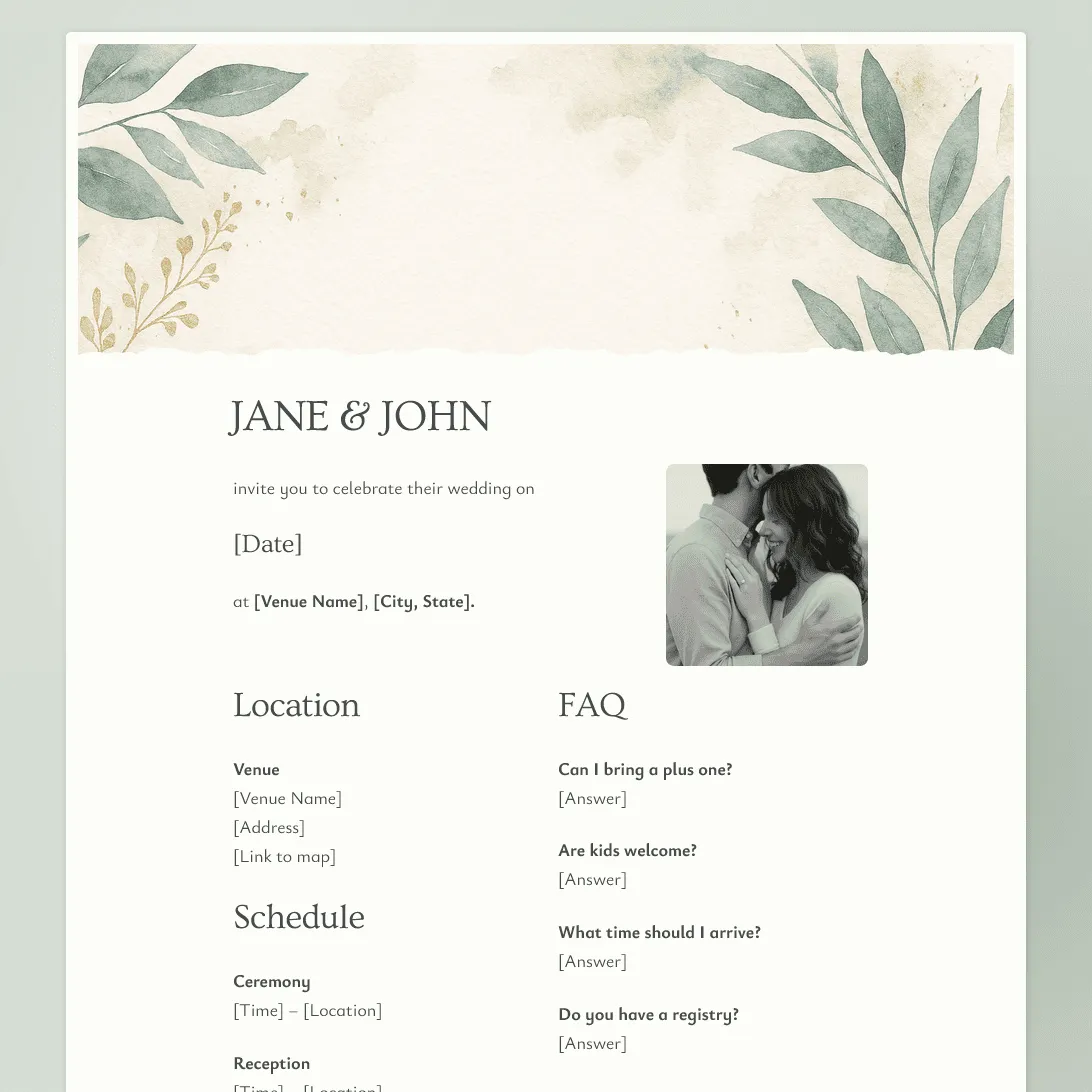
Wedding RSVP Form Template
Free wedding RSVP template for collecting guest replies, plus-ones, meal choices, dietary needs, song requests, and notes.
About RSVP form templates
An RSVP form helps you get a clear answer from invited guests: who is coming, who is not, and what details you need before the event.
RSVP forms are best for events where the guest list is already defined, or where the main question is attendance. Use them for weddings, dinners, parties, open houses, fundraisers, launches, school events, community gatherings, and private events.
They are usually shorter than event registration forms. A good RSVP form should be quick to fill out, easy to understand, and specific enough to help you plan the headcount, food, seating, guest list, or follow-up.
What these RSVP templates collect
The right fields depend on the event, but most RSVP forms should cover:
- Guest details: Name, email, phone number, or another way to confirm who replied.
- Attendance response: A simple yes, no, or maybe. Some events may need options like ceremony only, reception only, dinner only, or joining later.
- Guest count: Plus-ones, family members, ticket quantity, or names of additional guests.
- Meal and dietary details: Meal choice, allergies, dietary restrictions, kids’ meals, or catering notes.
- Accessibility needs: Mobility notes, seating needs, arrival support, or other requests the organizer should know about.
- Optional notes: A message to the host, song request, seating note, or anything else that fits the event.
- Event updates: Permission to send reminders, location details, schedule changes, or follow-up information.
Keep the form short when the event is simple. For a small dinner, you may only need name, attendance, guest count, and dietary notes. For a wedding, fundraiser, or larger event, the extra planning fields are usually worth keeping.
How to customize an RSVP form in FormGrid
All RSVP form templates are free to use. Once you open one, you can adjust it around your event.
- Open the template. Click “Use this template” to copy the RSVP form into FormGrid.
- Update the event details. Add the event name, host, date, time, location, RSVP deadline, and any short note guests should read first.
- Review the RSVP options. Keep the reply choices simple, or update them for your event format.
- Adjust guest and meal questions. Keep plus-one, guest count, meal choice, and dietary fields only when they help you plan.
- Use logic for different replies. With conditional logic, guests who cannot attend can skip meal, guest, and seating questions.
- Write a clear confirmation message. Use a custom end page to confirm the RSVP and explain how guests can update their reply.
- Share the form. Send the link by email, text, invitation, social media, or add it to your website with an embed code.
You can review replies in the response table, turn on email notifications, and export responses when you need a guest list, meal count, seating list, or check-in sheet.
Frequently asked questions
What does RSVP stand for?
RSVP stands for “repondez s’il vous plait,” a French phrase that means “please respond.” In practice, an RSVP asks guests to confirm whether they will attend an event.
How do I create an RSVP link?
Open an RSVP form template, update the event details, then publish the form. After publishing, copy the share link and send it to guests by email, text, invitation, social media, or your event page.
How do I create a QR code for RSVP?
Publish your RSVP form and copy the share link. Then paste that link into a QR code generator and add the QR code to printed invitations, flyers, posters, table cards, or event signs.
How do I send an RSVP email?
Write a short email with the event name, date, RSVP deadline, and RSVP link. You can copy the link after you publish the form.
What should an RSVP form include?
Most RSVP forms should include guest name, attendance response, guest count, guest names, meal choice, dietary restrictions, accessibility needs, and an optional note to the host. For a simple event, remove anything you do not need.
Can I show different questions based on the RSVP answer?
Yes. Use conditional logic so guests who are attending see meal or guest questions, while guests who decline can skip them.
Can I embed an RSVP form on my website?
Yes. After publishing, you can add the RSVP form to your website with an embed code, or share the form link directly.
How do I track RSVP responses?
Responses appear in your response table. You can review who is attending, who declined, guest counts, meal choices, and notes. You can also export responses when you need a spreadsheet.
Are these RSVP form templates free?
Yes. All FormGrid templates are free to use, and you can collect unlimited RSVP responses on the free plan.