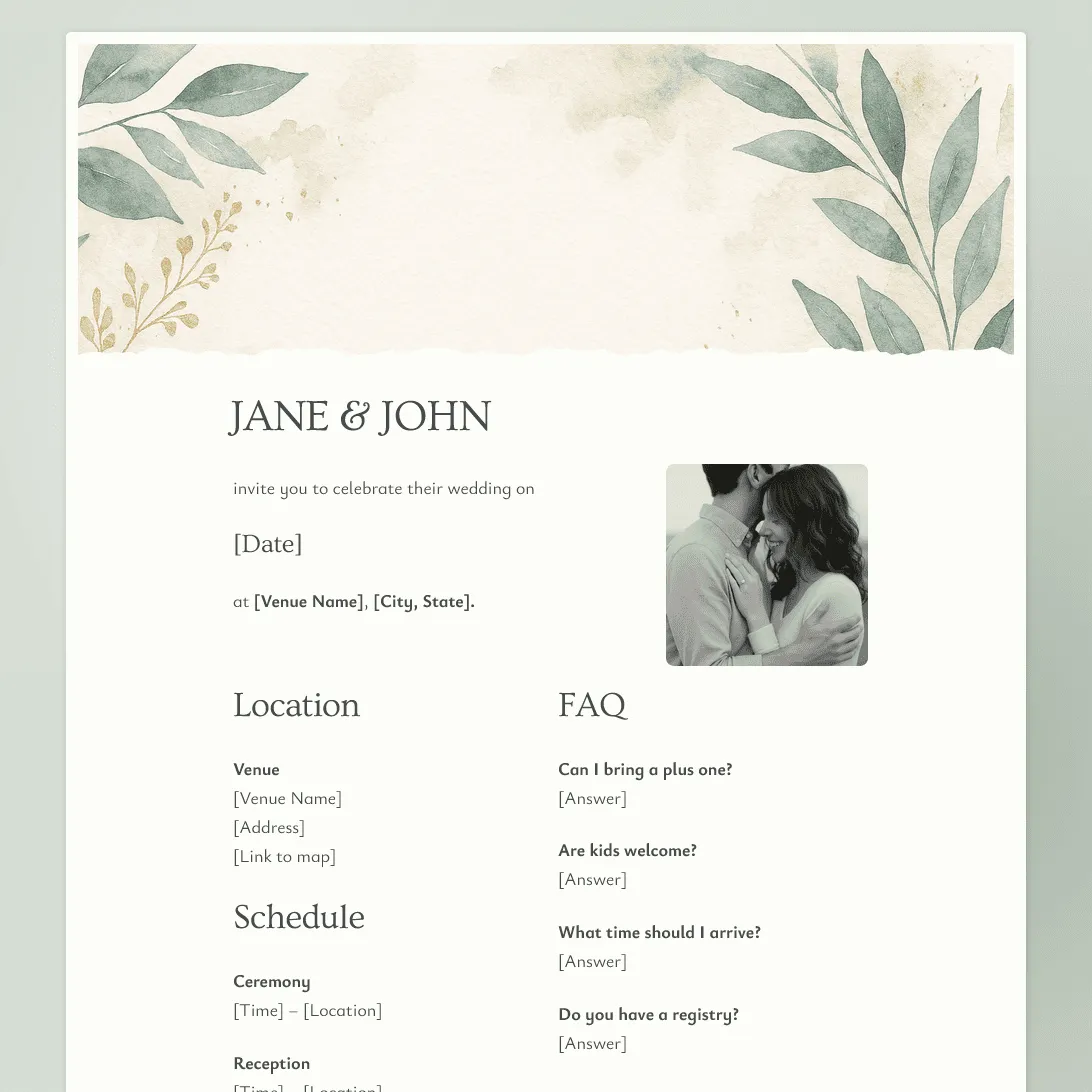
Wedding RSVP Form Template
Free wedding RSVP template for collecting guest replies, plus-ones, meal choices, dietary needs, song requests, and notes.
Need a custom wedding RSVP form?
Describe your wedding and FormGrid will generate a personalized RSVP form for you.
About this wedding RSVP template
Use this wedding RSVP form template to collect guest replies online and keep your headcount, plus-ones, meal choices, and notes in one place.
It works for wedding ceremonies, receptions, rehearsal dinners, welcome parties, brunches, and smaller wedding-related events. You can keep the RSVP simple with a yes or no, or add details like meal choices, song requests, accessibility needs, and messages for the couple.
What this template includes
This wedding RSVP template includes fields for:
- Guest name
- Email address or phone number
- Attendance response
- Plus-one or guest count
- Names of additional guests
- Meal choice
- Dietary restrictions or allergies
- Accessibility needs
- Song request
- Message for the couple
- Permission to receive wedding updates
You can make the form feel as formal or casual as your wedding. Rewrite the invitation text, remove questions you do not need, add questions for separate wedding events, change the design, or match the form to your wedding colors.
How to use this template
Click “Use this template” to open the wedding RSVP form in FormGrid.
- Add your wedding details. Replace the sample text with your names, wedding date, RSVP deadline, location, and any short note guests should read first.
- Update the RSVP options. Keep the default yes/no response, or adjust it for ceremony only, reception only, rehearsal dinner, welcome party, brunch, or other wedding events.
- Review the plus-one fields. Keep the guest count and additional guest name fields if guests can bring someone. Remove or rewrite them if each invitation is limited to named guests.
- Adjust the meal questions. Replace the sample meal choices with your own menu options, kids’ meals, or caterer notes. Keep the dietary restriction field if you need allergy or food preference details.
- Remove anything you will not use. Song requests, accessibility notes, travel details, and messages to the couple can be useful, but they should not stay in the form unless they fit your wedding.
- Use logic for different RSVP answers. With conditional logic, guests who cannot attend can skip meal and guest questions.
- Update the confirmation message. Let guests know their RSVP was received and explain how they can update their reply later. You can use a custom end page for a more personal message.
- Share the RSVP form. Send the link with your invitation, add it to your wedding website with an embed code, or include it in a follow-up email. You can review replies in the response table. When you need the final headcount, meal count, or guest list, export responses to CSV or Excel.
Related resources
- Event RSVP form template: A more general RSVP template for parties, dinners, launches, and private events.
- Event registration form template: Better for larger events with tickets, sessions, approvals, or detailed attendee information.
- How to create an online registration form: Useful if your RSVP needs more structure, guest types, or follow-up steps.
Wedding RSVP template FAQs
Can guests RSVP for a plus-one using this template?
Yes. The template includes guest count and additional guest name fields. Keep them if guests can bring someone, or remove them if each invitation is limited to named guests.
Can I use this RSVP form for multiple wedding events?
Yes. Update the RSVP options for the events you want guests to respond to, such as the ceremony, reception, rehearsal dinner, welcome party, or brunch. You can use conditional logic if different events need different follow-up questions.
Can I add this wedding RSVP form to my wedding website?
Yes. Publish the form, then add it to your wedding website with an embed code, or share the form link directly.
Can I get an email when someone RSVPs?
Yes. Turn on email notifications if you want new RSVP replies sent to your inbox.
How do I track the guest list?
Use the response table to review who is attending, who declined, guest counts, meal choices, and notes. You can also export responses when you need a spreadsheet for planning.
How much can I change in this wedding RSVP form template?
You can change anything, including the wording, RSVP options, meal choices, guest rules, design, confirmation message, and logic. You can also remove fields that do not fit your wedding.
Is this wedding RSVP form template free?
Yes. The template is free to use, and you can collect unlimited wedding RSVP responses on the free plan.
Related templates
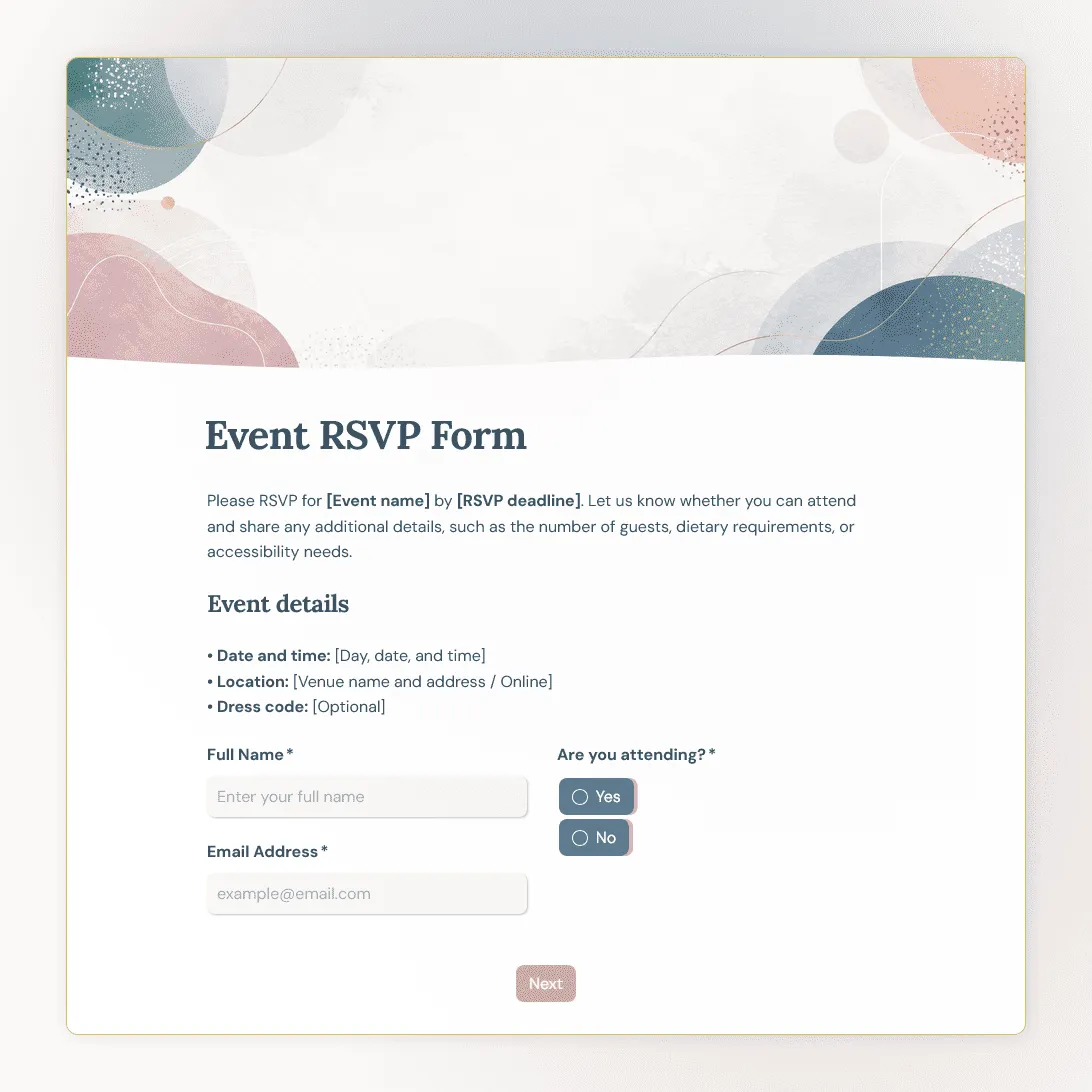
Event RSVP Form Template
Free event RSVP form template for parties, dinners, launches, fundraisers, workshops, open houses, and private events.

Event Registration Form Template
Use this free event registration form template to collect attendee details, preferences, and more.
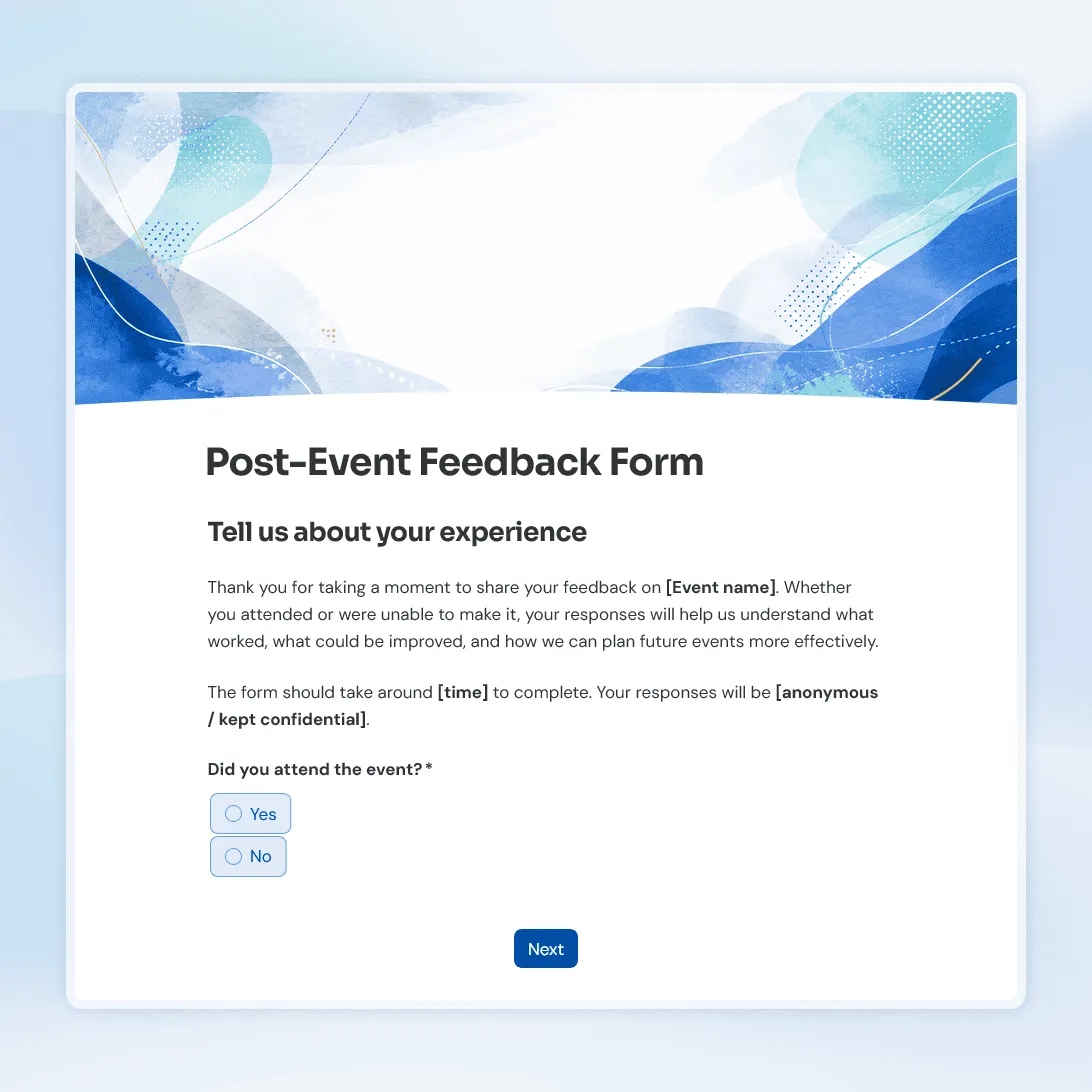
Post-Event Feedback Form Template
Free post-event feedback form template for collecting attendee feedback after workshops, conferences, fundraisers, meetups, and more.