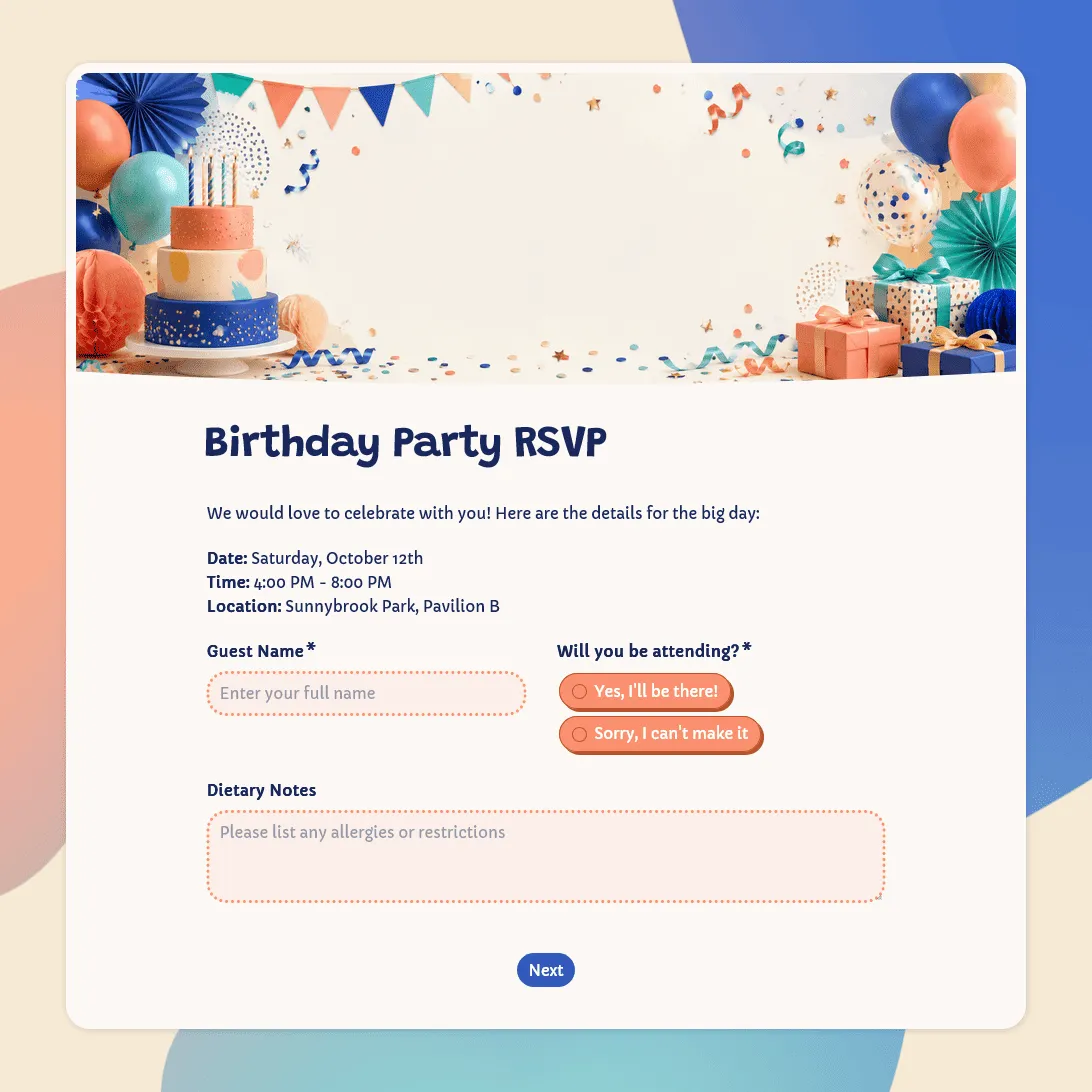
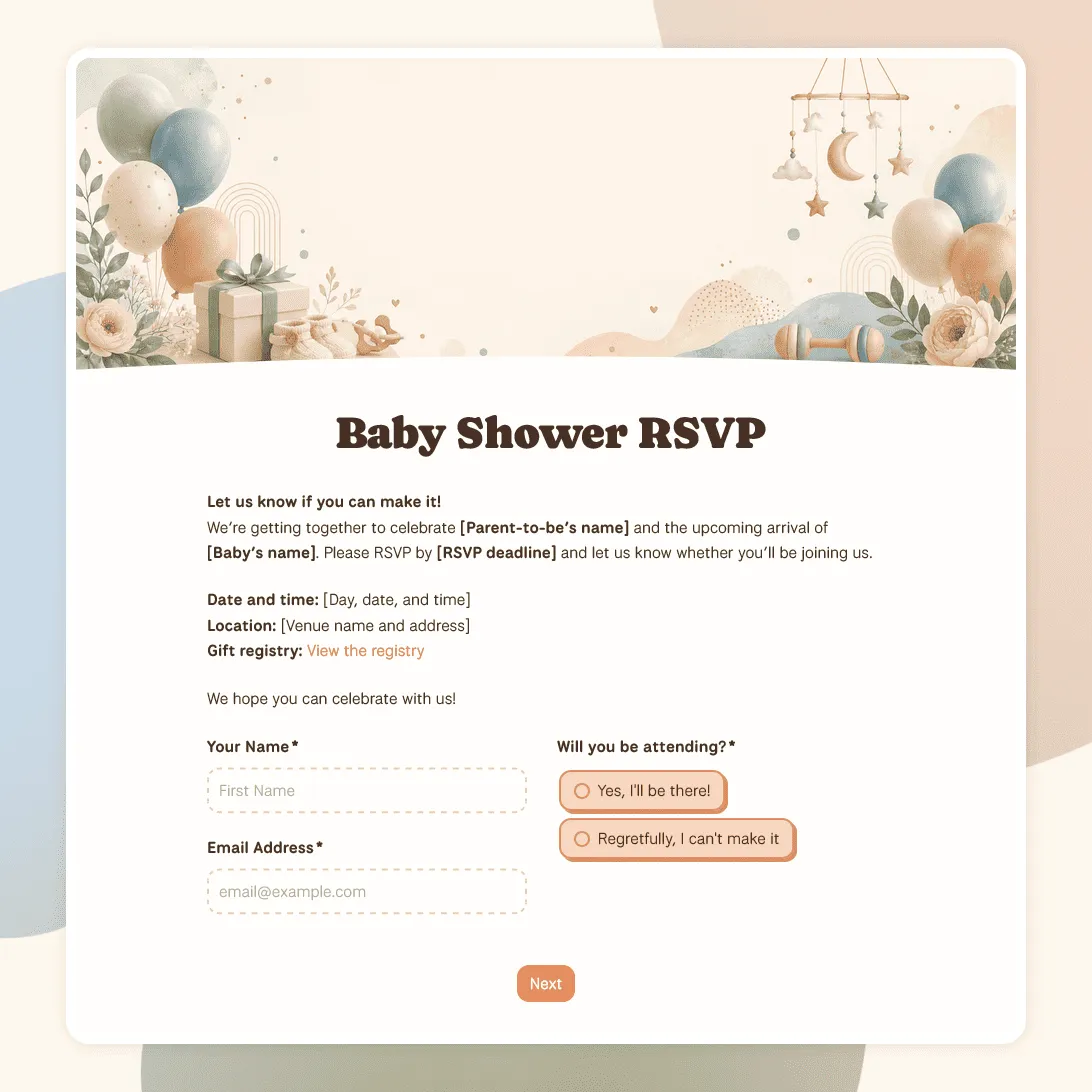
Party RSVP Template
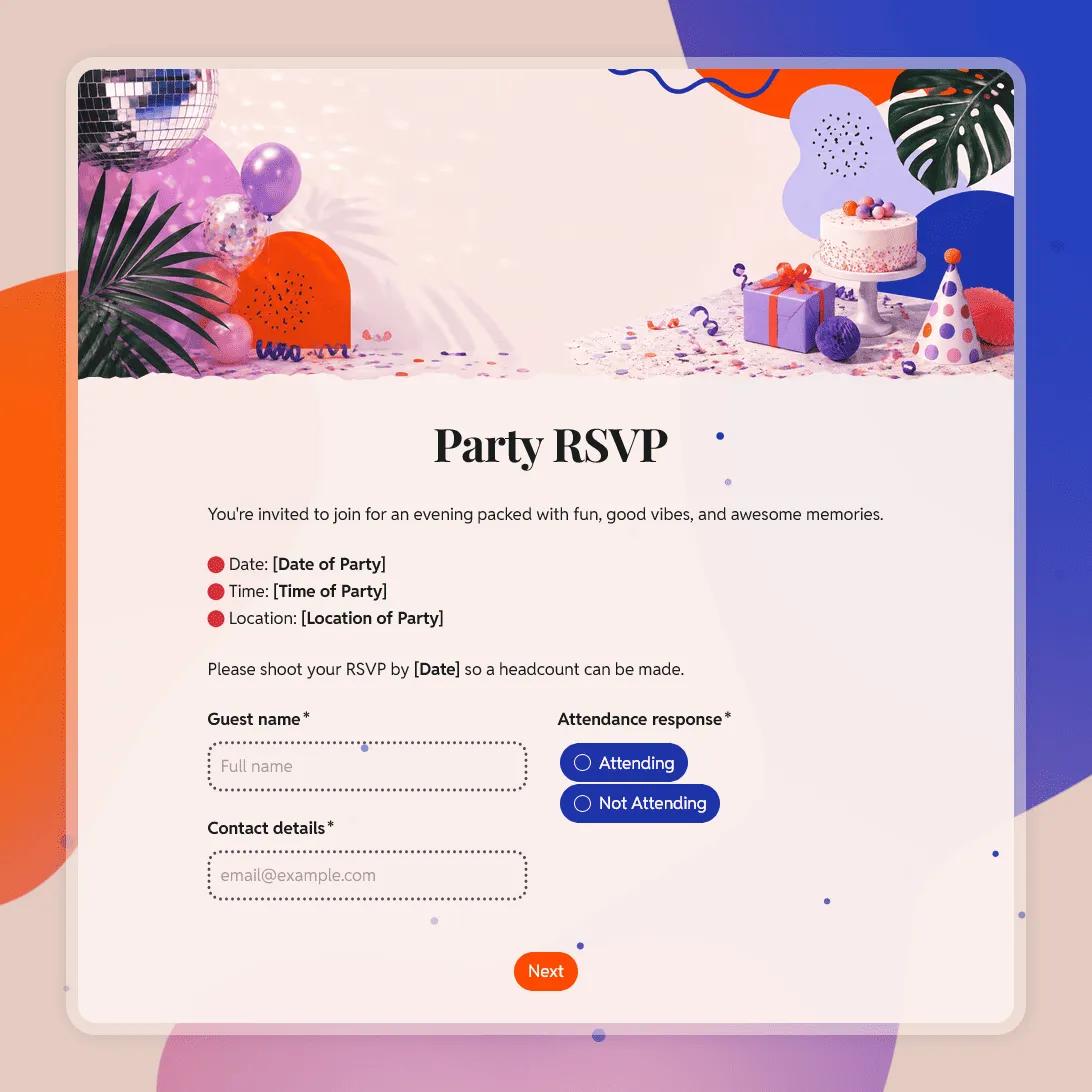
Free party RSVP template for birthdays, holidays, baby showers, and other celebrations. Create an online party RSVP and collect replies for free.
Need a custom party RSVP form?
Describe your party and FormGrid will generate a custom RSVP form you can edit and share.
About this party RSVP template
Use this party RSVP template to collect guest replies online for birthdays, house parties, dinner parties, holiday parties, graduation parties, baby showers, office parties, and casual celebrations.
The form gives guests a simple way to say whether they are coming, how many people they are bringing, and whether the host should know anything before the party. You can keep it short for a casual gathering, or add details like meal choices, song requests, accessibility notes, and messages to the host.
It also works as a simple party RSVP website. Publish the form, copy the link, and share it by text, email, QR code, social media, or digital invitation.
What this template includes
This party RSVP form template includes questions for:
- Guest name and contact details
- Attendance response
- Guest count and plus-one details
- Meal choice or dietary notes
- Accessibility needs
- Song, activity, or party request
- Optional message to the host
- RSVP confirmation message
Everything can be edited, removed, or reordered to fit your party.
How to use this template
Click “Use this template” to open the party RSVP form in FormGrid.
- Add your party details. Replace the sample text with the party name, host, date, time, location, RSVP deadline, and any short note guests should read first.
- Update the RSVP options. Keep the basic yes/no reply, or add options like “Maybe”, “Coming later”, or “Dinner only” if they fit your event.
- Review the guest fields. Keep guest count and plus-one fields if people can bring someone. Remove them if the invitation is for named guests only.
- Adjust the food and access questions. Keep meal choices, dietary notes, or accessibility questions only when they help you plan.
- Add personality where it fits. Party RSVPs can include song requests, costume notes, gift preferences, activity choices, or a message to the host.
- Use logic for shorter replies. With conditional logic, guests who cannot attend can skip food, guest count, and activity questions.
- Update the confirmation message. Use a custom end page to confirm the RSVP and share any next step.
- Publish and share the form. Send the RSVP link directly, add it to your invitation, or embed it on a party page with an embed code.
You can review replies in the response table. For a guest list, meal count, or check-in sheet, export responses to CSV or Excel.
Ways to share your online party RSVP
After publishing, you can use the same RSVP link in different places:
- Add it to free online party invitations with RSVP instructions
- Send it by text, email, WhatsApp, or Messenger
- Put it in a social media event description
- Turn it into a QR code for printed invitations or posters
- Embed it on a party website or event page
This makes it easy to keep replies in one place, even when guests receive the invitation through different channels.
Party RSVP template FAQs
Can I use this as an online party RSVP?
Yes. Publish the form and share the link with your guests. They can RSVP from their phone, tablet, or computer.
Can I create a free party RSVP website?
Yes. Once published, your form has its own shareable page. You can use it as a free party RSVP website with the party details, RSVP questions, and confirmation message in one place.
Can I make free online party invitations with RSVP?
You can create an invitation-style RSVP page in FormGrid and share the link with guests. If you already use a separate invitation design, add the RSVP link there so guests can respond online.
Can guests RSVP for more than one person?
Yes. The template includes guest count and plus-one details. Keep those fields if guests can bring someone, or remove them if each invitation is only for one person.
Can I collect meal choices or dietary restrictions?
Yes. Keep the meal and dietary fields if food planning matters for your party. You can remove them for casual events where you only need a headcount.
Can I create a QR code for my party RSVP?
Yes. Publish the form, copy the RSVP link, and paste it into a QR code generator. You can add the QR code to printed invitations, flyers, posters, or table cards.
Can I send the party RSVP by email or text?
Yes. Copy the published form link and send it by email, text, WhatsApp, Messenger, or any other channel you use to invite guests.
Can I show different questions based on someone’s RSVP answer?
Yes. Use conditional logic so guests who are attending see follow-up questions, while guests who decline can skip them.
How do I track party RSVPs?
Use the response table to review who is coming, who declined, guest counts, meal choices, and notes. You can also export responses when you need a spreadsheet.
Is this party RSVP template free?
Yes. The template is free to use, and you can collect unlimited party RSVPs on the free plan.
Related templates
Birthday Party RSVP Template
Free birthday RSVP template for creating online birthday invitations with RSVP. Share an RSVP link, collect replies, and track guests in one place.
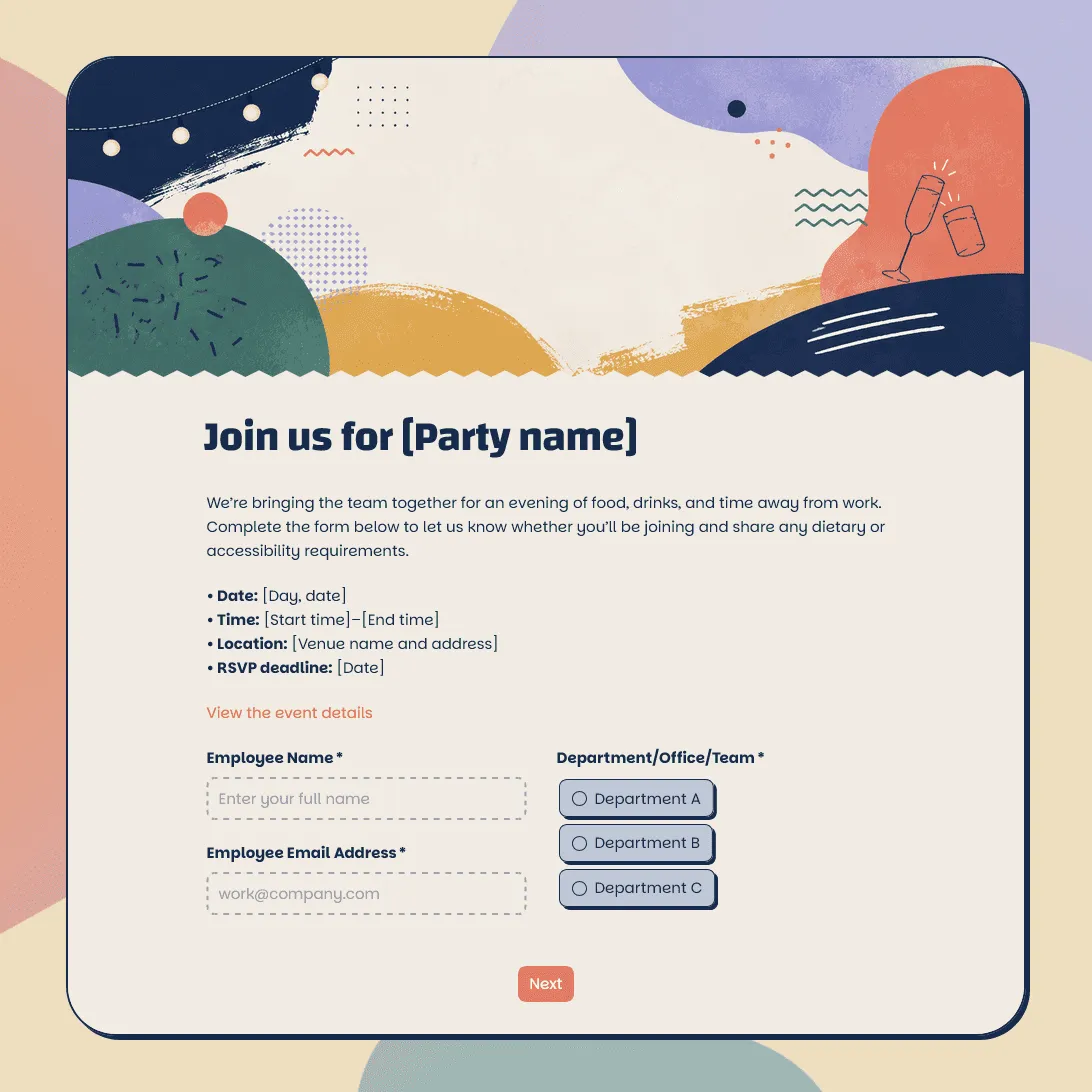
Wedding RSVP Form Template
Free wedding RSVP template for collecting guest replies, plus-ones, meal choices, dietary needs, song requests, and notes.
Baby Shower RSVP Template
Free baby shower RSVP template for collecting guest replies, guest counts, meal notes, gift details, and messages for the parents-to-be.