Company Party Registration Form Template
Free company party registration form template for holiday parties, summer parties, team celebrations, offsites, and employee events.
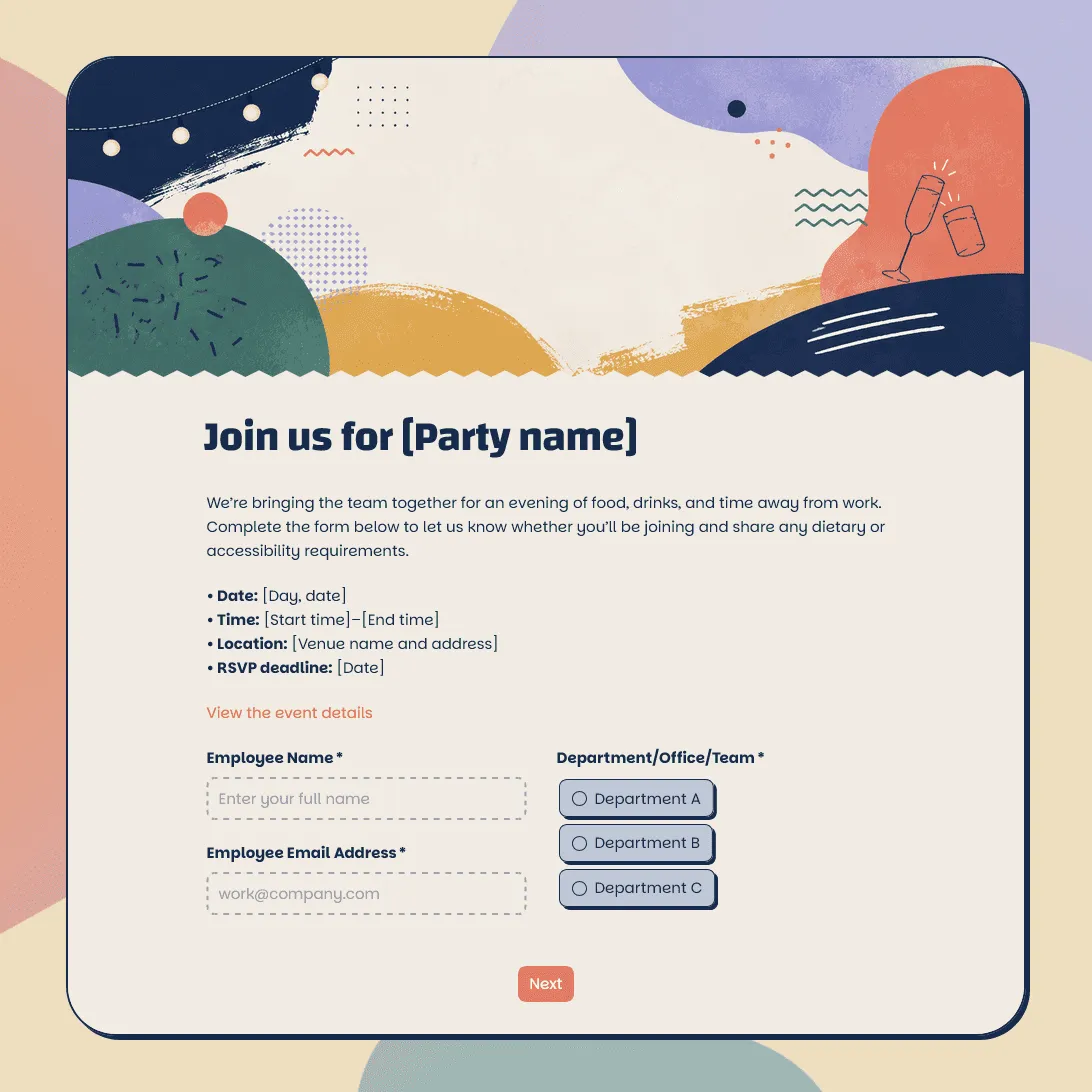
Need a custom party registration form?
Describe your event and FormGrid will generate a tailored registration form template for you.
About this company party registration form template
Company parties usually start with a simple question: who is coming? After that, the details matter quickly: guests, departments, meal choices, dietary restrictions, accessibility needs, transportation, activity signups, and headcount for the venue.
Our company party registration form template helps you collect those details before the event, whether you are planning a holiday party, summer party, anniversary celebration, company retreat dinner, office opening, team celebration, awards night, or end-of-year event.
Use this template when employees need to register themselves, add a guest, choose event options, or share information your team needs for planning. If you only need a quick attendance reply, an event RSVP form template or party RSVP template may be enough.
What this template includes
This template gives you a practical starting point for:
- Employee name and email address
- Department, office, or team
- Attendance status
- Plus-one or guest details
- Meal choice
- Dietary restrictions or allergies
- Accessibility needs
- Transportation or shuttle needs
- Arrival time or time slot
- Activity or entertainment preferences
- Seating notes
- Photo and video consent
- Event update permission
- Notes for the organizer
Everything can be customized: questions, descriptions, fields, conditional logic, layout, theme, colors, fonts, button styles, confirmation message, and automatic email steps.
How to use this template
Click “Use this template” to open the company party registration form in FormGrid.
- Add the event details. Update the title, intro text, company name, event date, time, location, registration deadline, and organizer contact.
- Review the employee fields. Keep the name, email, department, office, or team questions that help you manage the guest list.
- Set up attendance and guest options. Decide whether employees can bring a plus-one, register guests, choose a time slot, or update their attendance later.
- Adjust food and accessibility questions. Keep meal choice, allergies, dietary restrictions, and accessibility needs where they affect catering or venue planning.
- Add event-specific questions. Include transportation, seating notes, activity choices, award nominations, song requests, or team preferences if they help your organizers prepare.
- Use logic to keep the form shorter. With conditional logic, employees who bring a guest can see guest questions, while employees attending alone can skip them.
- Send event details automatically. Add a send email block so registrants receive an email after signing up. You can include the event address, arrival time, dress code, transportation notes, calendar details, or contact information.
- Customize the design. Update the theme, colors, fonts, button styles, layout, and descriptions so the registration page matches the event style.
- Publish and share the form. After you publish the form, send the link by email, Slack, Teams, intranet, calendar invite, or QR code. You can also add it to an internal event page with an embed code.
For help planning the signup flow, required fields, follow-up steps, and sharing options, read how to create a registration form.
Responses appear in your response table, where you can review attendees, guests, meal choices, dietary needs, departments, and notes. You can also export responses when you need a spreadsheet for catering, venue planning, check-in, seating, transportation, or internal reporting.
Tips for company party registrations
A clear registration form keeps the planning team from chasing details across email threads and chat messages.
-
Ask for the details your vendors need. Catering, venue, transport, entertainment, and security teams may all need different pieces of the registration list.
-
Make guest rules clear. If plus-ones are allowed, explain who can be added, whether guest names are required, and whether guest details can be updated later.
-
Keep dietary questions easy to answer. Use clear options for common dietary needs, then add one optional field for allergies or special notes.
-
Collect department or office details when useful. This can help with seating, team activities, office-specific reporting, or regional headcounts.
-
Use the confirmation email for practical details. Employees may need the location, arrival time, dress code, parking notes, shuttle details, or a reminder about the registration deadline.
Company party registration form template FAQs
What should a company party registration form include?
A company party registration form usually includes employee name, email address, department, attendance status, guest details, meal choice, dietary restrictions, accessibility needs, transportation notes, and event updates.
Can employees register a plus-one?
Yes. Add guest fields for name, dietary needs, accessibility notes, and any other details your event team needs. With conditional logic, guest questions can appear only when someone says they are bringing a plus-one.
Can I send employees an automatic confirmation email?
Yes. Add a send email block to send an email after registration. You can include the event address, arrival time, dress code, parking details, shuttle information, or next steps.
Can I embed this company party registration form on an internal page?
Yes. After publishing, you can add the form to an intranet, company wiki, event page, or internal website with an embed code, or share the form link directly.
Can I customize this company party registration form?
Yes. You can fully customize the registration experience for your company event, including the questions, guest logic, visual design, images, confirmation message, and event-detail email.
Is this template free?
Yes. This template is free to use, and you can collect unlimited company party registrations on the free plan.
Related templates
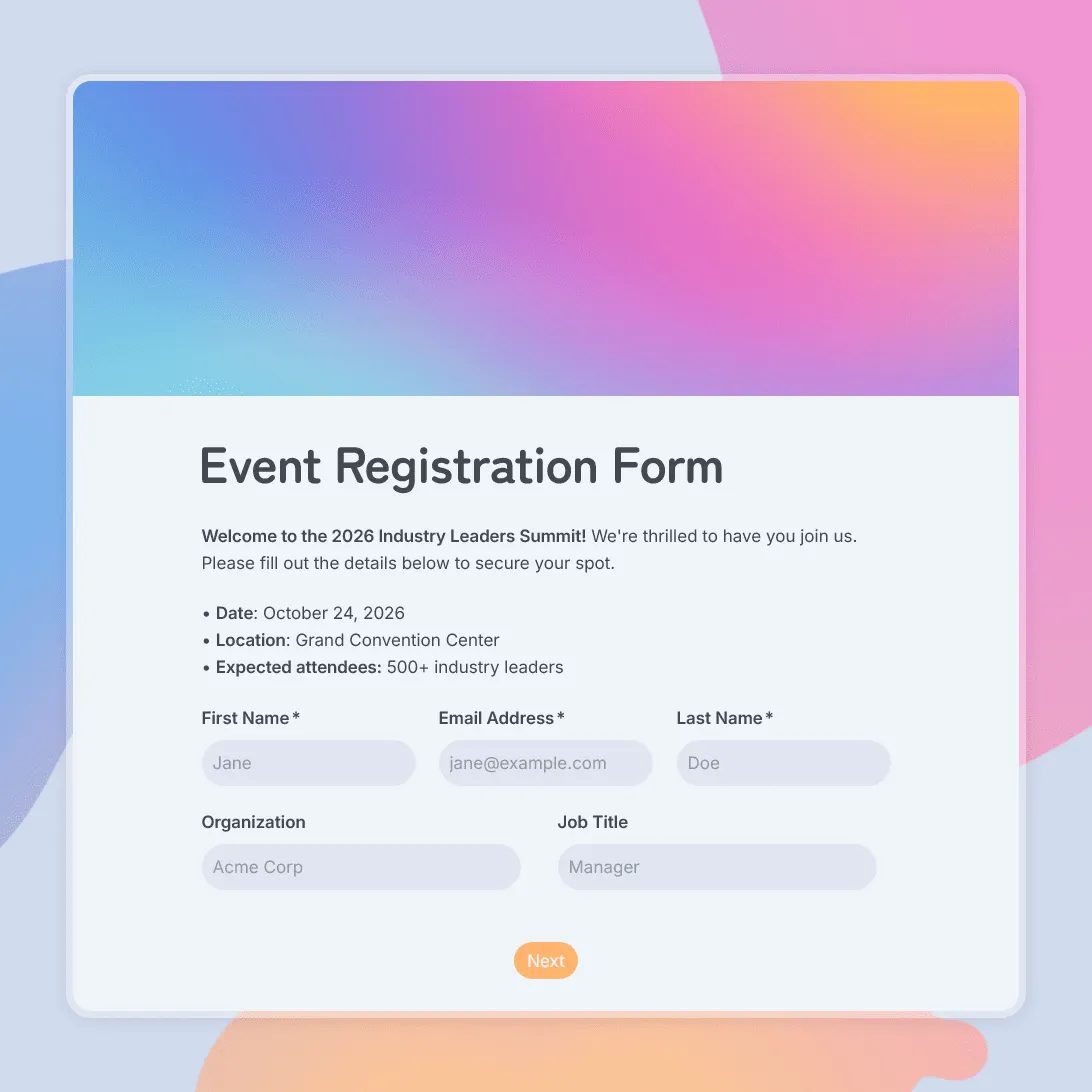
Event Registration Form Template
Use this free event registration form template to collect attendee details, preferences, and more.
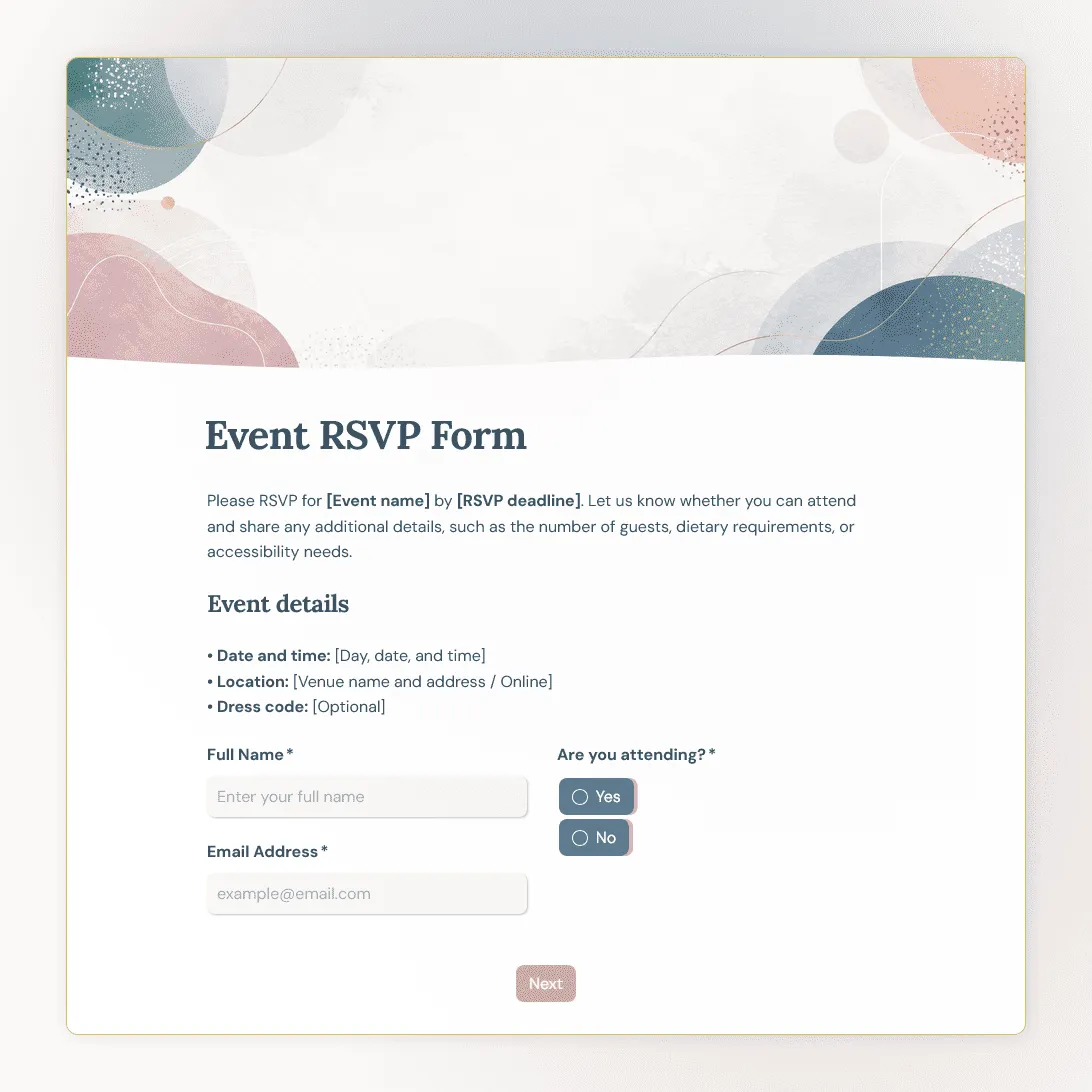
Event RSVP Form Template
Free event RSVP form template for parties, dinners, launches, fundraisers, workshops, open houses, and private events.
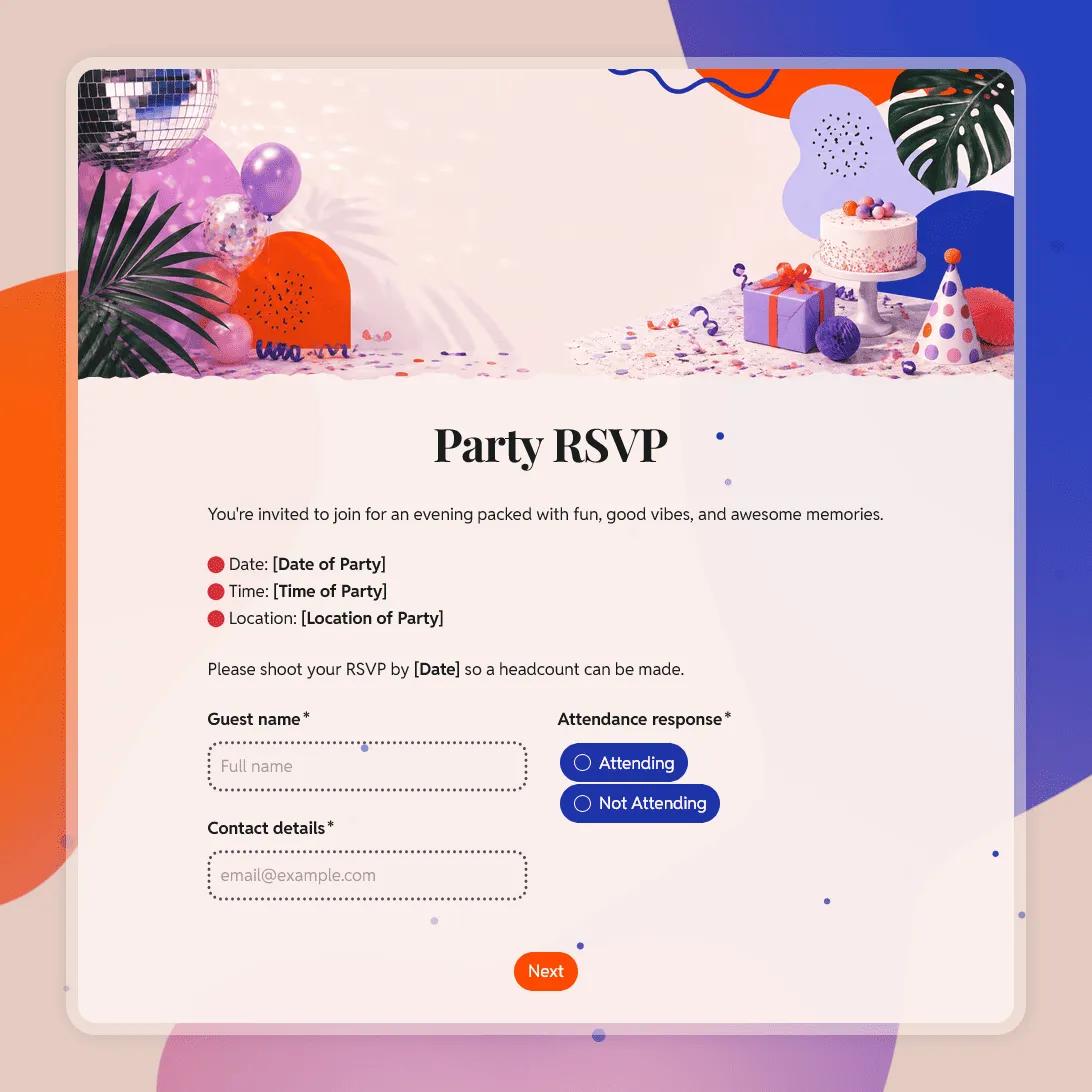
Party RSVP Template
Free party RSVP template for birthdays, holidays, baby showers, and other celebrations. Create an online party RSVP and collect replies for free.