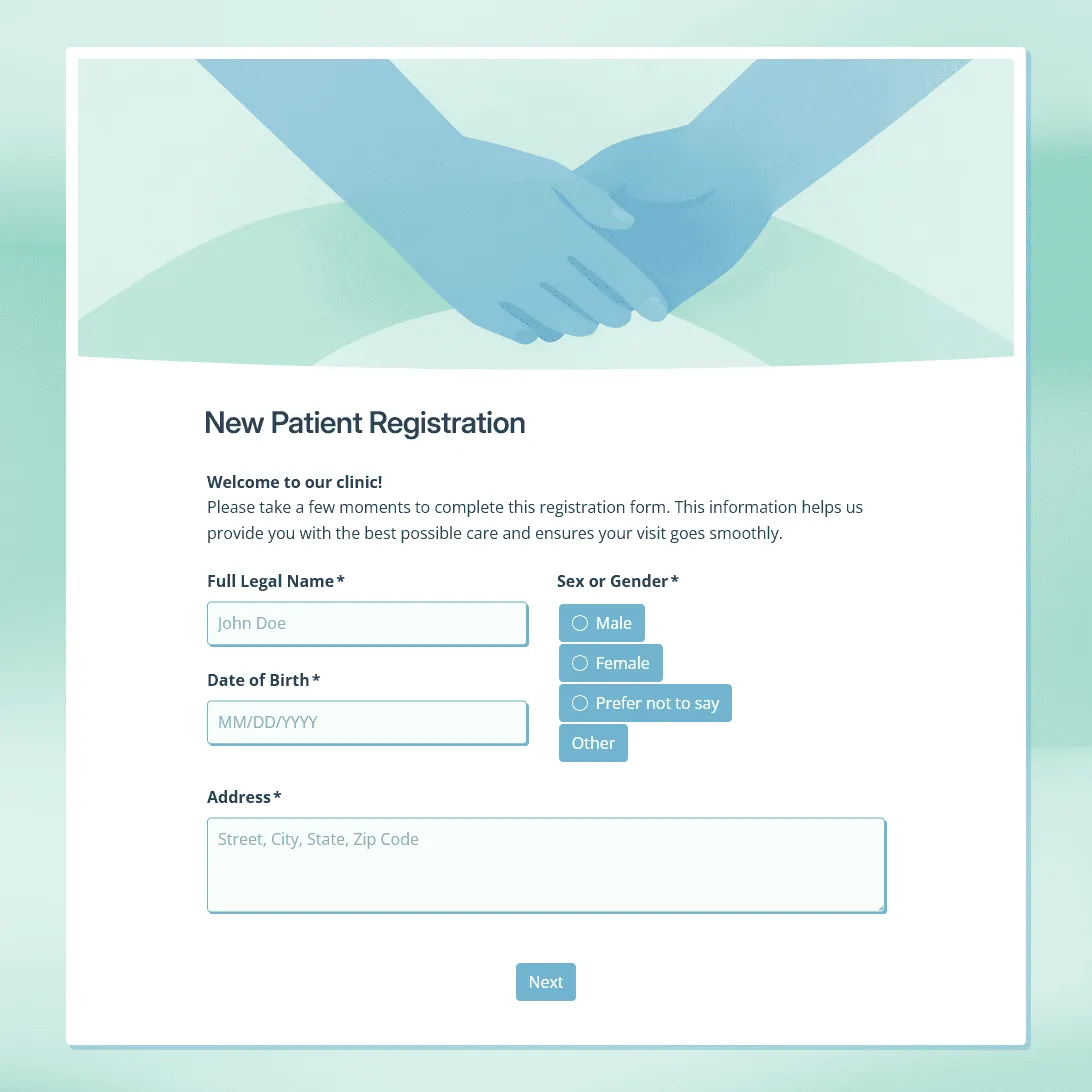
New Patient Registration Form Template
Use this free new patient registration form template for clinics and healthcare practices. Collect patient details, insurance information, medical history, and more.
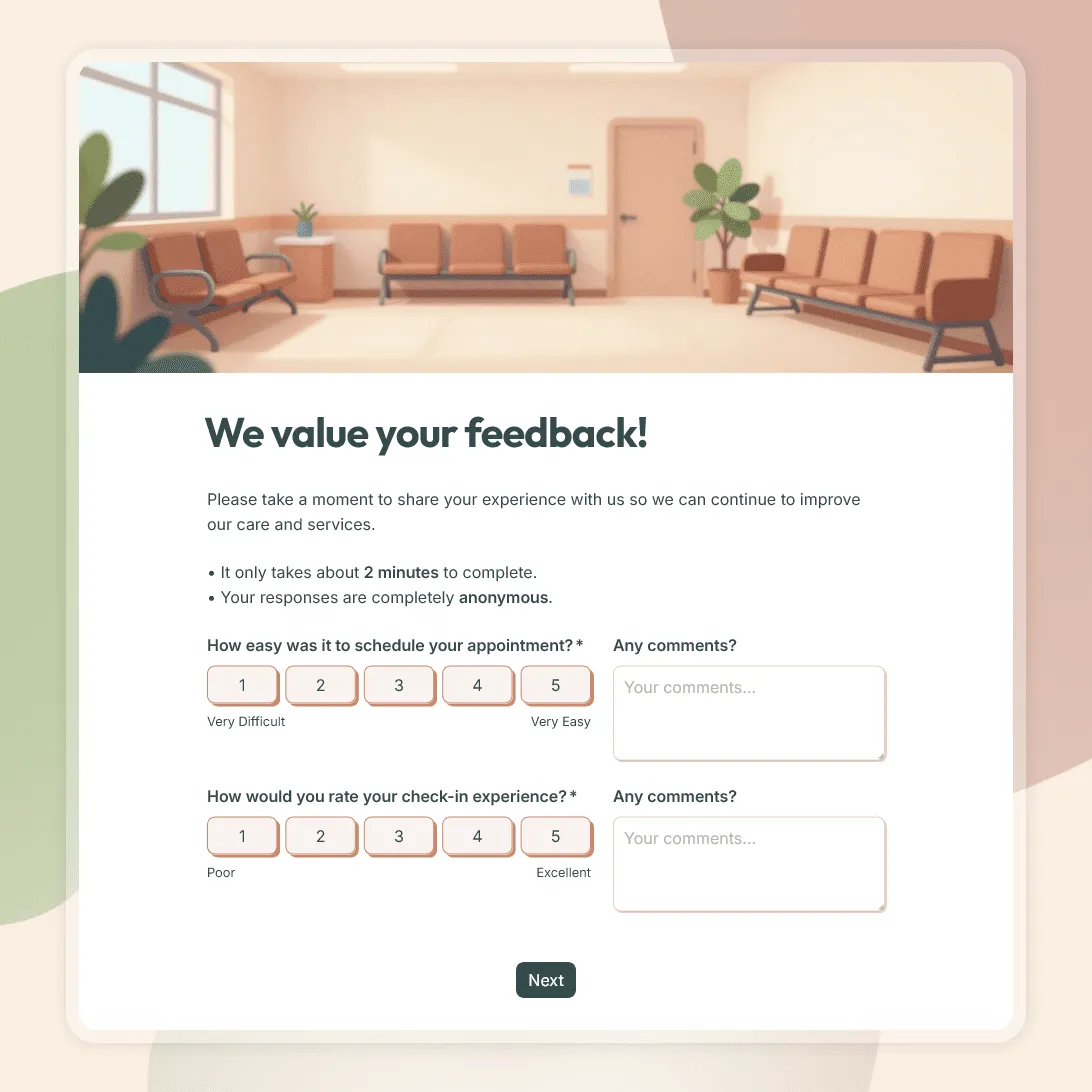
Patient Feedback Form Template
Use this free patient feedback form template to collect feedback on staff, communication, facilities, and overall patient experience.
About healthcare form templates
Use these templates for patient registration, intake forms, appointment requests, feedback surveys, consent forms, and other healthcare-related workflows.
They are useful for clinics, private practices, wellness providers, therapists, dental offices, specialists, and healthcare teams that need a clearer way to collect patient details, requests, files, signatures, or feedback.
What these templates cover
- Patient registration and intake: For new patient details, contact information, insurance details, emergency contacts, medical history, medications, allergies, consent, and signatures.
- Appointment and visit requests: For preferred dates, reason for visit, patient contact details, referral information, and notes before scheduling.
- Patient feedback: For feedback about booking, wait times, communication, staff, facilities, and the overall visit experience. For help planning the form, see how to create a feedback form.
- Consent and acknowledgment forms: For treatment consent, policy acknowledgments, privacy acknowledgments, parent or guardian approval, and signed agreements.
- Referrals and supporting documents: For referral details, insurance cards, intake documents, IDs, images, and other files.
- Follow-up requests: For post-visit questions, service requests, check-ins, and non-urgent follow-up details.
Handling patient information
Healthcare forms can include sensitive personal or medical information. Before sharing a form, review what you are collecting, who can access the responses, and whether your workflow needs specific privacy, legal, or compliance requirements.
Keep each form focused on its purpose and avoid collecting medical details unless there is a clear reason.
Frequently asked questions
Can I use these templates for new patient registration?
Yes. You can use them to collect patient details, contact information, insurance details, emergency contacts, medical history, medications, allergies, consent, and signatures.
Can I use one form for different visit types or services?
Yes. Add a question for the visit type, service, provider, or location, then use conditional logic to show the right follow-up questions.
Can patients upload documents or images?
Yes. Use a file upload field for insurance cards, referral documents, IDs, intake documents, images, or other supporting files.
Can I collect signatures on healthcare forms?
Yes. Add a signature field when you need a signed consent form, acknowledgment, waiver, or parent or guardian approval.
Can I embed a healthcare form on a clinic website?
Yes. After publishing, you can add the form to your website with an embed code, or share it with a direct link.
Can I show instructions after someone submits the form?
Yes. Use a custom end page to confirm the submission, explain next steps, share preparation notes, or tell patients when they can expect a reply.
Can I get an email when someone submits a healthcare form?
Yes. Turn on email notifications to receive new registrations, requests, feedback responses, or file submissions in your inbox.
How do I review healthcare form responses?
You can review submissions in the response table. You can also export responses to CSV or Excel when you need to organize the data outside FormGrid.
Can I collect patient feedback after a visit?
Yes. Use a feedback form after an appointment, consultation, treatment, or clinic visit. For help planning the questions, see how to create a feedback form.
Are these healthcare form templates free?
Yes. All FormGrid templates are free to use, and you can collect unlimited responses on the free plan.