New Patient Registration Form Template
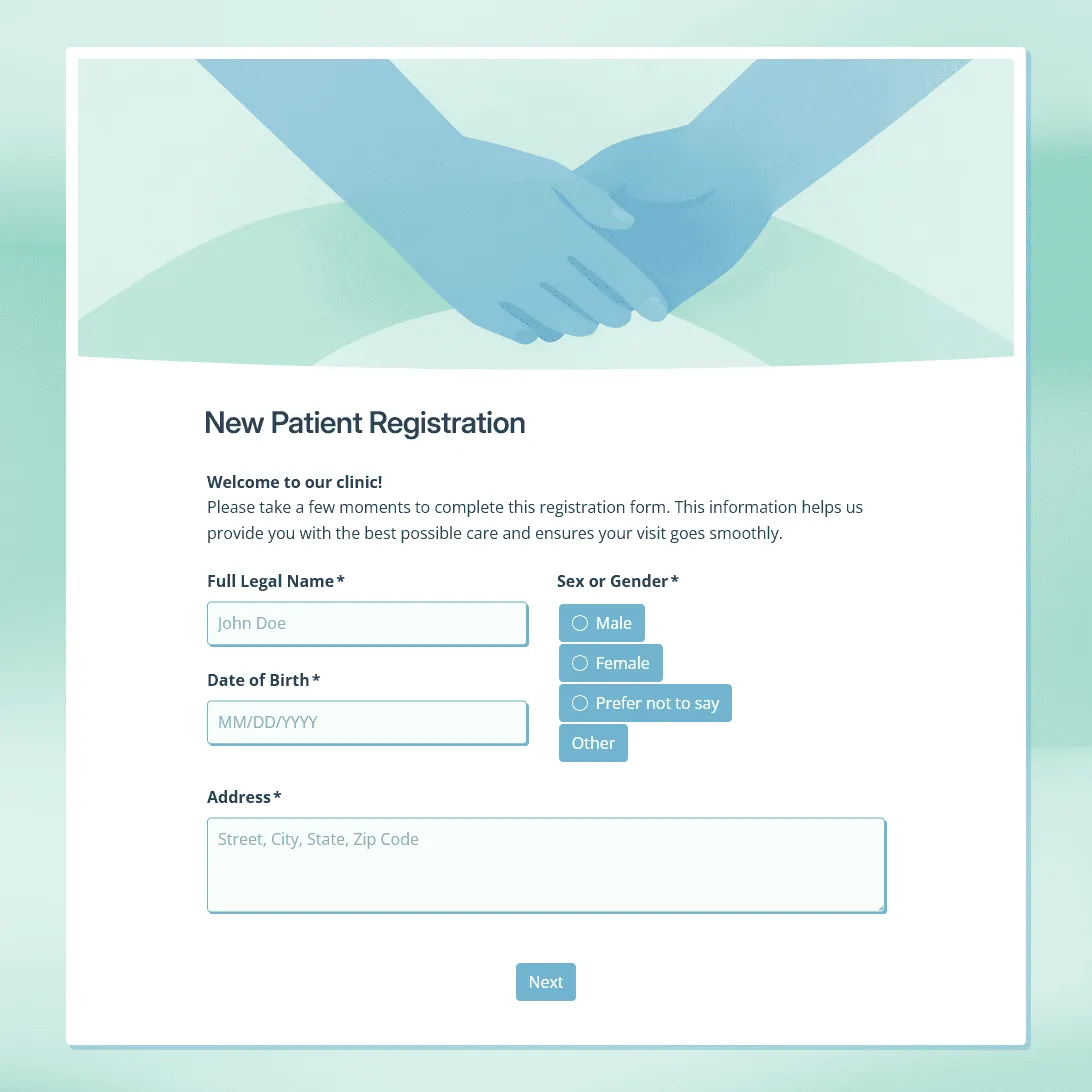
Use this free new patient registration form template for clinics and healthcare practices. Collect patient details, insurance information, medical history, and more.
Need a custom new patient registration form?
Describe your patient registration process, and FormGrid will generate a custom form for your practice.
About this new patient registration form template
A new patient registration form helps your practice collect the details needed before a first appointment. Patients can fill out their contact information, insurance details, reason for visit, medical history, medications, allergies, emergency contact, consent, and communication preferences before they arrive.
This editable new patient registration form template gives clinics, private practices, dental offices, therapy practices, physiotherapy clinics, outpatient services, and wellness centers a practical starting point for patient intake.
How to use this new patient registration form template
Click “Use this template” to copy the form. Then review the sections before sending it to patients.
- Update the intro text. Add your practice name, appointment instructions, location details, and any documents patients should have ready.
- Review the patient details section. Keep the fields your team needs to create or update the patient record.
- Edit the insurance section. Match the insurance fields to your billing process. If patients need to upload an insurance card, ID, referral, or other document, add a file upload field.
- Check the medical history questions. Keep the questions relevant to the first visit. Longer history fields can stay optional.
- Replace the consent text. Add your own treatment consent, privacy acknowledgment, financial policy, and communication permissions.
- Review the signature field. Keep it if patients or guardians need to sign before the appointment, and remove it if your practice does not need a signed response.
- Update the confirmation message. Tell patients what happens after they submit the form, what to bring, and whether they should arrive early.
- Publish the form. When the form is ready, publish it and get the link to share with new patients.
New patient registration form questions
The exact questions depend on your intake process, but most new patient forms cover these areas.
Patient details
- Full legal name
- Preferred name
- Date of birth
- Sex or gender, if needed for your records
- Address
- Phone number
- Email address
- Preferred contact method
- Preferred language
Appointment details
- Reason for visit
- Appointment type
- Referring provider, if applicable
- Primary care provider
- Preferred pharmacy
- Notes for the care team before the visit
Insurance and billing
- Insurance provider
- Policy or member ID
- Group number
- Policyholder name
- Relationship to policyholder
- Billing address, if different
Emergency contact
- Emergency contact name
- Relationship to patient
- Phone number
- Alternate phone number
- Permission to contact this person in an emergency
Medical history
- Current medications
- Medication allergies
- Food or environmental allergies
- Existing medical conditions
- Past surgeries or hospitalizations
- Family medical history, if relevant
- Pregnancy status, if relevant to the visit
- Other notes the provider should know
Consent and acknowledgments
- Consent to treatment
- Privacy notice acknowledgment
- Financial policy acknowledgment
- Permission to leave voicemail
- Permission to send appointment reminders
- Patient or guardian signature
- Date of signature
How to publish and share the form
Once the form is ready, publish it and share the link with new patients before their first appointment.
Common ways to share it:
- Appointment confirmation email: Add the form link so patients can complete registration after booking.
- SMS reminder: Send the link before the visit for patients who are more likely to respond on mobile.
- Patient portal message: Include the link with the rest of the appointment instructions.
- Clinic website: Add the form to a new patient or intake page.
- Website embed: Use an embedded form so patients can complete registration directly on your website.
- Popup embed: Use a popup embed if you want the form to open from a button, after page load, after scrolling, or on exit intent.
- QR code at reception: Turn the form link into a QR code for patients who arrive without completing it.
- Tablet at the front desk: Open the form on a tablet for walk-ins or same-day registrations.
After a patient submits the form, the response appears in your response table. You can also turn on email notifications so the right person gets an alert for each new registration.
If your team needs to work with the data outside FormGrid, export responses as CSV or XLSX.
Related guides and resources
- How to create a registration form: a practical guide to building a registration form from scratch, including planning, field selection, layout, conditional logic, and sharing.
- Registration form templates: for more templates built around signups, intake, and registration.
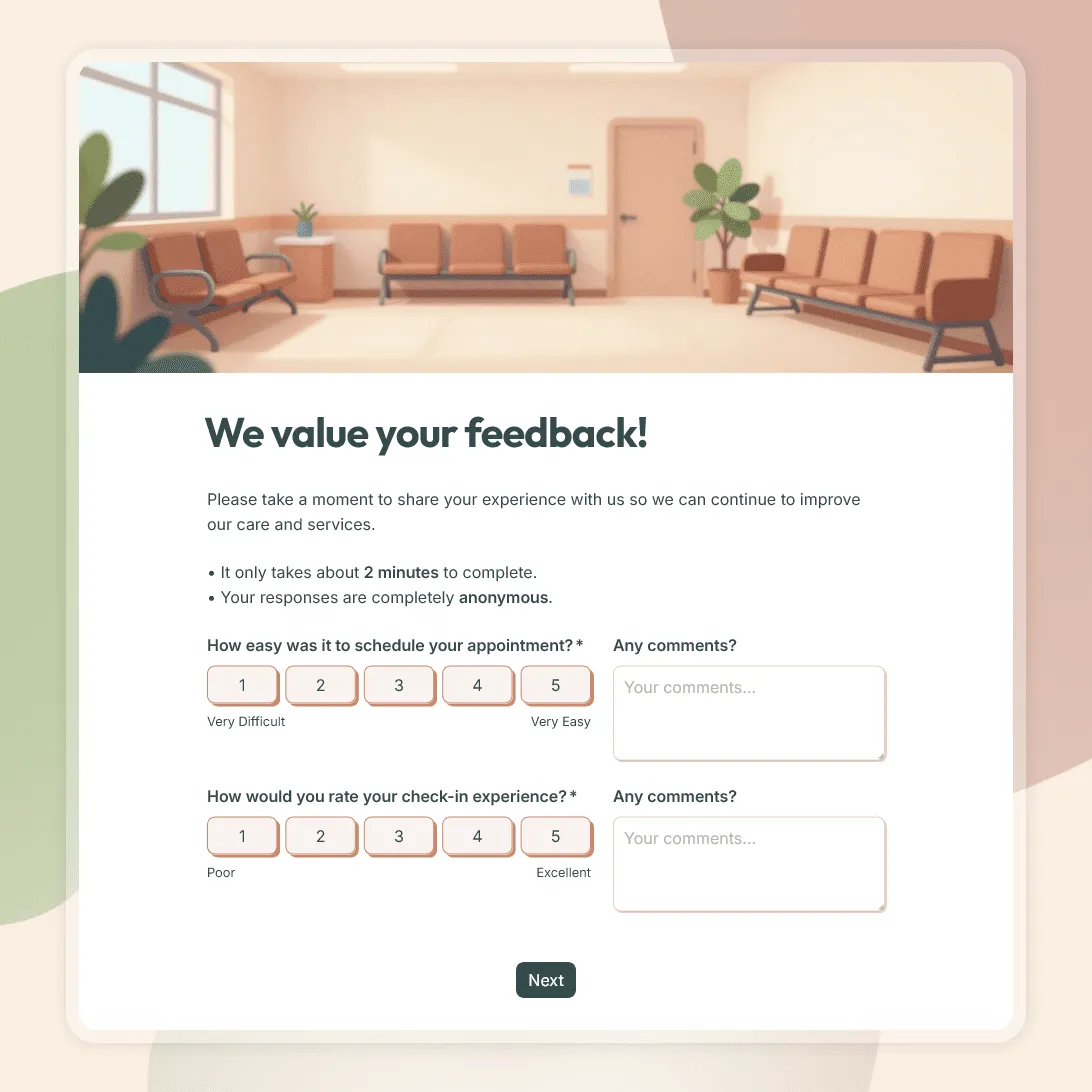
- Patient feedback form template: for collecting feedback after appointments, visits, and consultations.
New patient registration form FAQs
What should a new patient registration form include?
A new patient registration form should include patient details, contact information, address, emergency contact, insurance details, reason for visit, relevant medical history, current medications, allergies, consent, privacy acknowledgment, and a patient or guardian signature.
When should patients complete the registration form?
Patients should complete the form before their first appointment when possible. Sending it ahead of time gives them more time to check insurance details, medication names, and emergency contact information.
Can I use this form for telehealth appointments?
Yes. Keep the reason for visit, contact details, preferred communication method, and consent fields. Add telehealth-specific instructions if needed, such as video appointment details, device requirements, or where patients should expect the appointment link.
Can patients complete this form on their phone?
Yes. FormGrid forms work on mobile devices, so patients can complete the form from a phone before the appointment or at reception.
Can I collect a signature on this form?
Yes. The template includes a signature field. Use it for consent to treatment, privacy acknowledgment, financial policy, or other practice-specific agreements.
Is this new patient registration form template free?
Yes. This template is free to use. FormGrid also includes unlimited forms and unlimited responses on the free plan, so you can collect new patient registrations without response caps.