Accounting Client Intake Form Template
Free accounting client intake form template for collecting client details, services needed, accounting setup, tax information, deadlines, and documents.
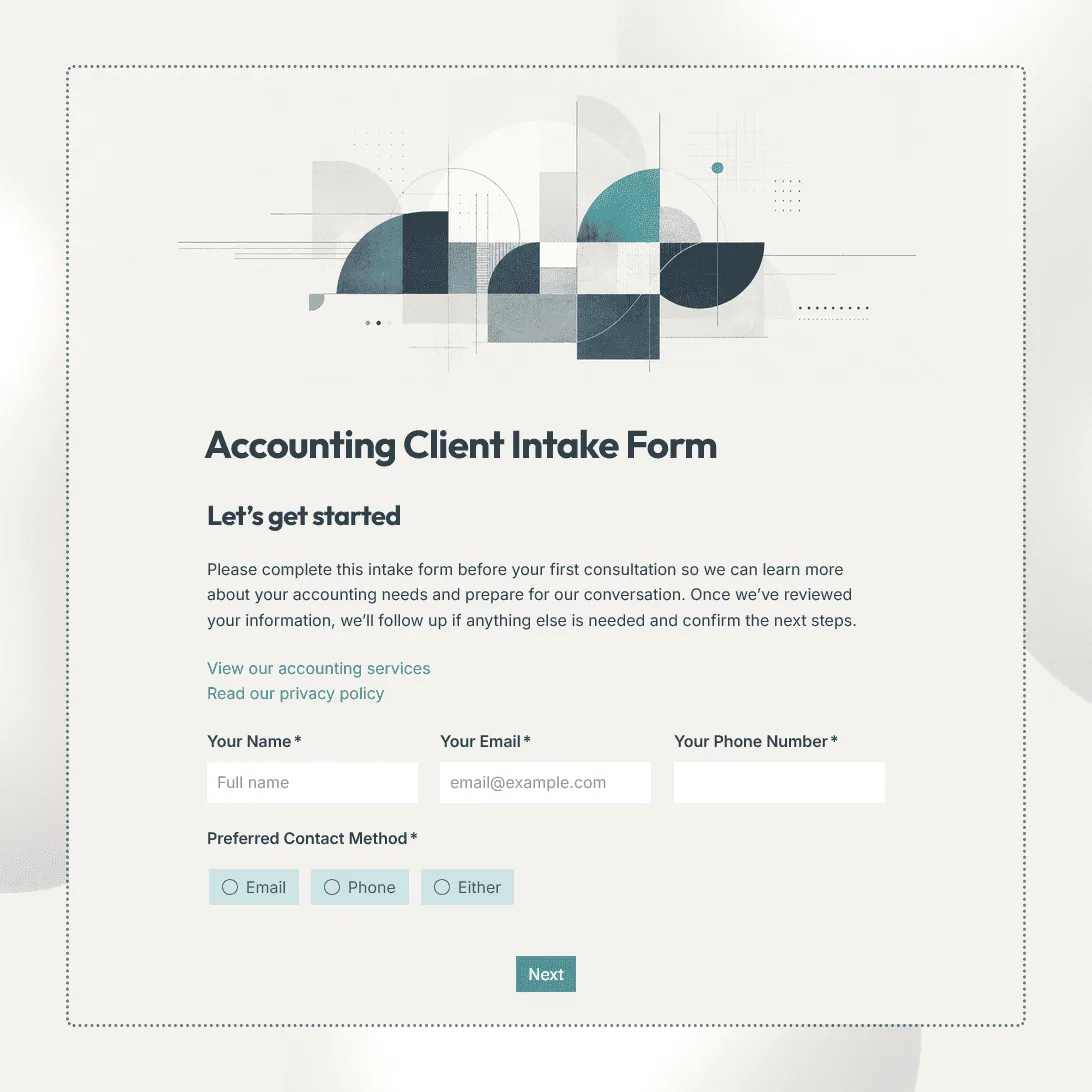
Need a custom accounting client intake form?
Describe your accounting services and FormGrid will generate a tailored form for your firm.
About this accounting client intake form template
Use this accounting client intake form template to collect the information your firm needs when taking on a new client.
The template covers client and business details, accounting services needed, current bookkeeping setup, accounting software, tax and payroll information where relevant, important deadlines, documents to review, and notes for your team.
It works for accounting firms, CPAs, bookkeepers, outsourced finance teams, and independent accountants. You can remove sections that do not apply and add your own questions for tax preparation, bookkeeping, payroll, reporting, advisory work, or other services.
What this template includes
The accounting client intake form includes fields for:
- Client name and contact details
- Business name and address
- Business structure or entity type
- Industry or type of business
- Accounting services needed
- Current accounting or bookkeeping software
- Existing accountant or bookkeeper, if relevant
- Fiscal or tax year
- Bookkeeping frequency and current status
- Payroll information, if relevant
- Sales tax information, if relevant
- Important filing or reporting deadlines
- Bank, credit card, loan, or payment accounts that may need to be accounted for
- Documents or files to review
- Main accounting questions or concerns
- Preferred contact method
- Additional notes
You can edit every field, change the order, add new sections, or remove anything your firm already collects elsewhere.
Adapt the intake to the engagement
An accounting client who needs monthly bookkeeping does not need the same intake questions as someone coming to you for tax preparation or advisory work.
Use conditional logic to show extra questions based on the services the client selects.
For example:
- Bookkeeping clients: Ask about accounting software, reconciliation status, transaction volume, bank and credit card accounts, invoicing, and existing books.
- Tax clients: Ask about entity type, tax year, filing status, previous returns, jurisdictions, and relevant tax documents.
- Payroll clients: Ask about employee count, payroll frequency, current payroll provider, and payroll tax setup.
- Advisory clients: Ask about reporting needs, financial goals, current challenges, and the decisions they need help with.
This keeps the form manageable for the client while still giving your team the details needed for the work they are actually requesting.
Collect documents without creating extra back-and-forth
If you need previous financial statements, tax documents, bookkeeping exports, reports, or other files before getting started, add a file upload field directly to the relevant part of the form.
Tell clients exactly what you need rather than asking them to “upload accounting documents.” For example, you might request:
- Previous financial statements
- Prior tax returns
- Trial balance or general ledger exports
- Payroll reports
- Sales tax reports
- Existing bookkeeping files
Avoid asking clients to submit passwords, login credentials, or other information that should be shared through a separate secure access process.
Set up the next step
Once a client submits the form, use the response to prepare the account, identify missing information, and decide what needs to happen before the engagement begins.
Responses appear in your response table, where your team can review the client’s services, accounting setup, deadlines, and uploaded files together.
You can also connect FormGrid to Airtable, Notion, Zapier, or Make if intake details need to continue into another client workflow.
Add a send email block to confirm that the intake form was received and tell the client what happens next, such as sending additional documents, granting software access, booking an onboarding call, or waiting for your team to review their information.
Related resources
- Client intake form template: A general-purpose intake form for collecting new client details, service needs, goals, timelines, and supporting files.
- Business consultation form template: Collect company goals, challenges, financial or operational priorities, and context before an advisory conversation.
- Client consultation form template: Prepare for a client call or consultation without collecting the full onboarding information upfront.
- How to create a consultation form: Learn how to choose questions, use conditional sections, collect files, and set up the next step after submission.
Accounting client intake form template FAQs
What is an accounting client intake form?
An accounting client intake form collects the information an accountant or accounting firm needs when starting work with a new client. It can cover business details, services needed, accounting systems, tax and payroll information, deadlines, existing records, and documents to review.
What should I include in an accounting client intake form?
Include the details your firm needs to understand the client and begin the engagement, such as contact and business information, entity type, services requested, current accounting software, bookkeeping status, tax or payroll details when relevant, deadlines, and supporting documents.
Can I use this template for bookkeeping clients?
Yes. Customize the template around bookkeeping by adding questions about accounting software, transaction volume, bank and credit card accounts, reconciliation status, payroll, invoicing, and the condition of the client’s existing books.
Can I ask different questions for tax, bookkeeping, and payroll clients?
Yes. Use conditional logic to show different sections based on the accounting services selected.
Can clients upload accounting documents?
Yes. Add a file upload field for financial statements, prior returns, reports, bookkeeping exports, or other documents your firm needs to review.
Can I customize the accounting client intake form?
Yes. You can change the questions, sections, layout, design, conditional logic, file uploads, confirmation message, and automatic follow-up email to match your firm’s intake process.
Is this accounting client intake form template free?
Yes. The template is free to use, and you can collect unlimited client intake responses on the free plan.
Related templates
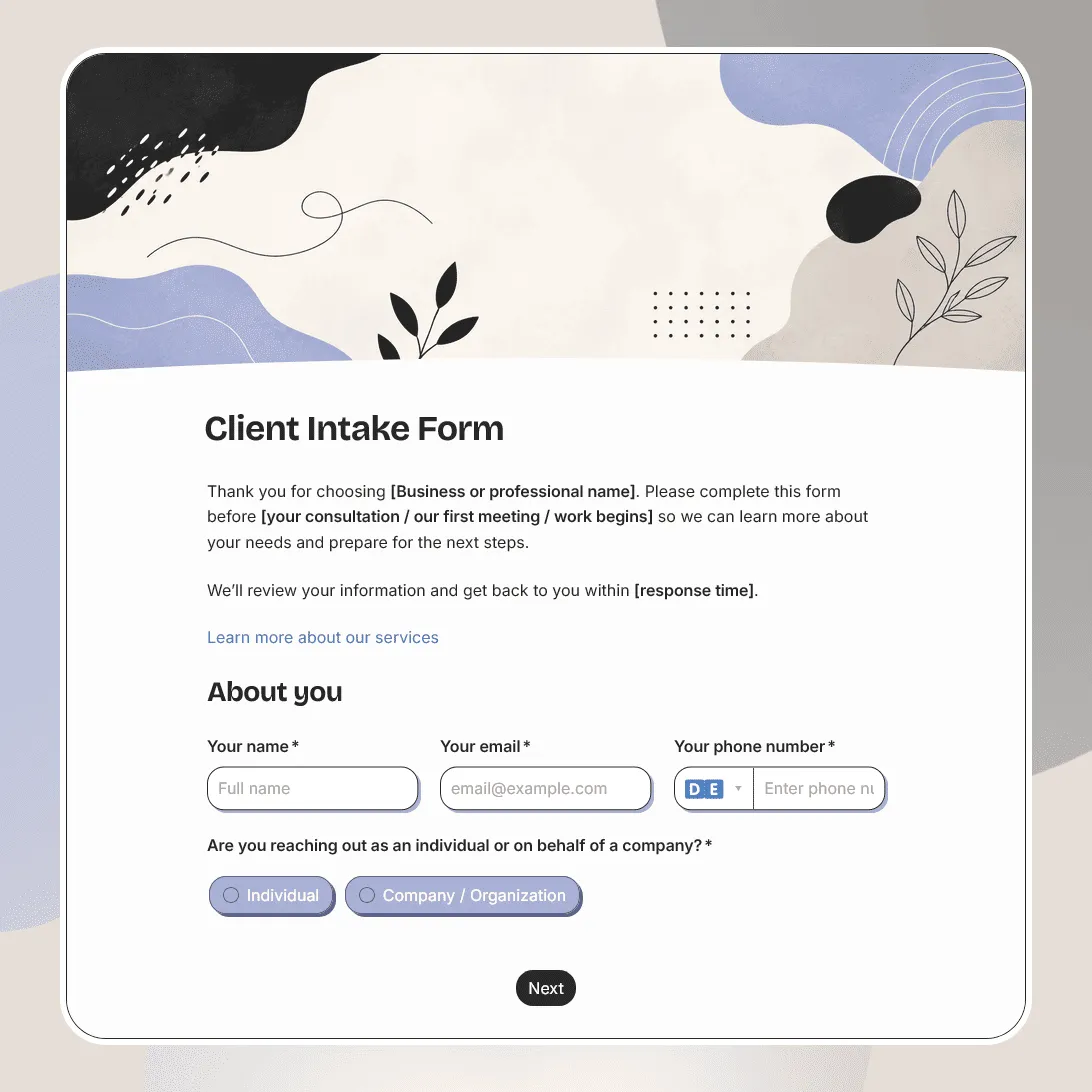
Client Intake Form Template
Free client intake form template for collecting client details, contact information, project goals, timelines, budgets, and more.
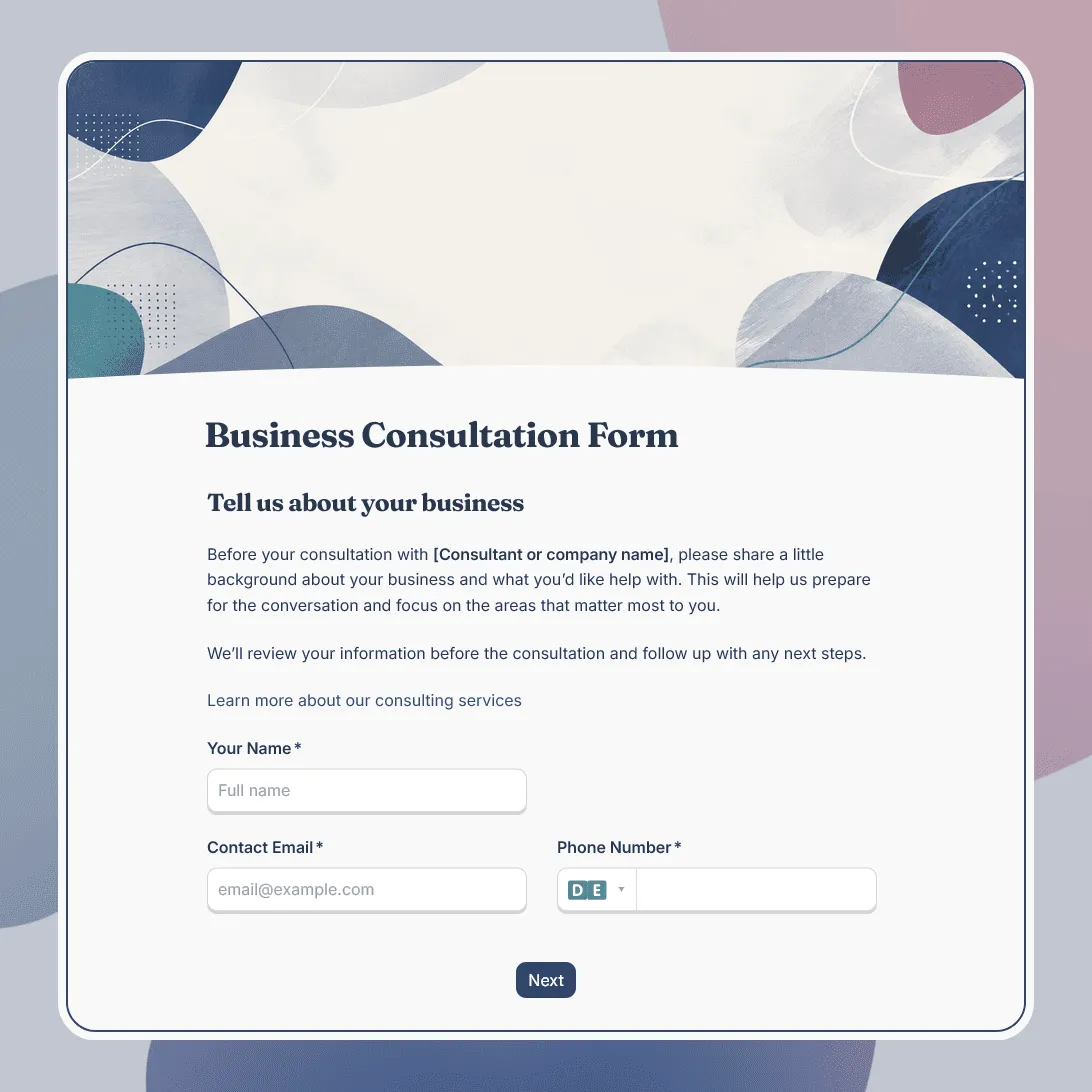
Business Consultation Form Template
Free business consultation form template for understanding a company's goals, challenges, and consulting needs before a strategy call.
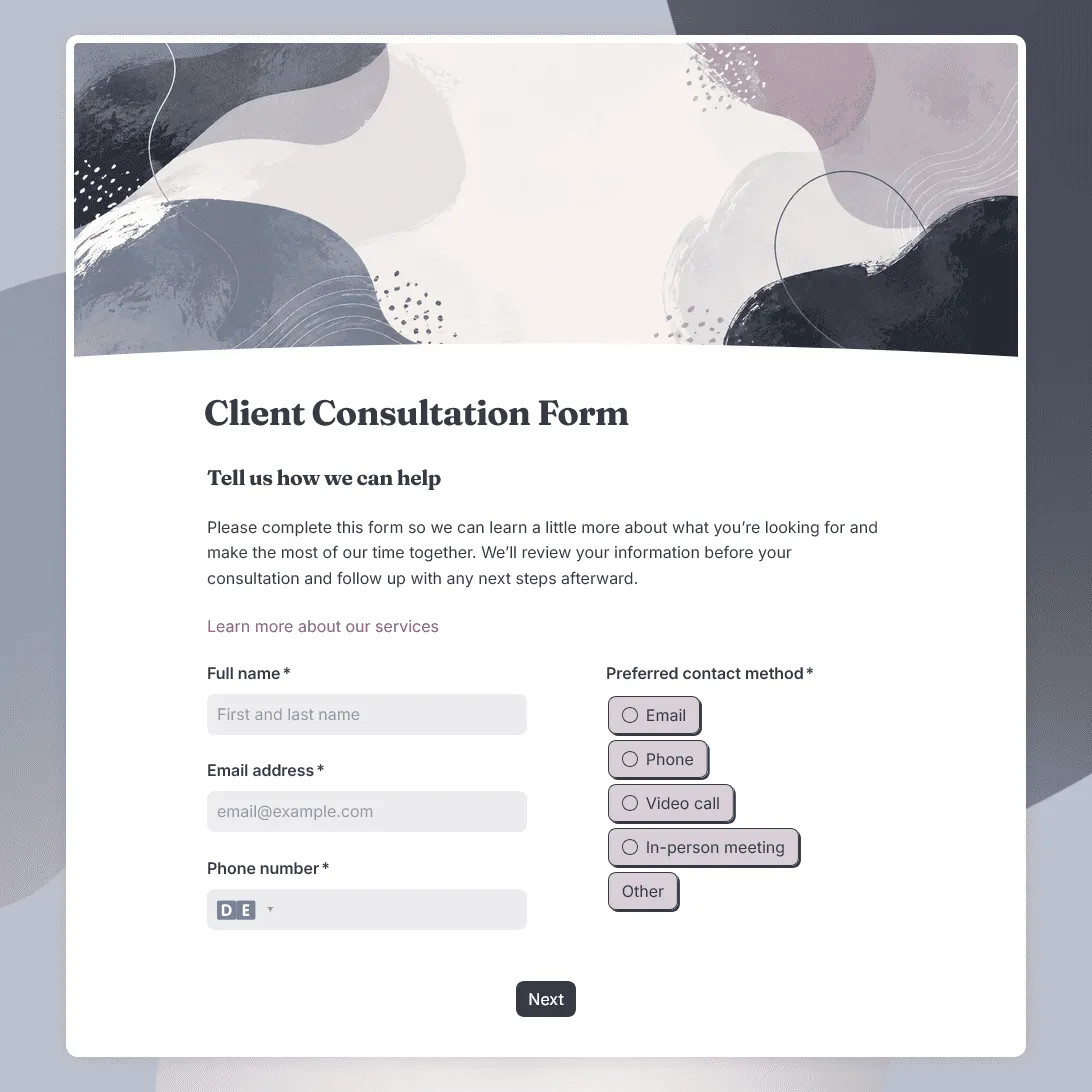
Client Consultation Form Template
Free client consultation form template for preparing calls, appointments, project discussions, and service recommendations.