Spa Consultation Form Template
Free spa consultation form template for collecting treatment preferences, allergies, health notes, and other details before an appointment.
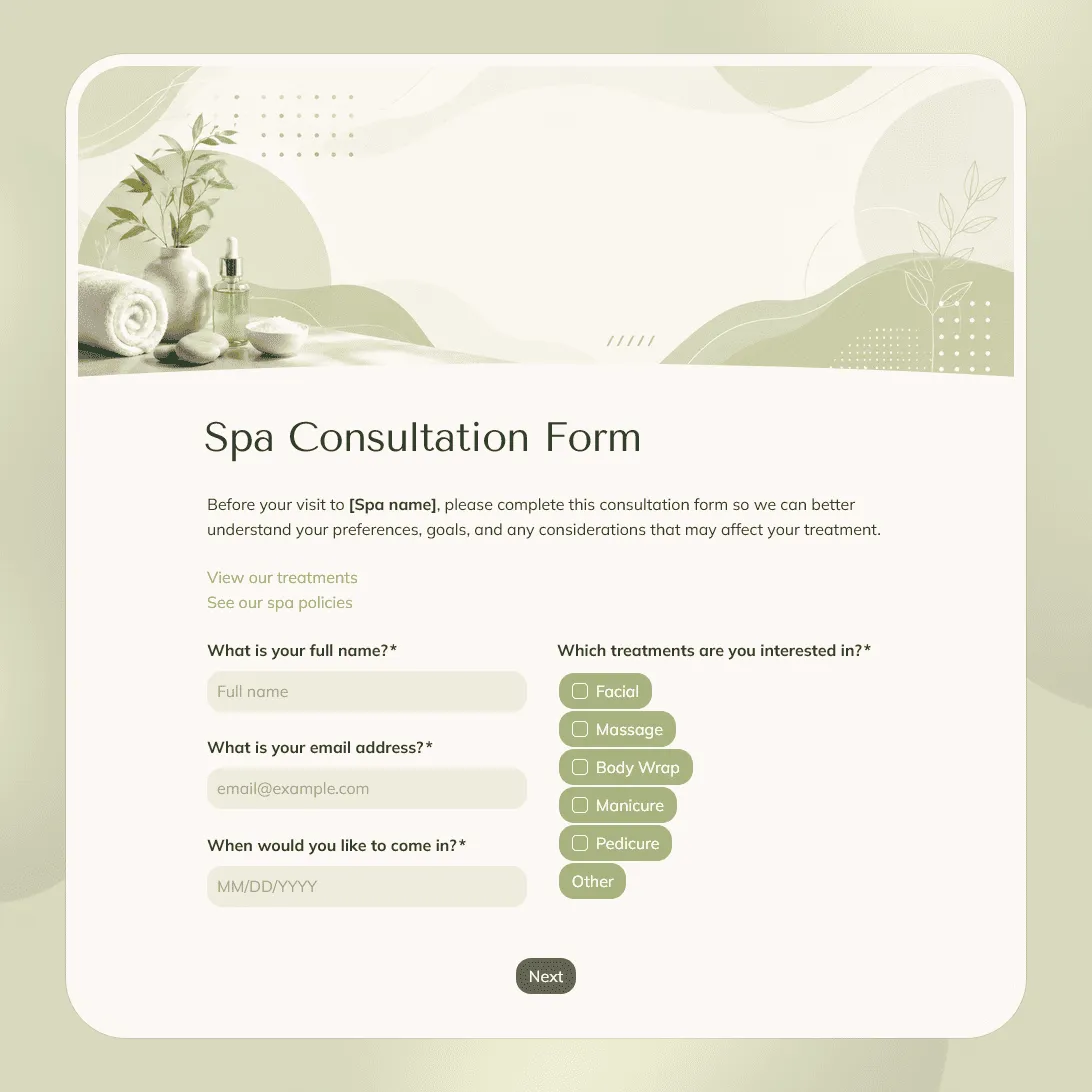
Need a custom spa consultation form?
Describe your spa services and booking flow and FormGrid will create a tailored template for you.
About this spa consultation form template
Spa appointments often depend on details clients may not mention until they are already in the treatment room. Skin sensitivity, allergies, recent treatments, pressure preferences, health notes, product reactions, and comfort levels can all affect the service.
This spa consultation form template gives therapists, estheticians, spa owners, and front desk teams a clear way to collect those details before an appointment. It helps you prepare for facials, massage, body treatments, waxing, skincare consultations, first visits, and repeat client check-ins.
Use this template before appointments where the provider needs to understand the client’s goals, preferences, sensitivities, and any notes that could affect the treatment.
What this template includes
This spa consultation form helps you collect:
- Client name and contact details
- Appointment date
- Requested spa service
- Treatment goals
- First-time or returning client status
- Skin concerns
- Allergies or sensitivities
- Product reactions
- Recent treatments or procedures
- Health notes that may affect the appointment
- Areas to avoid during treatment
- Massage pressure preference, if relevant
- Product or fragrance preferences
- Comfort notes for the provider
- Consent to spa policies
- Notes for the therapist or esthetician
The form can be shaped around the way your spa works. You can adjust the questions, change the design and images, add service-specific logic, rewrite the consent section, and update the confirmation page or client email.
You can also use the AI chat in FormGrid to make edits faster. For example, ask it to create separate paths for facials, massage, waxing, and body treatments, or to shorten the form for returning clients.
How to use this template
Click “Use this template” to open the spa consultation form in FormGrid.
-
Add your spa details. Include your spa name, appointment policy, response time, and any instructions clients should read before filling out the form.
-
Update the service options. Replace the sample choices with the treatments you offer, such as facial, massage, body scrub, wrap, waxing, skincare consultation, lash service, brow service, or package appointment.
-
Collect treatment goals. Ask what the client wants from the appointment: relaxation, skin clarity, hydration, tension relief, exfoliation, recovery, maintenance, or help choosing the right service.
-
Ask the right safety and comfort questions. Review the allergy, sensitivity, product reaction, recent treatment, and health note questions. Keep them focused on details your team needs before the appointment.
-
Use service-specific paths. Add conditional logic so facial clients see skin questions, massage clients see pressure and area-to-avoid questions, and waxing clients see preparation or sensitivity questions. You can also ask the AI chat to create those branches for you.
-
Add photo or document uploads only when useful. Use a file upload field if clients need to share skin photos, treatment notes, referral documents, or other files before the appointment.
-
Review the consent section. Add your cancellation policy, late arrival policy, treatment consent, contraindication note, patch test reminder, or age-related policy where relevant.
-
Set expectations after submission. Use a custom end page to tell clients whether their appointment is confirmed, whether your team will review their answers, and whether they need to bring or avoid anything before the visit.
-
Send preparation notes when needed. Add a send email block if clients should receive reminders about arrival time, products to avoid, patch tests, or what to do if their health notes need review.
-
Publish and share the form. After you publish it, send the link before appointments, add it to your booking flow, place it on a service page, or embed it on your website with an embed code.
Before the appointment, scan responses for details that affect the treatment: allergies, sensitivities, recent procedures, areas to avoid, pressure preferences, and consent. The response table works for daily appointment prep; export responses only if your spa keeps a separate client record or spreadsheet.
For a full walkthrough of fields, uploads, follow-up logic, and next steps, see our guide on how to create a consultation form.
Tips for spa consultation forms
A spa consultation form works best when it feels calm, clear, and easy to finish before an appointment.
-
Separate service choice from treatment goals. A client may book a facial, but their real goal could be hydration, sensitivity support, acne concerns, or help choosing products.
-
Keep sensitive questions relevant. Health, medication, pregnancy, allergy, and skin questions should connect clearly to the treatment being provided.
-
Make comfort preferences easy to share. Add space for pressure preference, areas to avoid, fragrance sensitivity, music preference, conversation preference, or anything that helps the client feel comfortable.
-
Use logic for different treatments. A massage client, facial client, waxing client, and body treatment client need different questions. Branching keeps the form from feeling longer than it needs to be.
-
Ask about recent treatments. Peels, injectables, laser treatments, sun exposure, waxing, tanning, and certain skincare products may affect what services are appropriate.
-
Use the confirmation page for preparation notes. Tell clients whether to arrive early, avoid certain products, bring anything with them, or contact the spa before the appointment.
Spa consultation form template FAQs
What should a spa consultation form include?
A spa consultation form usually includes contact details, requested service, treatment goals, allergies, sensitivities, recent treatments, relevant health notes, comfort preferences, consent to spa policies, and any notes the therapist or esthetician should review before the appointment.
How detailed should the form be for first-time clients?
First-time clients usually need a few extra questions about past treatments, sensitivities, comfort preferences, and goals. For returning clients, you can shorten the form and ask what has changed since their last visit.
Can the form show different questions for facials, massage, waxing, and body treatments?
Yes. Use conditional logic so clients only see the questions that match the service they selected. You can also use the AI chat in FormGrid and ask for changes like: “Show massage pressure questions only when the client selects massage.”
Can I send clients an automatic email after they submit the form?
Yes. Add a send email block to confirm the form was received. The email can include appointment reminders, preparation notes, contact details, or instructions for changing the booking.
Can I embed this spa consultation form on my website?
Yes. After publishing, you can embed the form on your spa website, booking page, service page, or client portal with an embed code. You can also share the direct link in appointment emails or text reminders.
Is this spa consultation form template free?
Yes. This template is free to use, and you can collect unlimited spa consultation requests on the free plan.
Related templates
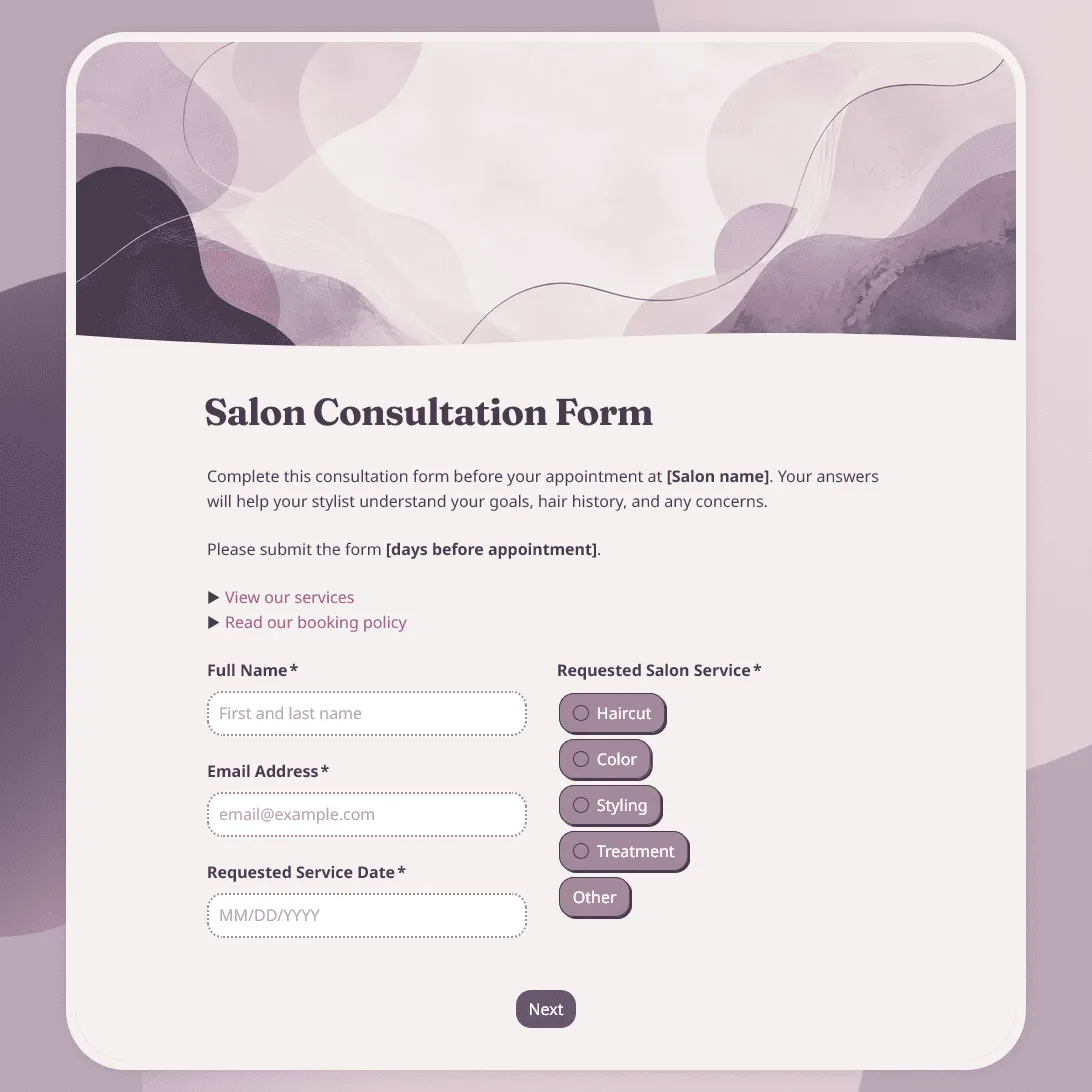
Salon Consultation Form Template
Free salon consultation form template for collecting client hair goals, allergies, product preferences, inspiration photos, and more.
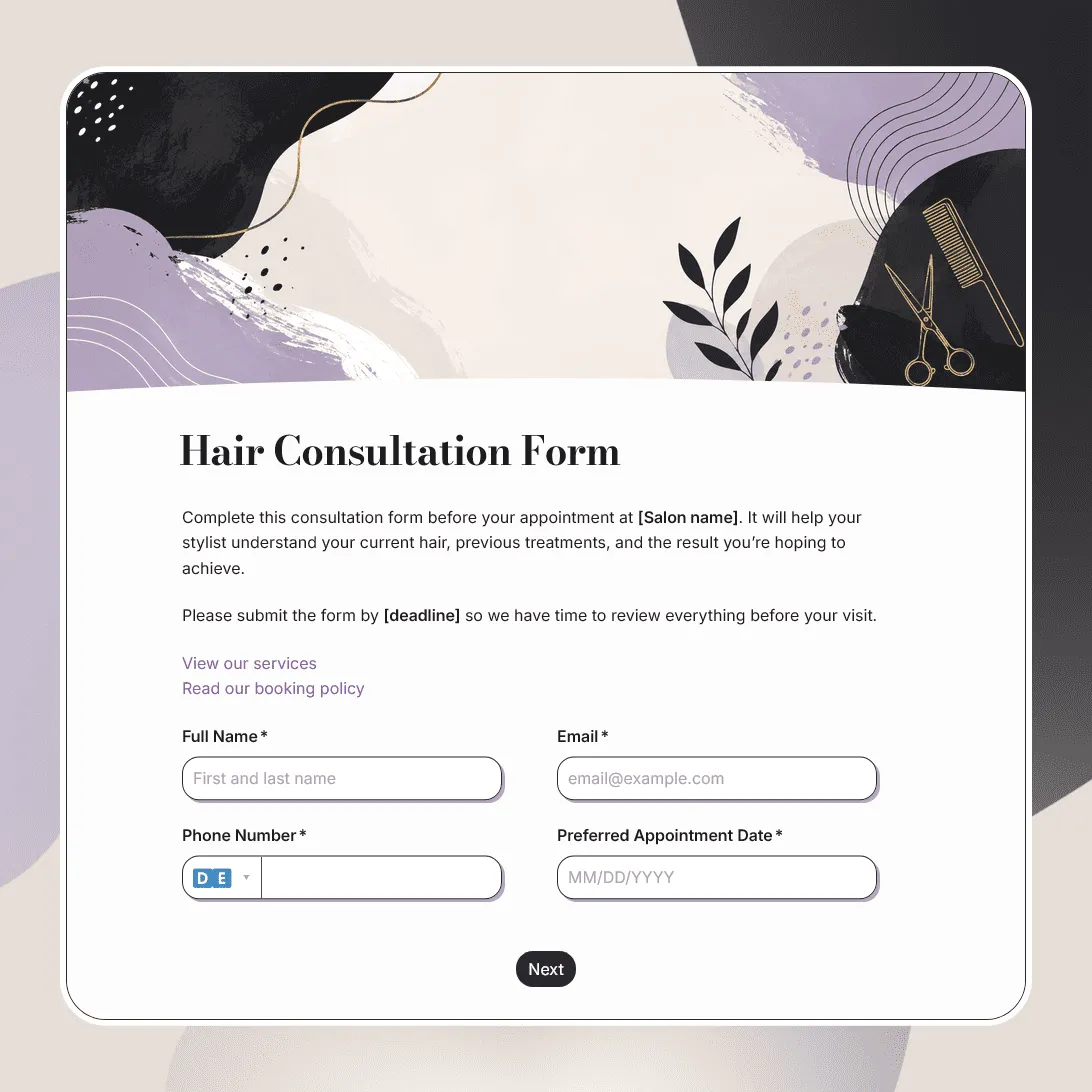
Hair Consultation Form Template
Free hair consultation form template for collecting hair goals, color history, scalp concerns, allergies, product use, inspiration photos, and stylist notes.
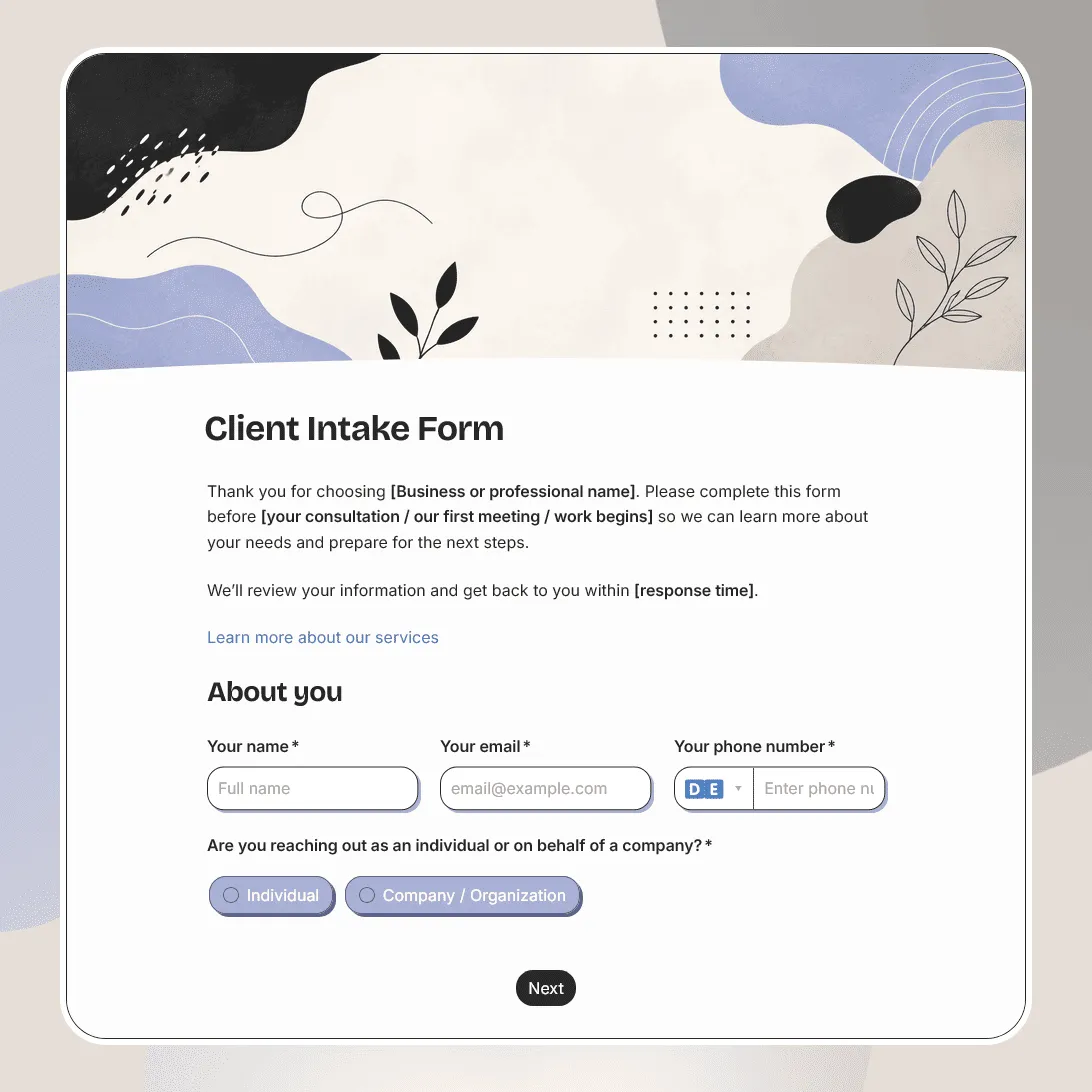
Client Intake Form Template
Free client intake form template for collecting client details, contact information, project goals, timelines, budgets, and more.