Bakery Order Form Template
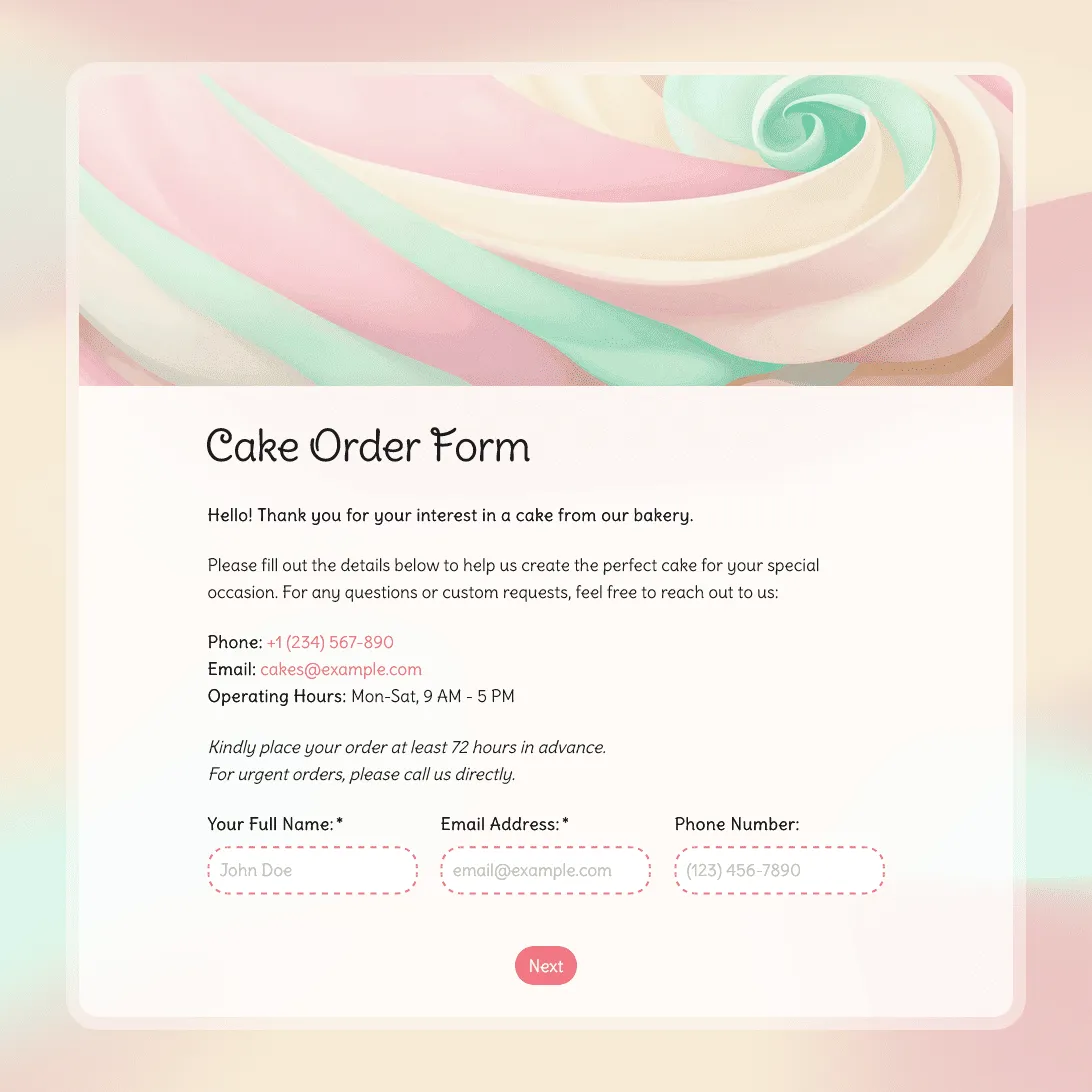
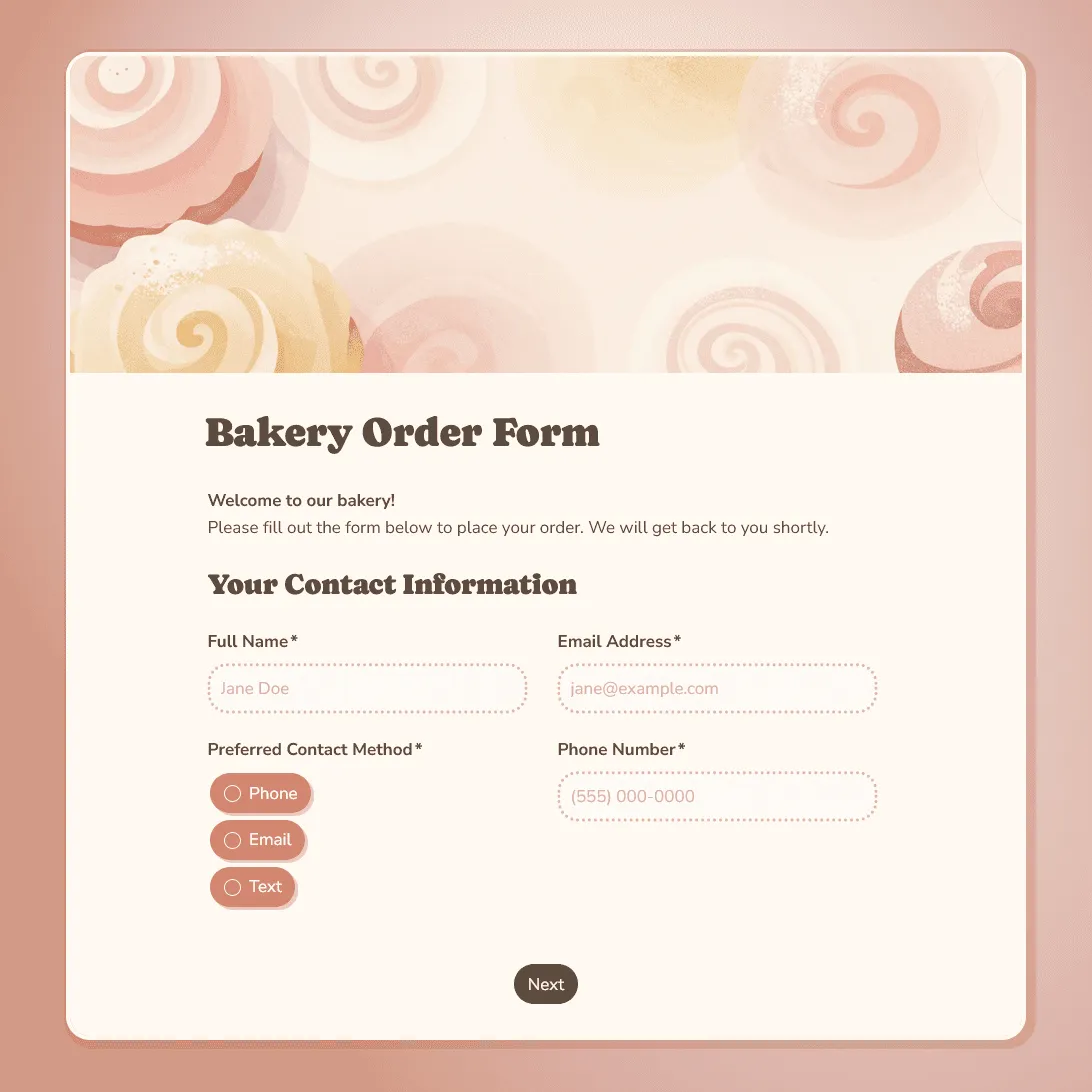
Free bakery order form template for collecting custom cake, bread, and pastry orders. Capture flavors, dietary needs, pickup dates, and customer details in one place.
Need a custom bakery order form?
Tell us about your treats, and FormGrid will generate a unique order form for your shop.
About this bakery order form template
Taking orders through Instagram messages or over the phone works until it does not. Details get missed, conversations get buried, and you end up calling customers back to confirm information you should have had in the first place. This bakery order form template puts the entire intake process in one place: a clean, easy-to-fill form that collects everything you need before you start baking.
Whether you sell sourdough loaves, custom birthday cakes, holiday pastry boxes, or catering platters, this template gives customers a simple way to place orders and gives you a complete, organized record of every request.
What is a bakery order form?
A bakery order form is a digital intake tool that customers use to place orders for baked goods. Instead of describing their order through messages or over the phone, they fill out a structured form that captures all the details you need: what they want, how many, when they need it, and any customizations or dietary requirements.
Using a form instead of informal channels gives you a few clear advantages:
- Every order is complete. You do not have to follow up to ask for a missing detail like the pickup date or the flavor choice.
- Your schedule stays organized. You can see all upcoming orders in one dashboard and plan your baking days accordingly.
- Customers have a record. The confirmation message they receive after submitting serves as a written record of what they ordered, reducing disputes.
- Allergies are captured upfront. A dedicated question about dietary restrictions and allergens reduces the risk of a serious mistake.
Bakery order form questions
To cover every detail you need before starting an order, this template is organized into three sections:
Customer contact information
- Name and phone number: for order updates and any quick questions.
- Email address: for sending the order confirmation automatically.
- Preferred contact method.
Order specifications
- Product selection (cakes, bread, pastries, seasonal items).
- Quantity of each item.
- Flavor choices, fillings, and frostings.
- Custom decorations, messages, or design instructions.
- Dietary restrictions and allergens (required field).
Pickup, delivery, and logistics
- Pickup or delivery date (date picker to avoid any confusion over format).
- Preferred pickup time or delivery window.
- Delivery address if applicable.
- Any other special instructions.
Who is this bakery order form for?
This template works for bakers of all sizes:
- Home-based bakers who want a more professional and organized intake process.
- Artisan bakeries managing many different custom orders each week.
- Custom cake decorators who need detailed design instructions upfront. For complex tiered or specialty cakes, the cake order form template has dedicated sections for design references, tier counts, and decoration briefs.
- Pastry chefs running seasonal pop-up sales or farmers market pre-orders.
Bakery order form FAQs
How does using a form help compared to taking orders through messages?
Messages get missed, details get lost, and there is no clear record of what was actually agreed. A form creates a timestamped submission with all the information in one place. You spend less time chasing customers for details and more time baking. It also gives customers confidence that their order was received, because they see a confirmation immediately after submitting.
Can customers choose from a specific list of products and flavors?
Yes. You can set up dropdown menus, radio buttons, or checkbox lists with your exact product range, flavors, and options. This is more reliable than a freeform text box because customers choose from your actual available offerings rather than requesting something you do not make.
How do I handle rush orders or last-minute requests?
You can add a note at the top of the form explaining your lead time requirements, for example “Orders must be placed at least 48 hours in advance.” This sets expectations before a customer starts filling anything out. If you want to charge a rush fee, you can mention that in the note or in the confirmation message.
What if a customer wants to change or cancel their order?
The form captures their contact details, so you can reach out directly if there is any issue. For changes or cancellations, you can include your policy in the confirmation message that appears after submission. Most bakers include a note about their deposit or cancellation terms there.
How will I know when a new order comes in?
You can turn on email notifications in FormGrid so you get an alert the moment someone submits the form. You can also log into your dashboard at any time to see all your orders in one list.
Can I limit the number of orders I take for a specific date?
You can set a maximum submission count on the form, which closes it once a certain number of orders has been received. If you need more control by date (for example, a cap of 10 orders per weekend), you can create separate forms for specific date ranges or add a note explaining your capacity to manage expectations.
Is this bakery order form template free?
Yes. This template and FormGrid’s core features are completely free. You can collect unlimited orders at no cost.