Florist Order Form Template
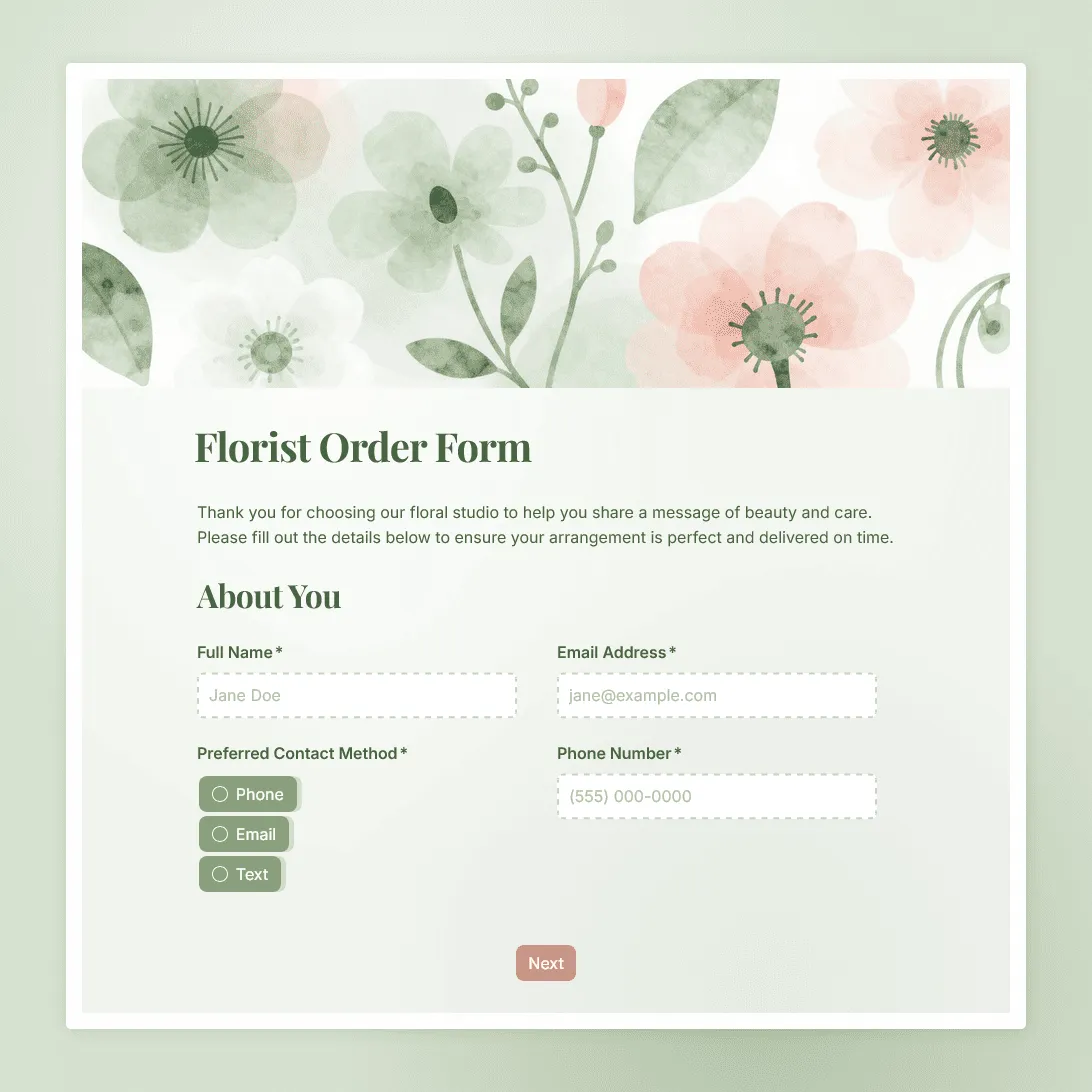
Use this free florist order form template to collect bouquet choices, sender details, recipient address, delivery instructions, and card messages.
Need a custom florist order form?
Tell us about your flower shop and FormGrid will generate a custom order form for you.
About this florist order form template
Flower orders usually involve more than a product choice. You need the sender’s details, the recipient’s details, the delivery address, the occasion, the arrangement style, the card message, and any delivery notes that help the flowers arrive in the right place at the right time.
This florist order form template gives flower shops, independent florists, and floral studios a clear way to collect those details before preparing an order. Use it for custom bouquets, sympathy flowers, birthday arrangements, Valentine’s Day deliveries, Mother’s Day orders, corporate gifts, and other local flower delivery requests.
How to use this florist order form template
Start by updating the form with your own products, delivery rules, and order process.
- Add your flower options. Replace the sample arrangement choices with your own bouquets, seasonal flowers, plant gifts, add-ons, and price tiers. Use multiple choice fields for fixed options such as bouquet size, color palette, vase add-on, delivery time window, or occasion.
- Edit the sender section. Collect the customer’s name, email address, phone number, and preferred contact method.
- Review the recipient section. Ask for the recipient’s full name, phone number, delivery address, apartment or building details, and any access instructions.
- Add your delivery policy. Mention delivery areas, cutoff times, same-day order rules, holiday availability, and what happens if the recipient is not home.
- Include a substitution note. If flower varieties may change based on season or availability, add a short policy before the customer submits.
- Check the card message field. Make it clear that the message should be written exactly as the customer wants it printed.
- Use file uploads if needed. If customers can request a custom style, add a file upload field so they can attach inspiration photos or event references.
- Write the confirmation message. Use a custom end page to explain what happens after the order is submitted, including confirmation timing, payment instructions, or delivery follow-up.
What to include in a florist order form
A good florist order form should collect the details needed to prepare the arrangement, contact the customer, and complete the delivery without extra back-and-forth.
Sender details
Collect the information you need from the person placing the order:
- Full name
- Email address
- Phone number
- Preferred contact method
- Billing name, if different from sender name
Recipient details
Delivery orders need a separate recipient section:
- Recipient name
- Recipient phone number
- Delivery address
- Apartment, suite, building, or company name
- Gate code, reception instructions, or other access notes
Arrangement details
Use this section to turn the customer’s request into something your team can prepare:
- Bouquet or arrangement choice
- Size or price tier
- Occasion
- Preferred color palette
- Flowers to include, if available
- Flowers to avoid
- Vase, gift tag, chocolate, candle, or other add-ons
- Substitution permission
Card message
Add a dedicated long-text field for the card message. Keep the instructions clear:
- Ask customers to write the message exactly as it should appear.
- Mention any character limit if your card size is small.
- Add a checkbox for “no card message” if that is common.
Delivery details
Delivery mistakes are expensive and awkward, especially for gifts. Ask for:
- Requested delivery date
- Preferred delivery time window
- Same-day delivery request, if offered
- Leave-at-door permission
- Instructions if the recipient is unavailable
- Notes for hospitals, offices, schools, apartments, or gated buildings
Common florist order form use cases
Local flower delivery
Use the form as a direct order link on your website, Instagram bio, Google Business Profile, or email signature. Customers can place an order without calling during shop hours.
Holiday flower orders
For Valentine’s Day, Mother’s Day, Christmas, graduation season, and other busy periods, add a clear cutoff date and limit the available arrangement choices. You can also use conditions to show extra questions only when someone chooses a specific holiday collection, delivery option, or add-on.
Sympathy and funeral flowers
Sympathy orders often need careful wording, delivery timing, and location details. Add fields for funeral home name, service date, service time, recipient family name, and preferred tone for the card message.
Wedding and event flowers
For weddings and larger events, a simple order form may need more structure. Add sections for bridal bouquets, bridesmaid bouquets, boutonnieres, ceremony flowers, centerpieces, installation details, venue access, and inspiration photos.
Corporate and repeat orders
For offices, hotels, restaurants, and corporate gifting, keep a version of the form with account details, recurring delivery notes, preferred invoice contact, and internal purchase order fields.
How to share your florist order form
Once the form is ready, publish it and share it wherever customers already find you.
Common places to use it:
- Website order page: Add the form to a flower delivery or custom order page with an embedded form.
- Instagram bio: Link directly to the form for bouquet orders, holiday pre-orders, or custom requests.
- Google Business Profile: Add the form link as your order or appointment link.
- Email signature: Give repeat customers a quick way to place the next order.
- QR code in the shop: Let walk-in customers scan the code if they want to send flowers later.
- Corporate client email: Send a dedicated link to companies that place regular gift or lobby arrangement orders.
If you want to track where orders come from, add hidden fields and pass the source through the form link, such as Instagram, newsletter, or website.
How to manage florist orders in FormGrid
After someone submits the form, the order appears in your response table. Each submission has the customer’s answers, the delivery details, and the submission timestamp.
You can also turn on email notifications so you receive an alert whenever a new order comes in. That is useful for same-day deliveries, holiday campaigns, and small shops where orders need to be reviewed quickly.
For production planning, delivery routes, or end-of-week reporting, export responses as CSV or XLSX and sort by delivery date, arrangement type, postcode, or order status.
Tips for better flower order forms
Keep product choices specific
Do not make customers describe everything from scratch. Give them clear choices for arrangement type, size, color palette, occasion, and add-ons. Use an “Other” option only where custom requests are welcome.
Explain delivery limits early
If you only deliver to certain neighborhoods, postcodes, hospitals, offices, or venues, say that near the top of the form. The same goes for same-day delivery cutoff times and holiday deadlines.
Ask for the card message in its own field
Do not bury the card message inside a general notes field. A dedicated field makes it easier to spot, copy, and print correctly.
Add a substitution policy
Fresh flower availability changes. A short substitution note helps customers understand that the final arrangement may use similar flowers, colors, or value if a specific stem is unavailable.
Test the form on mobile
Many customers will open the form from Instagram, Google, or a text message. Submit a test order on your phone before sharing the link publicly.
Florist order form FAQs
What should a florist order form include?
A florist order form should include sender details, recipient details, bouquet or arrangement choice, occasion, card message, delivery date, delivery address, delivery instructions, and any flower preferences or restrictions.
Can I use this form for flower delivery orders?
Yes. Add your delivery zones, available dates, time windows, same-day cutoff, and delivery instructions. You can also embed the form on your website or share it as a direct link from Instagram, email, or your Google Business Profile.
Can customers upload inspiration photos?
Yes. Add a file upload field if you want customers to attach inspiration photos, event mood boards, venue photos, or examples of arrangements they like.
Can I show bouquet options on the form?
Yes. Add photos, descriptions, and multiple choice options for your arrangements, sizes, color palettes, and add-ons. This works well for seasonal collections, holiday bouquets, and standard delivery arrangements.
How do I handle same-day flower orders?
Add your same-day cutoff time near the top of the form, such as “Same-day delivery is available for orders placed before 11am.” If same-day delivery depends on location or stock, mention that orders are confirmed after review.
What if a flower variety is unavailable?
Add a short substitution policy before submission. For example, you can say that flowers may be replaced with similar stems of equal or greater value based on seasonal availability.
How do I know when a new florist order comes in?
Turn on email notifications to receive an alert each time someone submits the form. You can also review all orders in the response table.
Can I export florist orders to a spreadsheet?
Yes. You can export responses as CSV or XLSX and sort orders by delivery date, recipient name, order type, postcode, or any other field you collect.
Can I use this form for weddings or events?
Yes, but larger floral projects usually need extra sections. Add questions for event date, venue, setup time, flower budget, inspiration photos, bouquet count, centerpiece count, ceremony flowers, delivery access, and teardown notes.
Is this florist order form template free?
Yes. You can use this template for free. FormGrid also lets you create unlimited forms and collect unlimited responses on the free plan.
Related templates
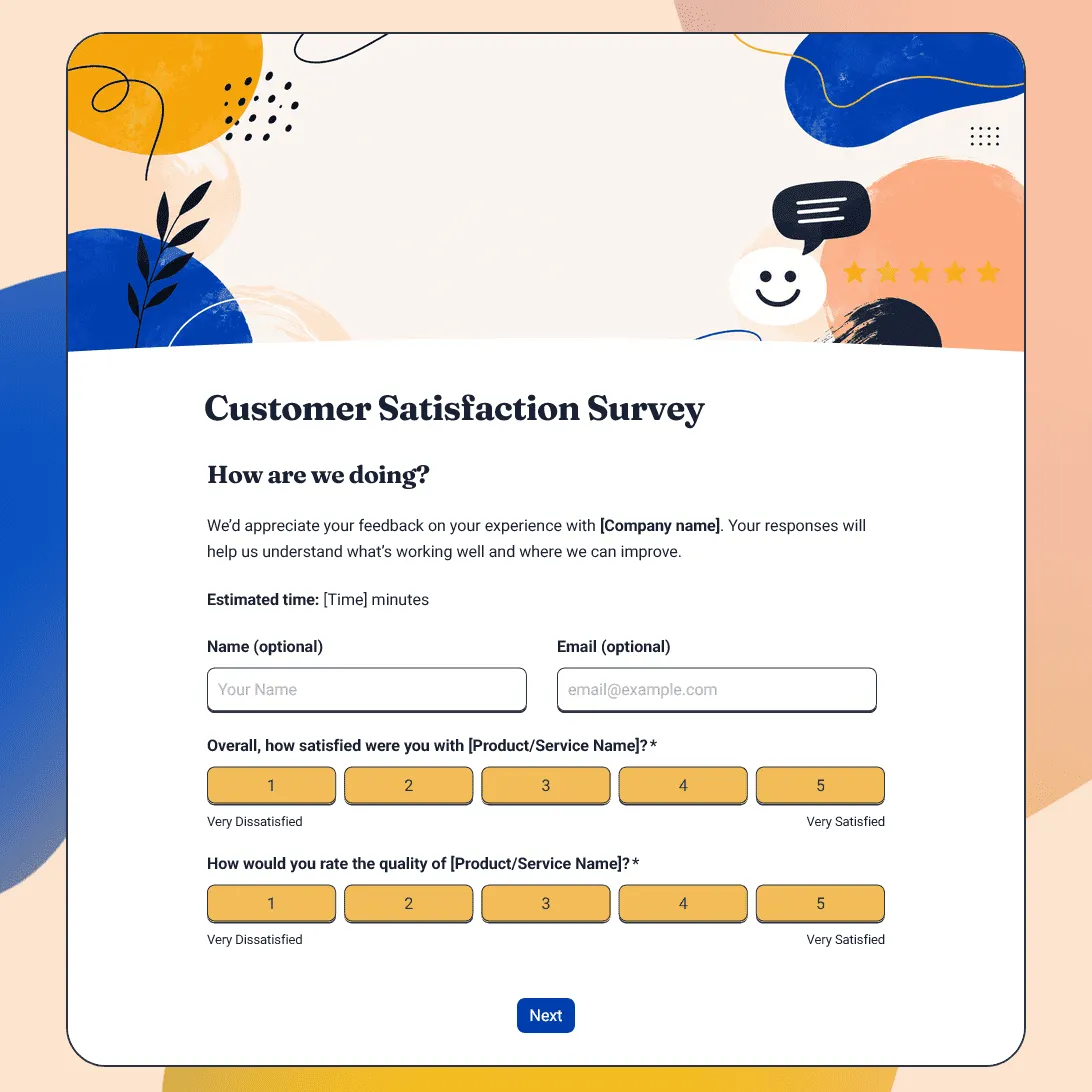
Customer Satisfaction Survey Template
Free customer satisfaction survey template for measuring customer experience, product quality, support, delivery, value, and likelihood to return.
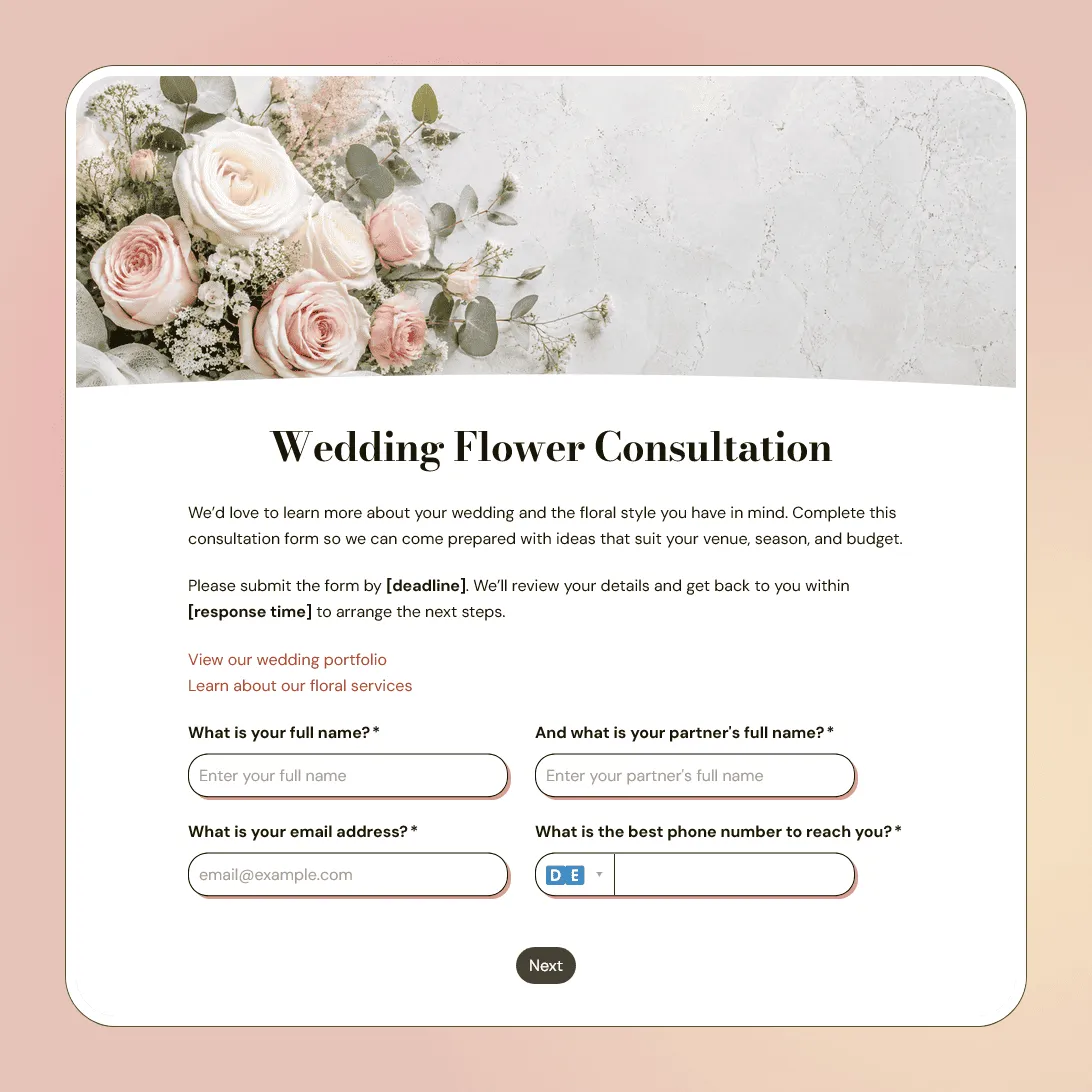
Wedding Flower Consultation Form Template
Free wedding flower consultation form template for florists collecting wedding details, floral style, color palette, budget, and inspiration photos.
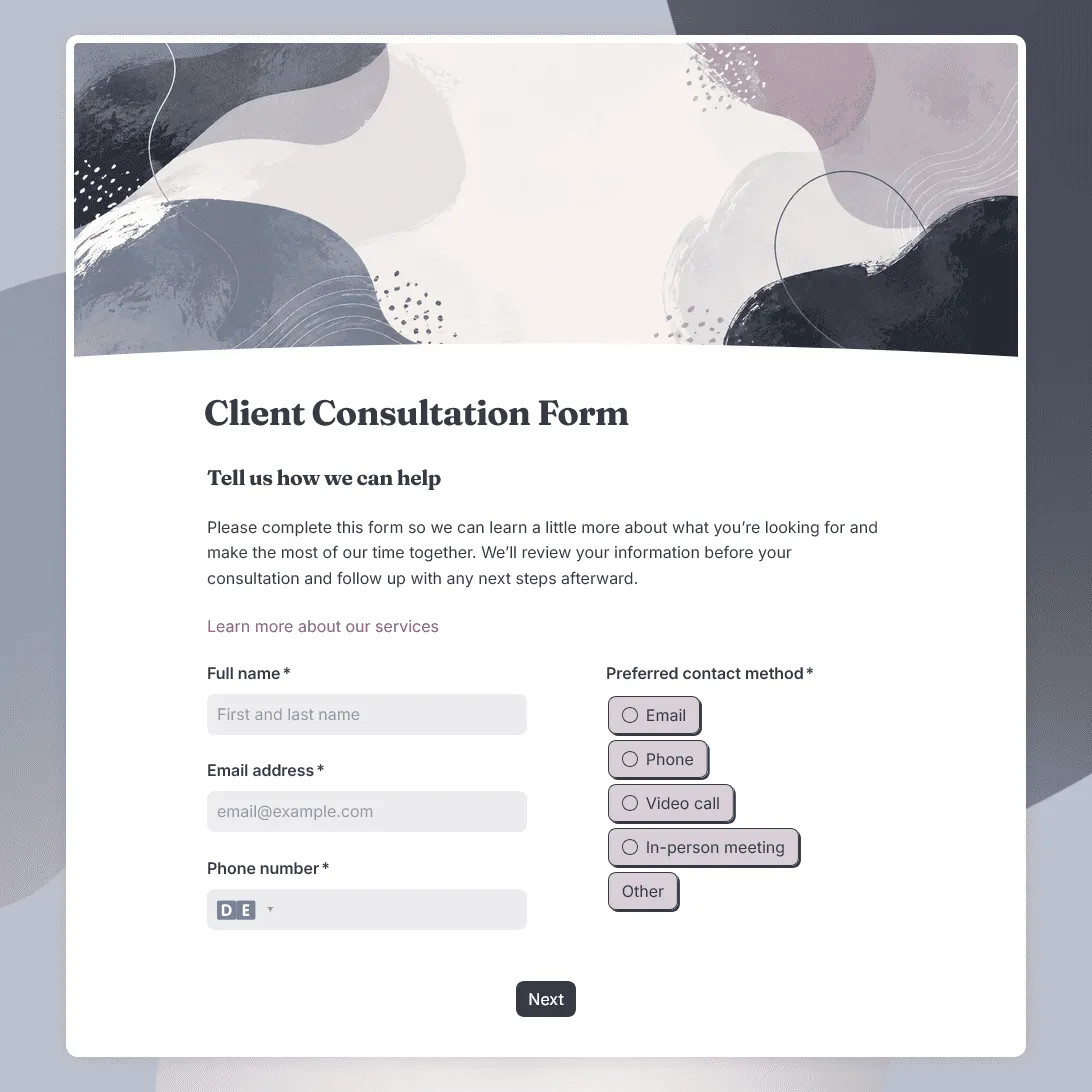
Client Consultation Form Template
Free client consultation form template for preparing calls, appointments, project discussions, and service recommendations.