Fitness Class Registration Form Template
Use this free fitness class registration form template to collect participant details, class preferences, schedule choices, and more.
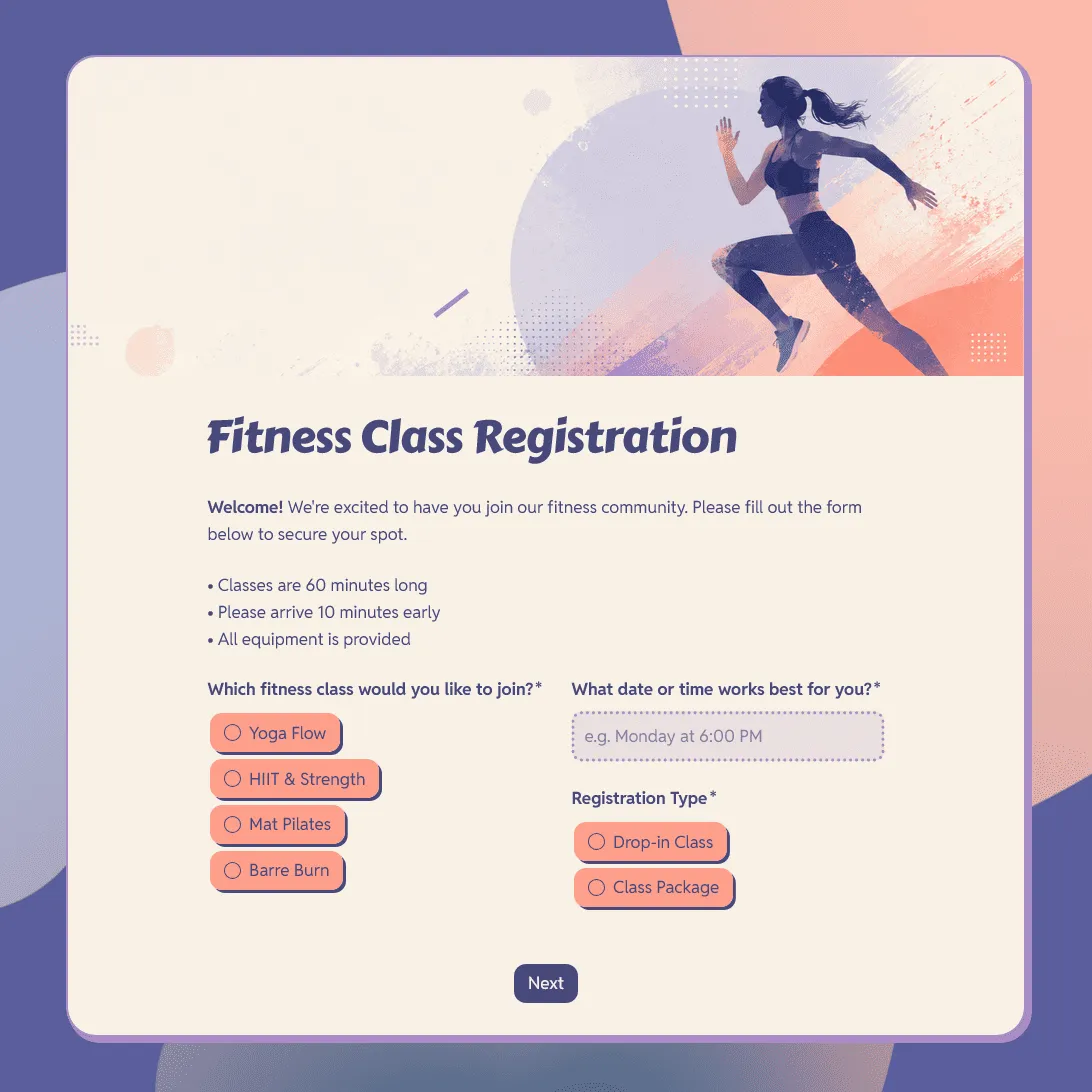
Need a custom fitness class registration form?
Describe your fitness class and FormGrid will generate a tailored registration form with a unique design.
About this fitness class registration form template
Use this free fitness class registration form template to collect signups for group fitness classes, studio sessions, online workouts, bootcamps, wellness programs, and beginner training programs.
The template includes fields for participant details, class type, schedule preference, fitness level, goals, health notes, emergency contact, package choice, waiver agreement, photo consent, and email updates.
It works for yoga classes, pilates classes, HIIT sessions, strength training, dance fitness, boxing fitness, bootcamps, online fitness classes, small-group training, and wellness workshops.
For a full walkthrough, see our guide on how to create an online registration form.
Start with the class people are joining
A fitness class registration form should make the class choice clear before asking for personal details. This is especially important if you offer several class types, levels, times, or packages.
Useful class fields include:
- Class type
- Preferred date
- Preferred time
- Location
- Online or in-person attendance
- Class level
- Number of sessions per week
- Package or pass type
- Start date
If your form covers several classes, add the class selection near the top. This helps participants understand what they are signing up for and gives you cleaner registration data.
Collect the basic participant details
Most fitness class forms need enough information to identify the participant, confirm the registration, and send class updates.
Useful contact fields include:
- First and last name
- Email address
- Phone number
- Date of birth, if needed
- Address, if needed
- Emergency contact name
- Emergency contact phone number
For online fitness classes, email may be enough for simple signups. For in-person classes, workshops, or programs with physical activity, emergency contact details are usually useful.
Ask about fitness level and goals
Fitness class organizers often need a basic sense of each participant’s experience. Keep this section short and practical.
Useful questions include:
- Have you taken this type of class before?
- What is your current fitness level?
- How often do you exercise?
- What are your main fitness goals?
- Are there any movements you prefer to avoid?
- Would you like beginner-friendly modifications?
- Do you want the instructor to know anything before class?
This helps instructors prepare without turning the form into a long intake questionnaire.
Add health notes carefully
Some fitness classes need health information before someone attends, especially if the class is intense, in person, or part of a structured program.
Useful health fields include:
- Injuries or physical limitations
- Allergies
- Medical conditions relevant to exercise
- Pregnancy or postpartum notes, if relevant to the class
- Medication notes, if the participant needs to share them
- Recent surgery or recovery notes
- Anything the instructor should know before class
Keep these questions clear and optional unless the information is required for safety or planning. Ask only for details your team will actually review and use.
Manage schedules, capacity, and packages
Fitness class registration often depends on timing and availability. Add enough detail to avoid back-and-forth messages before the first session.
Useful scheduling and package fields include:
- Preferred class time
- Backup class time
- Preferred start date
- Number of sessions
- Drop-in class or package
- Membership status
- Trial class request
- Payment status or payment instructions
- Waitlist interest
If the class has limited spots, mention that in the form description and explain what happens after someone submits the form.
Add waiver, consent, and communication fields
Fitness classes often need agreement fields before someone attends.
Common consent fields include:
- Agreement to class terms
- Liability waiver agreement
- Health acknowledgment
- Photo and video consent
- Permission to receive class updates
- Parent or guardian consent, if minors can join
- Signature, if required
Use wording approved by your studio, gym, trainer, or organization. If your waiver is long, link to the full text and add a required checkbox before submission.
Fitness class registration form questions
Use these questions as a starting point:
- Which fitness class would you like to join?
- What date or time works best for you?
- Are you registering for a drop-in class or a package?
- Have you taken this type of class before?
- What is your current fitness level?
- What are your main fitness goals?
- Do you have any injuries, limitations, or health notes the instructor should know about?
- Do you need any modifications during class?
- Who should we contact in case of emergency?
- Do you agree to the class terms and waiver?
- Do you consent to receive class updates by email?
- Do you consent to photos or videos being taken during class?
How to set up your fitness class registration form
- Open the template. Click “Use this template” to copy it into your FormGrid workspace.
- Add the class details. Include the class name, instructor, date, time, location, duration, level, and any equipment people should bring.
- Set up class options. Add class type, schedule preference, package choice, trial class option, or waitlist interest.
- Collect participant details. Ask for name, email, phone number, fitness level, goals, and emergency contact.
- Add health notes. Include injury notes, limitations, allergies, or anything the instructor should know before class.
- Add agreement fields. Include your class terms, waiver, and signature if needed.
- Write the confirmation message. Use a custom end page to tell participants whether their spot is confirmed, what to bring, where to go, and when they will receive any class details.
- Test the form. Submit a test registration and check the response table before sharing it.
- Share the form. Embed it on your website or send the link by email, social media, studio newsletters, class pages, or community groups.
After registrations come in, you can export responses and use the data to prepare class lists, check-in sheets, waitlists, and instructor notes. If you want to avoid duplicate registrations, you can also prevent duplicate submissions for fields like email address or phone number.
Related registration templates and guides
These related templates and guides can help with other signup flows:
- Class registration form template: for general class signups, workshops, meetups, and community events.
- Course evaluation form template: for collecting feedback after a course or workshop.
- Sports camp registration form template: for sports programs with age groups, emergency contacts, medical notes, and consent.
- Gym membership form template: for collecting member details, membership type, payment, and emergency contact.
- How to create an online registration form: for planning your form, choosing fields, writing the confirmation message, and testing the signup flow.
- How to embed a form on your website: for adding the registration form to a class page, gym site, studio page, or landing page.
Fitness class registration form FAQs
What should a fitness class registration form include?
A fitness class registration form should include participant details, contact information, class choice, schedule preference, fitness level, goals, health notes, emergency contact, waiver agreement, photo consent, and any details your instructor needs before class.
How do I create a fitness class registration form?
Start with the class name, date, time, location, instructor, and level. Add fields for participant details, schedule preference, fitness level, health notes, emergency contact, and waiver consent. Then write a confirmation message that explains whether the spot is confirmed and what the participant should bring.
Can I use this template for online fitness classes?
Yes. You can use this template for online yoga, pilates, HIIT, strength training, dance fitness, and other virtual classes. Add timezone, preferred class time, equipment available at home, email address, and joining link details.
Can I collect health information with this form?
Yes. You can add questions for injuries, limitations, allergies, health notes, recent surgery, pregnancy or postpartum notes, or anything the instructor should know before class. Keep these questions focused on what matters for the class.
Do I need a waiver for a fitness class?
Many fitness classes use a waiver or health acknowledgment before someone attends. Add the wording approved by your studio, gym, trainer, or organization, then include a required checkbox or signature field.
Can participants choose a class time?
Yes. You can add schedule options, preferred time, backup time, start date, package choice, or waitlist interest. This works well for studios, trainers, online classes, and small-group programs with limited spots.
Can I use this form for yoga or pilates classes?
Yes. You can edit the template for yoga, pilates, barre, dance fitness, strength training, HIIT, bootcamp, or wellness classes. Add class-specific questions such as experience level, equipment needs, injury notes, and preferred session.
Can I embed this fitness class registration form on my website?
Yes. You can embed the form on your website or share it with a direct link. This works well for studio websites, gym pages, trainer profiles, class pages, newsletters, and social media posts.
Is this fitness class registration form template free?
Yes. This template is free to use. FormGrid also includes unlimited forms and unlimited responses on the free plan, so you can collect fitness class registrations without response caps.
Related templates
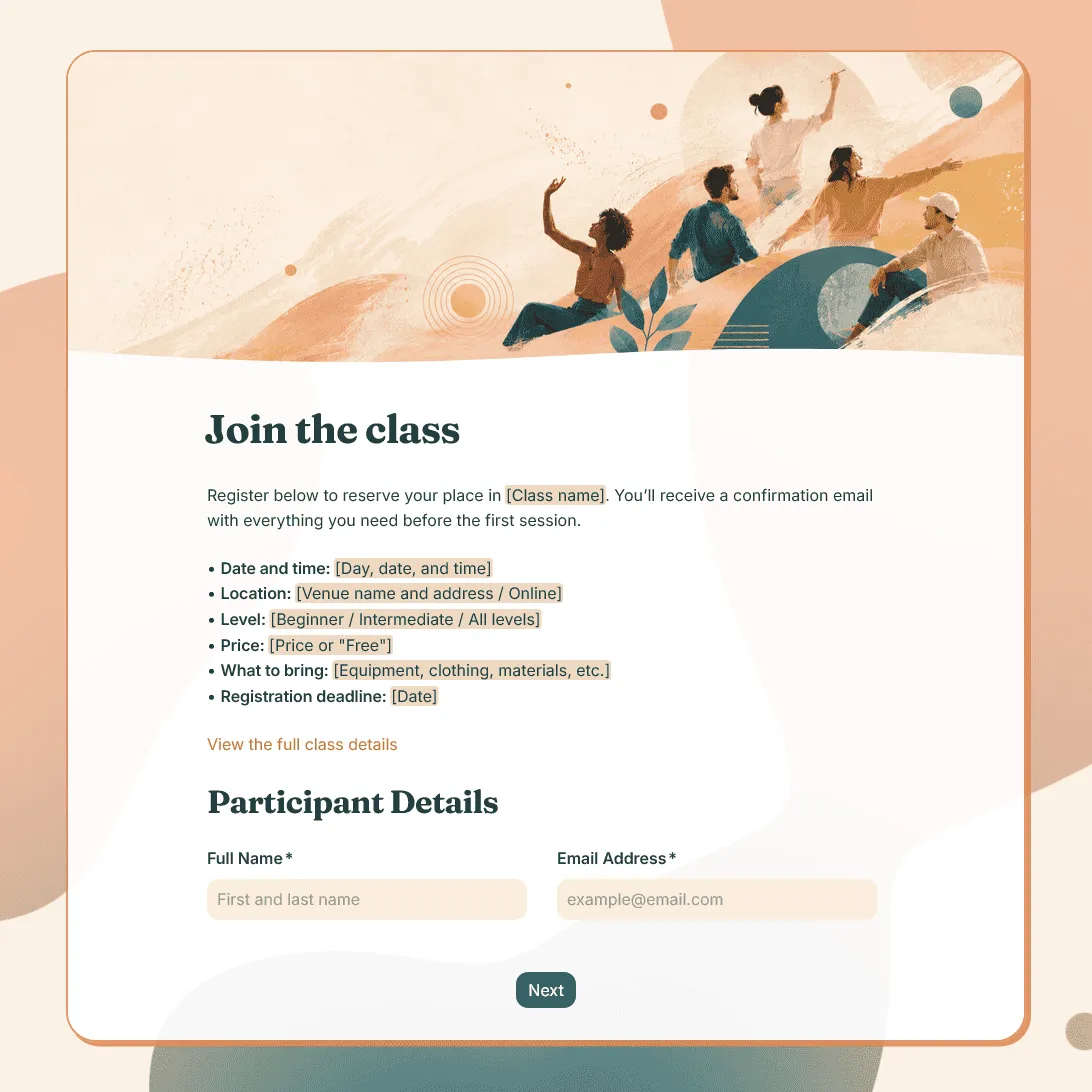
Class Registration Form Template
Use this free class registration form template to collect student details, class preferences, and more. Fully customizable.
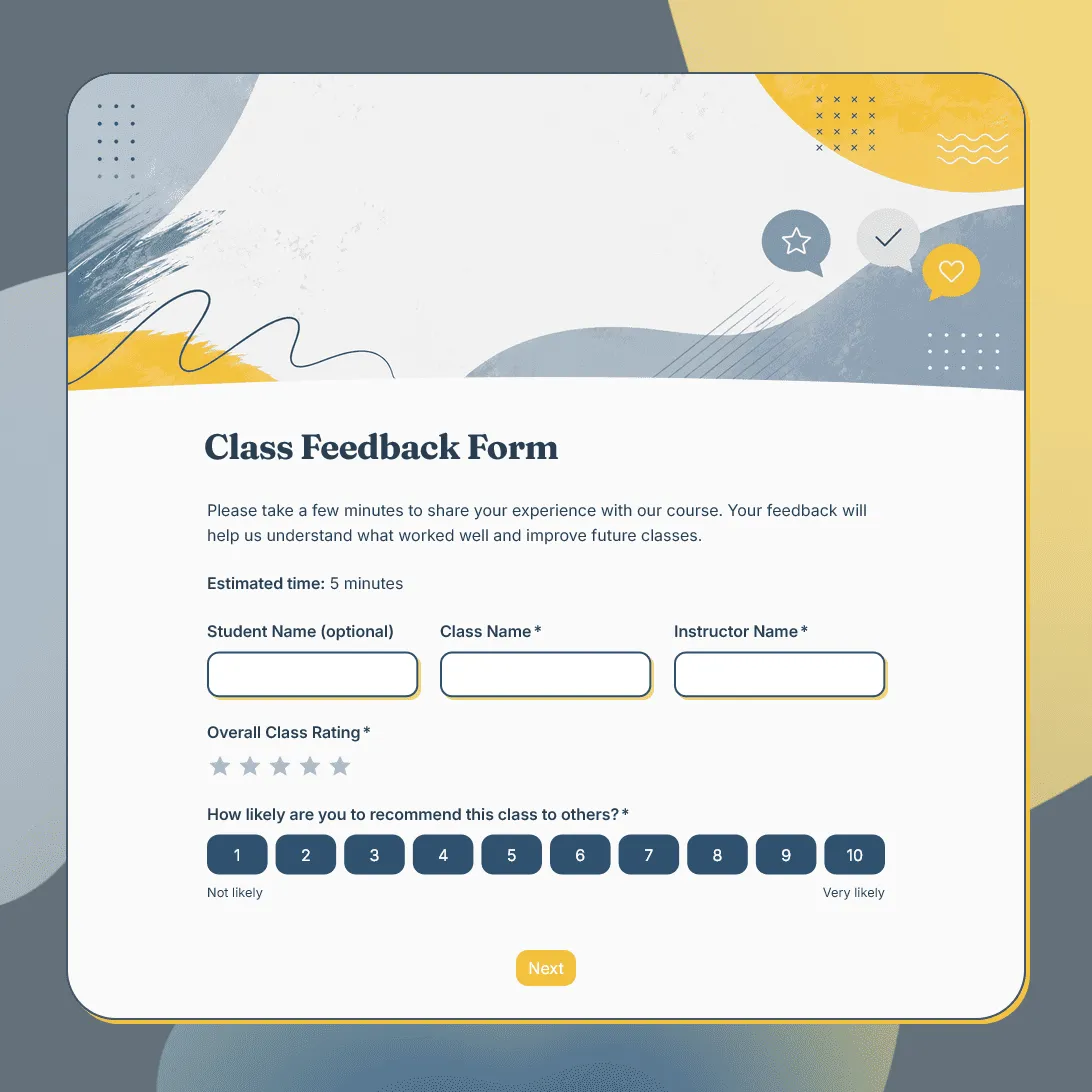
Class Feedback Form Template
Free class feedback form template for collecting student feedback after lessons, workshops, training sessions, and online or in-person classes.
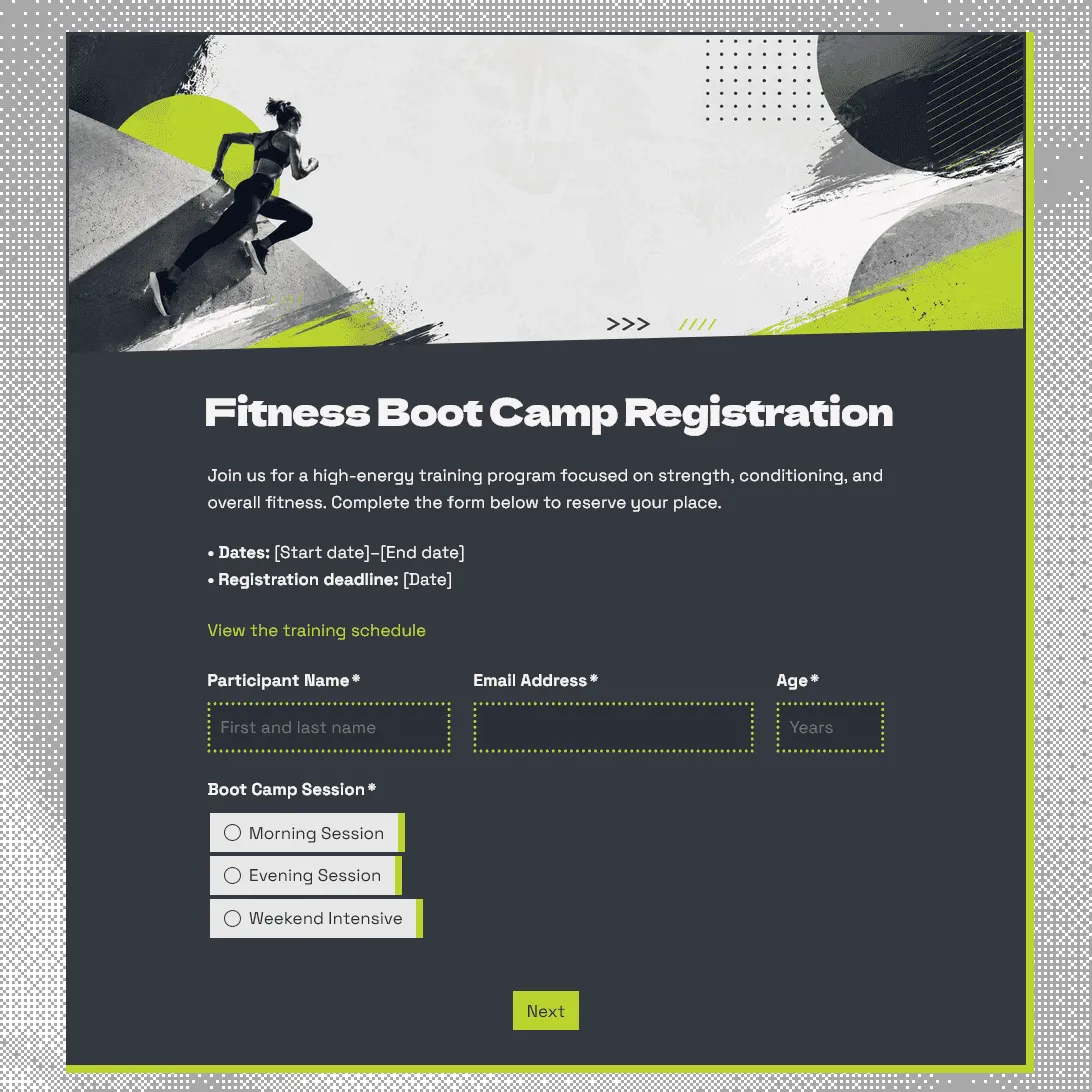
Fitness Boot Camp Registration Form Template
Free fitness boot camp registration form template for group training programs, outdoor workouts, fitness challenges, and gym boot camps.