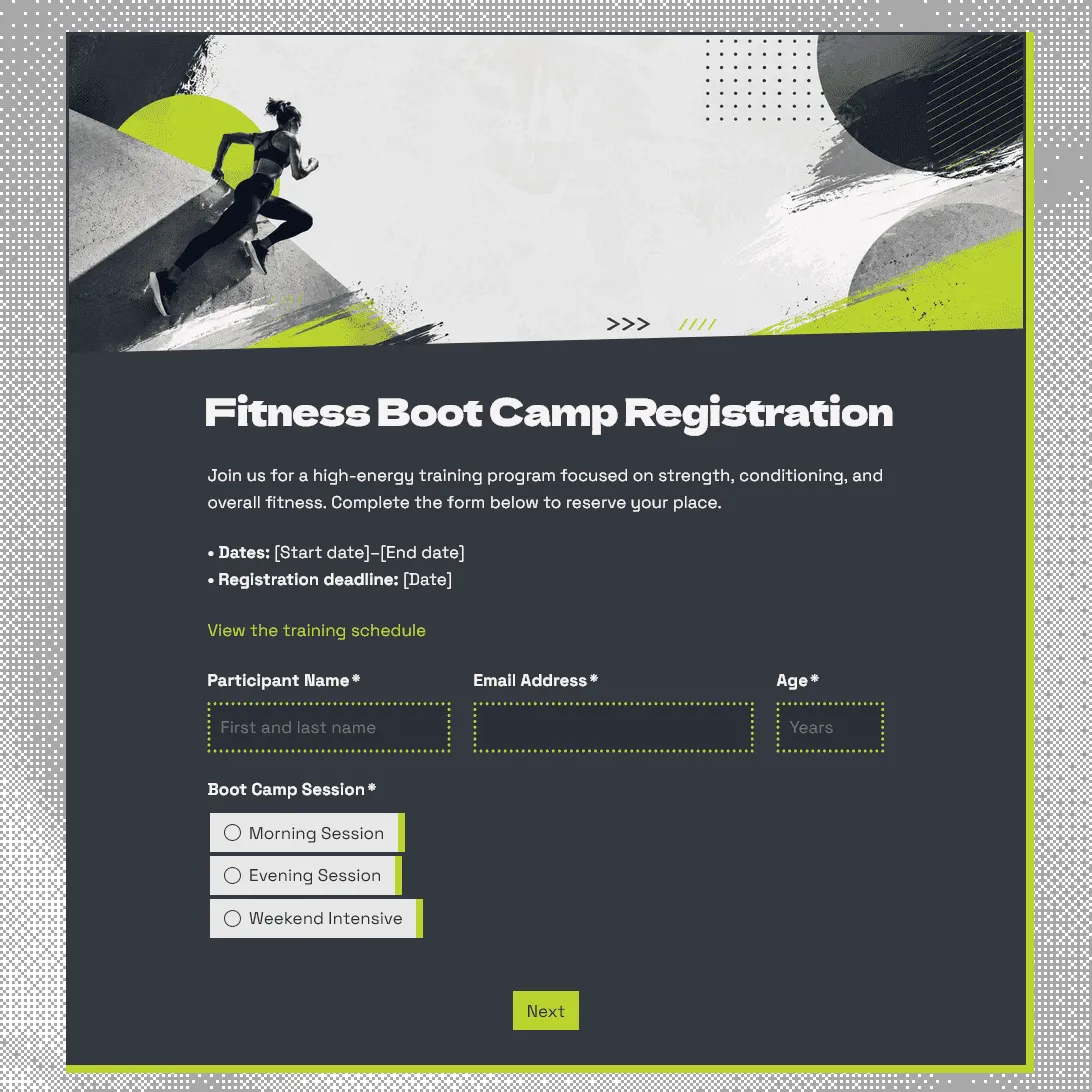
Fitness Boot Camp Registration Form Template
Free fitness boot camp registration form template for group training programs, outdoor workouts, fitness challenges, and gym boot camps.
Need a custom boot camp registration form?
Describe your boot camp and FormGrid will generate a tailored registration form you can customize.
About this fitness boot camp registration form template
Boot camp signups are easiest to manage when instructors know the basics before the first workout: who is joining, which session they chose, how experienced they are, and whether there are injuries, limitations, or emergency details to keep in mind.
Our fitness boot camp registration form template works for outdoor boot camps, gym-based group training, HIIT programs, strength and conditioning classes, corporate wellness challenges, transformation programs, seasonal fitness challenges, and small-group training sessions.
Use this template to collect registrations before a one-off workout, multi-week program, trial class, or recurring boot camp. You can keep it short for a casual class, or add more detail for programs with health screening, waivers, payments, or multiple training groups.
What this template includes
This template is set up for the details boot camp organizers and trainers may need before participants arrive:
- Participant name and contact details
- Phone number
- Age or date of birth
- Boot camp session, date, or time slot
- Preferred schedule
- Fitness level or training experience
- Fitness goals
- Injuries, limitations, or health notes
- Emergency contact
- Dietary notes, if relevant
- Payment status or payment note
- Referral source
- Photo and video consent
- Waiver or liability agreement
- Email update permission
- Notes for the instructor
You can change the template around your training program, including the questions, design, images, and confirmation message.
How to use this template
Click “Use this template” to open the fitness boot camp registration form in FormGrid.
- Add your boot camp details. Update the title, intro text, trainer name, location, dates, start time, program length, price, and registration deadline.
- Set up the session choices. Replace the sample options with your own class times, training groups, trial sessions, indoor or outdoor locations, or program dates.
- Review the participant fields. Keep the contact, age, phone, emergency contact, and experience questions your team needs for planning and safety.
- Ask about goals and limitations. Add or adjust questions about fitness goals, current activity level, injuries, health notes, pregnancy, mobility needs, or anything the instructor should know before class.
- Edit the waiver text. Replace the sample wording with your own liability waiver, health acknowledgement, cancellation policy, photo consent, or participation agreement.
- Use logic for different participants. With conditional logic, beginners can see preparation notes, returning participants can skip intro questions, and people with injuries can share extra details.
- Send class details automatically. Add a send email block so participants receive an email after registering. You can include the address, meeting point, what to bring, arrival time, payment instructions, parking notes, or weather plan.
- Match the page to your program. Update the theme, layout, colors, fonts, button styles, and descriptions so the form fits your gym, trainer brand, outdoor program, or fitness challenge.
- Publish and share the form. After you publish the form, share the link by email, Instagram, WhatsApp, gym posters, QR codes, community groups, or your website. You can also embed it with an embed code.
For help planning the signup flow, required fields, follow-up steps, and sharing options, read how to create a registration form.
Responses appear in your response table, where you can review participants, session choices, emergency contacts, health notes, waivers, and payment details. You can also export responses when you need a spreadsheet for attendance lists, check-in, coach planning, payment tracking, or program reporting.
Tips for fitness boot camp registrations
The best boot camp forms stay quick to fill out, but still give instructors enough context to run the session safely.
-
Make the commitment clear. Tell people whether they are joining a one-time class, trial session, multi-week program, recurring group, or fitness challenge.
-
Ask health questions with care. Keep the wording simple and practical. Focus on injuries, limitations, medical notes, pregnancy, mobility needs, or anything that may affect participation.
-
Separate goals from safety details. Fitness goals help with coaching. Health notes and emergency contacts are there for safety. Keeping them separate makes the form easier to review.
-
Include practical arrival details. Boot camps often happen in parks, gyms, studios, school fields, or temporary outdoor spaces. Use the confirmation email to explain the exact meeting point and what to bring.
-
Plan for weather or location changes. If the workout is outdoors, tell participants how updates will be shared and whether the session moves indoors, gets rescheduled, or continues in light rain.
Fitness boot camp registration form template FAQs
What should a fitness boot camp registration form include?
A fitness boot camp registration form should include participant contact details, session choice, fitness level, goals, emergency contact, health notes, waiver agreement, and any practical details needed before the workout.
Can I collect waiver signatures?
Yes. Add your waiver or participation agreement and use a signature field when participants need to sign before submitting the form.
Can participants choose between different class times?
Yes. Add multiple choice or dropdown fields for class time, session date, location, level, trainer, or program track. You can also use conditional logic if different choices need different follow-up questions.
Can I send participants an automatic confirmation email?
Yes. Add a send email block to send an email after registration. You can include the location, arrival time, what to bring, payment instructions, safety notes, or weather updates.
Can I embed this fitness boot camp registration form on my website?
Yes. After publishing, you can add the form to your gym, trainer, studio, or program website with an embed code, or share the form link directly.
Can I customize this fitness boot camp registration form?
Yes. You can fully customize the template for your fitness program. Add or remove questions, adjust descriptions, edit fields, set up conditional logic, modify the layout, update the theme, change colors and fonts, adjust button styles, customize the confirmation message, and set up automatic email steps.
Is this fitness boot camp registration form template free?
Yes. This template is free to use, and you can collect unlimited fitness boot camp registrations on the free plan.
Related templates
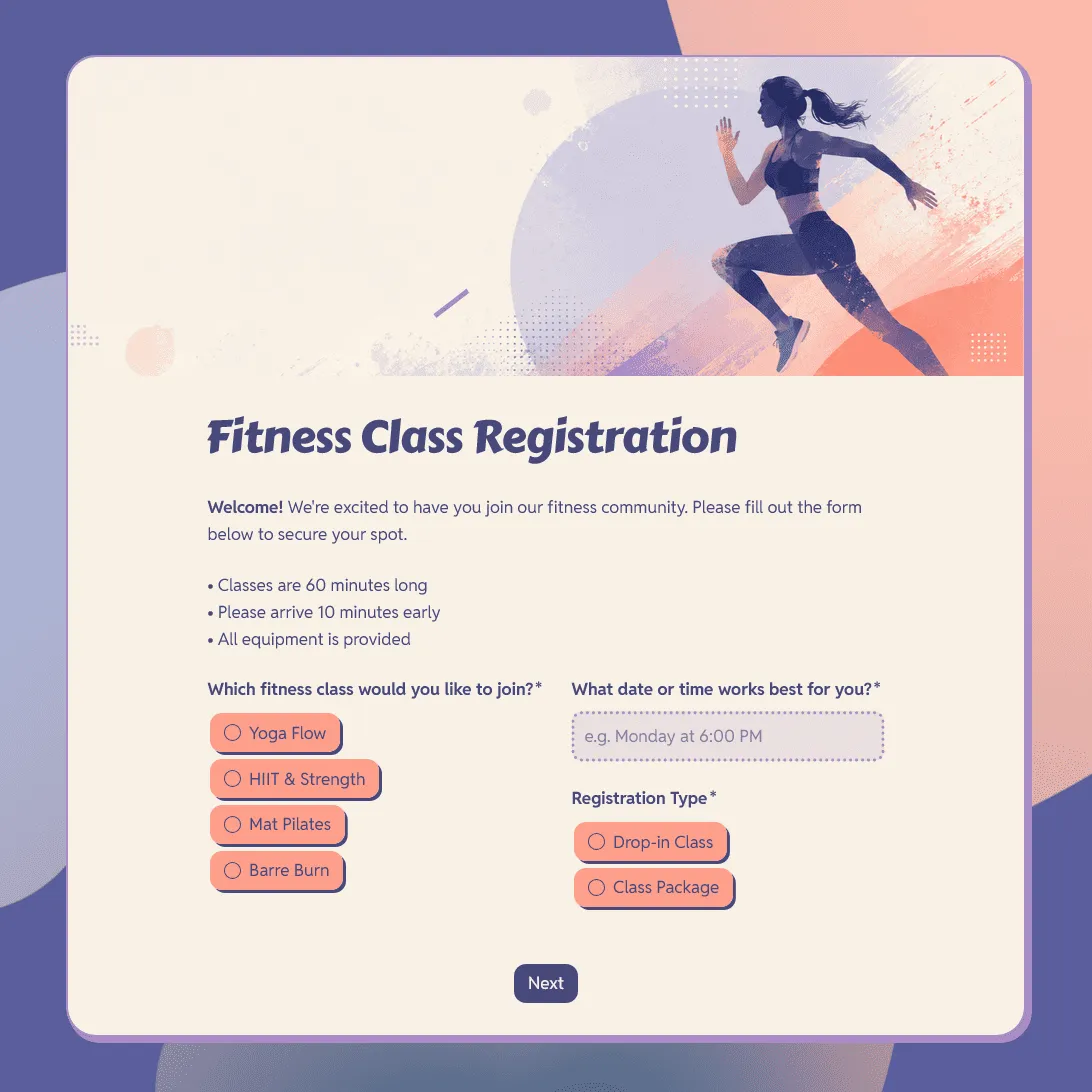
Fitness Class Registration Form Template
Use this free fitness class registration form template to collect participant details, class preferences, schedule choices, and more.
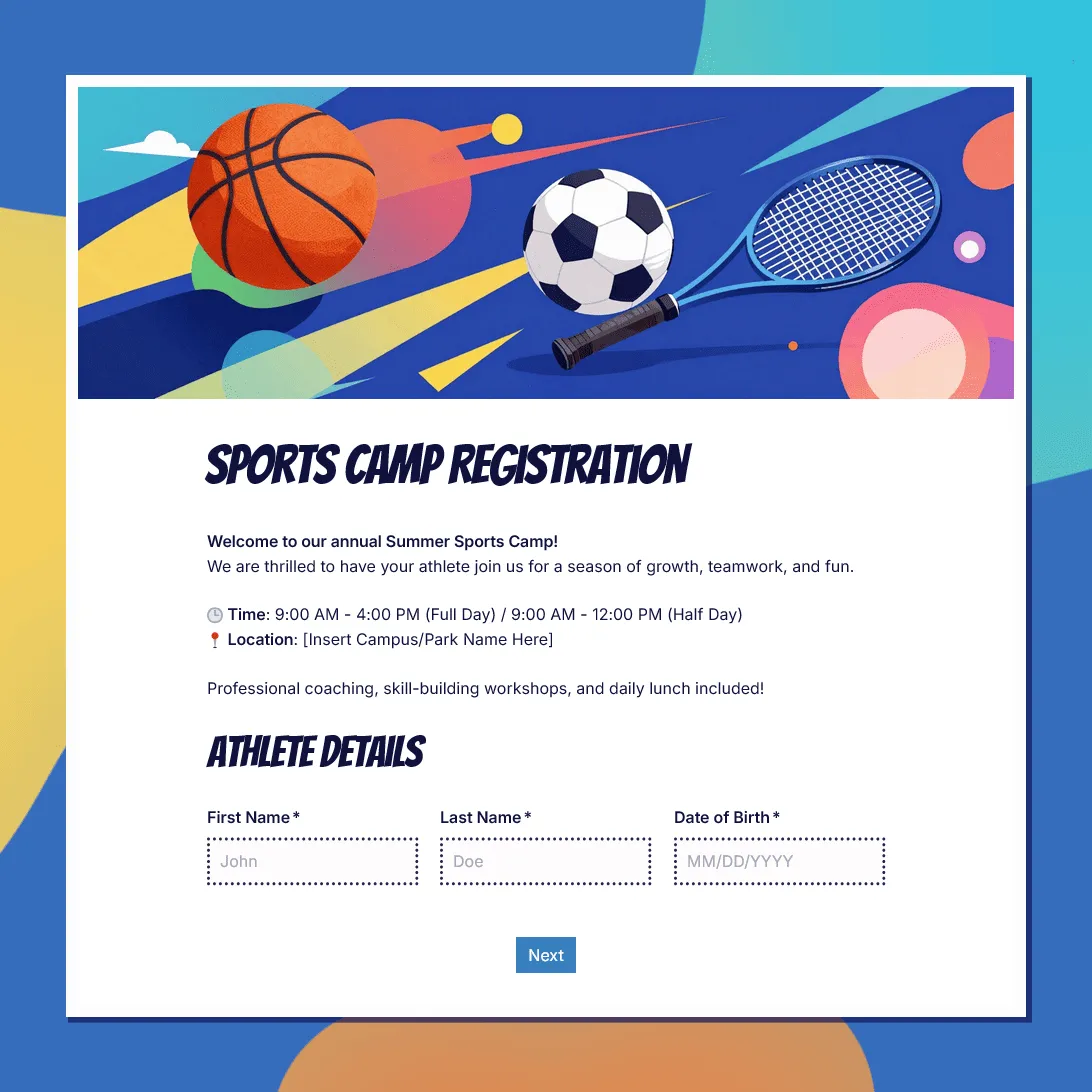
Sports Camp Registration Form Template
Use this free sports camp registration form template to collect athlete details, sport choices, waivers, and emergency contacts.
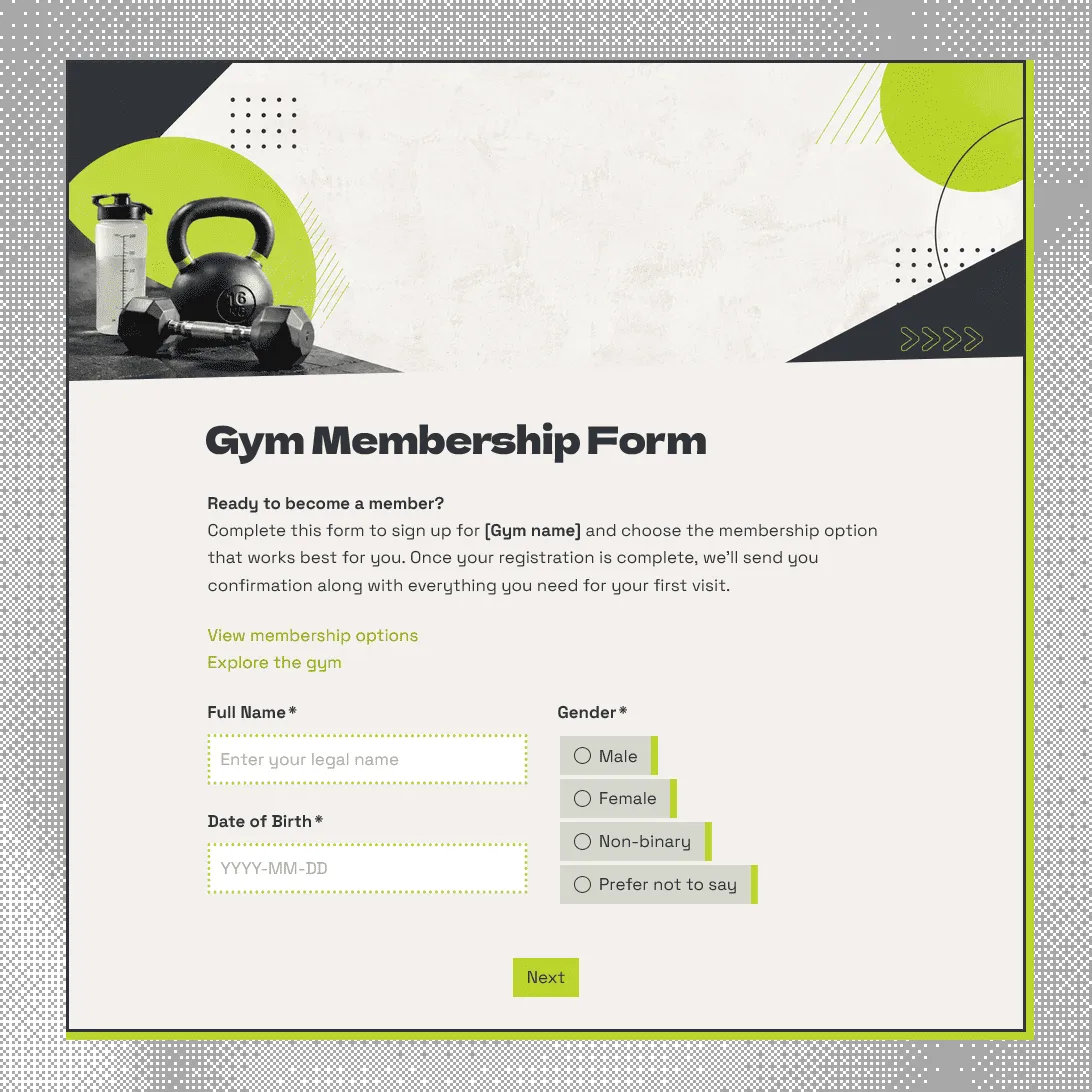
Gym Membership Form Template
Free gym membership form template for collecting member details, membership choices, emergency contacts, and health notes.