How to Create an Online Application Form (+ Free Templates)
Creating an application form starts with one question: what do you need to know before you can approve, reject, shortlist, or follow up with an applicant?
Once that is clear, the form becomes much easier to build. You can ask for the right contact details, add eligibility questions, collect files, use logic for different applicant types, and explain what happens after submission.
This guide explains how to make an application form online, what fields to include, and which free application form templates can help you start faster.
How to create an online application form for free
1. Decide how applications will be reviewed
Before you add questions, write down what you need to know to accept, decline, shortlist, approve, place, or follow up with an applicant.
Ask yourself:
- Who can apply?
- What are they applying for?
- What makes someone eligible or a good fit?
- What files, links, or proof do you need?
- What should happen after they submit the form?
This is what separates an application form from a simple signup form. If every submission is accepted automatically, you are probably creating a registration form. For that workflow, see how to create a registration form.
2. Start from a blank form, template, or generated draft
Once you know what the application needs to help you decide, pick the easiest way to build the first version.
Start with a template when your process matches a common use case, such as hiring, volunteering, memberships, internships, vendors, or program applications. Use an application form template, then edit the questions, files, agreements, design, and follow-up steps.
Generate a custom draft when the application has more specific requirements. In FormGrid, you can generate a custom application form by describing who is applying, what you need to review, what files are required, and whether different applicants should see different questions.
Start from a blank form when you already have the exact structure planned, or when the application does not fit an existing template.
3. Collect the basic applicant information
Start with the basic details you need to identify and contact the applicant. Common fields include:
- name
- email address
- phone number
- organization or company
- location
- website or portfolio link
- application type or category
Keep this section simple. Longer review questions can come after the basic contact details.
4. Ask the questions your team will use to decide
Next, add the questions that help you evaluate the application. These might cover experience, qualifications, availability, preferences, eligibility, background, references, or written answers. The exact questions depend on the application, but each one should help with review.
Avoid adding questions only because they might be interesting later. If a question will not affect review, follow-up, or placement, remove it.
5. Add uploads, agreements, and logic
Some application forms need supporting files or different paths for different applicants.
You can add:
- file uploads for resumes, portfolios, certificates, permits, proposals, menus, or other documents
- conditional logic for different applicant types, categories, roles, or eligibility answers
- agreement checkboxes for terms, policies, consent, or eligibility statements
- a signature field when applicants need to sign before submitting
This keeps the form easier to complete and easier to review.
6. Customize the design
The form should match the application process and the organization behind it.
In FormGrid, you can edit the layout, sections, descriptions, theme, colors, fonts, button styles, and cover image. You can keep the design simple and professional, or make it more specific to your event, program, brand, school, nonprofit, or business.
Design matters most when the form is public. A clean application page makes the process feel clearer and more trustworthy.
7. Set up the confirmation and follow-up
After submission, applicants should know what happens next.
Use a custom confirmation page to explain whether the application was received, when review happens, and when applicants can expect a response.
You can also add a send email block to send an automatic confirmation email with the review timeline, next steps, contact details, or missing document instructions.
8. Test, publish, and share the form
Before sharing the form, submit a test application yourself.
Check that required fields work, uploads go through, conditional questions appear correctly, the design looks good on mobile, and the confirmation message is clear.
Then publish the form and share the link by email, on your website, in a job post, on a program page, or through an embed code.
What should an application form include?
Build the form around the review process. The fields should help you identify the applicant, understand what they are applying for, check whether they are a good fit, and tell them what happens next.
Applicant details
Start with the information you need to identify and contact the applicant:
- Name
- Email address
- Phone number
- Organization, company, or school, if relevant
- Location, if it affects eligibility, scheduling, or review
Keep this section short. Applicants should not have to fill out a full profile before they reach the main application questions.
Application details
Next, ask what the person is applying for. This makes responses easier to sort later.
Depending on the form, this could be:
- role or position
- vendor category
- membership type
- program, grant, or scholarship
- preferred location, date, or time
- application round or track
Use dropdowns or multiple choice fields where possible. They make applications easier to filter and compare.
Questions about fit and eligibility
This is the most important part of the form. Ask the questions your team will use to make a decision.
That might include experience, availability, qualifications, motivation, references, product details, project background, or eligibility. Keep the questions specific. A few well-chosen questions are easier to answer and easier to review than a long set of generic written prompts.
For example:
- What relevant experience should we know about?
- Why are you interested in this opportunity?
- What dates or times are you available?
- What category best describes your work?
- Is there anything that may affect your eligibility?
Supporting materials
Some applications need proof, examples, or documents. Add a file upload field when applicants need to attach resumes, portfolios, certificates, permits, proposals, menus, product photos, or other files.
If a link is enough, ask for a website, portfolio, LinkedIn profile, social profile, or document URL instead. Uploads are useful, but they add effort for applicants, so use them when the file will help with review.
Free application form templates
Use one of these free application form templates when you already know the kind of application you need, but do not want to build the structure from a blank page.
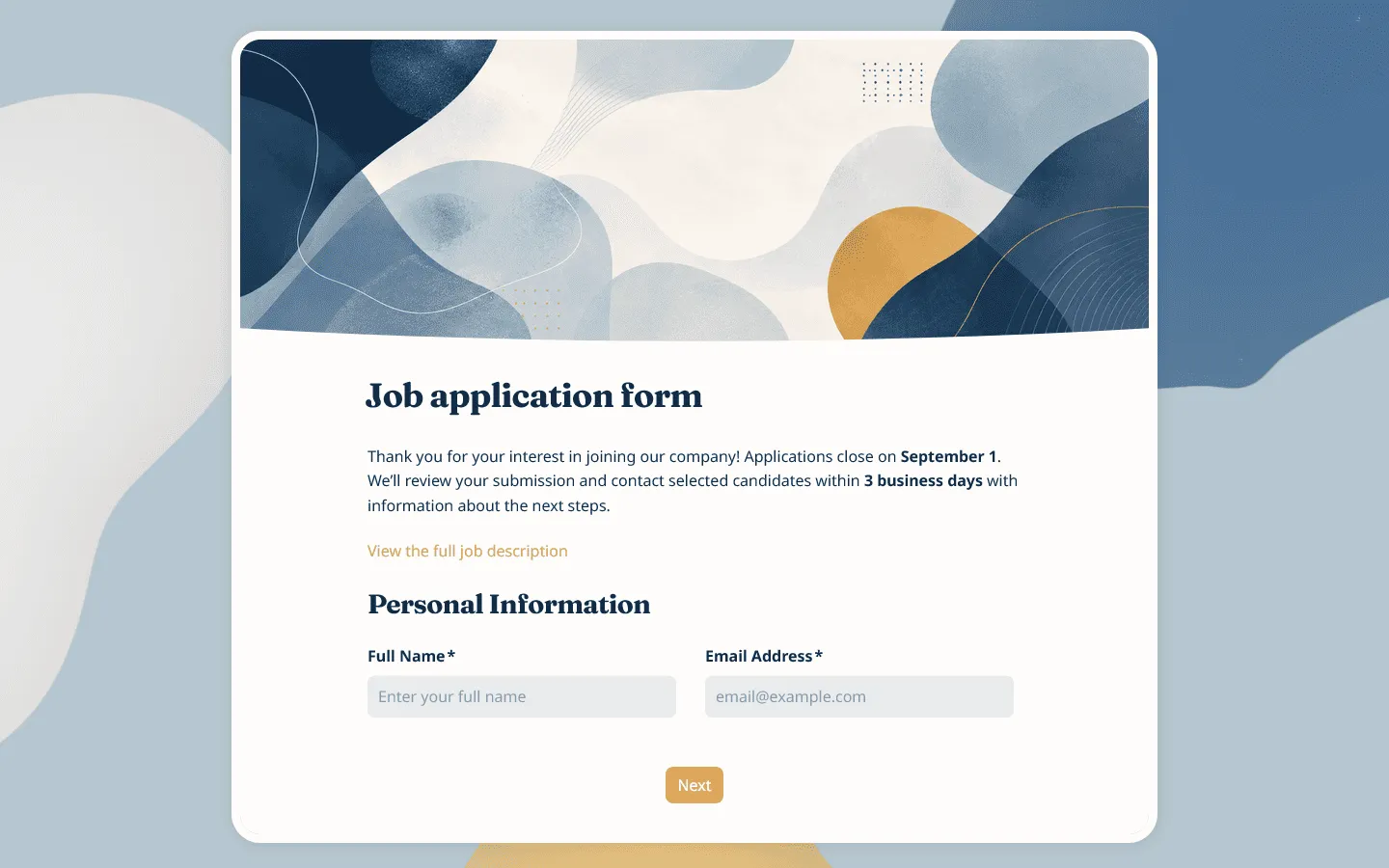
Job application form template
Hiring teams can start with this job application form template when they need a clear way to collect candidate details, resumes, availability, work preferences, experience, education, skills, and consent before reviewing applicants.
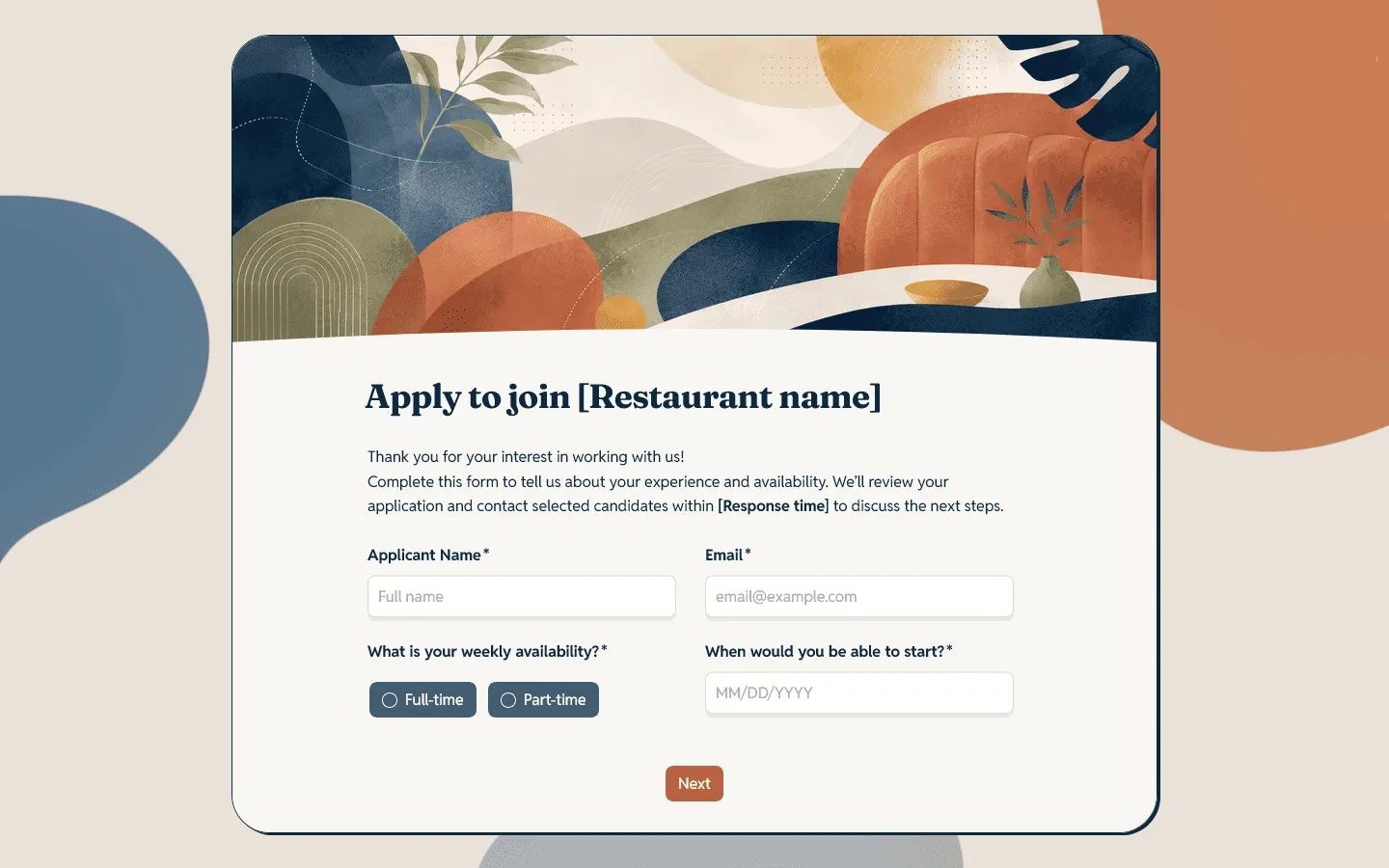
Restaurant job application form template
This restaurant job application form template is made for fast-moving hospitality hiring. It helps restaurants collect role preferences, shift availability, start dates, experience, certifications, and applicant contact details without turning the first application step into a long back-and-forth.
Internship application form template
Our internship application form template gives students and early-career candidates room to share their education, availability, coursework, projects, resume, portfolio links, and internship preferences in a structure that is easier for teams to review.
Vendor application form template
Markets, fairs, festivals, and supplier programs often need to review vendors before accepting them. Our vendor application form template helps collect business details, product categories, setup needs, supporting files, licenses, permits, references, and agreement to application terms.
If the vendor has already been accepted and you only need final logistics, use our vendor registration form template.
Volunteer application form template
Nonprofits, schools, charities, churches, and community groups can use this volunteer application form template to learn where someone can help, when they are available, what experience they bring, and which roles they are interested in.
Brand ambassador application form template
For creator programs, campus teams, influencer campaigns, and community marketing, this brand ambassador application form template helps you review social profiles, audience fit, content style, brand familiarity, availability, and collaboration interest.
Nanny application form template
Families and agencies can use our nanny application form template to collect childcare experience, schedule availability, references, certifications, preferred role type, driving details, and background-check consent where relevant.
Membership application form template
Our membership application form template works for clubs, associations, communities, and professional groups that need to collect member details, eligibility information, interests, references, and agreement to membership terms before approval.
Church membership application form template
This church membership application form template gives churches a structured way to welcome prospective members, understand their household and church background, and guide them toward the right next step, whether that is a class, pastoral conversation, transfer request, or ministry introduction.
How to create an application form in FormGrid
FormGrid is a free form builder for creating online application forms with unlimited responses. You can start from an application form template or generate a custom form from a short description.
To generate a custom application form, describe what the application is for, who will fill it out, what information you need, and what style you want.
For example:
Create a vendor application form for a weekend market. Collect business details, product category, booth requirements, uploaded permits, menu or product photos, references, and agreement to market rules. Show different follow-up questions for food vendors and craft vendors.
FormGrid will create a first draft with the questions, layout, and design in place. After that, review the wording, remove fields you do not need, add file uploads, set up conditional logic, update the confirmation message, and publish the form.
Once applications come in, you can review them in the response table. You can also export responses when you need a spreadsheet for scoring, filtering, or sharing with other reviewers.
How to create an application form in Google Forms
Google Forms can work for simple application forms. Here is the basic process:
- Go to Google Forms and create a blank form.
- Add a title and short description.
- Add the main applicant details.
- Add the review questions.
- Add upload fields if your Google account supports them and your settings allow it.
- Mark only the necessary fields as required.
- Update the confirmation message.
- Submit a test application.
- Share the form link.
Google Forms is useful for straightforward internal applications. For public application forms that need more design control, a more custom layout, richer page content, or a tailored first draft, a dedicated form builder such as FormGrid gives you more flexibility.
Tips for better application forms
Application forms are easier to complete and review when the structure matches the decision process.
Start with the decision criteria
Before adding questions, write down what you need to know to approve, reject, shortlist, or place an applicant. For example, a volunteer program may care about availability and role fit. A vendor market may care about product category, setup needs, insurance, and category balance. A membership group may care about eligibility, interests, and agreement to community rules.
Keep the first page simple
The beginning of the form should help applicants understand what they are applying for and what they need to complete the form. Add the deadline, review timeline, requirements, and estimated time to complete. If applicants need files, tell them before they start.
Use required fields carefully
Required fields are useful for information you cannot process the application without. Too many required fields can make the form harder to finish. Names, contact details, eligibility questions, and core application answers may need to be required. Long written answers, optional links, and extra notes often work better when they are optional.
Make upload instructions clear
If you need a resume, permit, certificate, portfolio, or proposal, say exactly what the applicant should upload. Mention accepted file types, number of files, and any naming instructions if that matters for your review process.
Separate review questions from logistics
Some details help you decide whether to accept someone. Other details are only needed after approval. For example, a vendor application may need product type, photos, permits, and references during review. Booth number, setup time, final payment status, and arrival instructions may belong in a later registration or onboarding form.
Explain what happens next
Applicants should not have to guess whether their application was received, whether it is under review, or when they will hear back. Use the confirmation message and automatic email to set expectations.
Common mistakes when creating an application form
- Asking questions that do not affect the decision: Extra questions slow applicants down and make review harder. Remove fields you will not use.
- Hiding important requirements: If applicants need a license, portfolio, document, membership status, or minimum availability, mention it before they spend time filling out the form.
- Mixing application and onboarding details: Keep the first application focused on review. Collect final logistics after approval.
- Forgetting file uploads: If applicants need to send documents later by email, review becomes harder to manage. Add upload fields where they make sense.
- Using vague confirmation text: “Thanks for submitting” is not enough when people are waiting for a decision. Tell them what happens next.
FAQs
What is an application form?
An application form is a form that is used to collect information from people who want to be considered for a role, program, opportunity, membership, event, grant, scholarship, vendor spot, or similar process. It gives organizers a consistent way to review applicants and decide what should happen next.
Can I create an application form for free?
Yes. With FormGrid, you can create application forms for free and collect unlimited responses on the free plan. You can start from a template or generate a custom application form from a short description.
What should an application form include?
An application form usually includes applicant contact details, application type, relevant experience, qualifications, availability, supporting documents, references, consent or agreement fields, and a confirmation message explaining what happens next.
How long should an application form be?
An application form should be long enough to collect what you need for review, but short enough that qualified applicants can finish it without unnecessary friction. For simple applications, 8 to 15 questions may be enough. More selective processes may need additional sections, uploads, or written answers.
What should happen after someone submits an application form?
Applicants should see a confirmation message that explains whether their application was received, when review will happen, and when they can expect a response. You can also send an automatic confirmation email with next steps, contact details, or missing document instructions.
Can I show different questions to different applicants?
Yes. Use conditional logic to show different questions based on applicant type, role, category, eligibility, location, or availability.
Can I embed an application form on my website?
Yes. After publishing, you can add your application form to a website, landing page, job page, market page, or membership page with an embed code, or share the form link directly.