Nanny Application Form Template
Free nanny application form template for hiring nannies and babysitters. Collect experience, availability, references, certifications, and more.
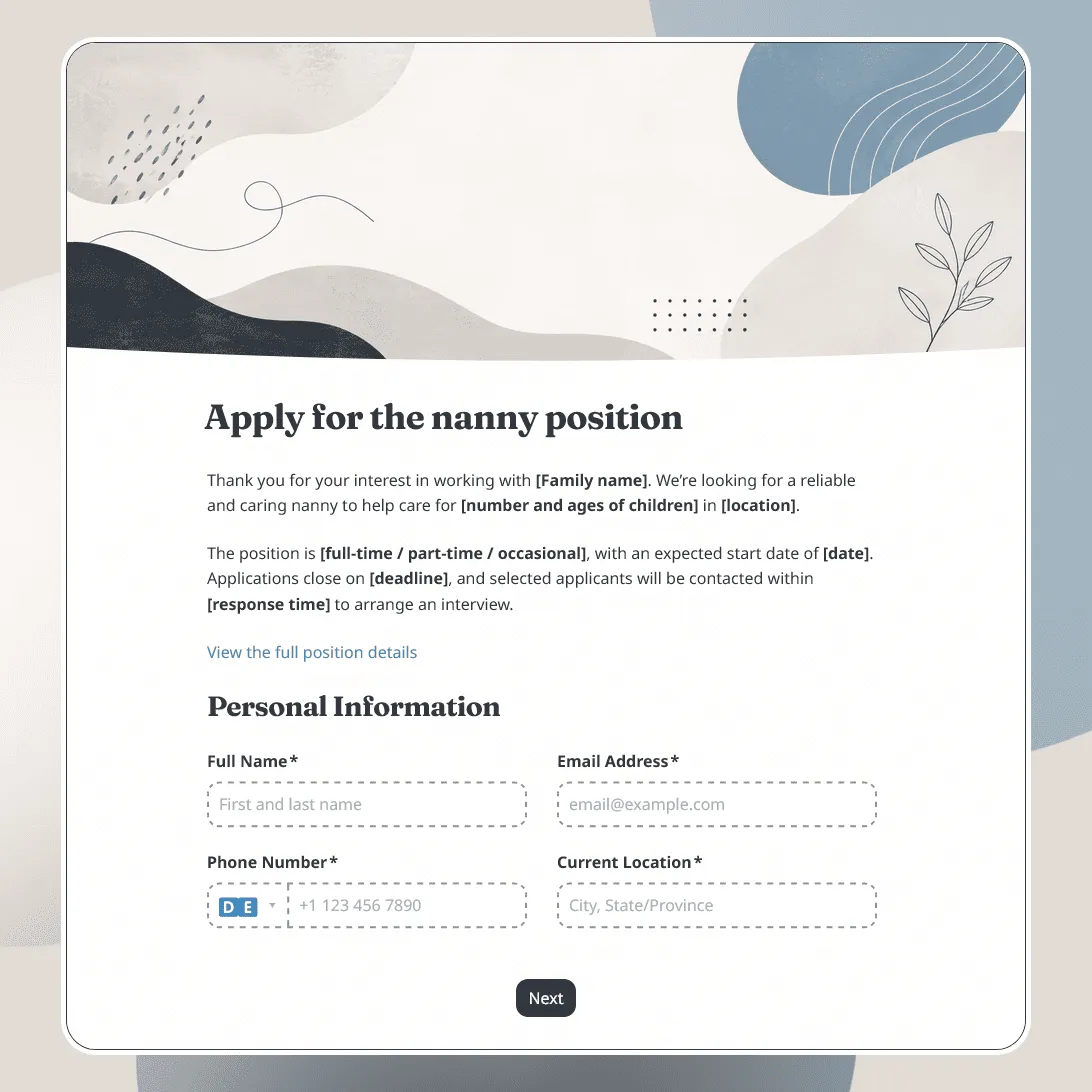
Need a custom nanny application form?
Describe the nanny role and FormGrid will generate a tailored application form for you.
About this nanny application form template
Hiring a nanny involves trust, schedule fit, experience, and clear expectations. The form needs to give applicants enough context about the role, while giving families or agencies the details they need before interviews begin.
Our nanny application form template is designed for in-home childcare roles, after-school care, full-time nanny positions, part-time nanny jobs, live-in or live-out arrangements, babysitting support, travel nanny roles, and childcare agency applications.
Use this template when you want applicants to share their childcare background, availability, references, certifications, preferred schedule, and practical requirements in one organized application.
What this template includes
The form is organized around the details families and childcare teams often review first:
- Applicant name and contact details
- Current location
- Childcare experience
- Ages of children cared for
- Preferred nanny role or childcare arrangement
- Full-time, part-time, occasional, live-in, or live-out availability
- Earliest available start date or notice period
- Weekly schedule availability
- Expected hourly rate or salary range, if relevant
- Languages spoken
- Driving availability or license details, if needed
- CPR, first aid, or childcare certifications, if relevant
- Resume or CV upload
- References
- Consent for background or reference checks, where relevant
- Notes for the family, agency, or hiring coordinator
This template is fully customizable, so you can change the questions, page design, images, conditional logic, confirmation message, and follow-up email to match your childcare role, family needs, or agency process.
How to use this template
Click “Use this template” to open the nanny application form in FormGrid.
- Add the role details. Include the family, agency, or organization name, the type of nanny role, location, schedule, start date, and any important expectations applicants should know before applying.
- Review the experience questions. Ask about childcare background, ages cared for, relevant duties, and previous nanny, babysitting, teaching, or caregiver experience.
- Set up schedule and availability fields. Add the days, hours, start date, live-in or live-out preference, travel needs, and weekend or evening availability that match the role.
- Include practical requirements. Keep questions about driving, languages, certifications, references, or document uploads only where they matter for the position.
- Add consent text carefully. If you plan to check references, request background checks, or process sensitive information, explain that clearly and make sure the wording fits your local requirements.
- Use conditional logic for different childcare setups. With conditional logic, live-in applicants, after-school nannies, part-time caregivers, and agency candidates can see different follow-up questions.
- Send applicants a confirmation email. Add a send email block to share the review timeline, interview process, contact details, or any documents applicants should prepare.
- Adjust the look of the form. Choose a layout, colors, fonts, cover image, and button style that feel warm, clear, and appropriate for a childcare application.
- Publish and share the form. After you publish the form, send the link to applicants, add it to a job post, share it with an agency, or embed it on a childcare hiring page with an embed code.
For the basics of creating an online application form, including what to ask and how to handle next steps, see how to create an application form.
Responses appear in your response table, where you can review applicants, availability, experience, references, certifications, uploads, and consent answers. You can also export responses when you need a spreadsheet for screening, interviews, or sharing candidates with another decision maker.
Tips for nanny application forms
A nanny application should make the role clear before applicants spend time filling it out.
-
Be specific about the schedule. Include the usual days, hours, start date, flexibility needs, and whether the role is temporary, recurring, full-time, or part-time.
-
Ask about age-specific experience. Infant care, toddler care, school-age care, homework help, and after-school routines may require different experience.
-
Separate childcare duties from household tasks. If the role includes meal prep, pickup, light housekeeping, laundry, errands, travel, or pet care, say so clearly.
-
Treat sensitive information carefully. Background checks, references, health information, and eligibility questions should be handled with clear wording and only used when relevant.
Nanny application form template FAQs
What should a nanny application form include?
A nanny application form should include applicant contact details, childcare experience, ages cared for, availability, preferred schedule, certifications if relevant, references, and consent for follow-up or checks where needed.
Should I ask for references?
References are common for nanny and childcare roles. You can ask for reference names and contact details, or ask applicants to provide them later in the interview process.
Can applicants upload a resume or certificates?
Yes. Add a file upload field for resumes, CPR certificates, first aid certificates, childcare documents, or other files. Keep uploads optional if you want to make the first application easier to complete.
Can I ask different questions for full-time, part-time, and live-in nanny roles?
Yes. Use conditional logic to show different questions based on schedule, role type, live-in or live-out preference, travel needs, or location.
Can I send applicants an automatic confirmation email?
Yes. Add a send email block to confirm that the application was received and explain the next steps.
Is this nanny application form template free?
Yes. This template is free to use, and you can collect unlimited nanny applications on the free plan.
Related templates
Job Application Form Template
Free job application form template for recruiters. Use it to collect candidate details, resumes, availability, salary expectations, and more.
Baby Shower RSVP Template
Free baby shower RSVP template for collecting guest replies, guest counts, meal notes, gift details, and messages for the parents-to-be.