Vendor Registration Form Template
Free vendor registration form template for collecting vendor details, products or services, setup needs, documents, payment details, and agreements.
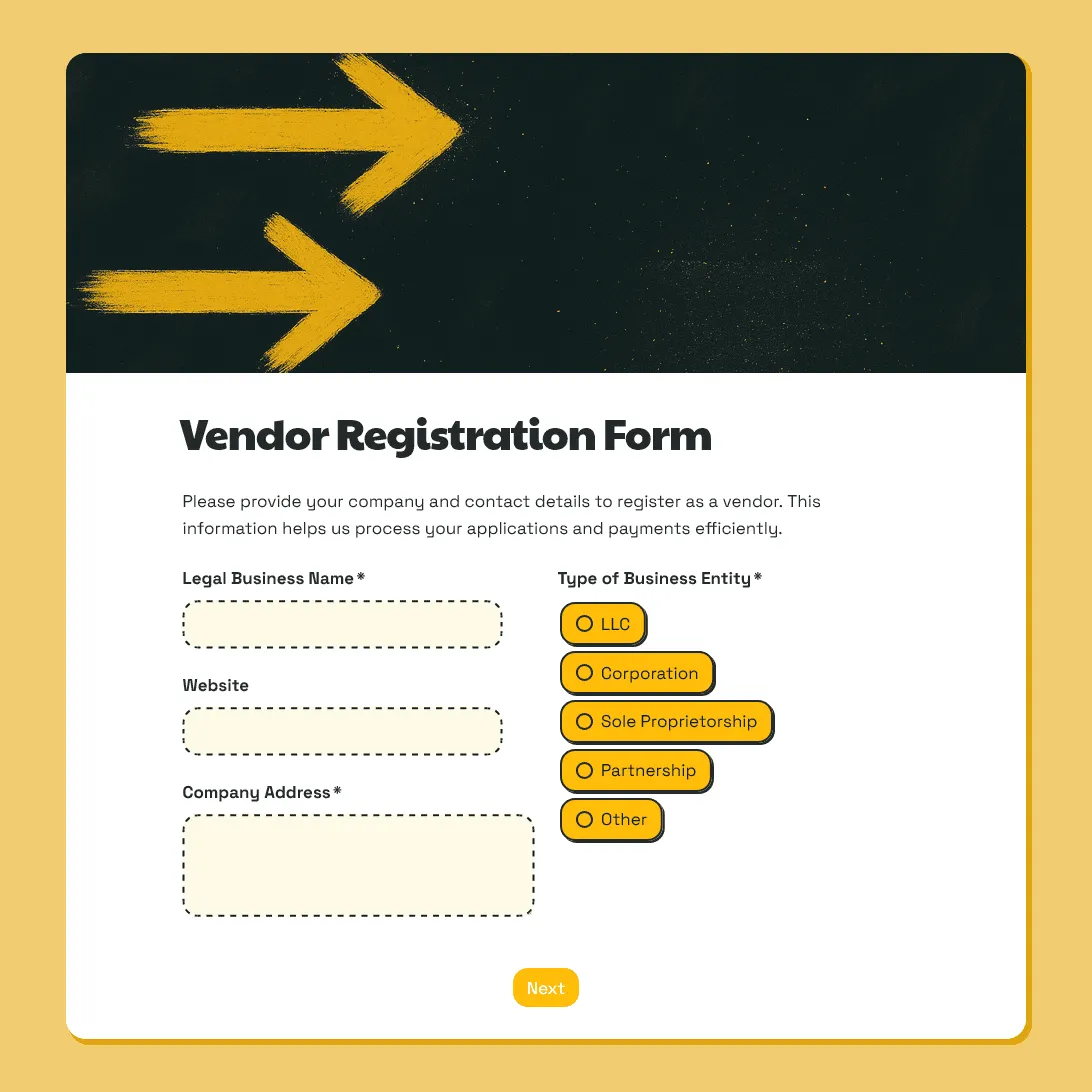
Need a custom vendor registration form?
Describe your vendor process and FormGrid will create a tailored registration form with a custom design.
About this vendor registration form template
This vendor registration form is for collecting vendor details in one organized place before an event, market, supplier setup, or vendor onboarding process.
It starts with the vendor type, then collects the details your team needs to review the submission: business information, contact people, products or services, setup needs, document uploads, payment details, and agreement confirmation.
The form works well for event vendors, food vendors, craft sellers, exhibitors, sponsors, suppliers, contractors, school fair vendors, nonprofit event vendors, and marketplace sellers.
If you are still deciding which vendors to accept, start with the vendor application form template. This registration form is better when you are ready to collect the details needed for setup, records, documents, payment, or final confirmation.
What this form includes
This vendor registration form includes fields for:
- vendor type
- business name
- public-facing vendor name
- primary contact
- billing contact
- event-day contact
- products or services
- product category, menu, catalog, or portfolio
- setup needs
- permits, licenses, certificates, or insurance documents
- billing details or vendor fee status
- agreement to vendor terms, event rules, or policies
You can shorten the form for a small market or school fair, or add more detail for food vendors, exhibitors, suppliers, contractors, and larger events.
Customize this vendor registration form template
Open this vendor registration form template in FormGrid. You can edit it manually, or describe the changes you need in the AI chat.
For example, you can ask FormGrid to:
- “Make this a food vendor registration form. Add menu, cuisine type, cooking method, refrigeration, power, water, waste disposal, health permit, food safety certificate, insurance, and staff count questions.”
- “Adapt this for a craft fair. Ask about product category, booth size, table needs, product photos, setup time, seller permit, insurance, and whether the products are handmade or resold.”
- “Simplify this for a school fair. Ask for contact details, product type, table needs, setup time, insurance status, payment status, photo consent, and agreement to event rules.”
FormGrid can update the questions, conditional logic, field descriptions, layout, colors, design, and confirmation message for you.
Check before sending it to vendors
Before sharing the form, check that:
-
The vendor type options match your process. Remove vendor types you do not accept, and add any missing ones.
-
Required fields are necessary. Do not make every vendor upload documents, enter billing details, or answer setup questions unless those details are needed for their vendor type.
-
Conditional questions work correctly. Food vendors, exhibitors, suppliers, contractors, and market sellers should only see the follow-up questions that apply to them.
-
Upload fields are clear. If vendors need to upload permits, certificates, insurance documents, logos, menus, or signed agreements, explain exactly what belongs in each upload field.
-
The agreement text is yours. Replace the sample text with your vendor rules, payment terms, setup rules, cancellation policy, insurance requirements, code of conduct, or supplier terms.
-
The confirmation message explains the next step. Tell vendors whether their registration was received, still needs review, is waiting for payment, or requires missing documents.
After you publish the form, send the link by email, add it to a vendor information page, include it in an event packet, or embed the form on your website.
Manage vendor registrations after submission
Before sharing the template, decide where new submissions should go.
You can:
- Export responses to CSV or Excel for vendor lists, booth plans, payment tracking, or missing-document checks.
- Send new registrations to Airtable or Notion.
- Use Zapier or Make to add rows to a spreadsheet, create tasks, post Slack updates, or trigger another workflow.
- Add a send email block before publishing if vendors should receive an automatic confirmation email.
For easier review, use separate questions for details you may need to sort or filter later, such as vendor type, payment status, document status, booth size, power needs, and event-day contact.
Related guides and resources
- Vendor application form template
- Vendor onboarding form template
- Event registration form template
- How to create an online registration form
Vendor registration form FAQs
Is this form for vendor registration or vendor applications?
This template works best for vendor registration: collecting business details, setup needs, documents, payment information, and agreements.
For reviewing vendors before accepting them, use the vendor application form template.
Can this template work for food vendors?
Yes. You can adapt it for food vendors by adding questions about menu, cooking method, refrigeration, power, water, waste disposal, health permits, food safety certificates, insurance, and staff count.
Can this form work for markets and craft fairs?
Yes. You can use it for farmers markets, craft markets, vendor fairs, food markets, festivals, school fairs, and community events. Add fields for product category, product photos, booth size, table needs, setup time, seller permits, insurance, and event rules.
Can vendors upload permits, licenses, or insurance documents?
Yes. Add file upload fields for business registration, public liability insurance, seller permits, food safety certificates, health permits, product certifications, signed agreements, menus, logos, or product photos.
Can different vendor types see different questions?
Yes. With conditional logic, each vendor type can see its own follow-up questions. Food vendors, exhibitors, suppliers, contractors, and craft sellers can all follow different paths in the same form.
Can vendors sign an agreement in the form?
Yes. You can add agreement checkboxes, a signature field, or a file upload field for signed documents.
Is this vendor registration form template free?
Yes. This vendor registration form template is free, and you can collect unlimited vendor registrations on the free plan.
Related templates
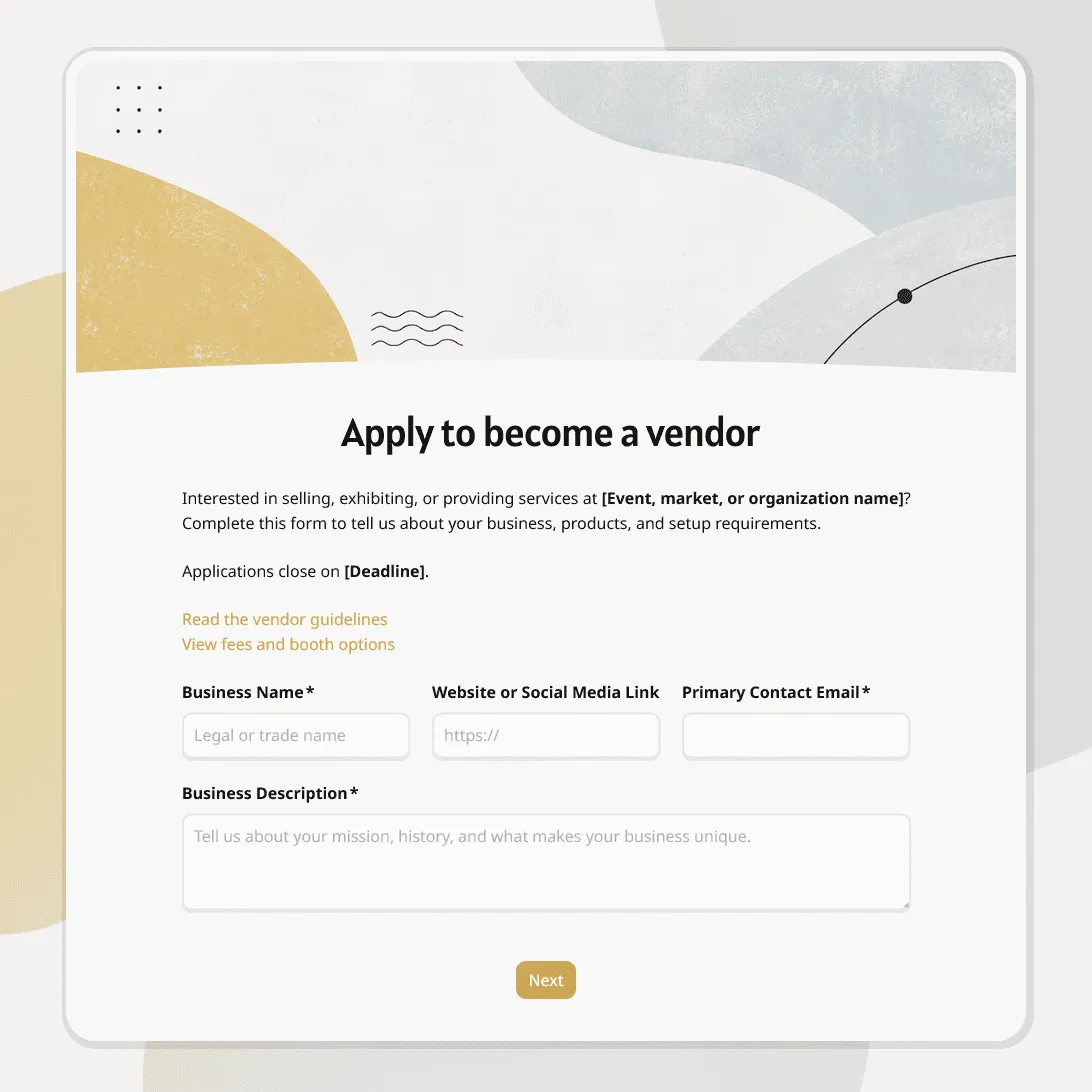
Vendor Application Form Template
Free vendor application form template for markets, events, suppliers, contractors, and seller applications. Fully customizable.
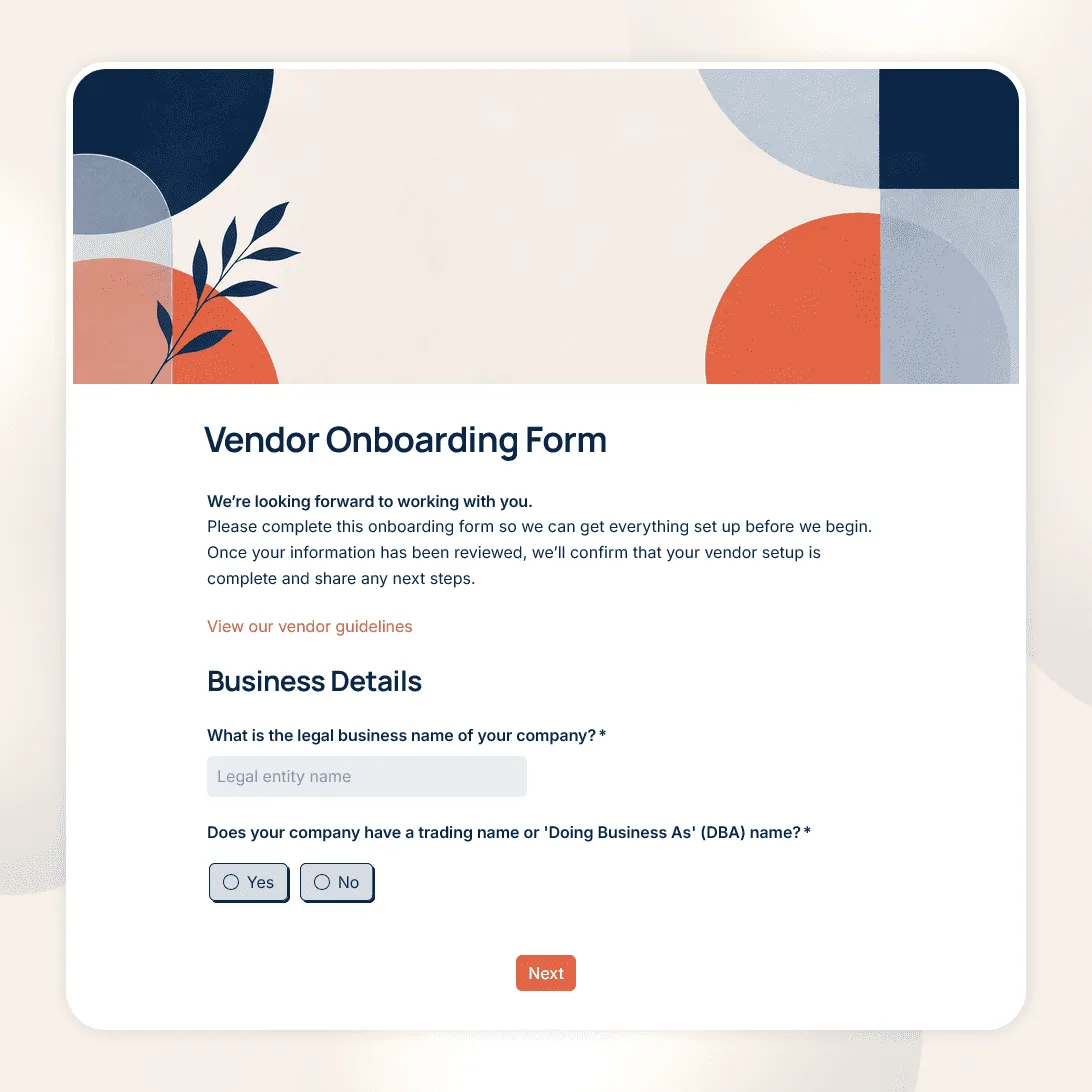
Vendor Onboarding Form Template
Free vendor onboarding form template for collecting supplier details, contacts, tax and payment information, required documents, and compliance details.
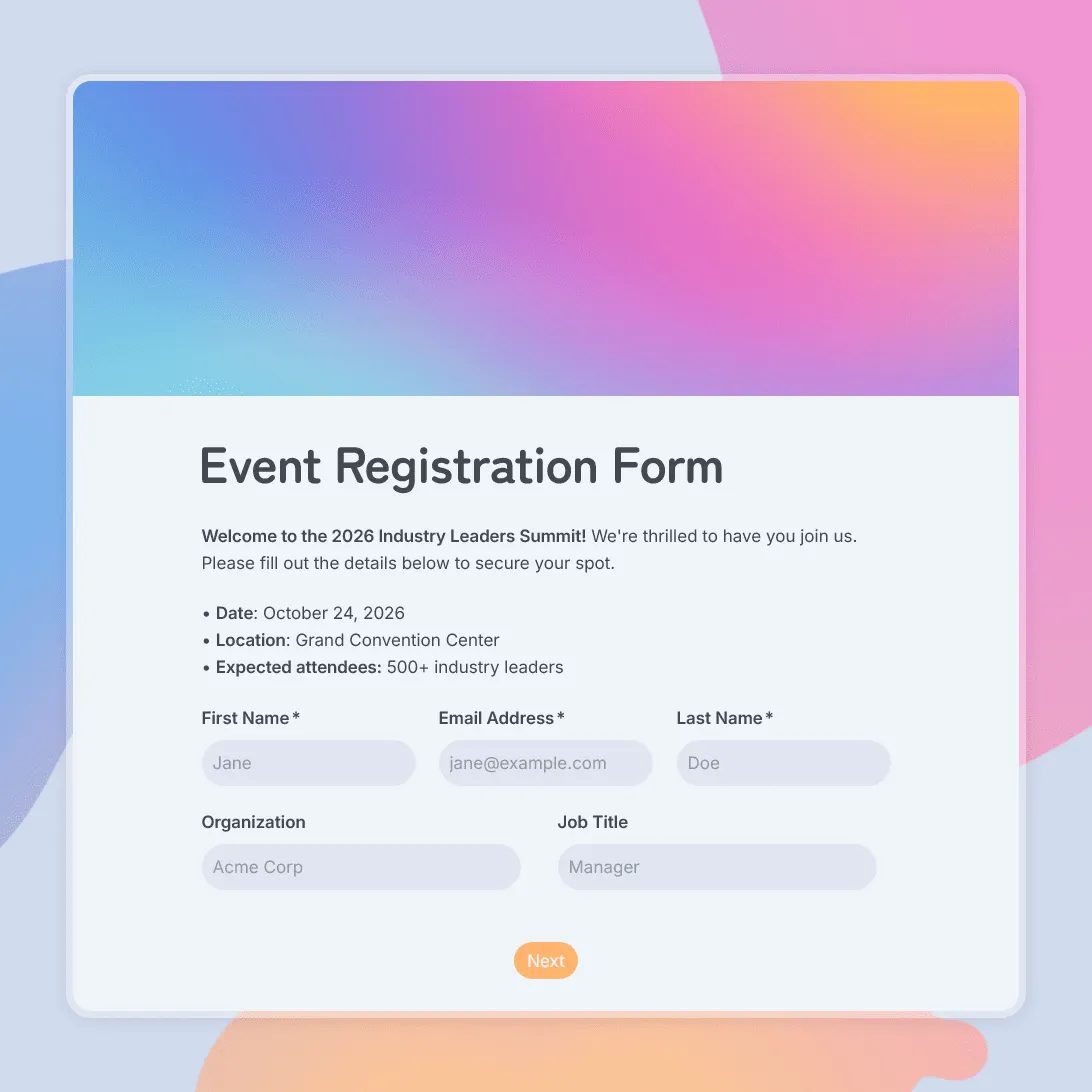
Event Registration Form Template
Use this free event registration form template to collect attendee details, preferences, and more.