Vendor Application Form Template
Free vendor application form template for markets, events, suppliers, contractors, and seller applications. Fully customizable.
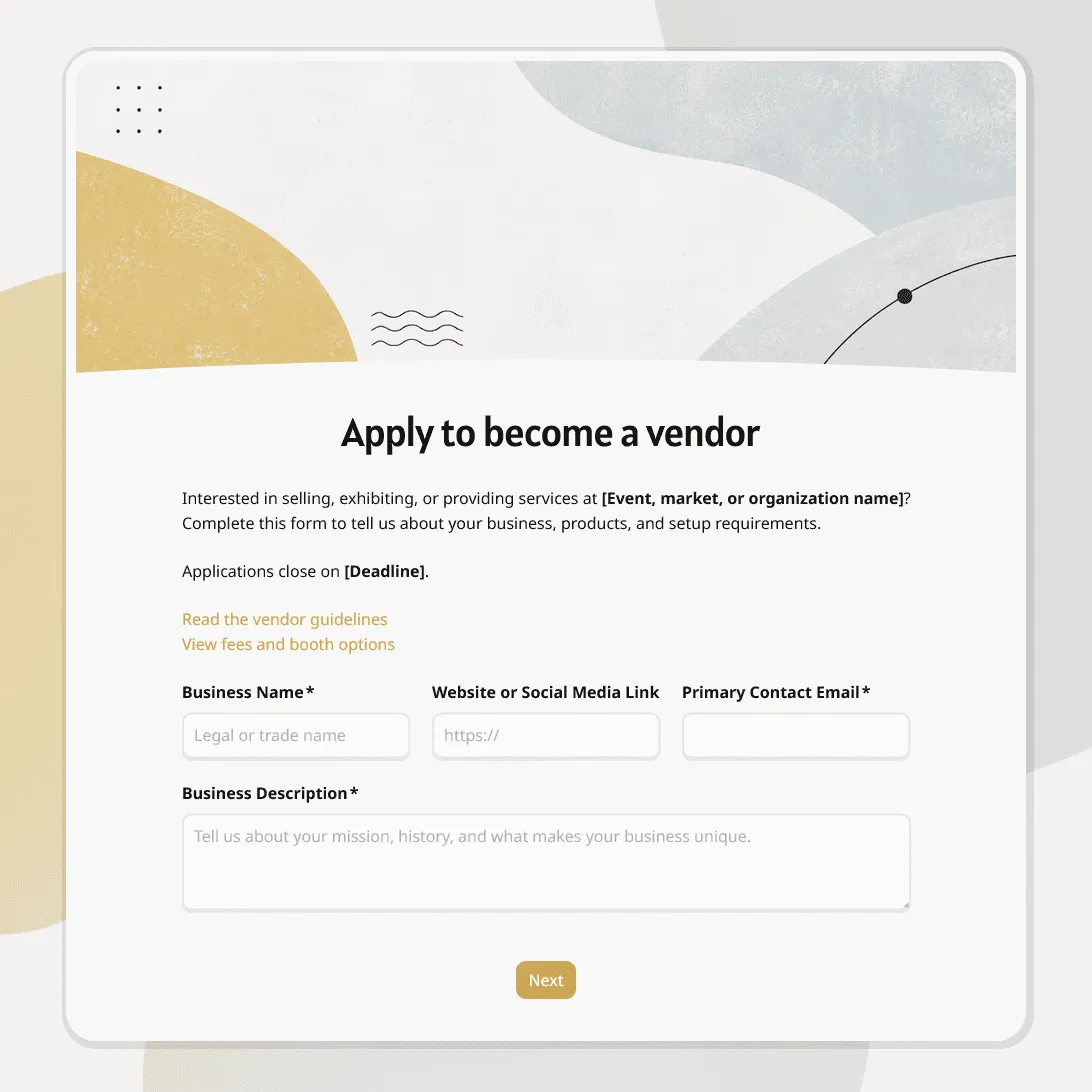
Need a custom vendor application form?
Describe your vendor selection process and FormGrid will generate a tailored application form.
About this vendor application form template
Vendor applications are much easier to review when every applicant answers the same core questions. Instead of comparing emails, PDFs, phone notes, and scattered links, you get business details, product information, supporting files, setup needs, and references in one response table.
This vendor application form template is designed for markets, fairs, festivals, pop-up events, food vendor applications, craft vendor applications, retail supplier reviews, contractor applications, marketplace seller applications, and other vendor selection processes.
Use this template when you are deciding who to accept. If a vendor has already been approved and you only need booth details, arrival time, documents, and setup information, our vendor registration form template may be a better fit.
What this template includes
This template helps you collect the details you need to review vendor applications consistently:
- Business name and contact details
- Vendor type or product category
- Business description
- Website, portfolio, or social links
- Products, services, menu, or catalog details
- Price range, capacity, minimum order, or lead time
- Event, market, or program preference
- Booth, table, space, or setup needs
- Electricity, equipment, or access requirements
- Licenses, permits, certificates, or insurance details
- File uploads for menus, catalogs, documents, or portfolio images
- Previous event, client, or retail experience
- References
- Special notes for the organizer
- Agreement to application terms
- Automatic confirmation email with next steps
Everything can be customized: questions, descriptions, field types, conditional logic, layout, theme, colors, fonts, button styles, confirmation message, and automatic email steps. Keep it short for a small local market, or add more detail for food vendors, retail suppliers, contractors, or larger event applications.
How to use this template
Click “Use this template” to open the vendor application form in FormGrid.
- Add your application details. Update the title, intro text, event or organization name, application deadline, review timeline, eligibility rules, and contact information.
- Review the business section. Keep the fields that help you identify the applicant, understand what they offer, and contact the right person.
- Update the vendor categories. Replace the sample options with your own categories, such as food, drinks, handmade goods, retail, services, sponsors, contractors, or suppliers.
- Customize the form page. Edit the questions, descriptions, field types, layout, colors, fonts, button styles, and logic so the application fits your selection process.
- Add upload fields where needed. Use file upload fields for menus, catalogs, permits, insurance documents, certificates, portfolio images, or product sheets.
- Check the setup and requirements section. Ask about space, tables, power, equipment, access, arrival needs, packaging, delivery, or service capacity when those details affect approval.
- Edit the agreement text. Replace the sample wording with your application terms, vendor rules, review policy, insurance requirements, refund notes, or event policies.
- Use conditional questions for different vendor types. With conditional logic, food vendors, craft vendors, retail suppliers, service providers, and contractors can see different follow-up questions.
- Send applicants an automatic email. Add a send email block to confirm that the application was received and explain what happens next.
- Publish and share the form. After you publish the form, share the link by email, on your website, in a call for vendors, or on social media. You can also add it to your application page with an embed code.
Responses appear in your response table, where you can review applicants, compare categories, open uploaded files, check requirements, and track review notes. You can also export responses when you need a spreadsheet for scoring, approvals, waitlists, or team review.
Tips for reviewing vendor applications
Vendor applications are easier to compare when the form is built around your actual selection criteria.
-
Decide what you need to judge before adding questions. Product fit, price point, experience, capacity, compliance, setup needs, and audience fit are common review criteria.
-
Use clear categories. Food, handmade goods, retail, services, sponsors, and contractors may need different follow-up questions.
-
Ask for proof where it matters. Menus, catalogs, certificates, permits, insurance documents, and portfolio images are easier to review when they are uploaded with the application.
-
Keep requirements visible before submission. Include deadlines, fees, insurance requirements, booth rules, food safety rules, selection criteria, and expected response time near the relevant questions.
-
Make the next step clear. Use the confirmation message or automatic email to explain whether the application is under review, when decisions will be sent, and who to contact with changes.
Vendor application form template FAQs
What should a vendor application form include?
A vendor application form usually includes business details, contact information, product or service category, business description, website or portfolio links, supporting files, setup requirements, licenses or permits, insurance status, references, and agreement to application terms.
What is the difference between a vendor application form and a vendor registration form?
A vendor application form is used before approval, when you are deciding whether a vendor is a good fit. A vendor registration form is used after approval to collect logistics details, such as booth setup, arrival time, required documents, and final event information.
Can I use this template for food vendor applications?
Yes. Add menu upload, food category, health permit, insurance status, power needs, booth setup, equipment, water access, serving requirements, and any food safety agreements.
Can vendors upload menus, catalogs, permits, or certificates?
Yes. Add file upload fields so vendors can attach PDFs, images, certificates, permits, insurance documents, menus, catalogs, product sheets, or portfolio files.
Can I show different questions for different vendor types?
Yes. Use conditional logic to show different follow-up questions for food vendors, craft vendors, retail suppliers, service providers, sponsors, or contractors.
How do I compare vendor applications fairly?
Start with the criteria that matter for your selection process, then make sure every applicant answers those questions. You can review responses in the response table or export responses to score applications in a spreadsheet.
Can I send applicants an automatic confirmation email?
Yes. Add a send email block so applicants automatically receive an email after submitting the form. You can include the review timeline, next steps, contact details, or a note about when decisions will be sent.
Can multiple people review the applications?
Yes. Invite team members to your workspace so they can review submissions, uploaded files, and application details. This is useful when different people need to review product fit, compliance, logistics, or final approval.
Can I customize this vendor application form?
Yes, this template is fully customizable for your vendor review process. You can change the questions, approval logic, document requests, visual design, images, agreements, and applicant email.
Is this vendor application form template free?
Yes. This template is free to use, and you can collect unlimited vendor applications on the free plan.
Related templates
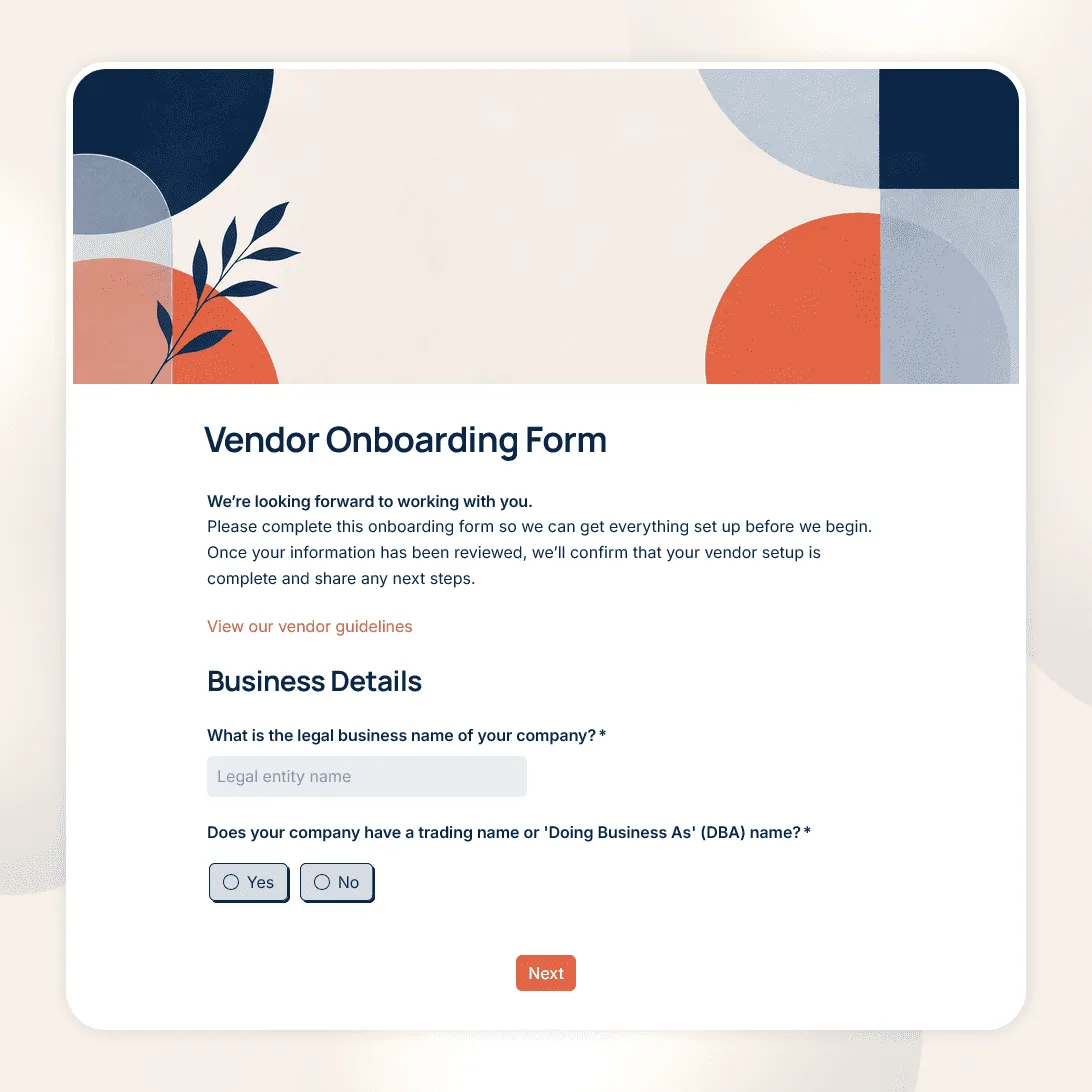
Vendor Onboarding Form Template
Free vendor onboarding form template for collecting supplier details, contacts, tax and payment information, required documents, and compliance details.
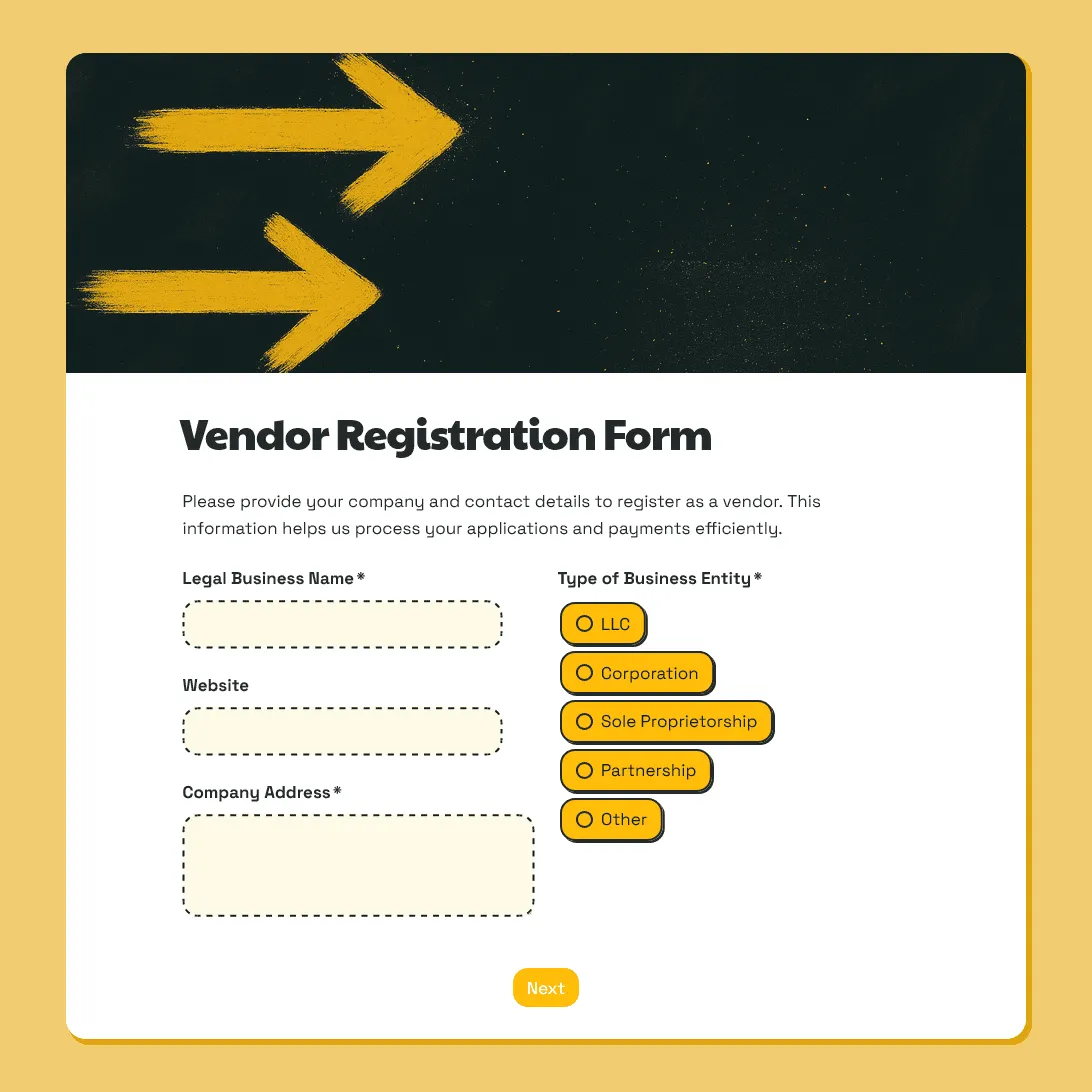
Vendor Registration Form Template
Free vendor registration form template for collecting vendor details, products or services, setup needs, documents, payment details, and agreements.
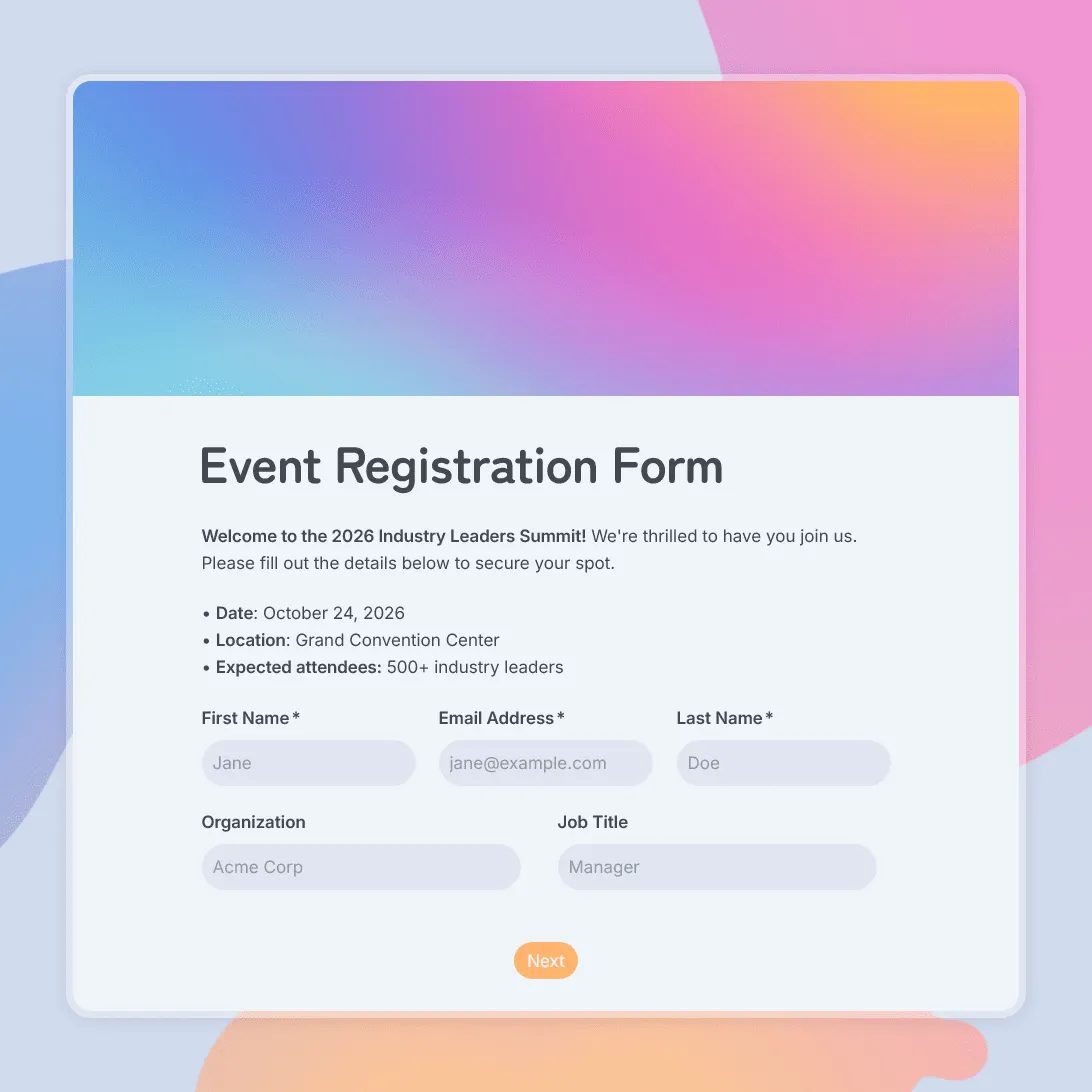
Event Registration Form Template
Use this free event registration form template to collect attendee details, preferences, and more.