Vendor Onboarding Form Template
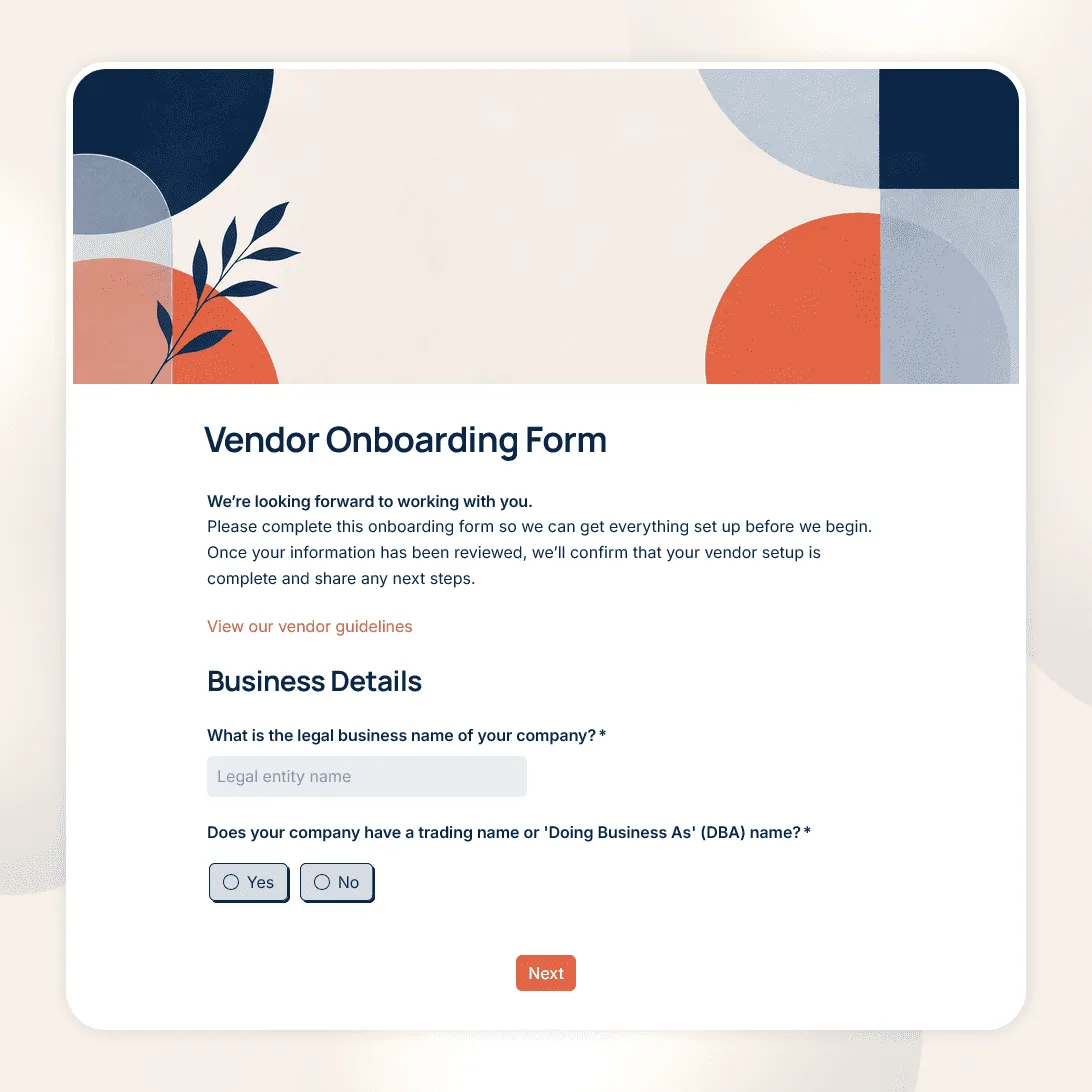
Free vendor onboarding form template for collecting supplier details, contacts, tax and payment information, required documents, and compliance details.
Need a custom vendor onboarding form?
Describe your vendor setup process, and FormGrid will generate a tailored onboarding form for you.
About this vendor onboarding form template
Use this vendor onboarding form template after a supplier, contractor, or service provider has been approved and you are ready to set them up in your organization.
It gives procurement, finance, operations, and other teams one place to collect the vendor details they need, including business information, contacts, invoicing and tax details, supporting documents, and any requirements that must be completed before work begins.
You can use the template for suppliers, agencies, consultants, contractors, software providers, and other external partners. Every field can be changed, removed, or made conditional to match your own vendor onboarding process.
What this vendor onboarding form includes
The template is organized around the information teams commonly need to create and approve a new vendor record.
Business details
- Legal business name
- Trading name or DBA
- Business address and country
- Business or entity type
- Company registration number
- Website
- Products or services provided
Vendor contacts
- Primary contact
- Email address and phone number
- Billing or accounts receivable contact
- Contract or account contact, if different
- Internal employee or department working with the vendor
Tax, invoicing, and payment details
- Tax registration information
- Required tax forms or documents
- Billing address
- Invoice email address
- Preferred payment method
- Payment terms or purchase order requirements
If sensitive banking information needs to be submitted through a separate finance or procurement system, leave it out of the form and tell vendors where to provide it instead.
Documents and compliance
Depending on the vendor, you may also collect:
- Tax documents
- Certificates of insurance
- Business or professional licenses
- Certifications
- Supplier policy acknowledgments
- Contract or agreement references
Add a file upload field when vendors need to attach documents directly to their response.
Customize onboarding by vendor type
Not every supplier needs to complete the same set of questions.
Use conditional logic to keep the basic business and contact fields consistent while showing additional sections only when they apply.
For example:
- Ask for insurance documents only from vendors that require them.
- Show country-specific tax questions based on where the supplier is registered.
- Ask about system or data access only when the vendor will have access to your systems or information.
This keeps the form shorter for straightforward vendors while still giving your team the information needed for more complex onboarding.
Make the handoff easier for your team
Before publishing the form, decide what should happen once a vendor submits it.
A complete response might give your team what it needs to:
- Create the vendor record
- Verify tax or insurance documents
- Set up invoicing and payment
- Complete an internal compliance review
- Assign the vendor to the right team or owner
- Confirm that onboarding is complete
Responses appear in your response table, where submitted details and documents can be reviewed together. You can also export responses when you need a spreadsheet or separate record.
If vendor information needs to flow into another system, connect the form to Airtable, Notion, Zapier, or Make. For example, a submission can create a new vendor record, add an onboarding task, or pass the response into a procurement or finance workflow.
Add a send email block to automatically confirm that the onboarding form was received and explain what happens next. If submitting the form does not mean the vendor is fully approved to begin work, make that clear in the message.
Related resources
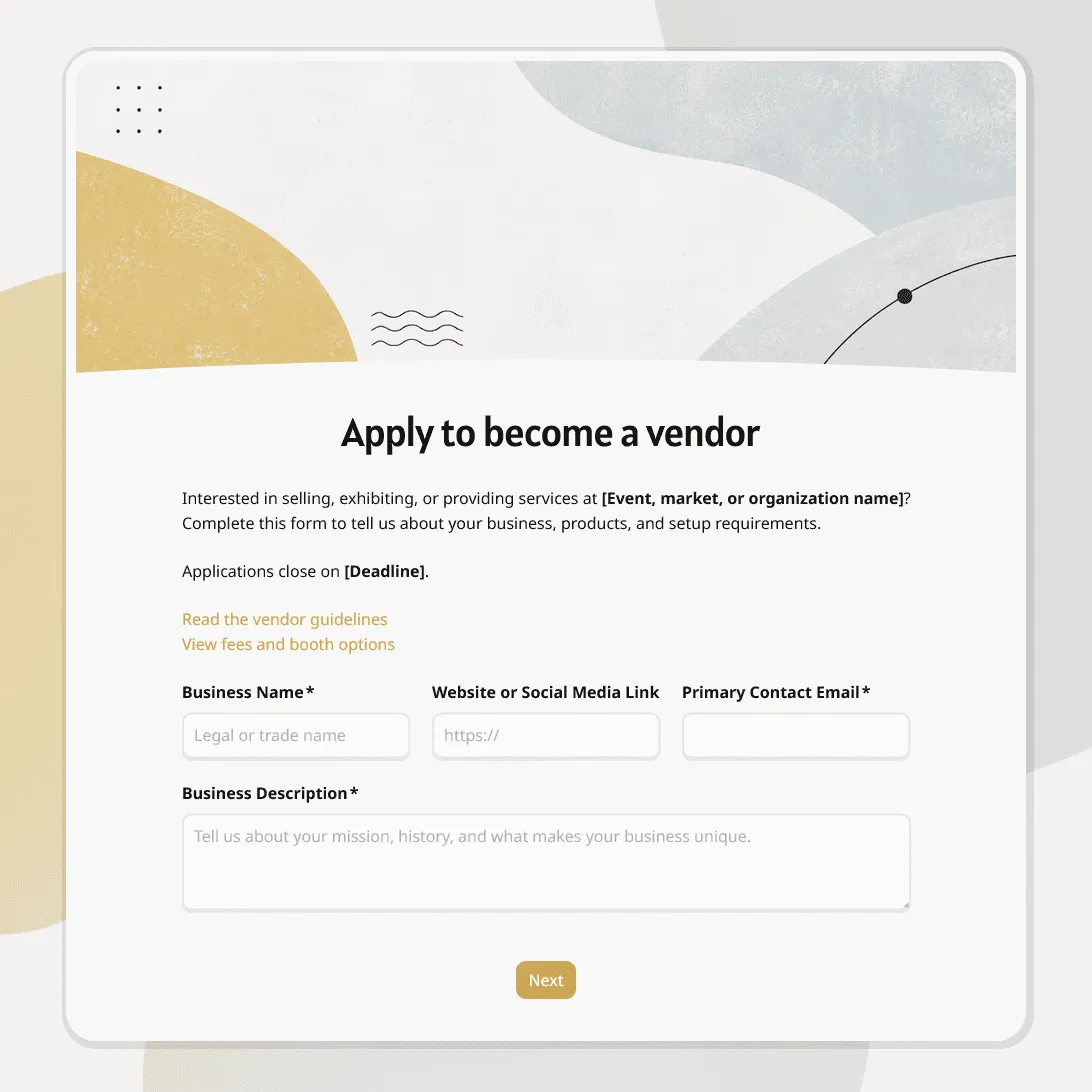
- Vendor application form template: Collect information from prospective vendors before deciding whether to approve them.
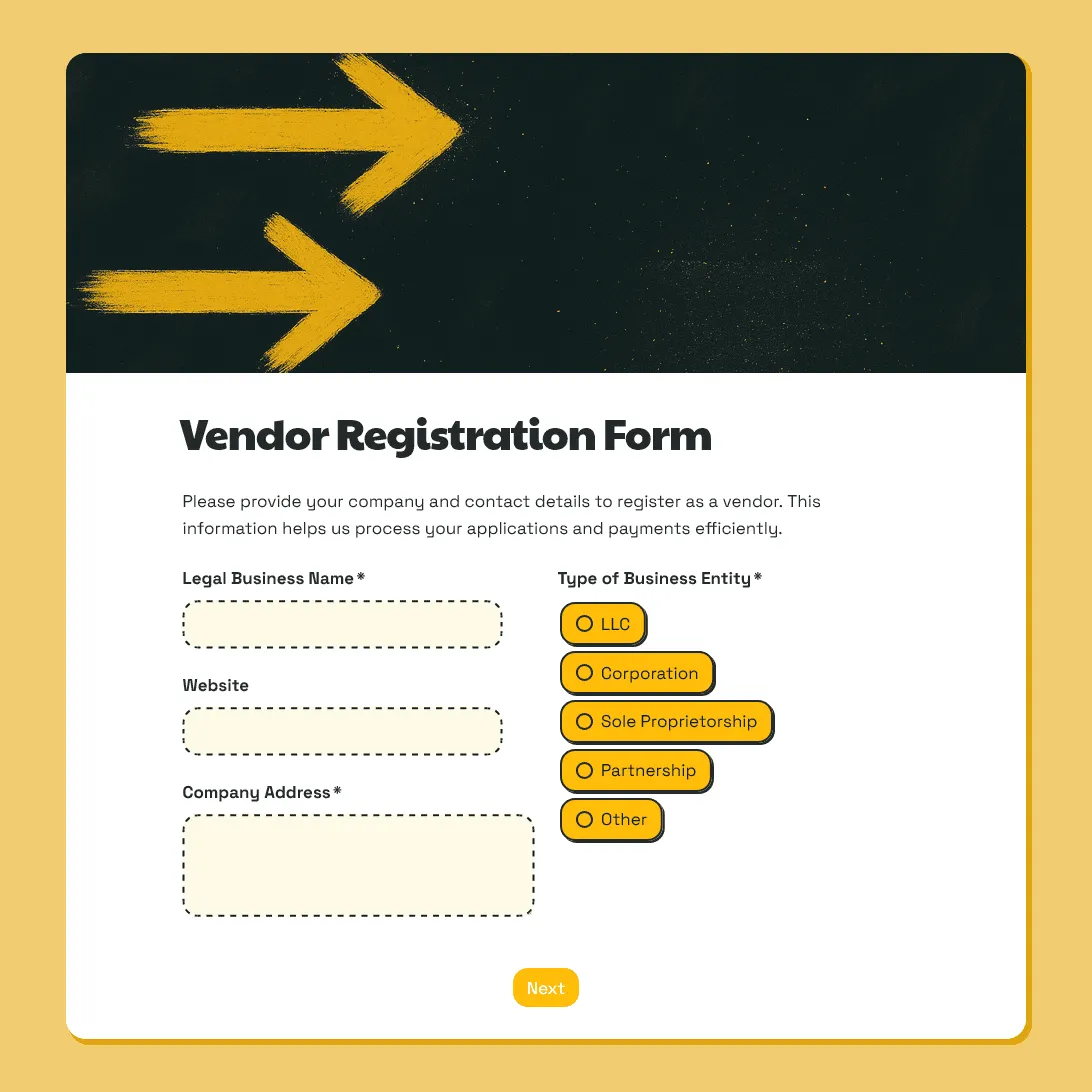
- Vendor registration form template: Collect vendor business details, documents, products, setup requirements, and logistics.
- Registration form templates: Browse more templates for structured signup and registration workflows.
- How to create an online registration form: Learn how to plan fields, conditional questions, document uploads, confirmation steps, and sharing.
Vendor onboarding form template FAQs
What is a vendor onboarding form?
A vendor onboarding form collects the information needed to set up a new supplier or service provider after they have been approved. It can cover business details, contacts, tax and invoicing information, required documents, and other information needed before the vendor becomes active.
What should be included in a vendor onboarding form?
Most vendor onboarding forms include the vendor’s legal business name, address, primary contact, billing contact, products or services provided, tax information, invoicing details, payment preferences, and required documents.
Additional fields may be needed for insurance, licenses, certifications, security, or other requirements that apply to specific vendor types.
What is the difference between vendor onboarding and a vendor application?
A vendor application is used while you are still evaluating whether to work with a supplier. Vendor onboarding comes after approval and focuses on collecting the information needed to set the vendor up for purchasing, invoicing, payment, and internal requirements.
Can vendors upload tax forms and other documents?
Yes. Add a file upload field for tax forms, insurance certificates, licenses, certifications, signed policies, or other documents required during onboarding.
Can different vendors see different onboarding questions?
Yes. Use conditional logic to show different questions based on vendor type, country, services provided, insurance requirements, or other answers.
Is this vendor onboarding form template free?
Yes. The template is free to use, and you can collect unlimited vendor onboarding responses on the free plan.
Related templates
Vendor Registration Form Template
Free vendor registration form template for collecting vendor details, products or services, setup needs, documents, payment details, and agreements.
Vendor Application Form Template
Free vendor application form template for markets, events, suppliers, contractors, and seller applications. Fully customizable.