Church Membership Application Form Template
Free church membership application form template for collecting contact details, church background, family information, and more.
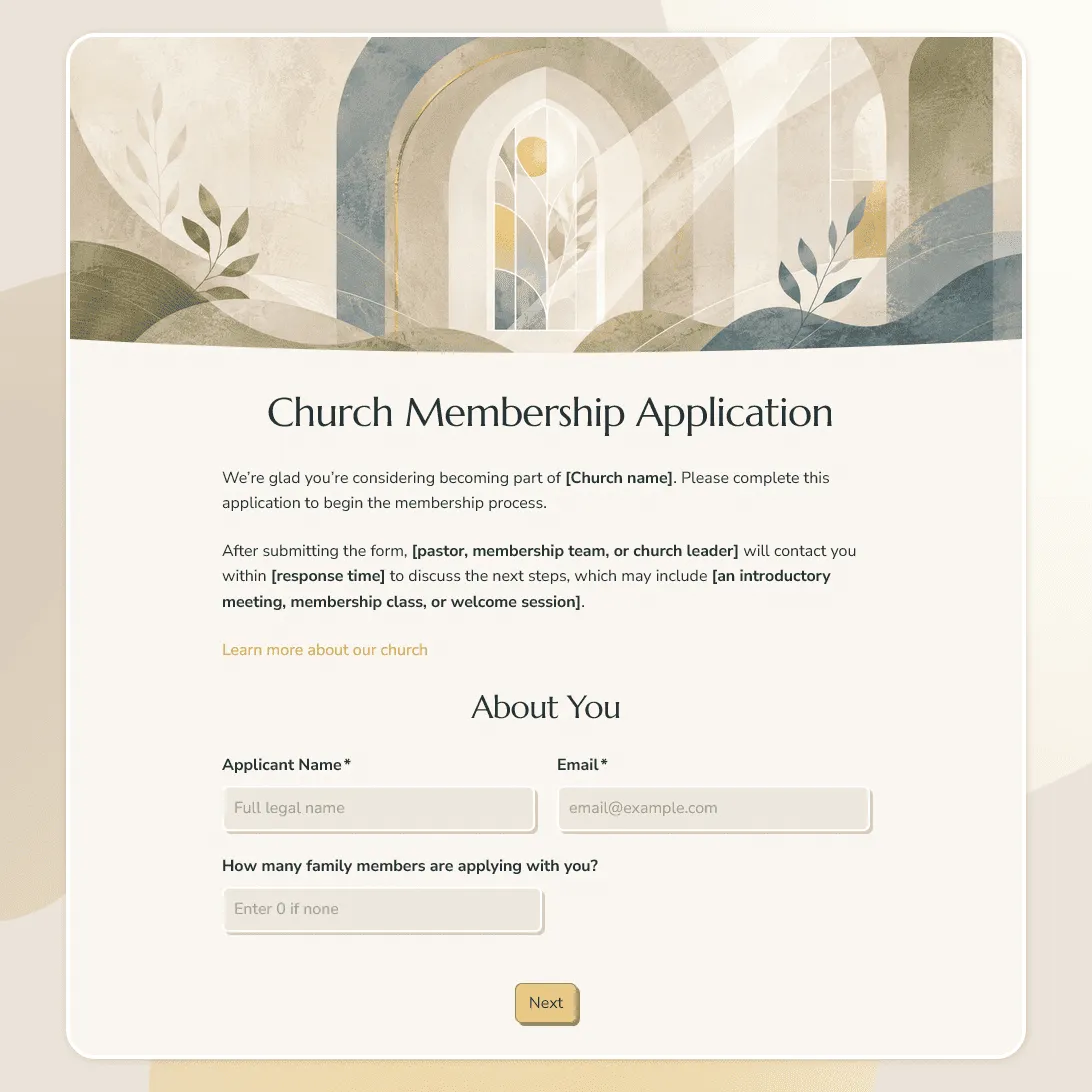
Need a custom application form?
Describe your church and FormGrid will generate a tailored form template for you.
About this church membership application form template
Church membership forms need to feel clear and welcoming, especially when someone is taking a more intentional step into a church community. The questions should help your team understand who is applying, what background they are coming from, and what next steps they may need before membership is confirmed.
Our church membership application form template works for churches, parishes, ministries, church plants, small groups, membership classes, and faith communities that review new members before adding them to the congregation.
Use this template to collect personal details, household information, church background, membership interest, ministry preferences, and consent in one organized form. You can keep the application simple for a small church, or add more detail for membership classes, pastoral review, baptism records, transfer requests, or family membership.
What this template includes
This church membership application form helps you collect:
- Applicant name and contact details
- Address or local area
- Preferred contact method
- Household or family members
- Church background
- Previous church membership
- Baptism, confirmation, or faith background details, if relevant
- Membership class interest
- Ministry, serving, or volunteer interests
- Small group interest
- Pastoral follow-up request
- Agreement to membership expectations
- Privacy and communication consent
This template is fully customizable. You can rewrite the membership questions, adjust the tone for your church, add paths for individuals, couples, families, or transfer members, change the design and images, and edit both the confirmation page and follow-up email.
How to use this template
Click “Use this template” to open the church membership application form in FormGrid.
- Start with your membership process. Explain whether the form begins a membership class, staff review, pastoral conversation, transfer request, or another next step.
- Set up the contact section. Add the details your church needs for follow-up, such as email, phone, address, preferred contact method, and household information.
- Decide how much background to ask for. Depending on your church, you may ask about previous membership, baptism, confirmation, faith background, or prior involvement in another congregation.
- Add family or household paths. Use conditional logic if individuals, couples, and families need different questions.
- Include next-step interests. Add options for membership classes, pastoral follow-up, small groups, ministries, serving opportunities, or volunteer teams.
- Review the agreement language. Replace the sample text with your membership expectations, privacy note, communication consent, statement of faith, or church policy wording.
- Prepare the follow-up email. Add a send email block so applicants know what happens after they submit the form.
- Make the page feel familiar. Update the layout, images, colors, fonts, and button style so the form fits your church website or welcome materials.
- Publish and share it. Share the link by email, newsletter, welcome packet, QR code, membership class page, or embed it on your website with an embed code.
For a general guide to online application forms, see how to create an application form. It covers structure, required fields, confirmation messages, and response review.
As applications come in, your team can review each submission alongside household details, membership background, ministry interests, and any request for pastoral follow-up. Export the responses when you need a list for staff review, membership classes, or church records.
Tips for church membership applications
A church membership form should help people take the next step without making the process feel cold or administrative.
-
Explain the purpose at the top. Let people know whether submitting the form starts a review, signs them up for a membership class, requests a pastoral conversation, or begins a transfer process.
-
Keep faith background questions thoughtful. Different churches handle baptism, confirmation, membership transfer, and statements of faith differently. Ask only what your team needs for the next step.
-
Make family applications clear. If couples or families can apply together, separate household contact details from individual member details so the form stays easy to review.
-
Offer a follow-up option. Some applicants may want to speak with a pastor, elder, ministry leader, or membership coordinator before moving forward.
-
Use the confirmation email for next steps. People should know who will contact them, whether they need to attend a class, and when they can expect a response.
Church membership application form template FAQs
What should a church membership application form include?
A church membership application form usually includes contact details, household information, church background, membership interest, ministry interests, communication consent, and any next-step questions your church uses before welcoming new members.
Can families apply for church membership together?
Yes. Add household fields for spouses, children, or family members if your church accepts family membership applications. You can also use conditional logic so family questions appear only when needed.
Can I collect agreement to church membership expectations?
Yes. Add your membership expectations, statement of faith, code of conduct, privacy note, or communication consent before submission. If your church needs a signed agreement, use a signature field.
Can I send applicants an automatic confirmation email?
Yes. Add a send email block to confirm that the application was received and explain the next step, such as a membership class, staff review, pastoral meeting, or follow-up email.
Can I embed this church membership application form on our website?
Yes. After publishing, you can add the form to your church website, membership page, welcome page, or online bulletin with an embed code, or share the form link directly.
Is this church membership application form template free?
Yes. This template is free to use, and you can collect unlimited church membership applications on the free plan.
Related templates
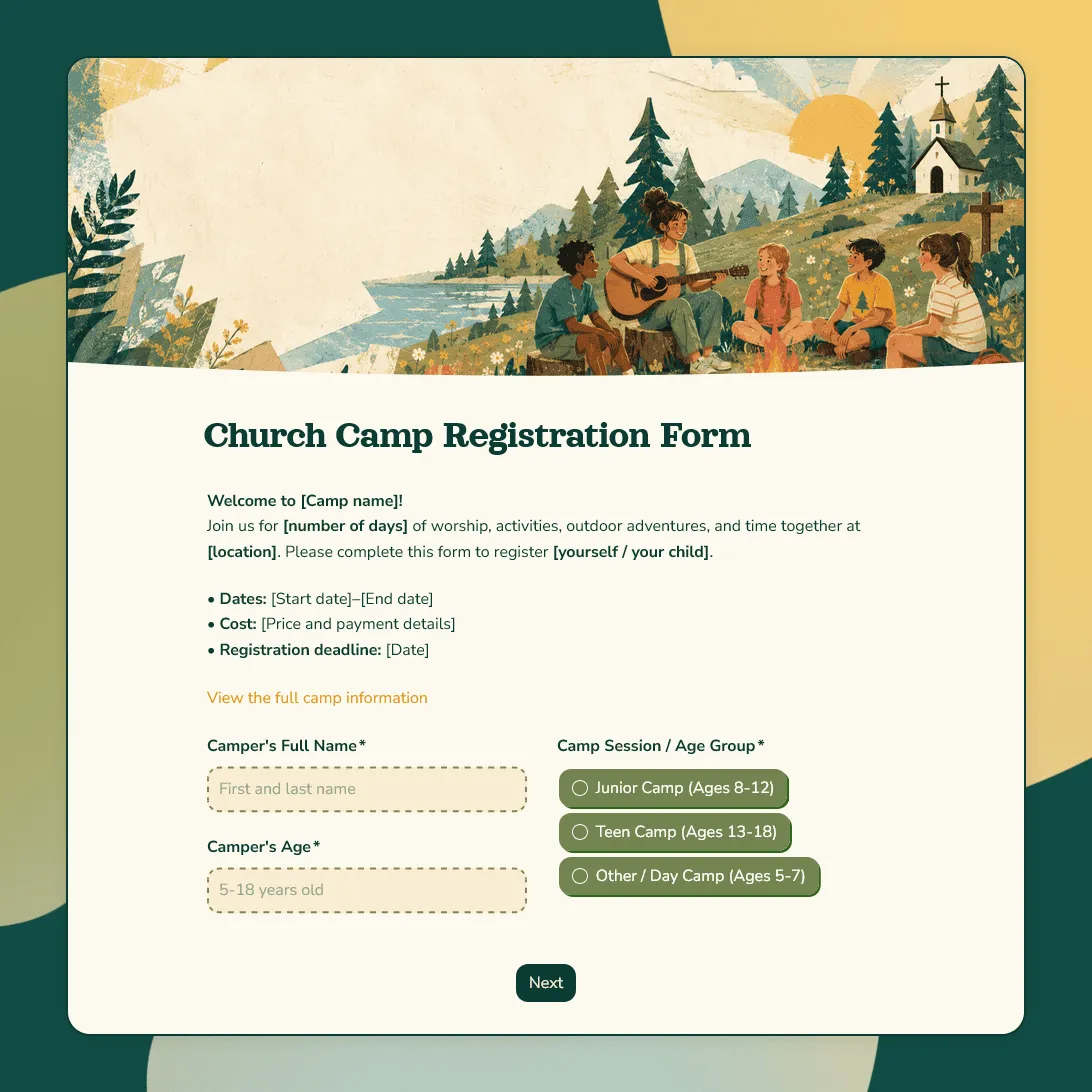
Church Camp Registration Form Template
Free church camp registration form template for summer programs and faith-based events. Collect camper details, parent contacts, and more.
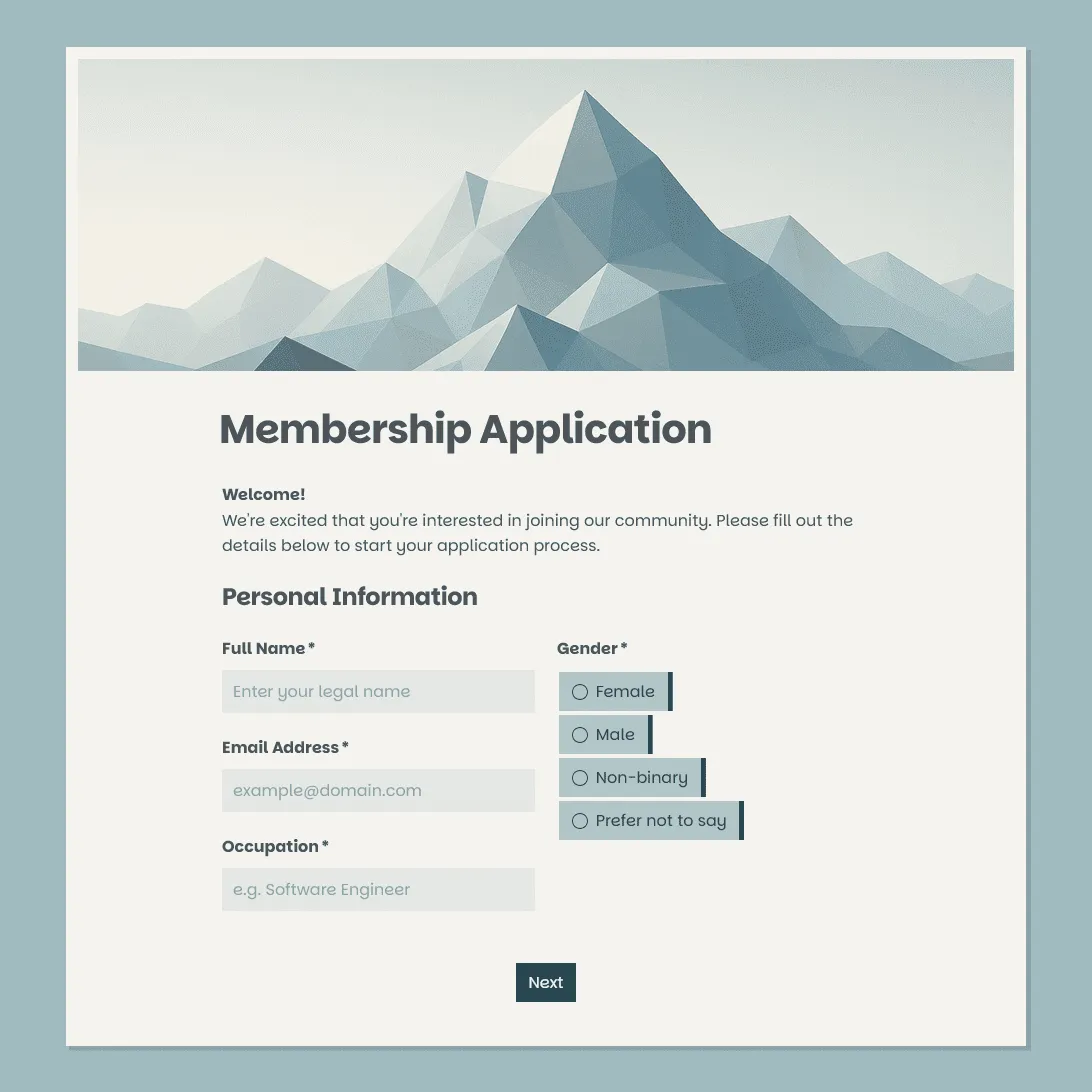
Membership Application Form Template
Free membership application form template for clubs, associations, nonprofits, communities, and member-based organizations.
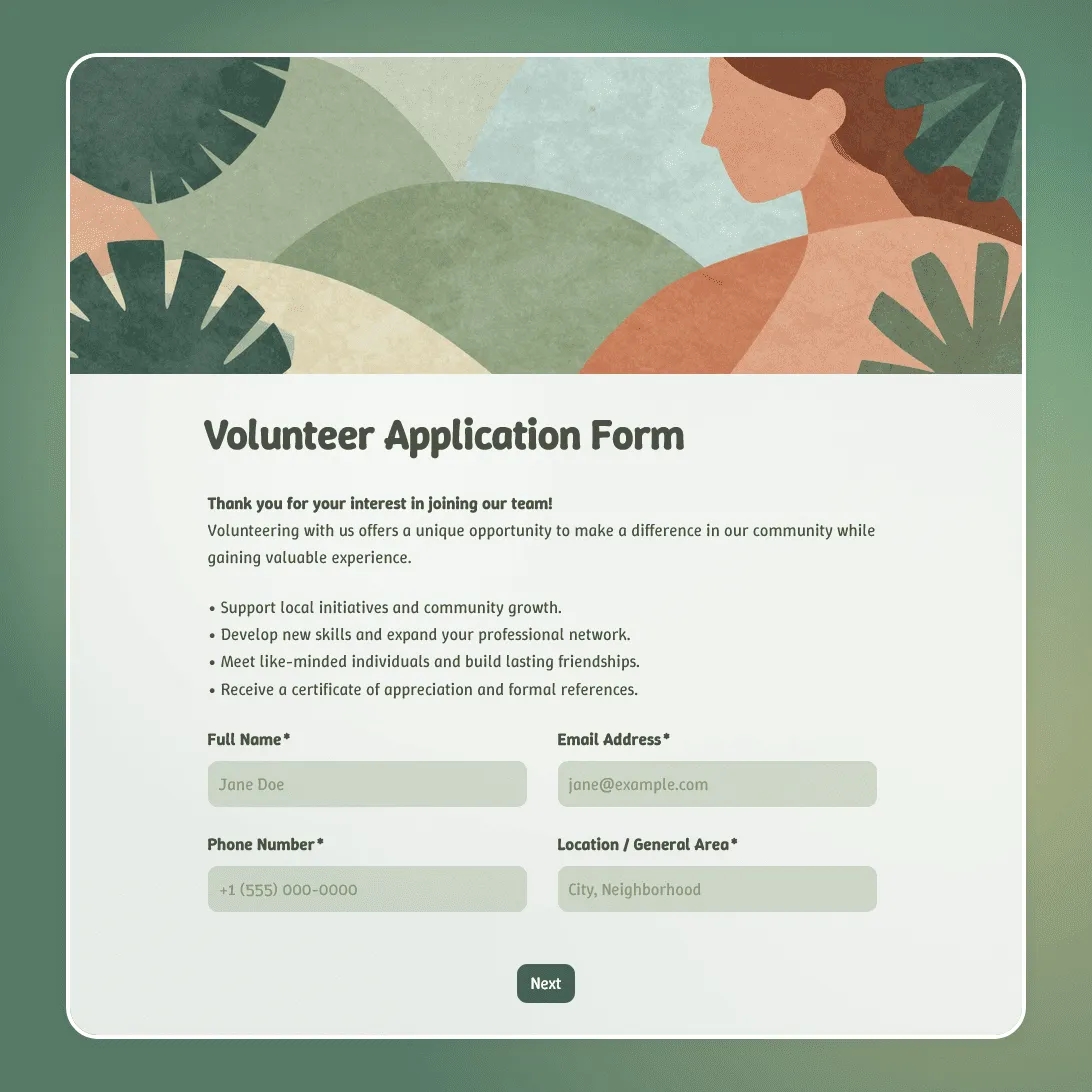
Volunteer Application Form Template
Free volunteer application form template for nonprofits, events, and community organizations. Collect skills, availability, and contact details.