Customer Experience Survey Template
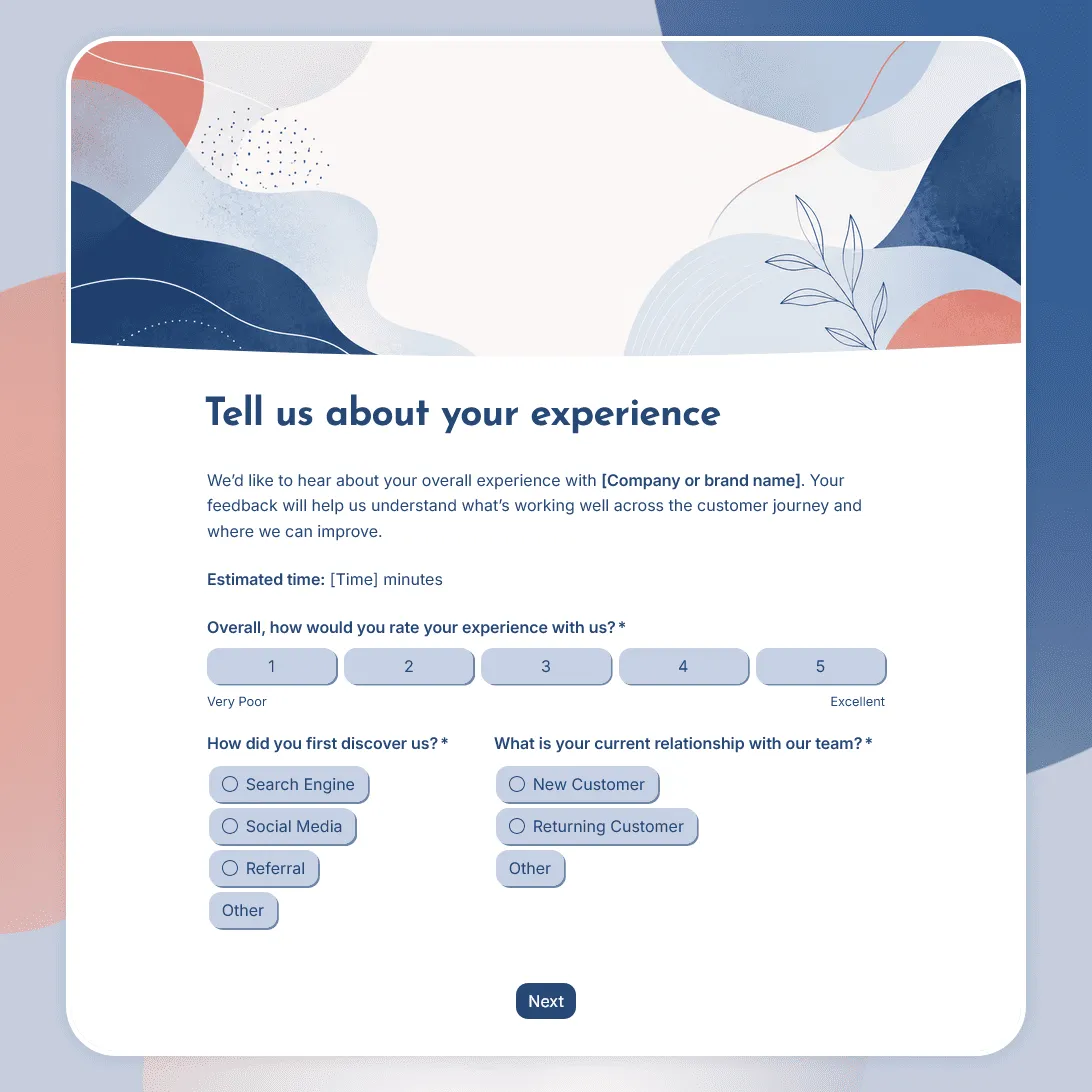
Free customer experience survey template for understanding the customer journey, including first impressions, onboarding, support, value, friction, and loyalty.
Need a custom customer experience survey?
Describe your customer journey and FormGrid will generate a tailored survey template for you.
About this customer experience survey template
Customer experience covers the full journey someone has with your business. It can include how they first found you, how clear your website or offer felt, how easy it was to buy or get started, how well the product or service worked, how helpful your team was, and whether the experience made them want to come back.
This customer experience survey template helps you look at that journey as a whole. It is useful when you want broader feedback than a single support survey, post-purchase survey, or customer satisfaction check.
Use this template after onboarding, purchases, projects, service visits, account check-ins, subscription milestones, support experiences, renewals, cancellations, trials, or customer lifecycle reviews.
What this template includes
This customer experience survey helps you collect:
- Overall customer experience rating
- Customer relationship or respondent role
- How the customer first found you
- First impression of your business
- Ease of getting started
- Product or service quality
- Communication or support experience
- Friction points in the customer journey
- Perceived value
- Likelihood to return, renew, continue, or recommend
- What worked well
- What should be improved
- Follow-up permission
- Optional contact details
Use this survey as a starting point for the journey you want to examine. You can focus it on the full customer lifecycle or narrow it to one stage, such as onboarding, delivery, support, renewal, cancellation, or post-purchase follow-up.
To adapt it faster, use the AI chat in FormGrid. For example, you can ask: “Make this a post-onboarding customer experience survey for a B2B software company” or “Shorten this for retail customers who just completed a purchase.”
How to use this template
Click “Use this template” to open the customer experience survey in FormGrid.
-
Choose the part of the journey you want to understand. Decide whether the survey should cover the full customer experience or a specific stage, such as discovery, purchase, onboarding, delivery, support, renewal, or cancellation.
-
Adjust the respondent question. For consumer surveys, you might ask whether someone is a first-time customer, returning customer, subscriber, guest, or member. For business customers, you might ask whether they are the buyer, admin, daily user, team lead, account owner, or decision maker.
-
Map the questions to the journey. Add or remove sections based on the experience you want to measure. A post-purchase survey may focus on ordering, delivery, and product quality. A B2B customer experience survey may focus on onboarding, communication, support, value, and team adoption.
-
Keep the main ratings easy to answer. Use clear rating questions for overall experience, ease, quality, communication, support, and value. Remove any rating that your team will not review.
-
Build follow-ups around journey signals. Use conditional logic to ask extra questions when a customer gives a low rating, says a step was confusing, or marks a touchpoint as difficult. You can also ask the AI chat to create those paths, such as: “Ask a follow-up question when someone rates onboarding below 3.”
-
Ask for one open improvement answer. Give customers room to explain what would have made the experience better. This is often where you find the friction points that ratings alone miss.
-
Ask for follow-up permission. If your team may contact the customer, ask for permission before collecting a name, email address, company, order number, or account details.
-
Make the final screen useful. Use a custom end page to thank customers and explain how their feedback will be reviewed.
-
Route serious issues to the right team. Add a send email block when poor experiences need a quick internal follow-up. For example, a low onboarding score can go to customer success, while a delivery issue can go to operations.
-
Share the survey at the right touchpoint. After you publish it, send the survey after the experience you want to measure: onboarding, delivery, support, renewal, cancellation, or a completed project. You can also embed it in a customer portal or feedback page with an embed code.
Use the response table to spot repeated friction by journey stage, customer group, or account type. For deeper analysis, export responses and compare patterns across onboarding, support, delivery, billing, renewal, or cancellation.
Planning more than one feedback touchpoint? Read how to create a feedback form for help choosing questions, timing, sharing methods, and follow-up steps.
Tips for customer experience surveys
A customer experience survey should help you see where the journey feels clear, helpful, confusing, slow, or frustrating.
-
Pick a clear journey stage. Full-journey surveys are useful, but feedback is easier to act on when customers know what experience they are rating.
-
Ask about ease, quality, and communication. Customer experience is rarely shaped by one thing. A smooth purchase can still be hurt by unclear updates, slow support, or weak follow-up.
-
Use role-aware wording for B2B. A buyer, admin, and daily user may judge the experience differently. Use wording like “your team” when the answer should reflect a shared business experience.
-
Do not overload the survey with metrics. CX can include satisfaction, effort, loyalty, and support quality, but the survey still needs to feel quick.
-
Look for patterns across touchpoints. A single complaint may be noise. Repeated friction around onboarding, delivery, setup, support, or billing points to a process problem.
-
Route urgent feedback quickly. If someone says the experience was poor and agrees to be contacted, send that response to the team that can help.
Related guides and resources
Customer experience survey template FAQs
What should a customer experience survey measure?
A customer experience survey should measure the parts of the journey that shape how customers feel about your business. That might include first impression, purchase, onboarding, delivery, support, communication, value, billing, renewal, cancellation, or continued use.
How is a customer experience survey different from a customer satisfaction survey?
A customer satisfaction survey usually focuses on how satisfied someone is with a product, service, or specific interaction. A customer experience survey looks at the wider journey and helps you understand where the experience feels smooth, unclear, slow, helpful, frustrating, or valuable.
How is this different from a customer effort score survey?
A customer effort score survey asks how easy it was to complete a task or get help. A customer experience survey can include effort, but it also covers quality, communication, support, value, first impressions, and loyalty.
How do I keep a customer experience survey from getting too broad?
Pick a clear journey stage before you edit the questions. For example, make the survey about onboarding, post-purchase experience, support, delivery, renewal, or cancellation. If you need a full-journey survey, group the questions by stage so customers are not rating everything at once.
Can I use this survey for both B2C and B2B customers?
Yes. For consumer customers, focus the wording on purchase, delivery, booking, store visit, product quality, support, or returns. For business customers, use language around “your team” and ask about onboarding, account support, implementation, value, admin experience, renewal, or team adoption.
Can the survey change based on the customer role or journey stage?
Yes. Use conditional logic to show different follow-up questions for new customers, returning customers, buyers, admins, daily users, or account owners. You can also use the AI chat in FormGrid and ask for changes like: “Add separate paths for buyers, admins, and daily users.”
What should I do when someone reports a poor customer experience?
Ask what happened, whether they are open to follow-up, and which part of the journey caused the issue. You can add a send email block so serious feedback goes straight to the right team.
Can customers leave feedback anonymously?
Yes. Keep name, email, company, order number, and account fields optional, or remove them entirely. If follow-up matters, ask for permission first and only show contact fields when the customer agrees.
How should I review customer experience survey results?
Start by looking for repeated issues by journey stage. One complaint may be isolated, but repeated friction around onboarding, billing, delivery, support, or renewal usually points to a process problem. You can review responses in the response table or export responses for deeper analysis.
Can I add this survey to a website or customer portal?
Yes. After publishing, you can place the survey on a feedback page, help center, customer portal, account page, or post-purchase page with an embed code. You can also share the survey link by email, chat, receipt, newsletter, or QR code.
Is this customer experience survey template free?
Yes. This template is free to use, and you can collect unlimited customer experience survey responses on the free plan.
Related templates
Customer Satisfaction Survey Template
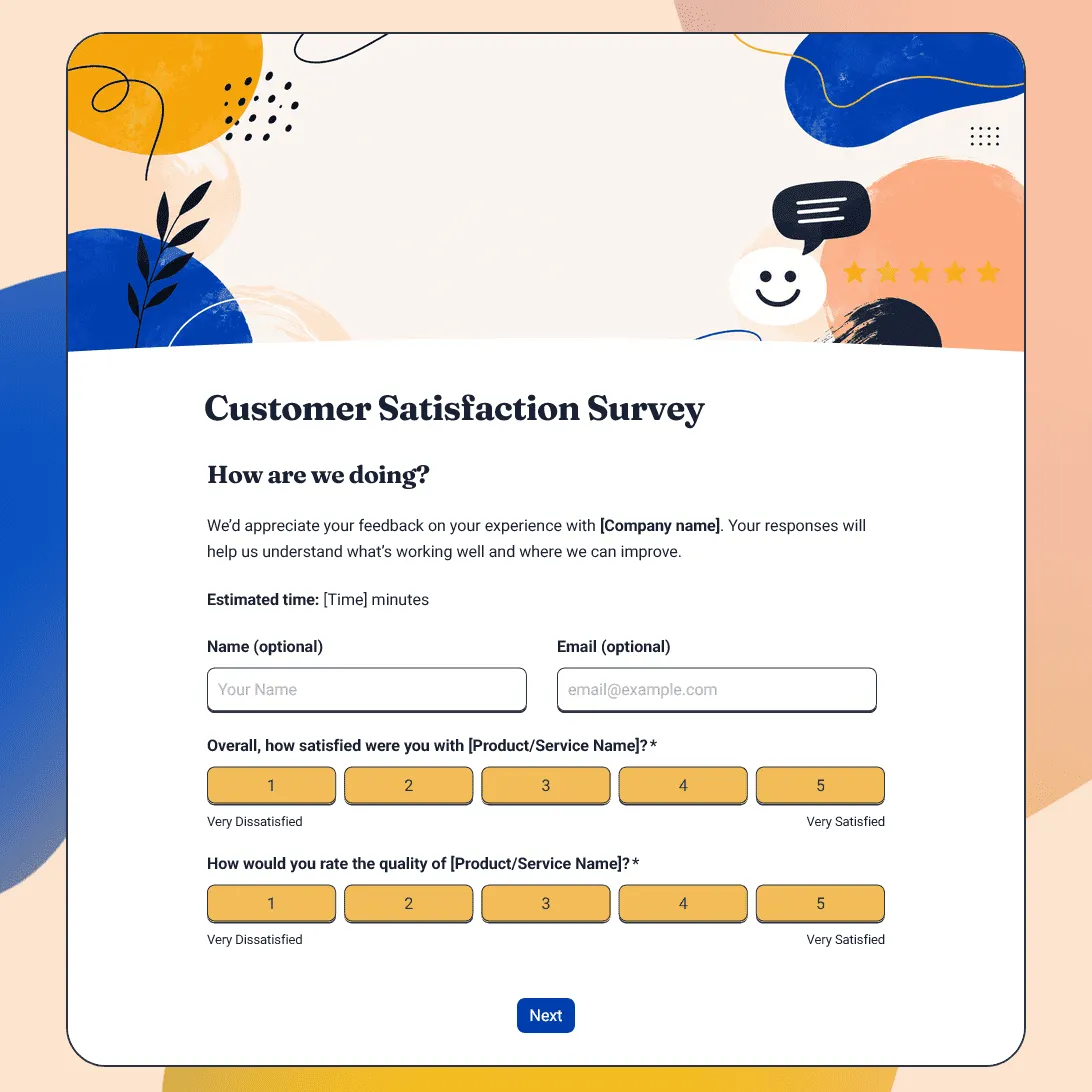
Free customer satisfaction survey template for measuring customer experience, product quality, support, delivery, value, and likelihood to return.
Customer Service Survey Template
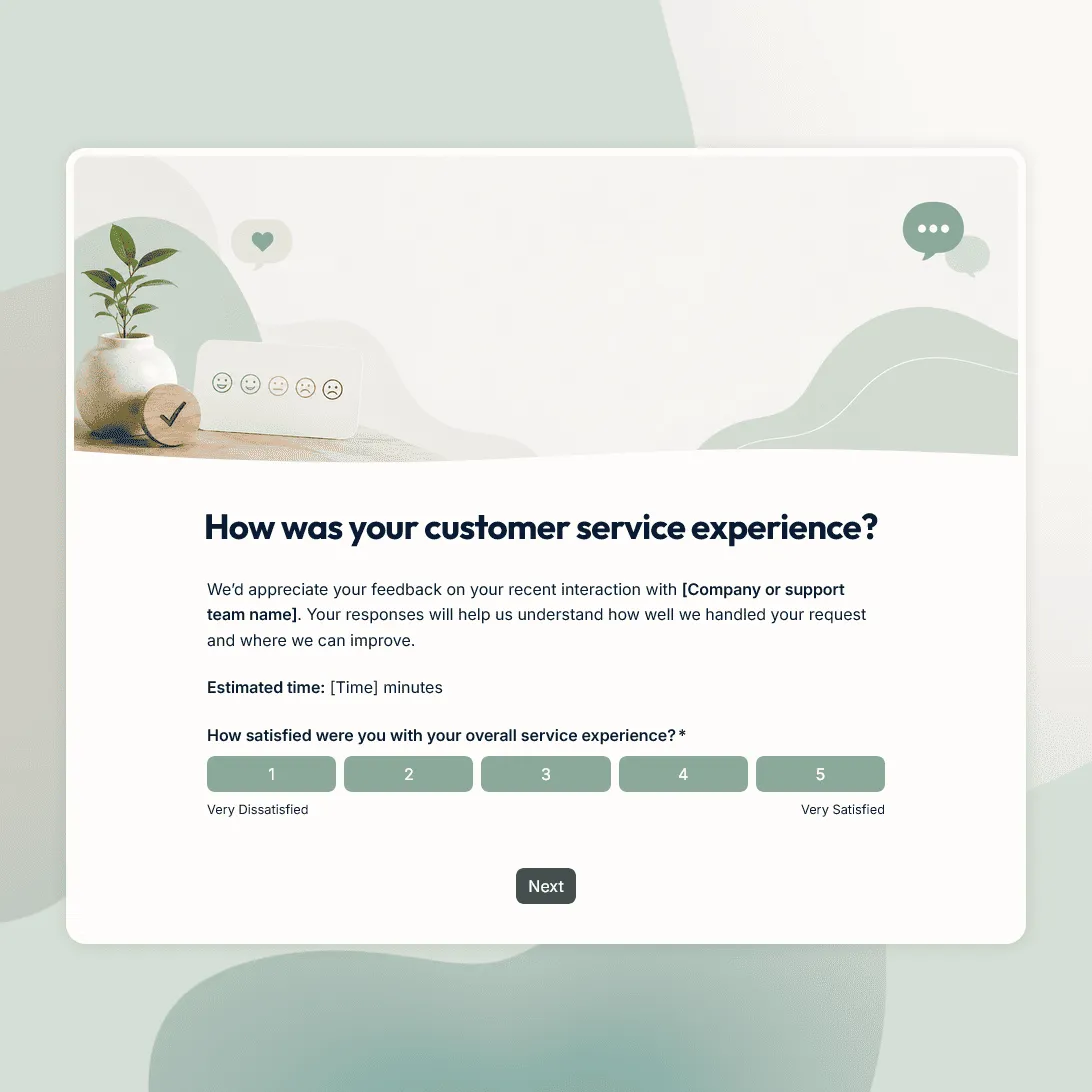
Free customer service survey template for measuring support quality, response time, issue resolution, and customer satisfaction.
Customer Effort Score Survey Template
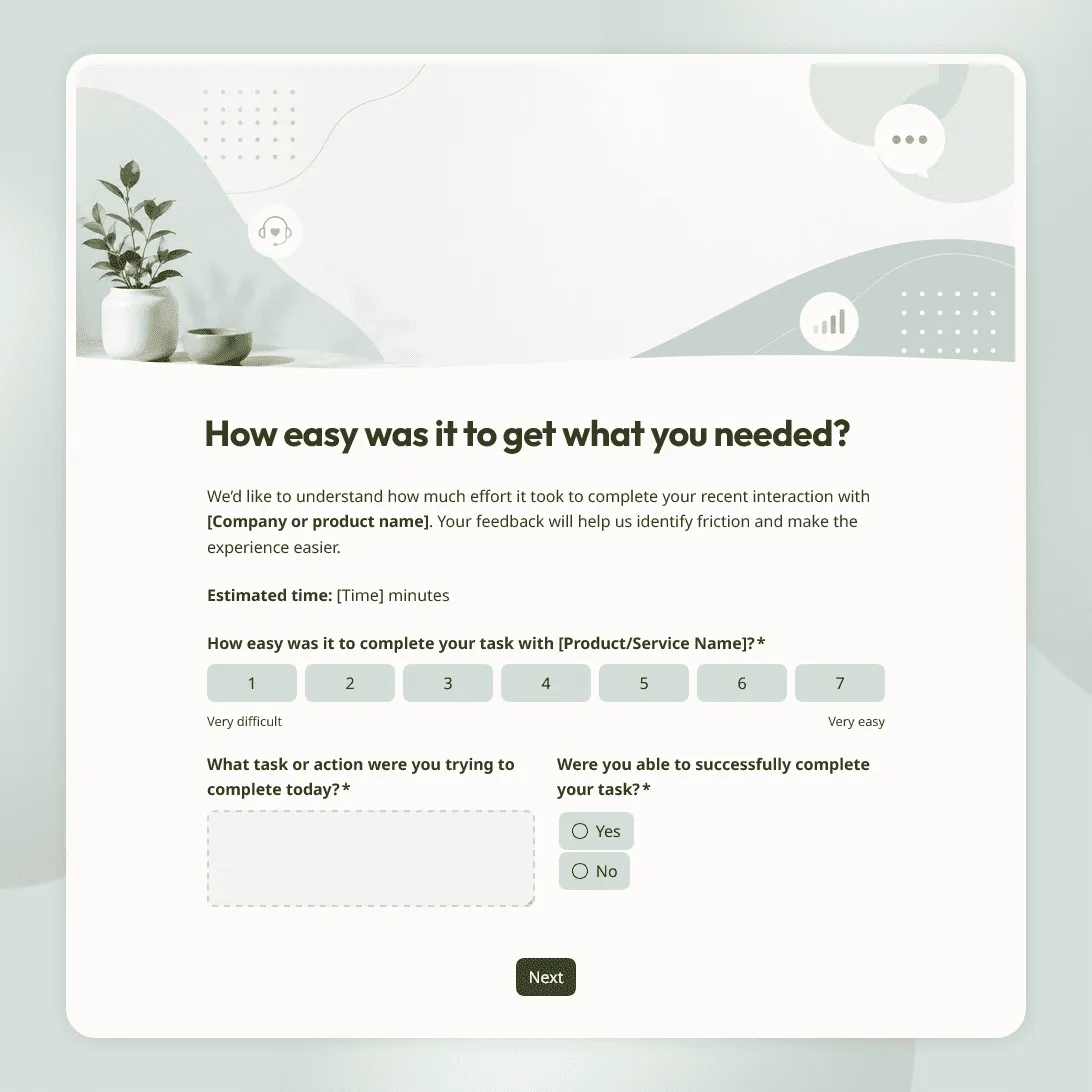
Free customer effort score survey template for measuring how easy it was for customers to get help, complete a task, or resolve an issue.
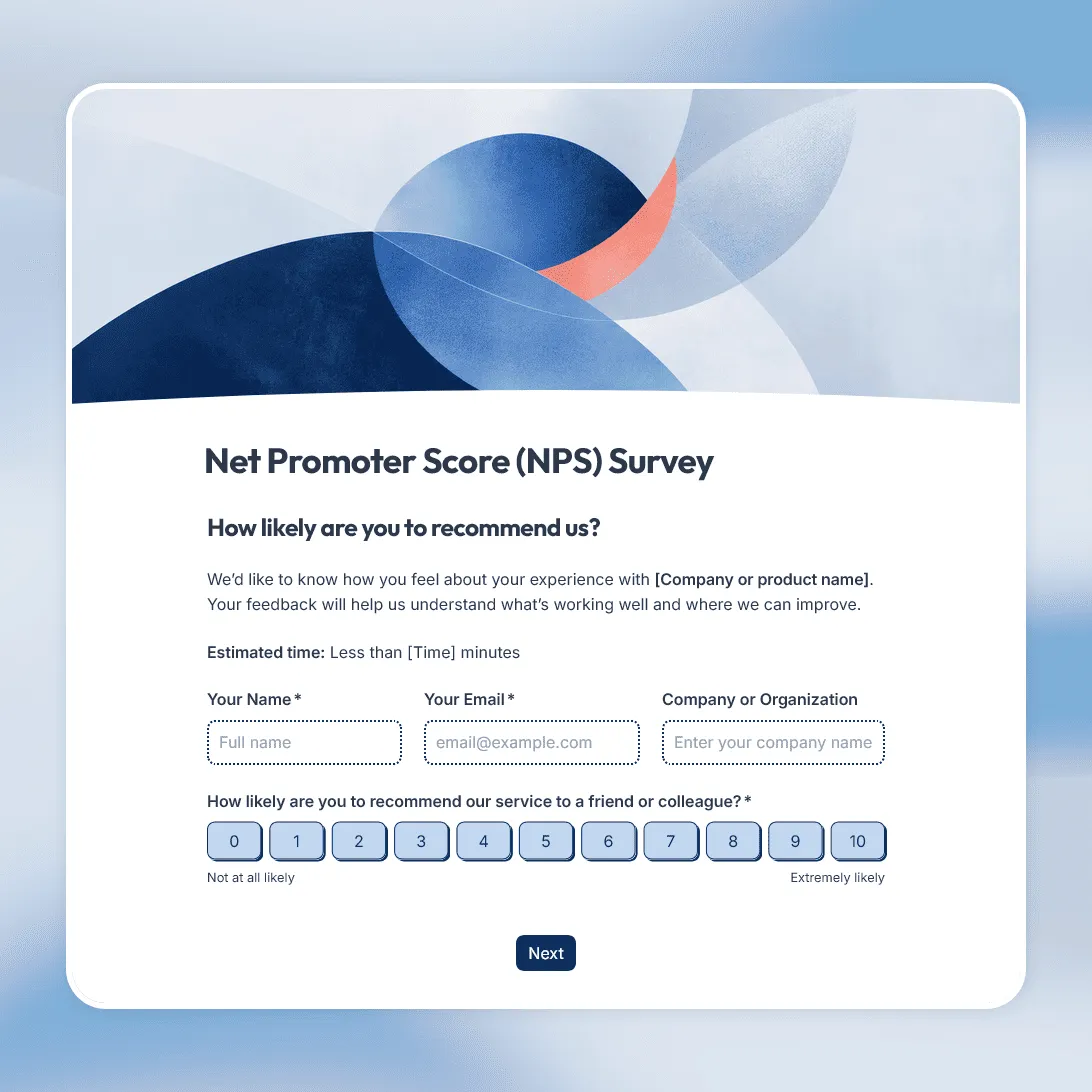
NPS Survey Template
Free NPS survey template for measuring customer loyalty and understanding what makes customers recommend.
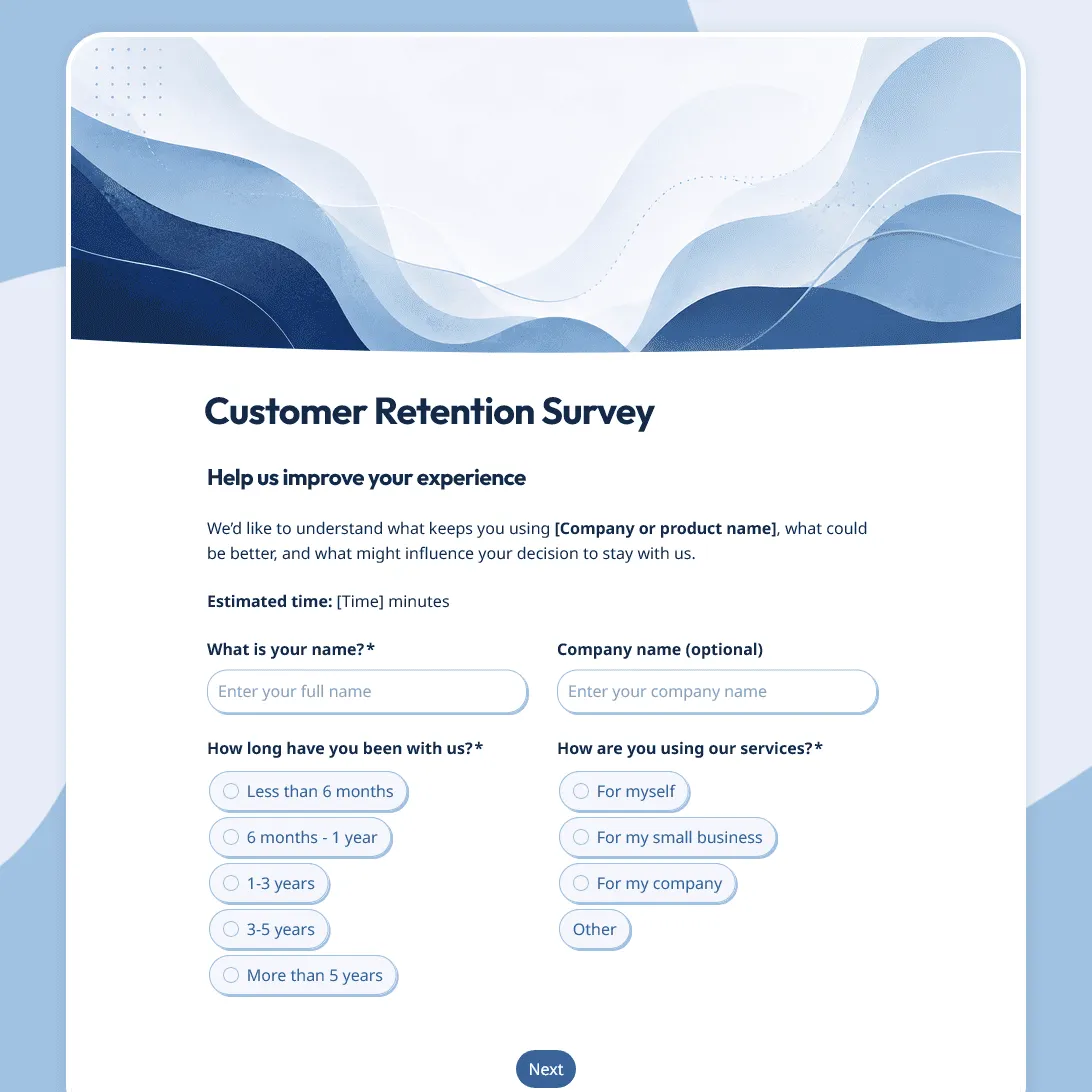
Customer Retention Survey Template
Free customer retention survey template for understanding why customers stay and what puts them at risk.
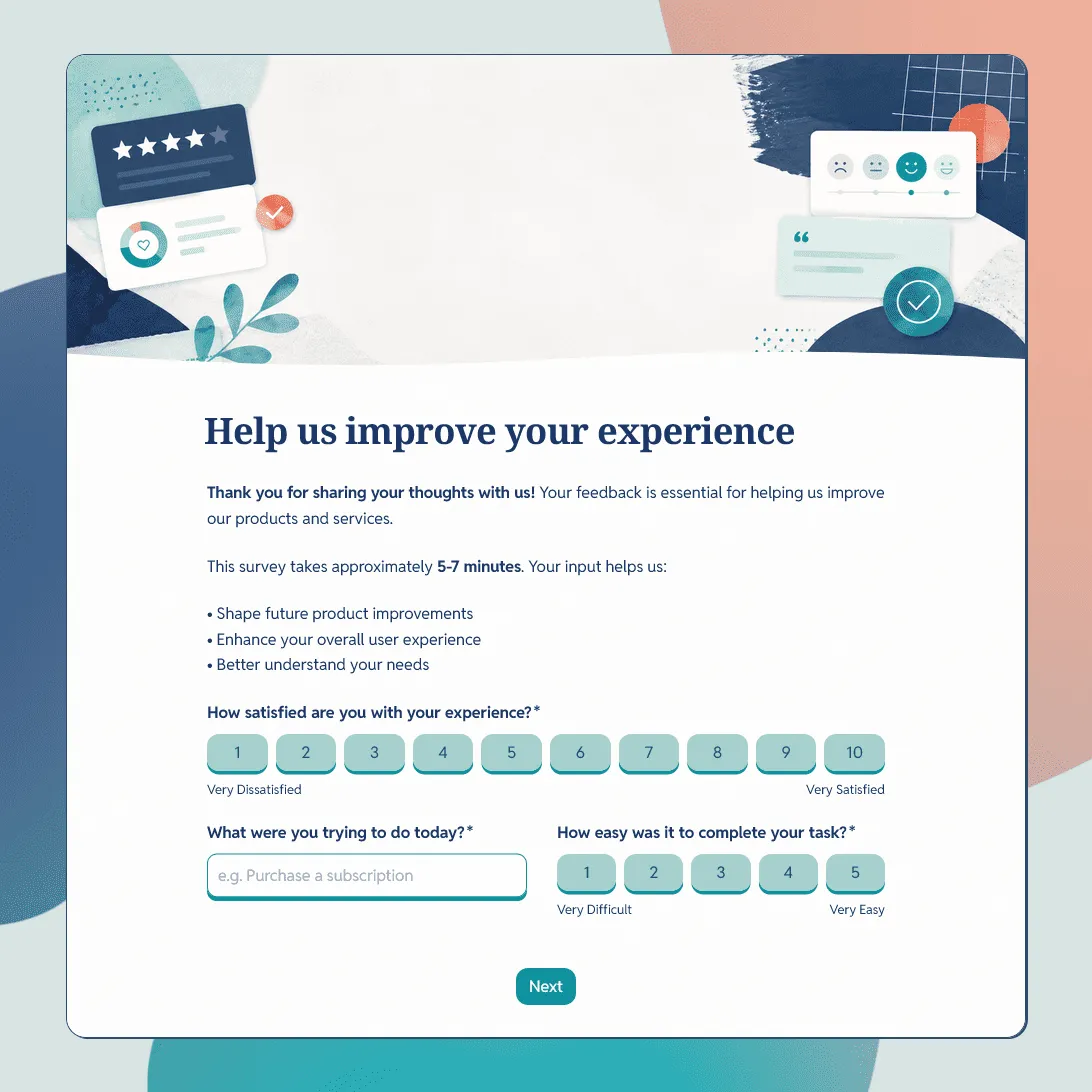
Customer Feedback Form Template
Use this free customer feedback form template to collect ratings, comments, suggestions, NPS, contact details, and follow-up consent.