Customer Effort Score Survey Template
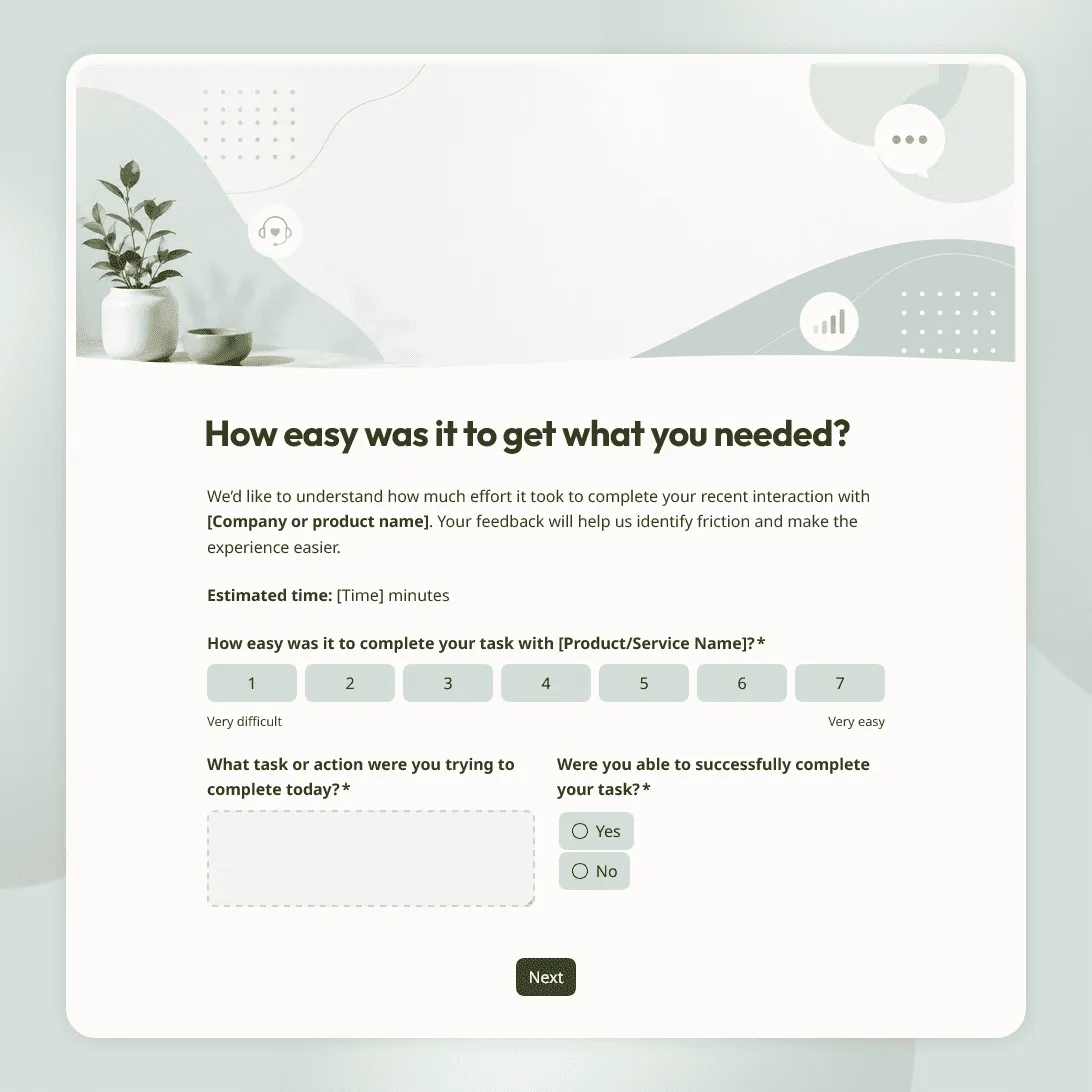
Free customer effort score survey template for measuring how easy it was for customers to get help, complete a task, or resolve an issue.
Need a tailored customer effort score survey?
Describe your customer journey and FormGrid will create a custom survey template for you.
About this customer effort score survey template
A customer effort score survey helps you measure how easy or difficult it was for someone to get something done. That could mean resolving a support issue, placing an order, booking an appointment, finding information, completing onboarding, using a feature, updating an account, or finishing a service request.
This customer effort score survey template is built around one simple idea: customers notice friction. If a task takes too many steps, requires too much back-and-forth, or leaves them unsure what to do next, the effort score can help you find the problem.
Use this template after support interactions, checkout flows, onboarding steps, account changes, service requests, help center visits, booking flows, product tasks, delivery issues, cancellations, returns, or any customer journey where ease matters.
What this template includes
This customer effort score survey helps you collect:
- Customer effort score
- Task or action the customer tried to complete
- Whether the task was completed
- Support or service channel, if relevant
- Where the customer ran into friction
- What made the experience easy or difficult
- What would have made the task easier
- Follow-up questions for difficult experiences
- Follow-up questions for easy experiences
- Permission to contact the customer
- Optional contact details
Shape the survey around one task or process, such as resolving a ticket, completing checkout, booking an appointment, finishing onboarding, returning an item, or updating an account. You can change the score question, adjust the design, add task-specific follow-ups, and decide when contact details should appear.
To adapt it faster, use the AI chat in FormGrid. For example, ask: “Make this CES survey work for a checkout flow” or “Add follow-up questions for customers who could not complete onboarding.”
How to use this template
Click “Use this template” to open the customer effort score survey in FormGrid.
-
Choose the task you want to measure. Decide whether the survey is about getting support, completing a purchase, booking a service, setting up an account, using a product feature, returning an item, or another customer action.
-
Update the effort score question. Keep the wording specific. “How easy was it to resolve your issue?” is clearer than a broad question about the whole customer experience.
-
Ask whether the customer completed the task. A low-effort experience means less if the customer still did not get what they needed. Add a simple yes/no question about whether the task was completed.
-
Add follow-ups for difficult tasks. Use conditional logic to ask extra questions when someone says the task was hard or unfinished. You can also ask the AI chat to create those paths, such as: “Ask what blocked the customer if they could not complete the task.”
-
Keep the survey short. Customer effort surveys usually work best with one main score, one task-completion question, one open comment question, and an optional follow-up section.
-
Ask for contact details only when needed. If the response needs follow-up, ask for permission first. Then collect name, email, order number, ticket number, or account details.
-
Make the final screen match the outcome. Use a custom end page to thank customers, explain how the feedback will be reviewed, or tell them what happens if they asked for help.
-
Alert your team when effort is high. Add a send email block when difficult or unfinished tasks need quick attention. For example, an unresolved support issue can go to the support team, while checkout friction can go to operations or product.
-
Send it right after the task. After you publish it, share the survey after tickets, chats, purchases, bookings, onboarding steps, account changes, or service requests. You can also embed it in a help center, customer portal, or post-task page with an embed code.
For help planning feedback forms around a specific customer touchpoint, read how to create a feedback form.
Tips for customer effort score surveys
A useful effort survey should focus on one customer task and the friction around it.
-
Ask right after the task. Effort is easiest to remember when the experience just happened.
-
Measure a specific action. Ask about resolving an issue, completing setup, finding information, or placing an order. A broad effort question is harder to act on.
-
Pair the score with a reason. The score shows how easy the task felt. The open comment explains what helped or got in the way.
-
Watch for completed-but-frustrating tasks. A customer may finish the task and still feel annoyed by the process. That is often where CES is most useful.
-
Route high-effort responses quickly. If a customer says the task was difficult and still unresolved, send the response to someone who can help.
-
Compare effort by channel or step. Support chat, email, phone, checkout, help center, and onboarding may have very different friction points.
Related guides and resources
Customer effort score survey template FAQs
What is a customer effort score survey?
A customer effort score survey measures how easy or difficult it was for a customer to complete a task or get help. It is often used after support interactions, purchases, onboarding steps, booking flows, account changes, returns, or product actions.
What question should I use for customer effort score?
Use a question tied to a specific action. For example: “How easy was it to resolve your issue today?” or “How easy was it to complete your order?” Add an open follow-up question asking what made the experience easy or difficult.
Should the survey ask about one task or the whole experience?
Customer effort score works best when it is tied to one task. Ask about resolving an issue, completing setup, placing an order, booking a service, or finding information. For broader relationship feedback, use a customer experience survey or customer satisfaction survey.
When should I send a customer effort score survey?
Send it soon after the customer tries to complete the task you want to measure. That could be after a ticket closes, a chat ends, an order is placed, an onboarding step is completed, or an account change is made.
How is a customer effort score survey different from a customer satisfaction survey?
A customer effort score survey focuses on ease: how much work the customer had to do. A customer satisfaction survey measures broader satisfaction with the product, service, support, delivery, value, or overall experience.
Can I show different questions for easy and difficult experiences?
Yes. Use conditional logic to show different follow-up questions based on the effort score or whether the task was completed. You can also use the AI chat in FormGrid and ask for changes like: “Ask customers who had a difficult experience what got in the way.”
Can I notify my team when a customer reports high effort?
Yes. Add a send email block to send an internal alert when a response needs attention. The email can include the score, comment, task, channel, and follow-up details.
How should I review customer effort score results?
Look for repeated friction around the same task. A single difficult response may be a one-off issue, but repeated problems around checkout, onboarding, returns, support, or account changes usually point to a process that needs attention. You can review responses in the response table or export responses for deeper analysis.
Can I embed this customer effort score survey on my website?
Yes. After publishing, you can embed the survey on a help center page, customer portal, post-task page, or support page with an embed code. You can also share the direct link in ticket replies, chat follow-ups, emails, receipts, or QR codes.
Is this customer effort score survey template free?
Yes. This template is free to use, and you can collect unlimited customer effort score survey responses on the free plan.
Related templates
Customer Service Survey Template
Free customer service survey template for measuring support quality, response time, issue resolution, and customer satisfaction.
Customer Satisfaction Survey Template
Free customer satisfaction survey template for measuring customer experience, product quality, support, delivery, value, and likelihood to return.
Customer Feedback Form Template
Use this free customer feedback form template to collect ratings, comments, suggestions, NPS, contact details, and follow-up consent.