Customer Service Survey Template
Free customer service survey template for measuring support quality, response time, issue resolution, and customer satisfaction.
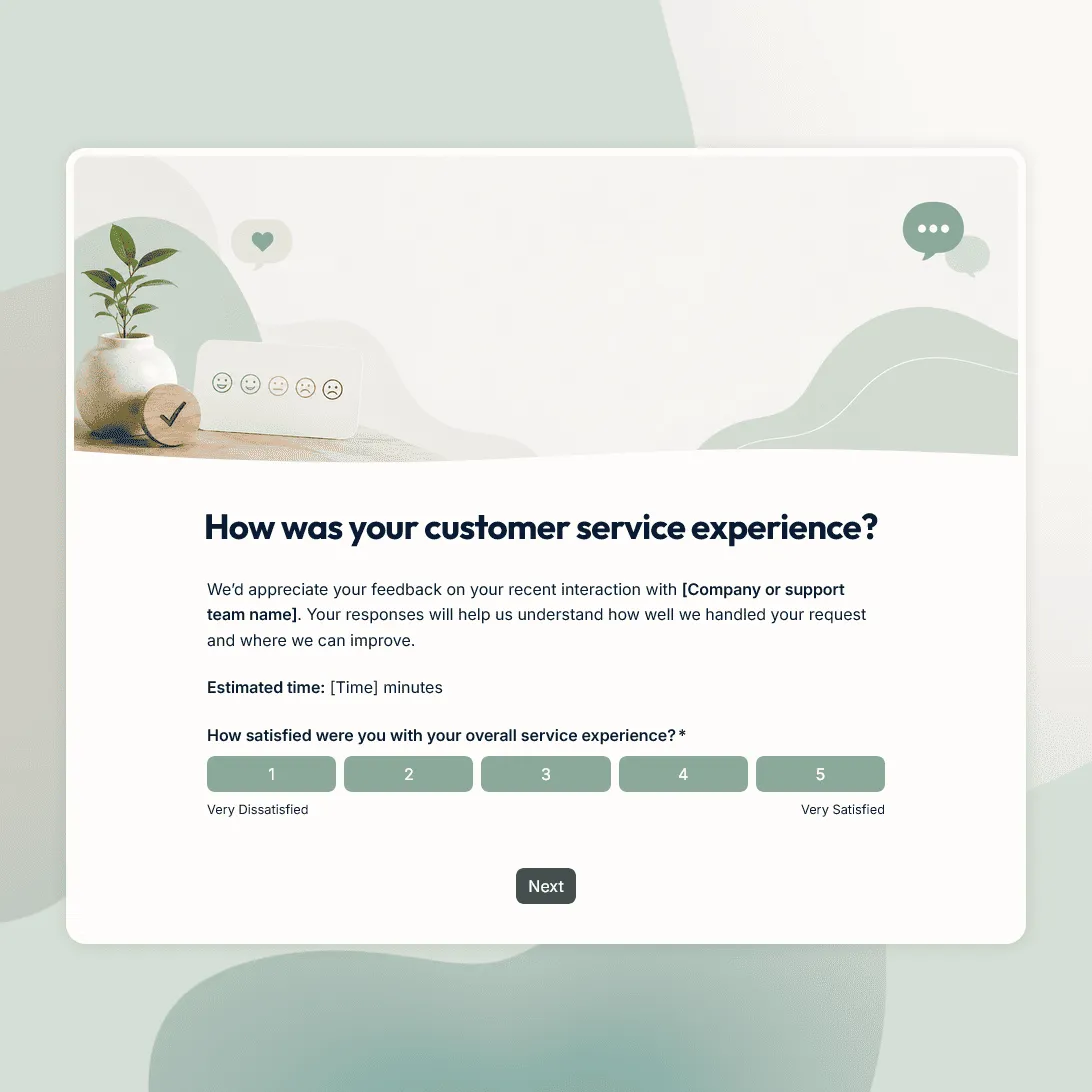
Need a custom customer service survey?
Describe your support process and FormGrid will generate a custom survey you can edit and share.
About this customer service survey template
Customer service feedback is most useful when it is collected soon after the interaction. The customer still remembers what happened, how long they waited, whether the answer was clear, and whether their issue was actually resolved.
This customer service survey template helps you understand how customers feel after a support conversation, service request, help desk ticket, live chat, phone call, email exchange, account support interaction, or in-person service experience.
Use this template to measure support quality, response speed, agent helpfulness, communication, resolution, and overall customer satisfaction. It works for ecommerce teams, SaaS companies, agencies, local businesses, service providers, customer support teams, account managers, and help desks.
What this template includes
This customer service survey helps you collect:
- Overall satisfaction with the service experience
- Support channel used
- Issue or request type
- Whether the issue was resolved
- Helpfulness of the response
- Clarity of the communication
- Response time rating
- Ease of getting help
- Follow-up questions for unresolved issues
- Open comments about what worked well
- Open comments about what could be improved
- Permission to follow up
- Optional contact details
The survey can be adjusted around your support process. You can change the questions, edit the rating scales, update the design and images, add logic for different support channels, and rewrite the confirmation page or follow-up email.
The AI chat in FormGrid can also help with edits. For example, ask it to shorten the survey for live chat, add separate paths for phone and email support, or create follow-up questions for unresolved tickets.
How to use this template
Click “Use this template” to open the customer service survey in FormGrid.
-
Choose the support experience you want to measure. Decide whether the survey is for live chat, phone support, email support, help desk tickets, account support, in-store service, or general customer service feedback.
-
Update the support channel question. Replace the sample options with the channels your team uses, such as email, chat, phone, social media, help desk, account manager, contact form, or in-person service.
-
Ask about resolution early. A customer who still needs help should not get the same follow-up questions as someone whose issue was solved. Use conditional logic to show unresolved customers a short question about what still needs attention.
-
Keep the rating questions focused. Ask about service quality, response time, clarity, helpfulness, ease of getting help, and overall satisfaction. Remove anything that does not fit your support flow.
-
Add low-score follow-ups. Use conditional logic to ask low-score customers what went wrong and whether your team may contact them. You can also ask the AI chat to add those follow-up paths for you.
-
Ask for contact details carefully. If the survey is meant to be anonymous, keep name and email fields optional. If you want to follow up, ask for permission first.
-
Update the confirmation page. Use a custom end page to thank customers, explain how the feedback will be reviewed, or tell them what happens if they asked for follow-up.
-
Escalate unresolved or unhappy responses. Add a send email block when a low score or unresolved issue should go straight to support, customer success, or the account owner.
-
Publish and share the survey. After you publish it, share the survey link after support tickets, chat conversations, calls, appointments, service visits, or account check-ins. You can also embed it in your help center or customer portal with an embed code.
Start with unresolved issues, then look for repeated problems by support channel, request type, response time, or agent handoff. The response table works for day-to-day review; export responses when the support team needs a deeper channel or trend breakdown.
Tips for customer service surveys
A customer service survey should be quick to answer and easy for your team to act on.
-
Send it soon after the interaction. Feedback is clearer when the support conversation is still fresh.
-
Ask whether the issue was resolved. A polite support experience still fails if the customer did not get the help they needed.
-
Separate speed from quality. A fast reply can still be unhelpful, and a slower reply can still solve the problem well.
-
Use channel-specific questions sparingly. Phone, email, chat, and in-person service may need different follow-ups, but keep each path short.
-
Make unhappy feedback easy to explain. Ask what happened and whether your team can follow up. Do not make frustrated customers answer a long set of extra questions.
-
Review open comments regularly. Ratings are useful for tracking, but written feedback is where service problems usually become clear.
Related guides and resources
Customer service survey template FAQs
When should I send a customer service survey?
Send it soon after the support interaction, ticket closure, service visit, or account conversation. The customer is more likely to remember the details and give useful feedback while the experience is still recent.
What is the difference between a customer service survey and a customer satisfaction survey?
A customer service survey focuses on the support or service interaction itself, such as response time, helpfulness, communication, and issue resolution. A customer satisfaction survey can cover the broader customer experience, including product quality, value, onboarding, delivery, and continued use.
What should I ask if the issue was not resolved?
Ask what still needs attention, what the customer expected, and whether your team may follow up. With conditional logic, those questions can appear only when someone says their issue was not resolved.
Can I create different versions for chat, phone, and email support?
Yes. You can edit the survey directly, use conditional logic, or ask the AI chat in FormGrid to adapt it. For example, ask: “Add separate follow-up questions for chat, phone, and email support.”
Can I notify my team when someone leaves a low score?
Yes. Add a send email block to alert your team when a response needs attention. The email can include the score, comment, support channel, resolution status, and follow-up details.
Can I collect anonymous customer service feedback?
Yes. You can remove contact fields or make them optional. If you want the option to follow up, add a separate question asking whether the customer is willing to share their name and email.
Can I export customer service survey results?
Yes. You can export responses to analyze feedback in a spreadsheet, compare support channels, review trends over time, or share results with managers and support leads.
Can I embed this customer service survey in a help center?
Yes. After publishing, you can embed the survey on a help center page, contact page, customer portal, or support page with an embed code. You can also share the direct link in ticket replies, chat follow-ups, emails, receipts, or QR codes.
Is this customer service survey template free?
Yes. The template is free, and you can collect unlimited customer service survey responses on the free plan.
Related templates
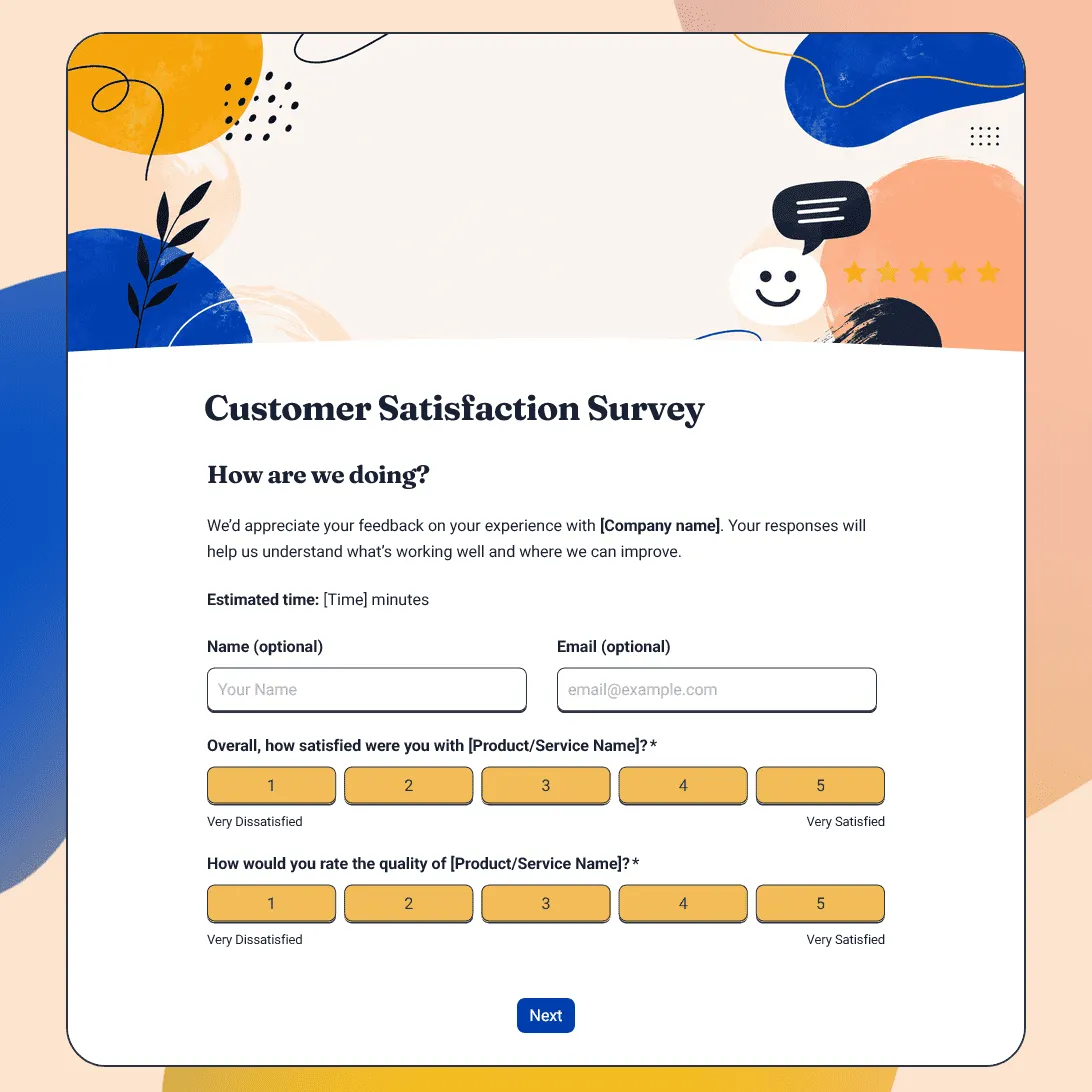
Customer Satisfaction Survey Template
Free customer satisfaction survey template for measuring customer experience, product quality, support, delivery, value, and likelihood to return.
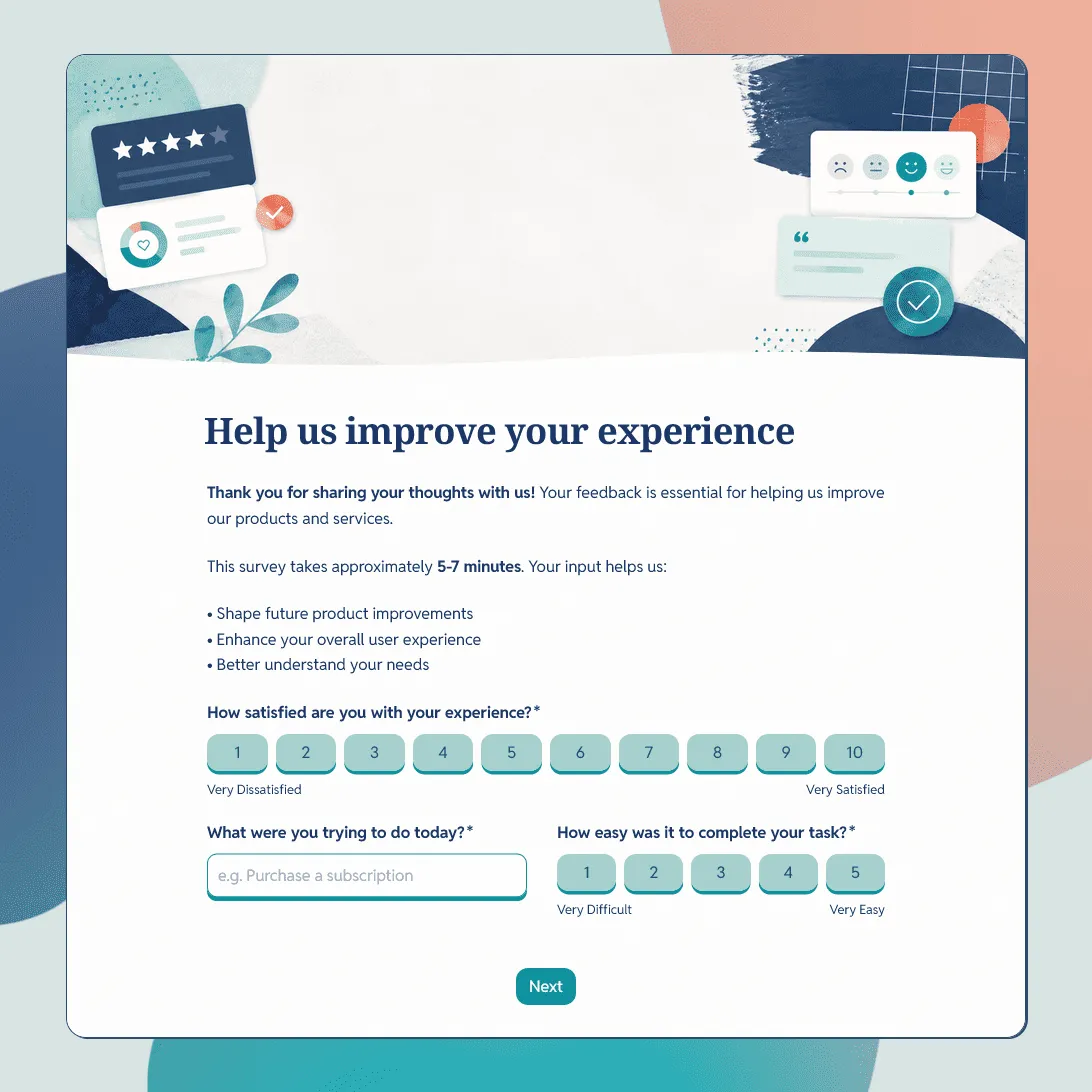
Customer Feedback Form Template
Use this free customer feedback form template to collect ratings, comments, suggestions, NPS, contact details, and follow-up consent.
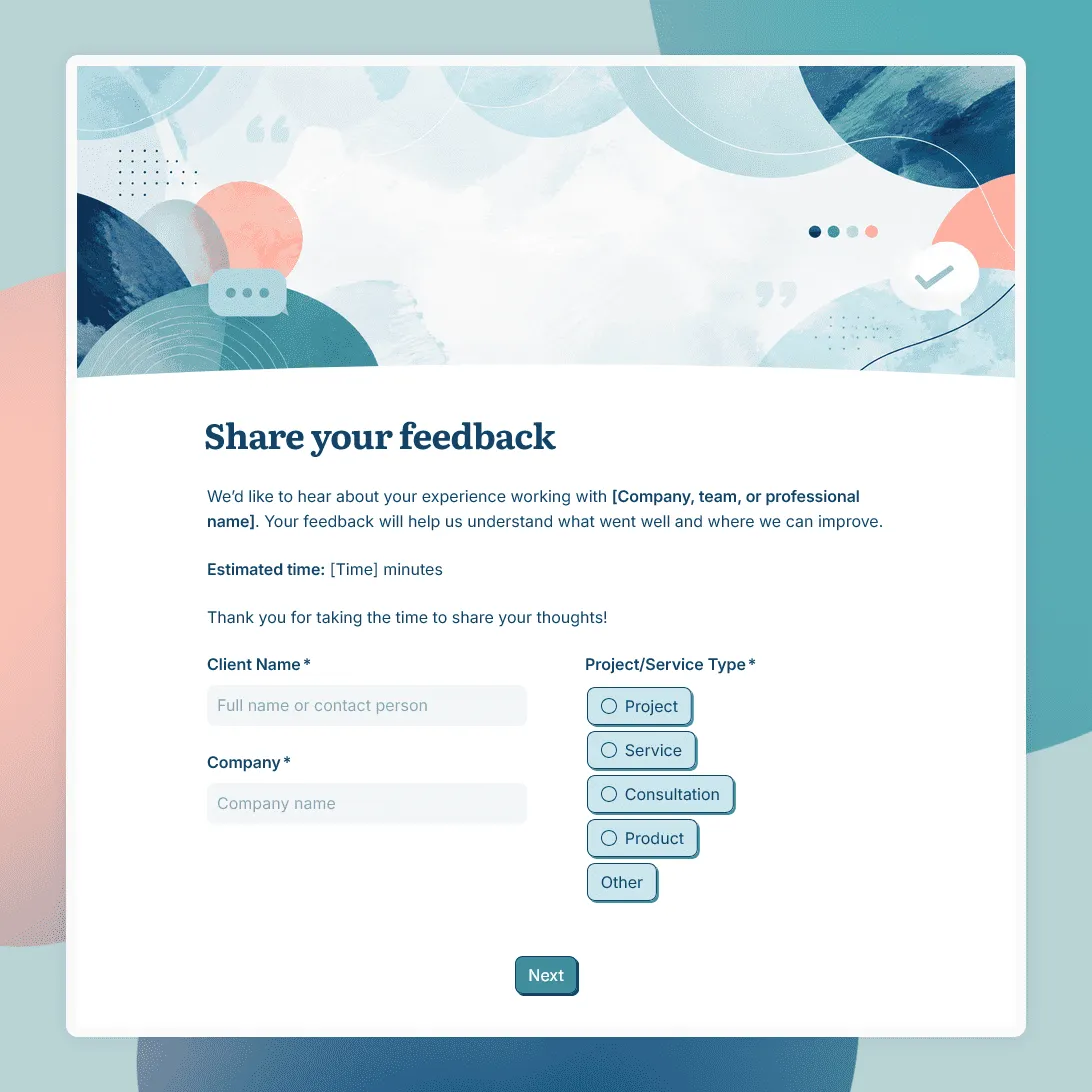
Client Feedback Form Template
Free client feedback form template for agencies, consultants, freelancers, and service businesses to collect post-project feedback, testimonials, and renewal signals.