12 Best 123FormBuilder Alternatives in 2026 (Free & Paid)
If you’re searching for 123FormBuilder alternatives, you probably want one of three things: better design control, more reliable conditional logic, or a more generous free plan.
123FormBuilder has been around for a long time and it used to be a common choice for multi-page forms and integrations. Today it can feel dated and heavy. The interface has not aged well, and setting up calculations or conditional logic often require extra setup. The free plan is also tight: five forms and 100 submissions per month is easy to outgrow.
This guide compares the best 123FormBuilder alternatives and competitors. We focus on what each tool actually does better than 123FormBuilder, where it falls short, and who it makes sense for.
123FormBuilder alternatives: Quick summary
Here is a quick overview of the top alternatives to 123FormBuilder, categorized by the specific problem they solve better:
| 123FormBuilder alternative | Best alternative if you need | Free plan | Starting price |
|---|---|---|---|
| FormGrid | Visually unique forms | Available | $29/month |
| Jotform | Many features and add-ons | Available | $34/month |
| Typeform | Higher completion rates | Available | $29/month |
| Google Forms | A completely free tool | Available | Free |
| Cognito Forms | Complex logic that works | Available | $19/month |
| Wufoo | Simplicity above all else | Available | $16.25/month |
| Formstack | True enterprise compliance | Not available | $83/month |
| Tally | A fast, modern editor | Available | $29/month |
| Zoho Forms | Zoho suite integration | Available | $10/month |
| Paperform | Forms that sell products | Available | $24/month |
| Gravity Forms | A native WordPress solution | Not available | $59/year |
| Microsoft Forms | Internal surveys in Microsoft 365 | Available | $9.99/month (Microsoft 365) |
12 best 123FormBuilder alternatives and competitors
1. FormGrid
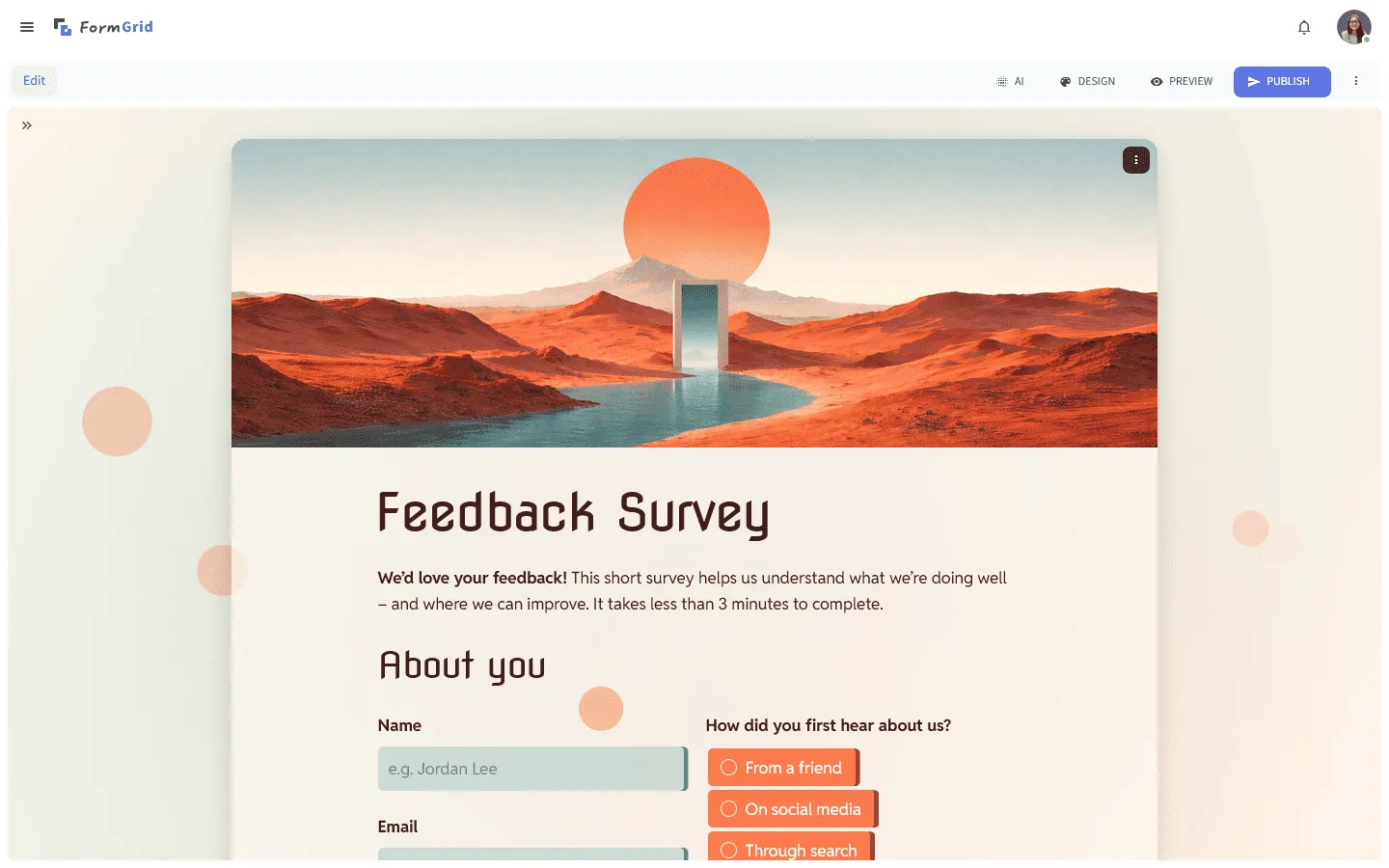
FormGrid is the best 123FormBuilder alternative if design flexibility is your main concern. While 123FormBuilder gives you a functional form, it’s hard to make it feel like part of a modern website without extra work. FormGrid puts design first, giving you a document-style editor that lets you control layout, columns, and typography naturally.
You can build the form yourself in a doc-style editor, or quickly generate a custom form for free without creating an account. Describe what you need, and FormGrid creates the structure, questions, and visual theme for you. After that, you can edit the questions, move blocks around, adjust the design, or publish the form right away.
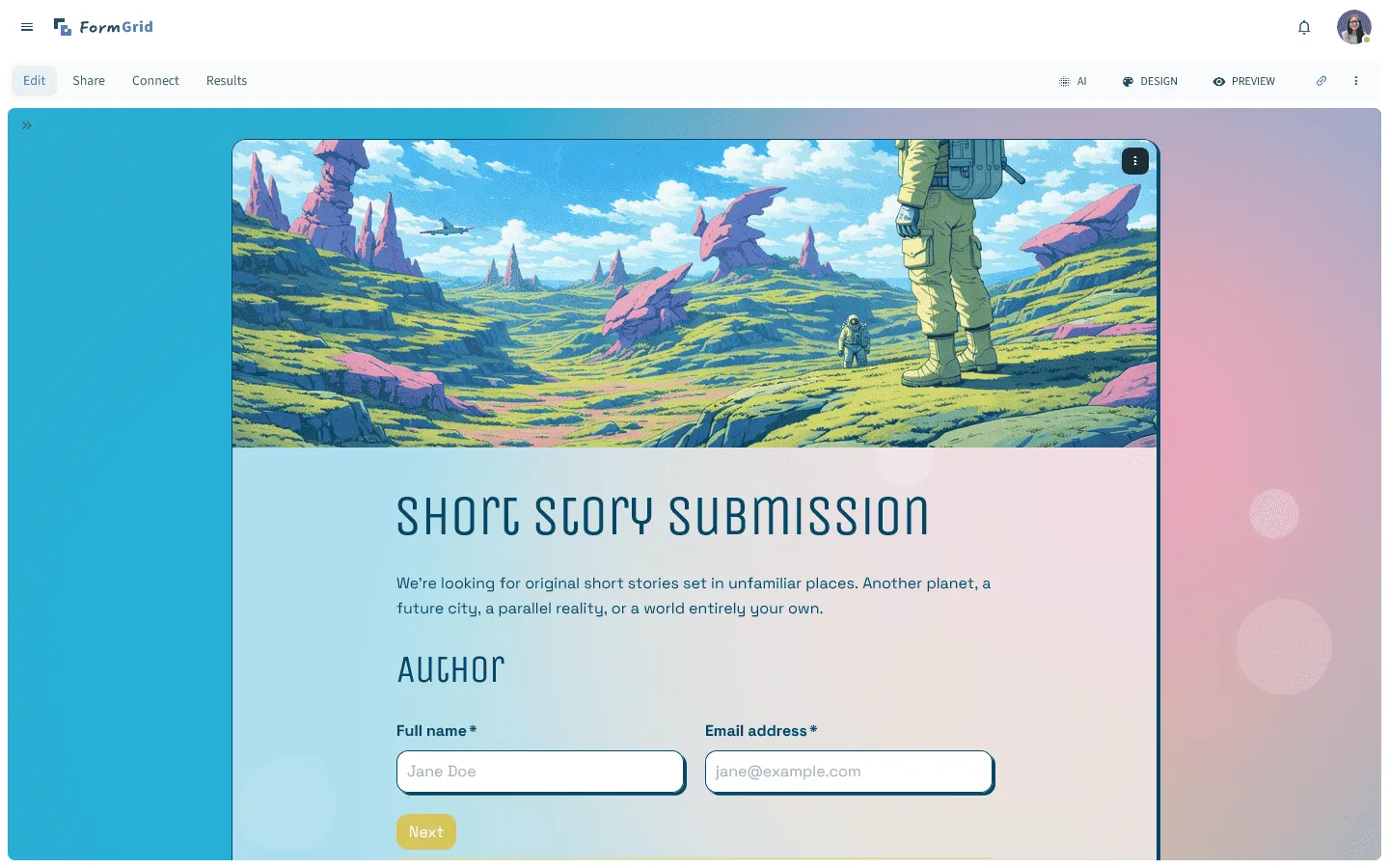
It can be a better fit for public-facing forms where the standard “box-input” look of 123FormBuilder feels out of place.
Key features
- Flexible document-style editor for custom layouts
- AI tools to generate and style forms quickly
- Responsive designs that look great on any device
- Unlimited forms and submissions on the free plan
FormGrid pricing
- Free: Unlimited forms and responses, access to all core features
- Plus ($29/month): Collaboration, remove FormGrid branding, version history
- Business ($79/month): User roles and permissions, advanced link settings
Why choose FormGrid over 123FormBuilder?
Choose FormGrid if you want forms that match your site without custom CSS, and you want more control over layout than 123FormBuilder provides.
2. Jotform

Jotform is a popular alternative to 123FormBuilder for teams that rely on a wide range of features: templates, widgets, payments, signatures, and PDFs. If you’re using 123FormBuilder because you need a lot of capabilities in one place, Jotform is one of the closest matches.
The interface can feel busy, but it tends to behave more predictably on complex setups. If you’re building approval flows, collecting data offline, or connecting to many services, Jotform usually gives you more options without forcing you into workarounds.
If you are comparing heavyweights, you might also find our Jotform alternatives guide useful to see what else exists in this space.
Key features
- Over 20,000 form templates
- Native signature and PDF generation tools
- Offline mobile forms app
- Large set of widgets and integrations
- Comprehensive payment processing options
Jotform pricing
- Free: 5 forms, 100 responses/month
- Bronze ($34/month): 25 forms, 1,000 responses/month, no branding
- Silver ($39/month): 50 forms, 2,500 responses/month, more storage and integrations
- Gold ($99/month): 100 forms, 10,000 responses/month, HIPAA compliance, priority support
- Enterprise (custom pricing): Unlimited usage, SSO, SLA
Why choose Jotform over 123FormBuilder?
Pick Jotform if you want a similar “do-everything” approach, but with more mature templates, widgets, and integrations.
3. Typeform

Typeform is a good replacement for 123FormBuilder if your forms are suffering from low completion rates. Long forms in 123FormBuilder can feel overwhelming, especially when everything is presented as one dense page. Typeform changes the dynamic by showing one question at a time, making the process feel like a conversation rather than a data entry task.
This format is particularly effective for surveys and lead capture, where engagement matters more than density. While 123FormBuilder is often better for back-office data entry, Typeform is better for customer-facing forms.
If this conversational style appeals to you, check out our list of Typeform alternatives for similar options.
Key features
- Conversational one-question-at-a-time layout
- Beautiful video and image support
- Logic jumps that are easy to visualize
- Built-in analytics and response insights
Typeform pricing
- Free: 10 responses/month, limited features
- Basic ($29/month): 100 responses/month, basic integrations
- Plus ($59/month): 1,000 responses/month, more logic, branding options, and integrations
- Business ($99/month): 10,000 responses/month, team features, advanced analytics, priority support
- Enterprise (custom pricing): Custom limits, SSO, custom domains, HIPAA compliance
Why choose Typeform over 123FormBuilder?
Move to Typeform if your completion rates are low. If users are abandoning your 123FormBuilder forms because they look long and tedious, Typeform’s interactive flow may significantly improve your results.
4. Google Forms
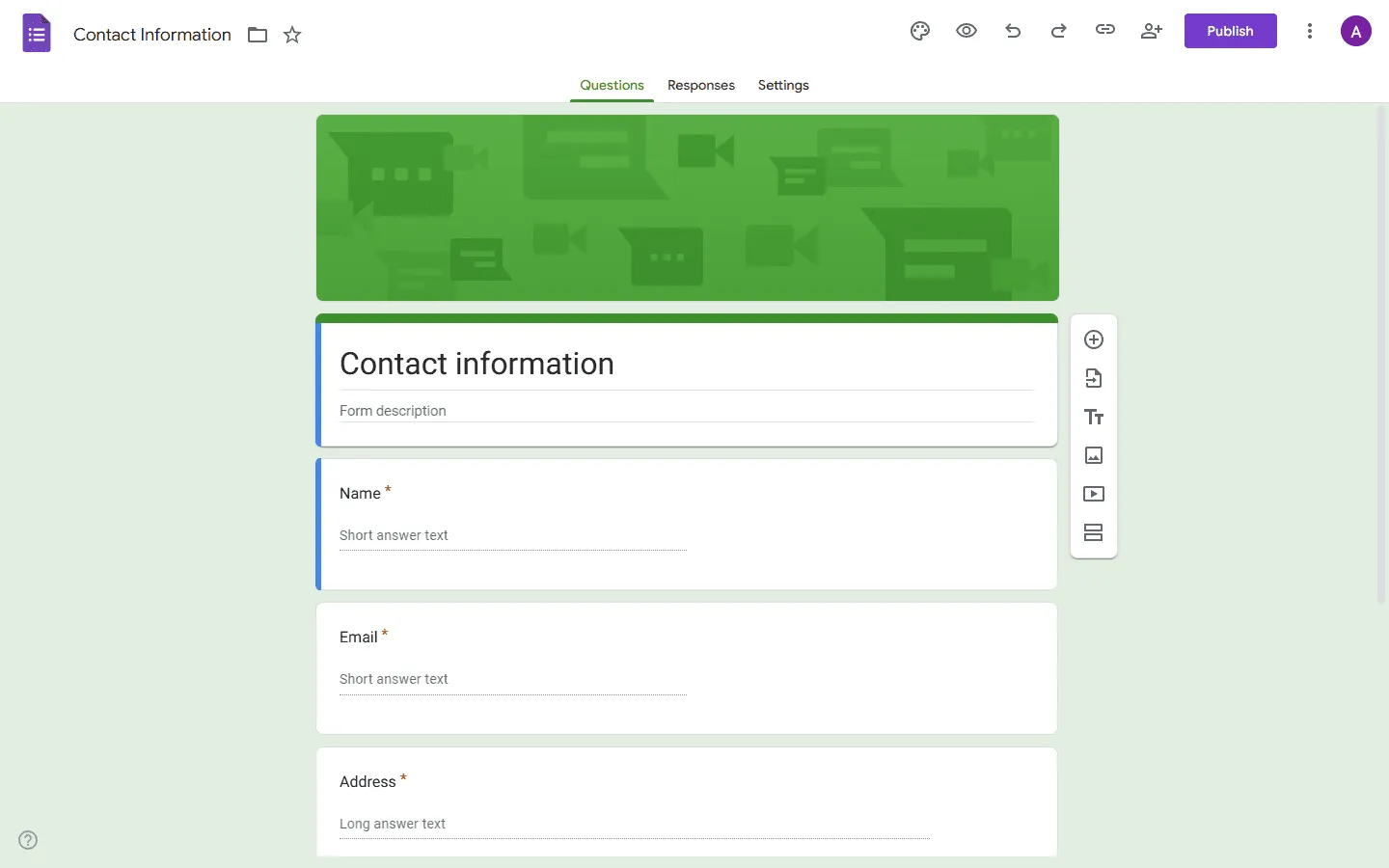
Google Forms is the simplest free alternative to 123FormBuilder. If you’re paying for 123FormBuilder just to run basic surveys, internal polls, or event signups, Google Forms may cover what you need with fewer limits.
It won’t replace 123FormBuilder for payments, advanced workflows, or complex logic. But for straightforward data collection, it’s fast, stable, and easy to share. Responses land in Google Sheets immediately, which is often enough for internal reporting.
For more options in this category, see our Google Forms alternatives article.
Key features
- 100% free for personal use
- Instant integration with Google Sheets
- Simple, familiar interface for creators and respondents
- Basic logic and quiz features
Google Forms pricing
- Free: for personal accounts
- Business: Included with Google Workspace
Why choose Google Forms over 123FormBuilder?
Pick Google Forms to save money. If you don’t need payments or advanced integrations, there is no reason to grapple with 123FormBuilder’s limits when Google Forms handles the basics for free.
5. Cognito Forms
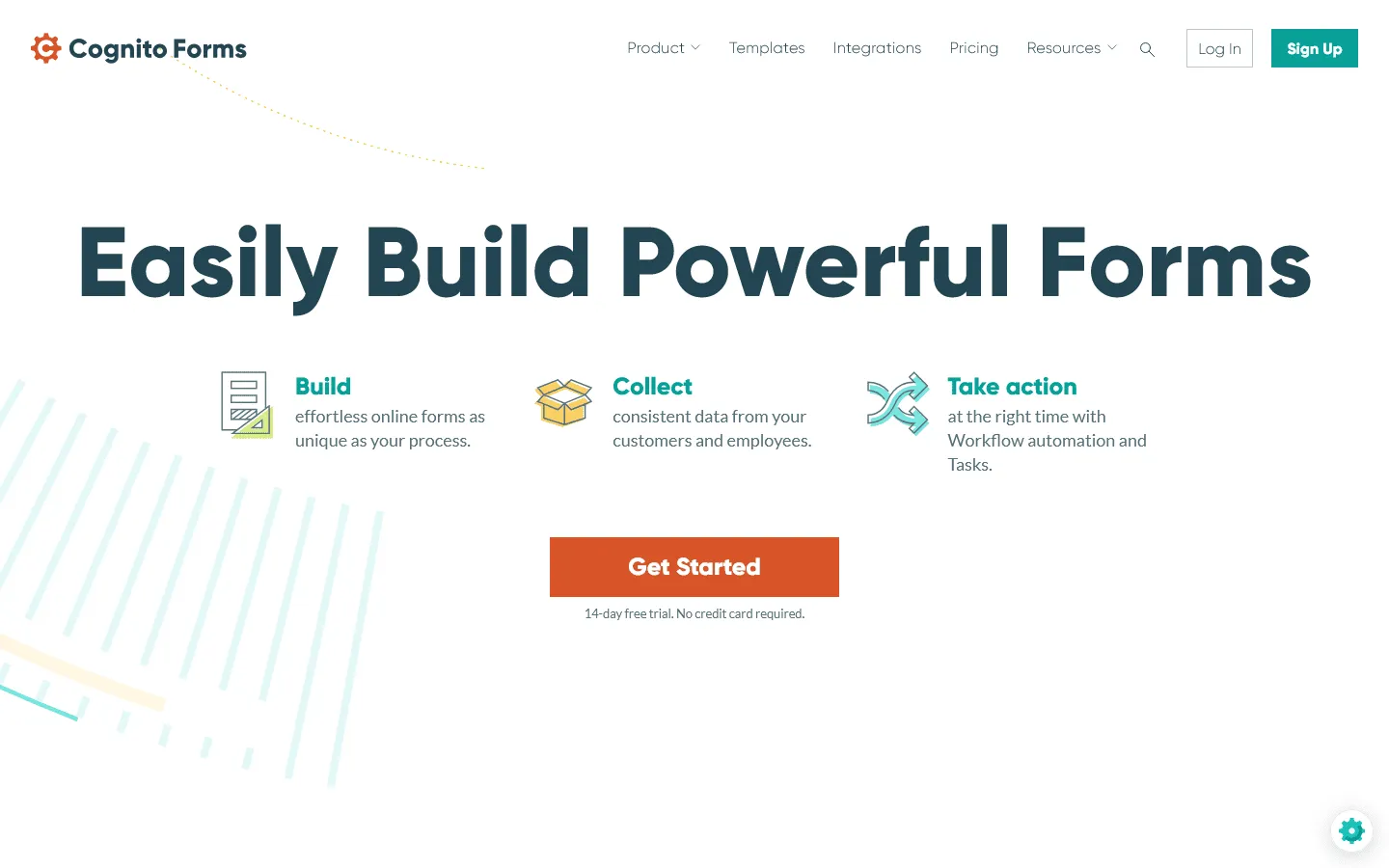
Cognito Forms is often a better fit than 123FormBuilder for forms that behave like small applications: quotes, conditional pricing, and multi-step registrations with repeating sections. Users frequently report that 123FormBuilder’s calculation widgets can be finicky or hard to configure. Cognito Forms was built specifically for this use case. Its calculation engine is powerful enough to handle complex quotes, tax rules, and conditional pricing without breaking.
It is a tool for power users who want a form to handle real math. It also handles repeating sections (like adding multiple attendees to a registration) much better than 123FormBuilder.
If Cognito Forms seems close to what you need, you can compare it with other similar tools in our Cognito Forms alternatives post.
Key features
- Advanced calculations and conditional logic
- Repeating sections for complex data entry
- Save and resume functionality for long forms
- Integrated payment processing
Cognito Forms pricing
- Free: 100 responses/month
- Pro ($19/month): 2,000 responses, no branding
- Team ($39/month): 10,000 responses, shared ownership
- Enterprise ($129/month): Unlimited responses, advanced security, HIPAA compliance
Why choose Cognito Forms over 123FormBuilder?
Choose Cognito Forms if you rely on calculations, line items, or repeating sections and you want logic that is easier to maintain.
6. Wufoo
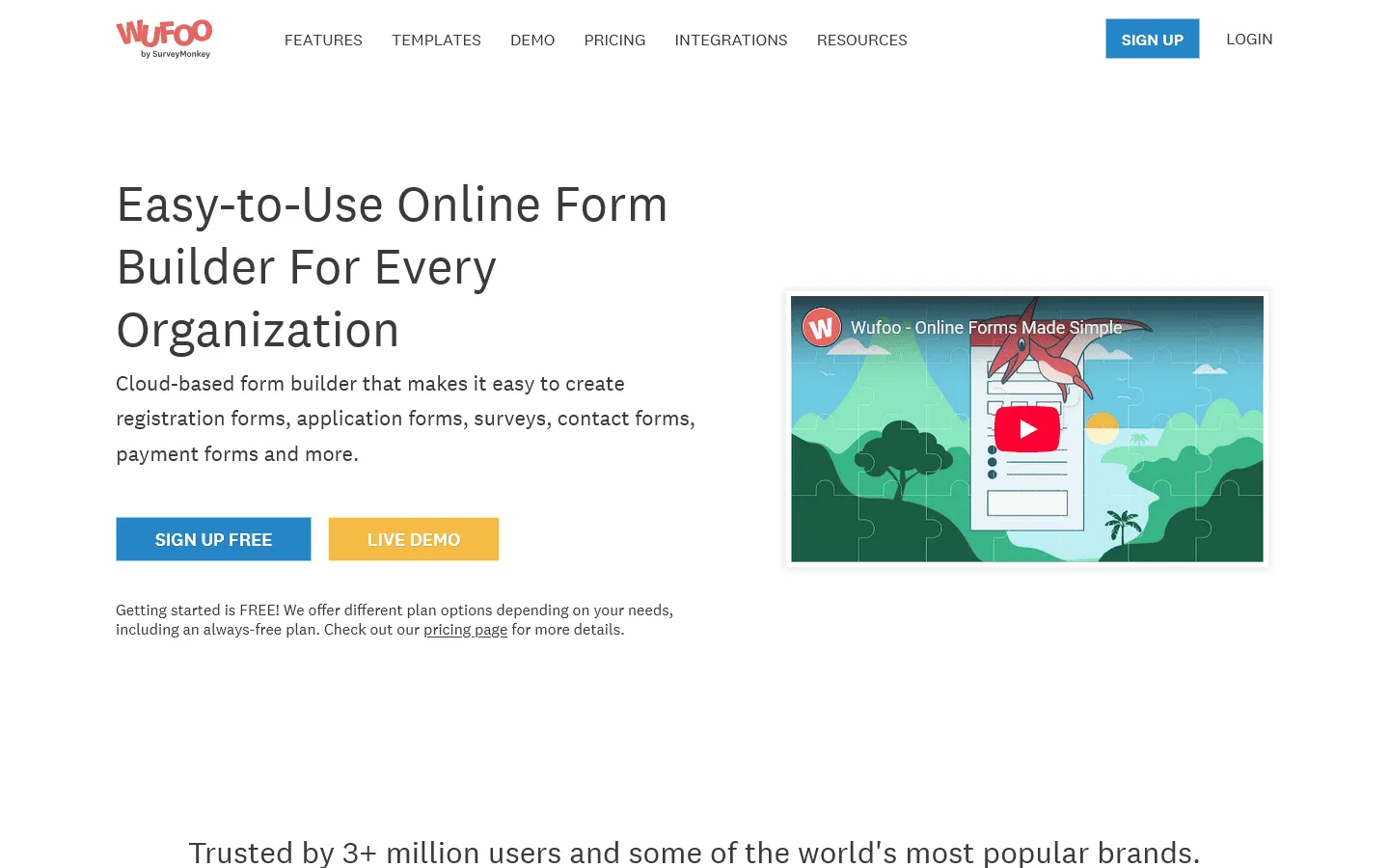
Wufoo is a simpler alternative for teams that want a classic drag-and-drop builder without a lot of moving parts. Like 123FormBuilder, it is a legacy tool, but it leans into simplicity rather than complexity. While 123FormBuilder tries to jam every feature into its dashboard, Wufoo keeps things straightforward. It is a drag-and-drop builder that rarely changes, which is a huge plus for teams that just want stability.
It doesn’t have modern bells and whistles, but it is reliable for payments and basic data collection. If 123FormBuilder feels too cluttered or confusing to navigate, Wufoo can be a good alternative.
If you are interested in this straightforward approach, you can compare it with other simple builders in our Wufoo alternatives list.
Key features
- Intuitive drag-and-drop builder
- Reliable payment integration
- Custom branding and theme designer
- Automated email notifications
Wufoo pricing
- Free: 5 forms, 100 entries/month, limited features
- Starter ($16.25/month): 10 forms, 1,000 entries/month, file uploads, custom logo, integrations
- Professional ($33.25/month): Unlimited forms, 5,000 entries/month, payments, encryption
- Advanced ($83.25/month): 25,000 entries/month, priority support, advanced features
- Ultimate ($210.25/month): 200,000 entries/month, more storage
Why choose Wufoo over 123FormBuilder?
If you like the “classic” form builder feel but find 123FormBuilder too complicated or buggy, Wufoo offers a similar experience that is easier to manage.
7. Formstack
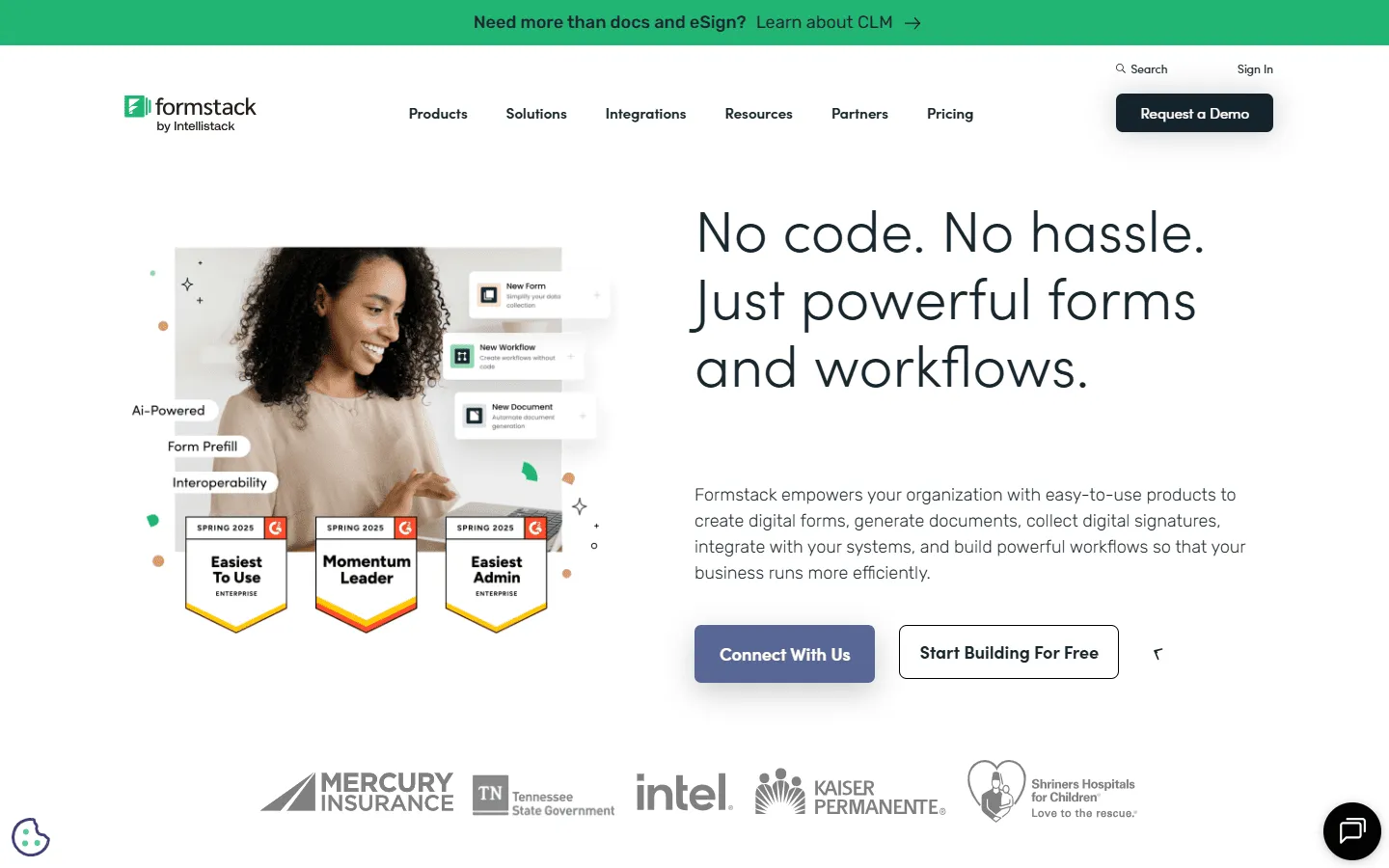
Formstack is the enterprise-grade 123FormBuilder competitor for regulated industries. While 123FormBuilder offers some compliance tools, Formstack is built entirely around secure, regulated workflows. It’s commonly used in healthcare and finance, where security features and approval workflows matter as much as the form itself.
It goes beyond just forms, offering document generation and digital signatures in one platform. If you are trying to piece together a workflow in 123FormBuilder using integrations and it feels fragile, Formstack provides a unified, secure solution.
For a breakdown of similar enterprise tools, check our Formstack alternatives article.
Key features
- Workflow automation and approvals
- Native document generation and e-signatures
- HIPAA compliance and advanced security
- A/B testing for form optimization
Formstack pricing
- No free plan
- Forms ($83/month): 25 forms, 1,000 responses/form, core form builder, integrations, storage
- Suite ($250/month): 100 forms, 5,000 responses/form, automation, document generation, e-signatures
- Enterprise: Custom pricing, compliance features, advanced governance
Why choose Formstack over 123FormBuilder?
Move to Formstack for compliance and automation. If you are handling sensitive patient or financial data, relying on 123FormBuilder can be a risk. Formstack gives you the enterprise-grade security and workflow tools required for regulated industries.
8. Tally
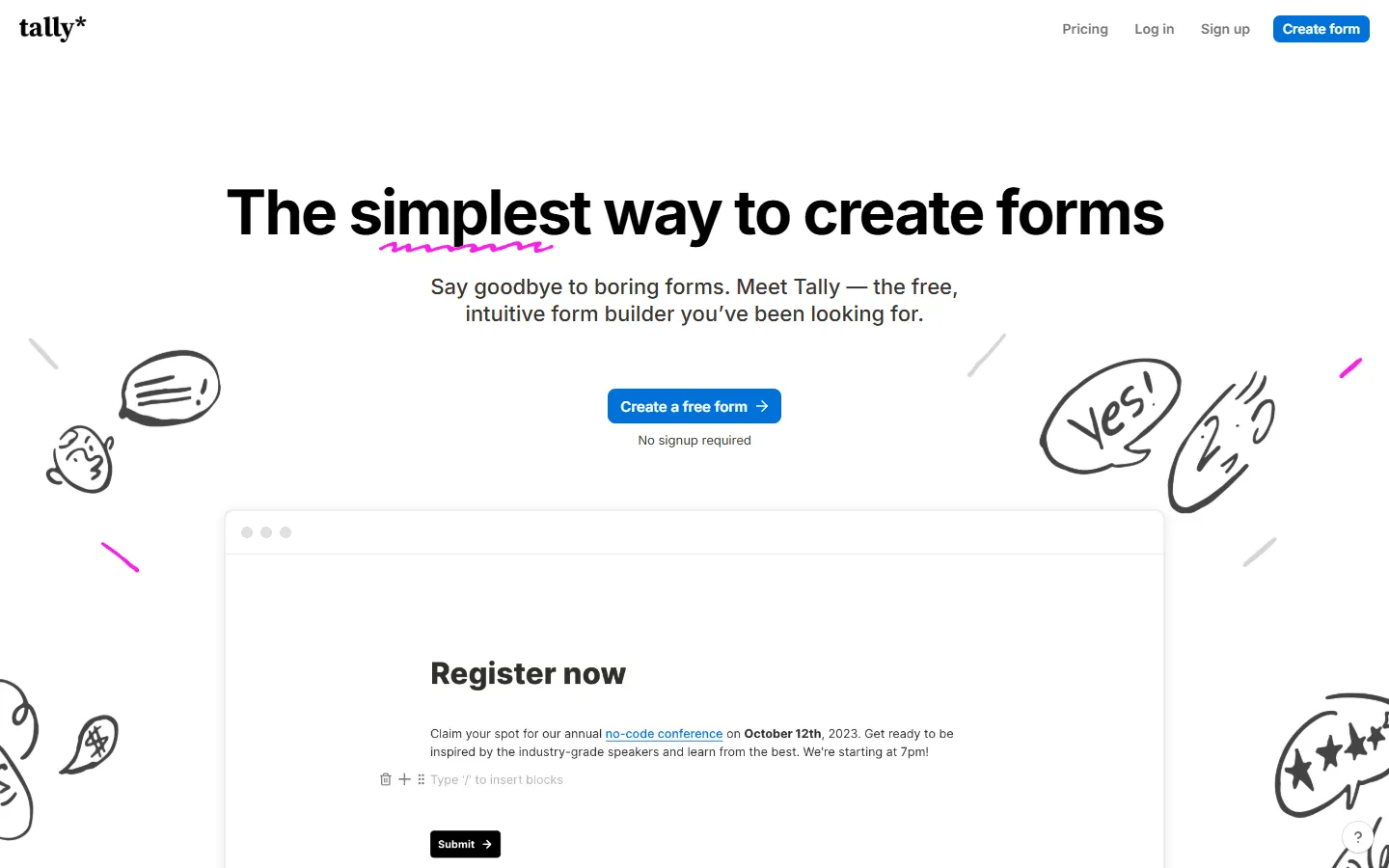
Tally is a modern 123FormBuilder alternative that takes a different approach: forms built by typing, like a Notion doc. Where 123FormBuilder is rigid and grid-based, Tally is fluid and text-based. It makes it easy to create simple, clean forms without clicking through lots of menus.
The other major advantage is price. Tally’s free plan includes unlimited forms and submissions.
You can see how it stacks up against others in our Tally alternatives review.
Key features
- Document-style editor (works like Notion)
- Unlimited forms and responses for free
- Clean, minimalist design
- Direct Notion integration
Tally pricing
- Free: Unlimited forms and submissions, basic logic, payments, file uploads
- Pro ($29/month): Custom domains, remove Tally branding, advanced integrations
- Business ($89/month): Email verification, form version history
Why choose Tally over 123FormBuilder?
Choose Tally if you want a faster editing experience and fewer limits, and you don’t need deep enterprise workflows.
9. Zoho Forms
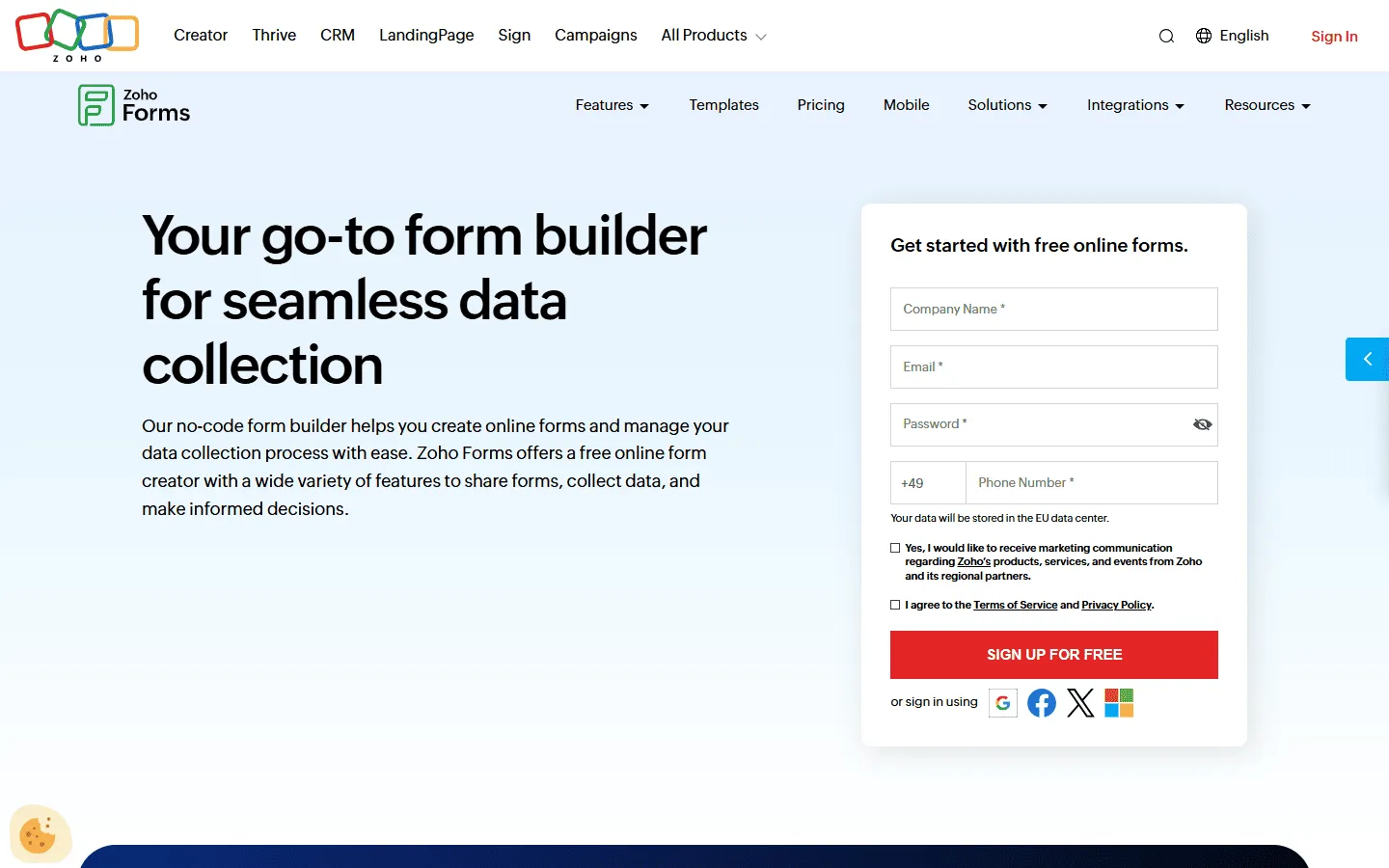
Zoho Forms is a good fit if your forms feed into business systems. 123FormBuilder can connect to many tools, but it often relies on connectors. Zoho Forms is part of the Zoho suite, so it ties directly into Zoho CRM, Desk, and Projects.
If you already live in Zoho, this removes a lot of glue work. When a form is submitted, the data appears in your CRM instantly.
Zoho Forms also has a mobile app with offline mode, which matters for teams collecting data in the field.
Key features
- Deep integration with Zoho Suite
- Offline data collection
- Task assignment and approval workflows
- QR code and email distribution
Zoho Forms pricing
- Free: 3 forms, 500 responses/month
- Basic ($10/month): 10,000 responses/month, custom branding and themes
- Standard ($25/month): 25,000 responses/month, approvals
- Professional ($50/month): 75,000 responses/month
- Premium ($90/month): 150,000 responses/month, HIPAA compliance, record audit
Why choose Zoho Forms over 123FormBuilder?
Choose Zoho Forms if you already use Zoho. It’s usually simpler than wiring 123FormBuilder into the same stack.
10. Paperform
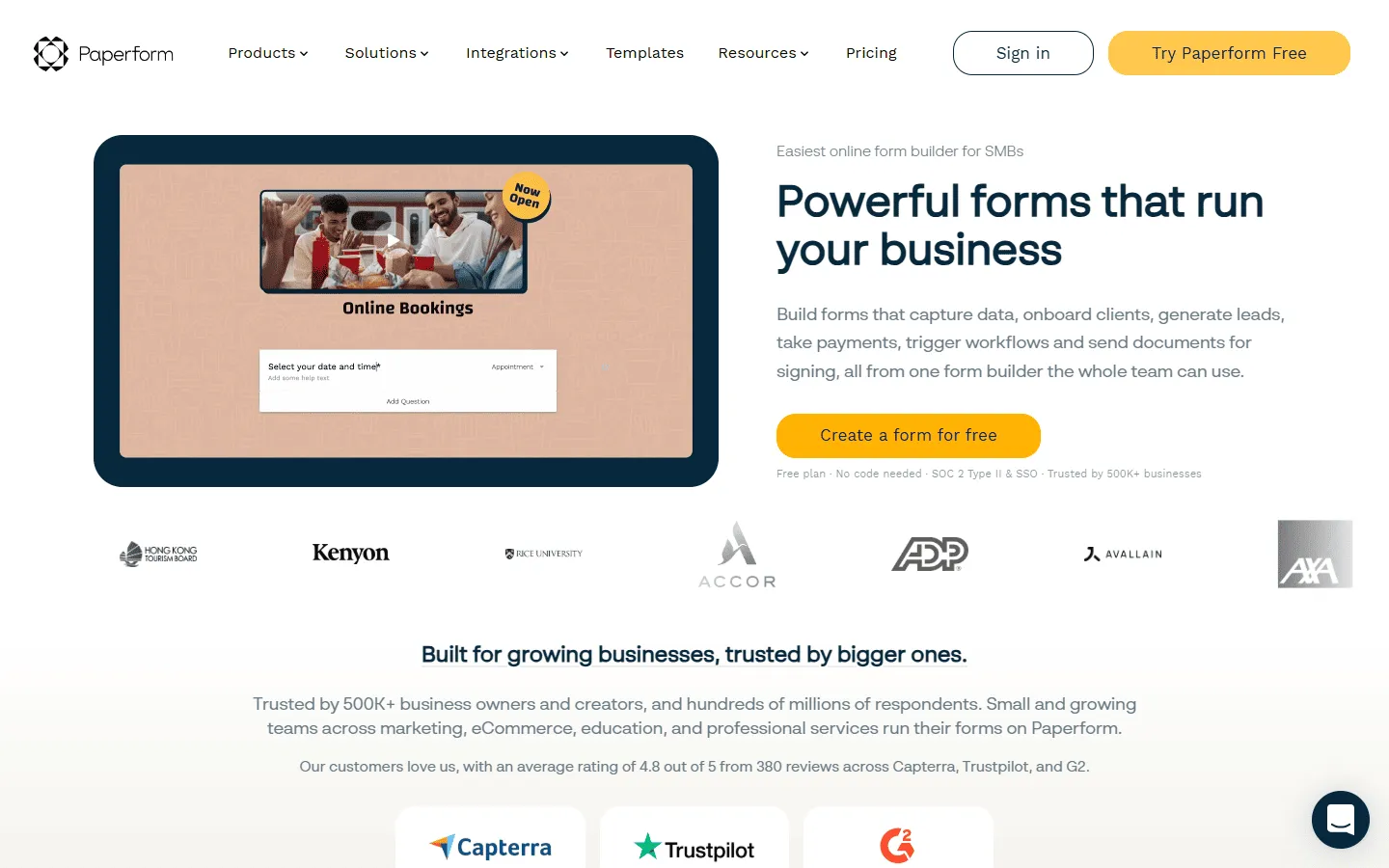
Paperform is a 123FormBuilder alternative for forms that sell or book something. 123FormBuilder forms tend to look like standard input screens. Paperform lets you build a page with rich content (text, images, video) and place questions within it.
This makes it a far better tool for sales, bookings, and event registrations. It handles the “selling” part as well as the “form” part.
For more design-forward options, take a look at our Paperform alternatives guide.
Key features
- Landing page style editor
- Integrated booking and scheduling
- Support for subscriptions and complex payments
- High-level theme customization
Paperform pricing
- Free: 30 responses/month
- Essentials ($24/month): 1,200 responses/year
- Pro ($49/month): 12,000 responses/year, custom CSS, custom form links
- Business ($99/month): unlimited forms, 120,000 responses/year, SSO
Why choose Paperform over 123FormBuilder?
Choose Paperform if you are selling something. 123FormBuilder is fine for administrative tasks, but if you need to convince a user to buy, book, or sign up, Paperform’s rich media capabilities are far more effective.
11. Gravity Forms
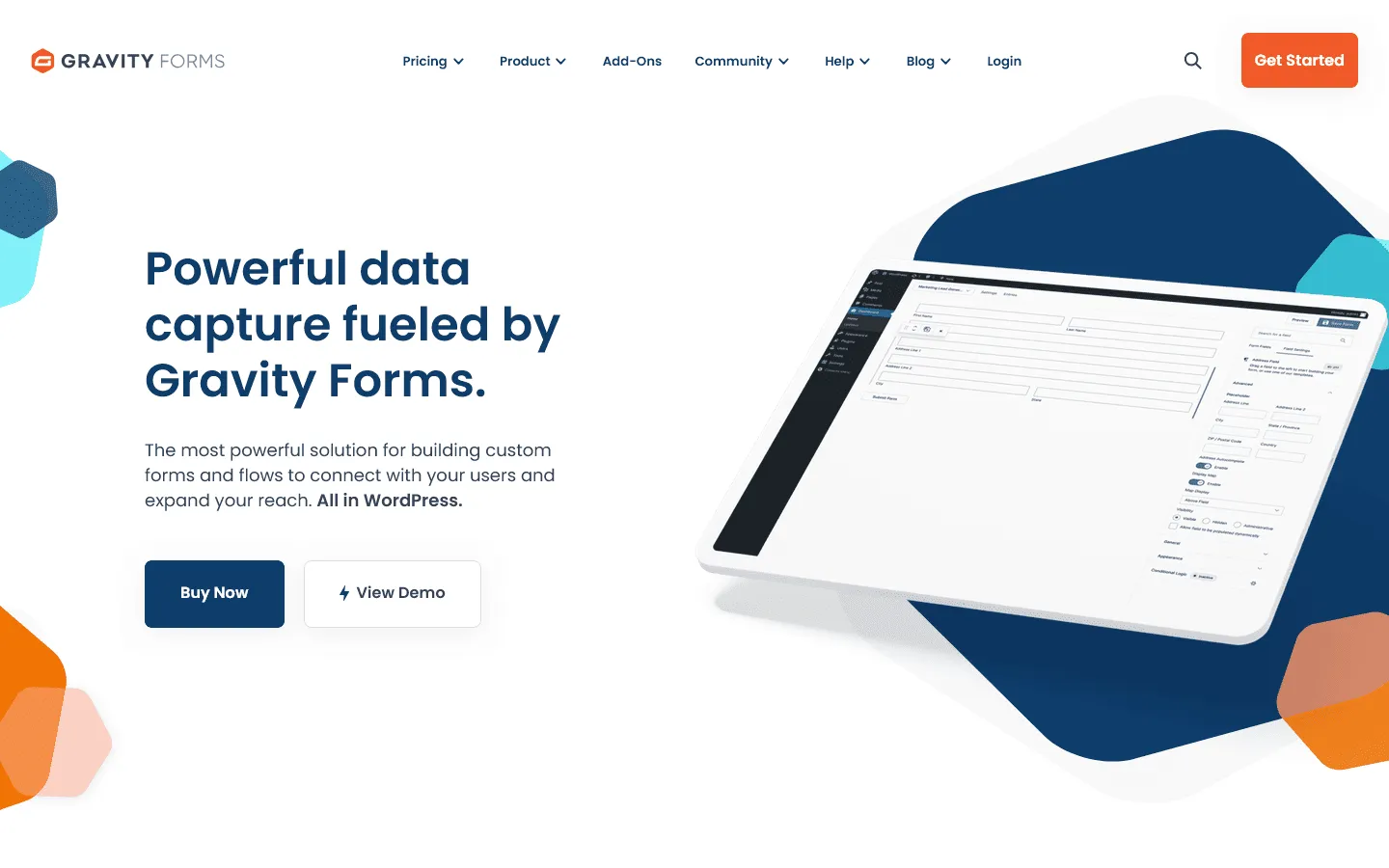
Gravity Forms is the most logical 123FormBuilder alternative for WordPress users. Unlike 123FormBuilder, which runs as a hosted SaaS product, Gravity Forms lives entirely inside your WordPress site. That gives you full control over hosting, styling, and data storage.
Where 123FormBuilder focuses on templates and integrations across many platforms, Gravity Forms goes deep within the WordPress ecosystem. It supports advanced conditional logic, calculations, file uploads, and multi-page forms, along with a large library of add-ons. For teams already committed to WordPress, this tighter integration often makes workflows more predictable.
The trade-off is maintenance. You are responsible for hosting, updates, and plugin conflicts. It is powerful, but it assumes you are comfortable managing a WordPress environment.
If you like the idea behind Gravity Forms but want to explore other WordPress options, check our Gravity Forms alternatives list.
Key features
- Native WordPress integration
- Advanced conditional logic and calculations
- Multi-page forms with save and continue
- Large ecosystem of add-ons (Stripe, PayPal, CRMs, email tools)
Gravity Forms pricing
- No free plan
- Basic ($59/year): 1 site, standard add-ons
- Pro ($159/year): 3 sites, payment add-ons
- Elite ($259/year): Unlimited sites, advanced integrations
Why choose Gravity Forms over 123FormBuilder?
Choose Gravity Forms if your website runs on WordPress and you want full control over your data and styling. If embedding 123FormBuilder feels disconnected from your site, Gravity Forms keeps everything in one place.
12. Microsoft Forms
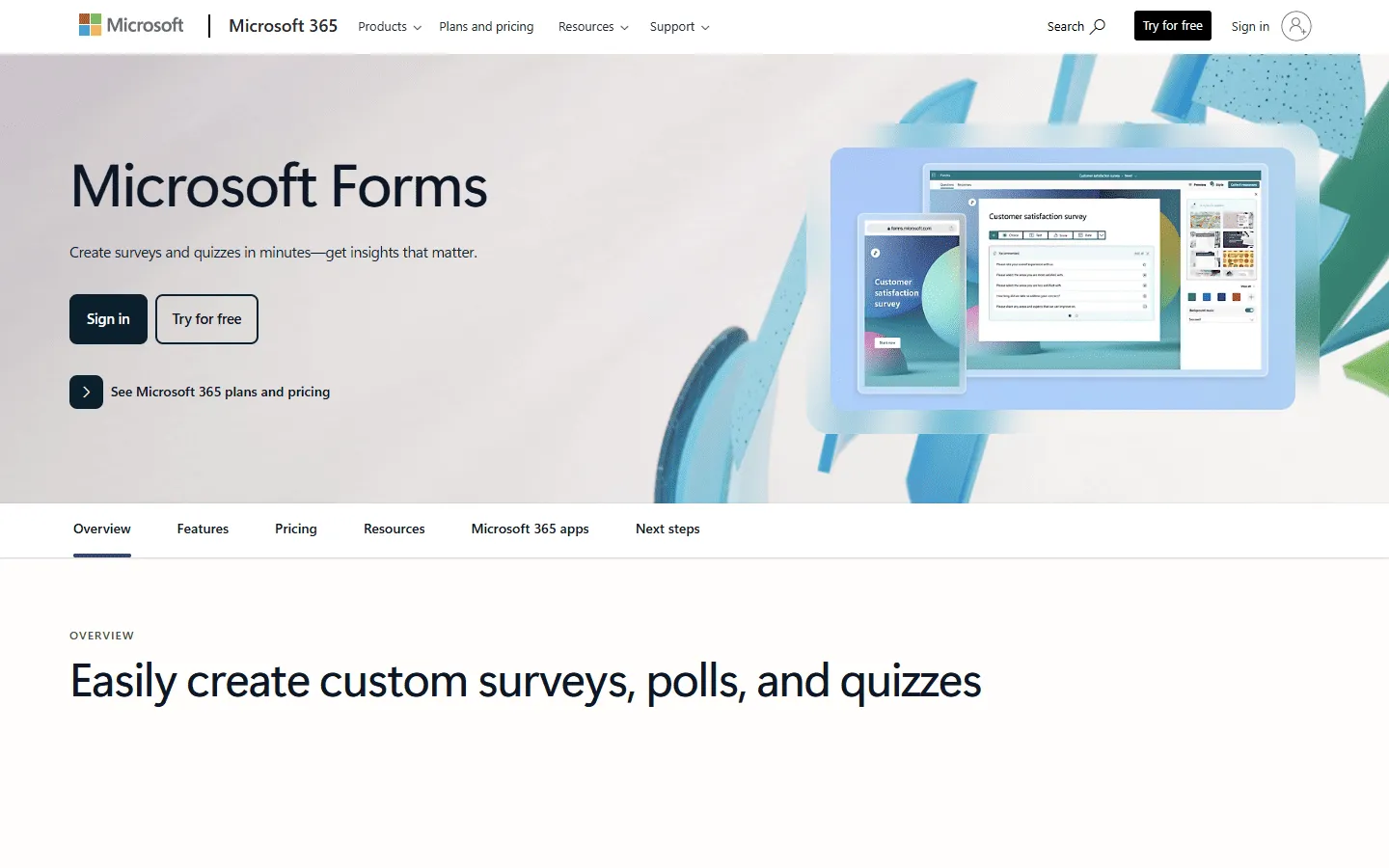
Microsoft Forms is a practical 123FormBuilder alternative for teams already using Microsoft 365. It is designed for internal surveys, quizzes, and lightweight data collection rather than advanced public-facing forms.
Compared to 123FormBuilder, Microsoft Forms is simpler and more limited. It does not offer the same depth in calculations, payments, or design customization. But it integrates directly with Excel, SharePoint, and Teams. For internal workflows, that tight integration can matter more than visual flexibility.
If your main use case is collecting structured input from employees, students, or partners inside a Microsoft environment, it removes unnecessary setup.
If you are thinking about switching from 123FormBuilder to Microsoft Forms, it can help to look at other Microsoft Forms alternatives before making a decision.
Key features
- Included with Microsoft 365
- Direct export to Excel
- Real-time collaboration
- Basic branching logic and quiz mode
Microsoft Forms pricing
- Included with Microsoft 365 subscriptions
- Free version available with limited features
Why choose Microsoft Forms over 123FormBuilder?
Select Microsoft Forms if you mainly need internal surveys and already use Microsoft 365. It is not a design-focused tool, but for structured input inside an existing Microsoft stack, it is often simpler than maintaining a separate 123FormBuilder subscription.
How we evaluated these 123FormBuilder alternatives
To compare these 123FormBuilder alternatives fairly, we rebuilt the same form in each product. The test form included multiple pages, conditional logic (including showing and hiding shipping fields), and a payment integration.
We scored tools on four areas that often drive teams to look for a 123FormBuilder alternative:
- Build speed: How quickly you can publish, and how easy it is to change later
- Design control: Fonts, spacing, layout, and whether the result looks good without custom CSS
- Logic reliability: Whether rules are easy to verify and behave consistently across pages
- Plan limits: Whether a small team can run real forms without hitting limits early
Final thoughts: Which 123FormBuilder alternative should you choose?
Most people leave 123FormBuilder because it feels dated or because they run into limits and workflow friction. Newer tools tend to offer better editors, more flexible design options, or clearer pricing.
- For a visual upgrade: FormGrid or Paperform transform your forms from data entry fields into branded experiences.
- For stability and power: Jotform or Cognito Forms offer the depth of 123FormBuilder without the bugs.
- For cost savings: Google Forms or Tally remove the arbitrary limits of 123FormBuilder’s free plan.
- For enterprise compliance: Formstack provides the security and workflow tools that large organizations require.
Start with your current pain point (design, logic, limits, or compliance), then shortlist two tools and rebuild your most important form. You will learn quickly which editor and workflow fits your team.
FAQ about 123FormBuilder alternatives
What is the best 123FormBuilder alternative?
The best 123FormBuilder alternative depends on your use case. If you want modern design and layout control, FormGrid is a good option. If you want a similar feature range, Jotform and Cognito Forms are common picks. If you mainly need a free tool, Google Forms is hard to beat for basic surveys.
Why are people switching from 123FormBuilder?
Most people start looking for 123FormBuilder alternatives when they hit the free plan limits, want forms that look more modern, or spend too much time setting up and debugging conditional logic and calculations. Newer tools often have simpler editors and more flexible plans.
Is there a free alternative to 123FormBuilder?
Yes. Google Forms, Tally, and FormGrid all offer free plans. Some include unlimited responses, so they are more flexible than 123FormBuilder’s free tier.