Hotel Feedback Form Template
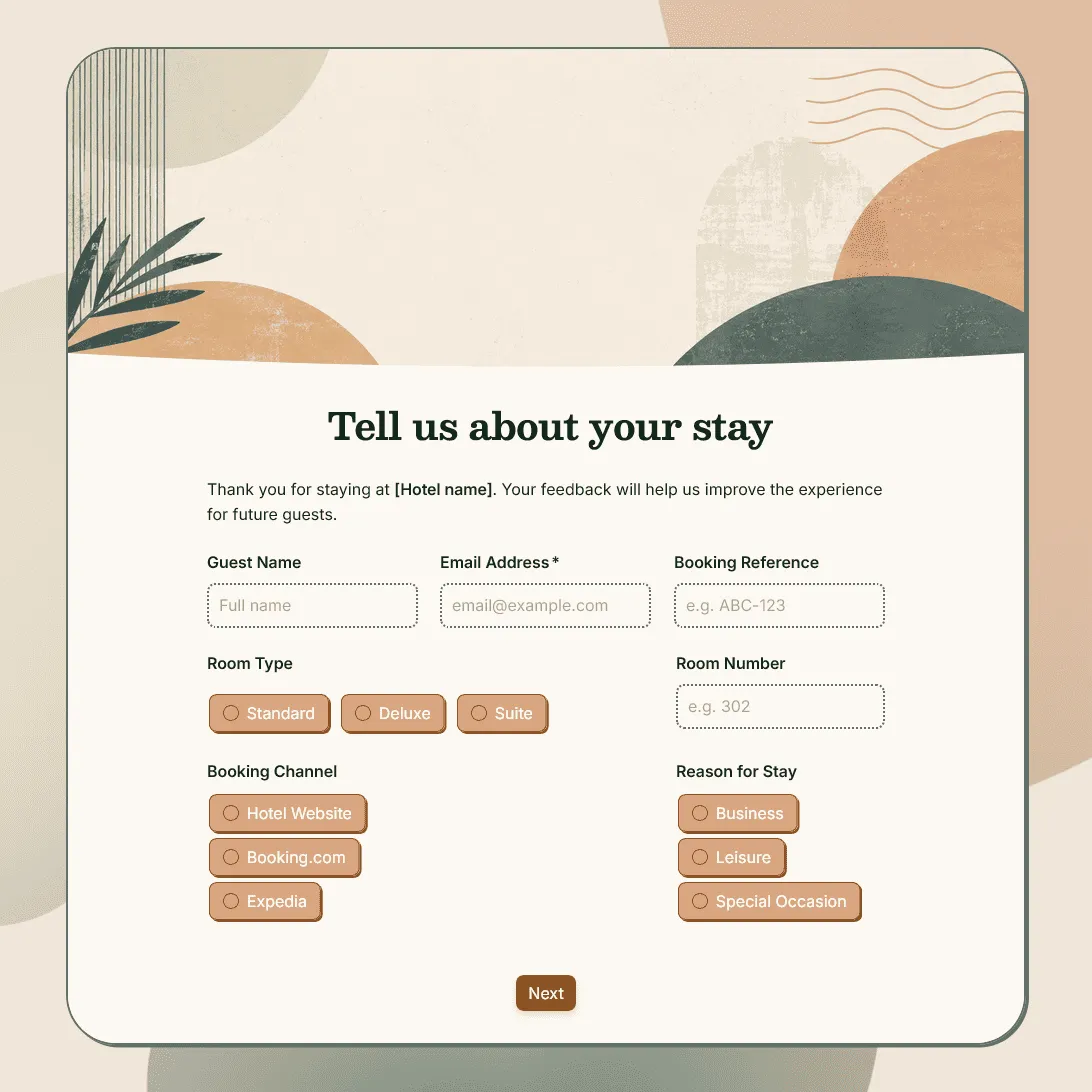
Free hotel feedback form template for collecting guest feedback after stays, bookings, events, and hospitality experiences.
Need a custom hotel feedback form?
Describe your hotel and FormGrid will generate a tailored template you can customize.
About this hotel feedback form template
Hotels usually need feedback that is specific enough to act on. A general “How was your stay?” question might give you a rating, but it will not tell you whether the issue was check-in, room cleanliness, noise, breakfast, staff service, Wi-Fi, parking, or something else.
Our hotel feedback form template helps you collect post-stay feedback in a structured way, without making the survey feel long or clinical. It works for hotels, boutique stays, guest houses, serviced apartments, resorts, bed and breakfasts, hostels, retreat centers, and event venues with overnight stays.
Use this template after checkout, after a group booking, after a corporate stay, or after an event hosted at your property. You can keep it short for a simple guest survey, or add more detailed sections for operations, service recovery, staff recognition, and reporting.
What this template includes
Our template is set up to collect feedback across the full guest experience:
- Guest name and optional contact details
- Stay date or booking reference
- Room type or room number
- Booking channel
- Reason for stay
- Overall stay rating
- Check-in and check-out experience
- Room cleanliness
- Room comfort
- Noise, sleep quality, or temperature feedback
- Staff friendliness and helpfulness
- Breakfast, dining, bar, or room service feedback
- Amenities, facilities, spa, gym, pool, or parking feedback
- Wi-Fi and workspace feedback
- Location and accessibility feedback
- Value for money
- Problems during the stay
- Staff member recognition
- Open comment field
- Likelihood to return
- Likelihood to recommend
- Permission to follow up
- Automatic thank-you email
Everything can be changed: questions, descriptions, fields, rating scales, conditional logic, layout, theme, colors, fonts, button styles, confirmation message, and automatic email steps.
How to use this template
Click “Use this template” to open the hotel feedback form in FormGrid.
- Add your hotel details. Update the title, intro text, hotel name, location, and the point in the guest journey when the form will be sent.
- Review the stay details. Keep the stay date, booking reference, room type, booking channel, or reason-for-stay fields that help your team understand the context.
- Adjust the rating questions. Match the rating scales to the areas you actually review: check-in, cleanliness, comfort, staff, dining, amenities, location, value, or overall experience.
- Keep comments close to the rating. If a guest gives a low score for cleanliness or service, it should be easy for them to explain what happened right there.
- Use conditional questions for issues. With conditional logic, guests who report a problem can see follow-up questions about the issue, urgency, room number, or permission to contact them.
- Add fields for praise, too. Staff recognition, favorite moments, and positive comments are useful for team morale, reviews, training, and internal follow-up.
- Set up the follow-up email. Add a send email block if guests should receive an automatic thank-you email, review request, support note, or next-step message after submitting feedback.
- Customize the design. Change the layout, theme, colors, fonts, button styles, and descriptions so the form feels aligned with your hotel brand.
- Publish and share the form. After you publish the form, send the link after checkout, add it to a post-stay email, place it behind a QR code, or embed it on your website with an embed code.
Responses appear in your response table, where you can review ratings, comments, guest details, stay dates, and follow-up permissions. You can also export responses when you need a spreadsheet for operations meetings, service reviews, team training, or monthly reporting.
Tips for collecting hotel guest feedback
Hotel surveys work best when they feel easy to answer and worth the guest’s time.
-
Send it soon after checkout. Guests remember the stay more clearly before they are back in their normal routine.
-
Ask about moments, not only departments. Check-in, sleep quality, breakfast, Wi-Fi, parking, and staff interactions are easier for guests to judge than broad internal categories.
-
Leave room for the story. A rating can tell you where to look, but the comment explains what actually happened.
-
Make follow-up optional. Some guests only want to leave feedback. Others want someone to contact them. Ask for permission before treating a response like a support case.
-
Separate guest recovery from reporting. Low ratings may need quick attention. Monthly averages are useful later, but an unhappy guest should not wait for the next report.
-
Include a place for praise. Positive feedback can help you spot what is working, recognize staff, and understand why guests come back.
Related guides and resources
Hotel feedback form template FAQs
When should I send a hotel feedback form?
Most hotels send feedback forms shortly after checkout, while the stay is still fresh. You can also share the form after a group booking, event stay, long-term stay, or service recovery conversation.
Can I ask different questions based on the guest’s experience?
Yes. Use conditional logic to show follow-up questions based on ratings, issue reports, room type, booking reason, or whether the guest wants to be contacted.
Can guests leave feedback anonymously?
Yes. Make name, email, room number, or booking reference fields optional if you want to allow anonymous feedback. Keep contact details required only when your team needs to follow up.
Can I send guests an automatic thank-you email?
Yes. Add a send email block to send an automatic email after submission. You can thank guests for their feedback, explain next steps, or share a review link.
Can my team get notified when someone submits feedback?
Yes. You can turn on email notifications so your team receives new feedback submissions as they arrive.
Can I embed this hotel feedback form on our website?
Yes. After publishing, you can add the form to your hotel website with an embed code, or share the form link directly by email, QR code, SMS, or chat.
Can I customize this hotel feedback form?
Yes, you can easily customize this template for your hotel. Change the questions, update the fields, modify the design, change conditional logic, add images, and customize the confirmation message.
Is this template free?
Yes. This template is free to use, and you can collect unlimited hotel feedback responses on the free plan.
Related templates
Customer Feedback Form Template
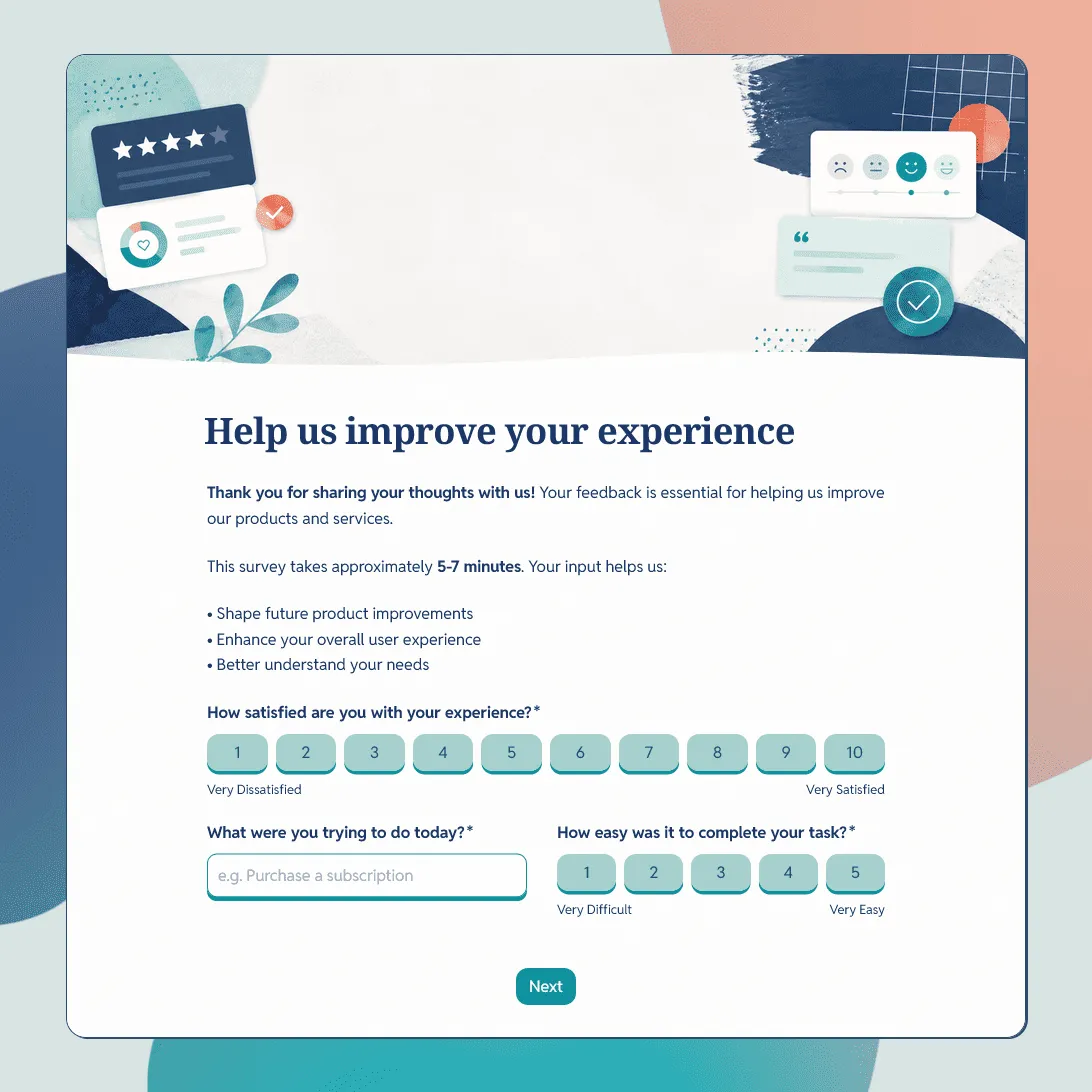
Use this free customer feedback form template to collect ratings, comments, suggestions, NPS, contact details, and follow-up consent.
Restaurant Feedback Form Template
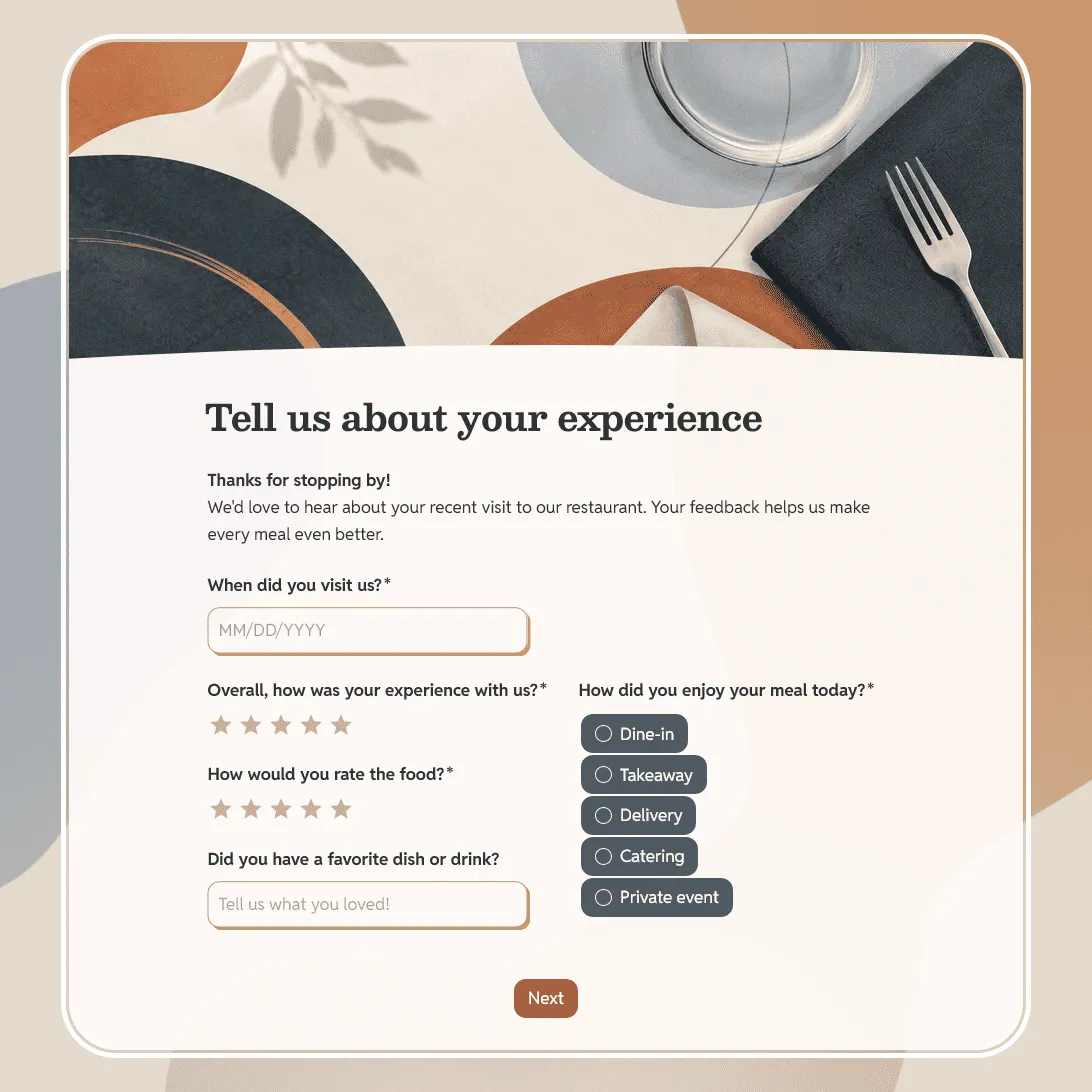
Free restaurant feedback form template for collecting guest feedback after dine-in meals, takeaway orders, catering, or private events.
Client Feedback Form Template
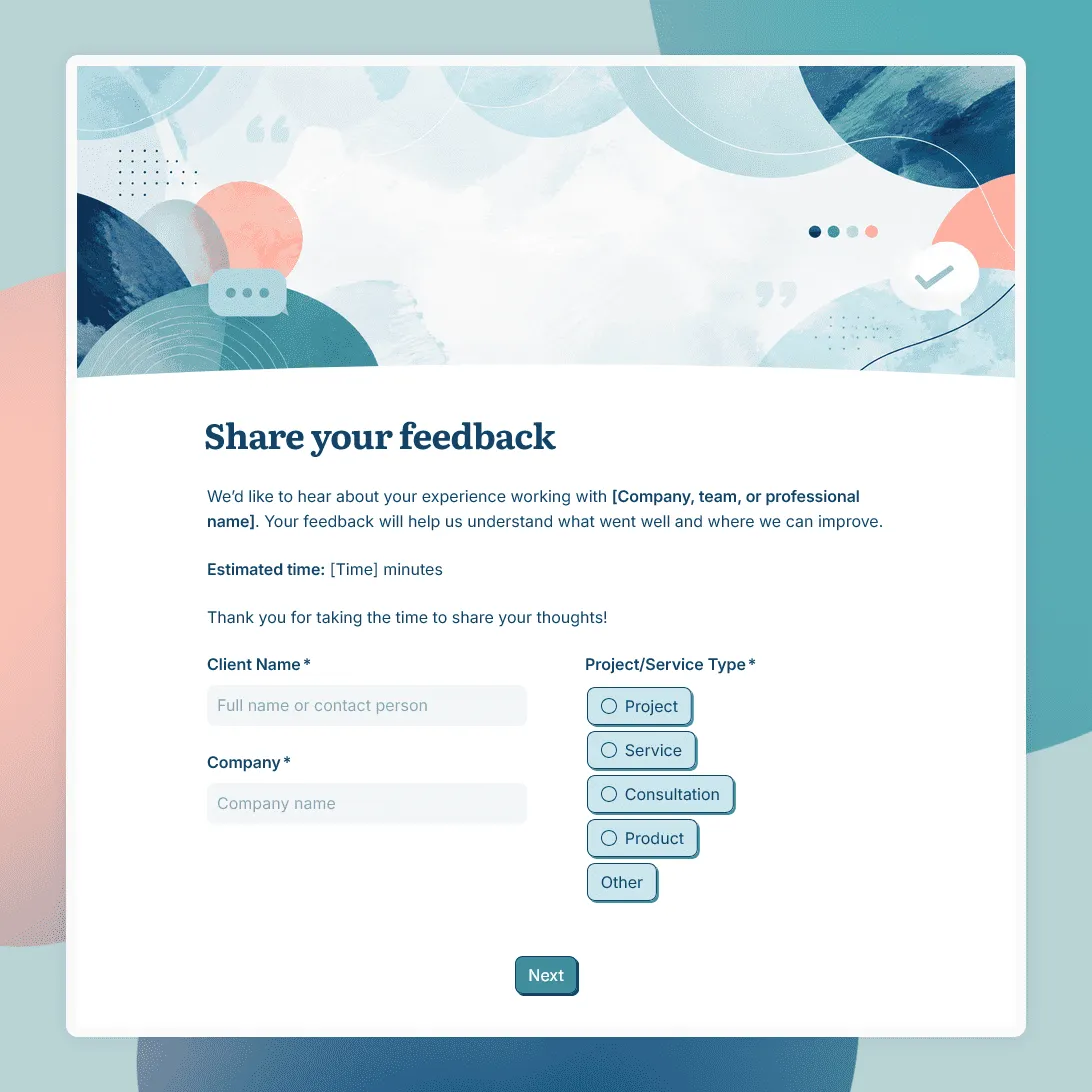
Free client feedback form template for agencies, consultants, freelancers, and service businesses to collect post-project feedback, testimonials, and renewal signals.