Customer Onboarding Feedback Survey Template
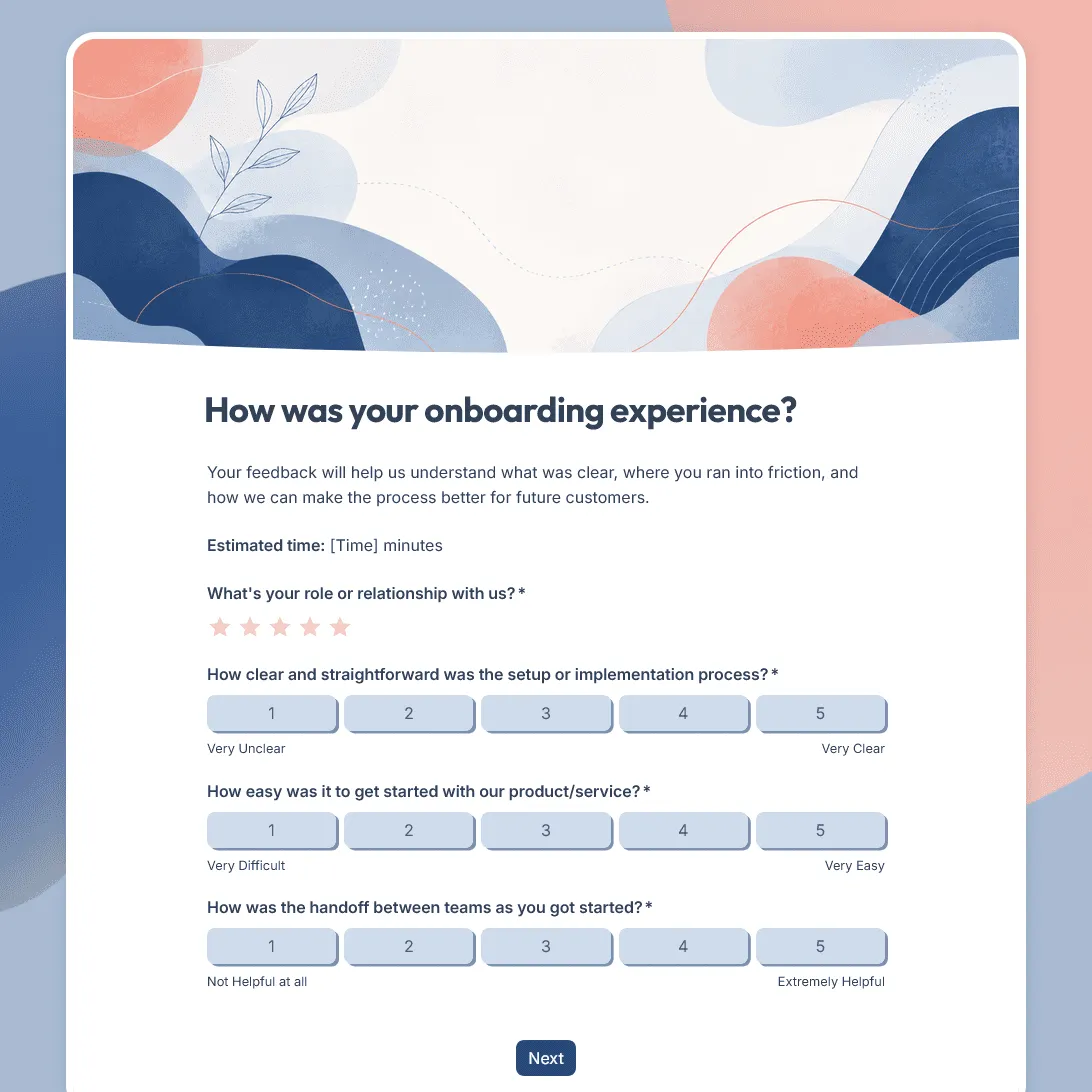
Use this free customer onboarding feedback survey template to uncover friction and improve the onboarding experience.
Need a custom onboarding feedback survey?
Describe your onboarding flow and FormGrid will generate a tailored survey template for you.
About this customer onboarding feedback survey template
Customer onboarding sets the tone for the rest of the relationship. Clear setup, helpful guidance, and a smooth handoff can make new customers feel confident early. Confusing instructions, missing context, slow replies, or unclear next steps can create problems before the customer has had a real chance to succeed.
This customer onboarding feedback survey template helps you understand what happened during the first few steps. It focuses on setup, training, communication, support, confidence, first value, and the blockers that may stop new customers from moving forward.
Use this template after a SaaS onboarding flow, account setup, implementation project, customer kickoff, training session, service handoff, new client onboarding process, membership setup, or trial-to-customer transition.
What this template includes
This customer onboarding feedback survey helps you collect:
- Overall onboarding experience rating
- Customer relationship or respondent role
- Setup or implementation clarity
- Ease of getting started
- Helpfulness of training, resources, or guidance
- Communication and handoff feedback
- Support experience during onboarding
- Confidence using the product or service
- Whether the customer reached their first useful outcome
- Where the customer felt confused or blocked
- What would have made onboarding easier
- Follow-up permission
- Optional contact details
Use this survey to check whether onboarding actually moved the customer forward. The questions can focus on setup, training, handoff, first value, confidence, or the moment where new customers usually get stuck.
If your onboarding flow is more specific, use the AI chat in FormGrid to reshape the survey. For example, ask: “Turn this into a 14-day SaaS onboarding check-in” or “Add questions for clients who still have not sent the documents we need.”
How to use this template
Click “Use this template” to open the customer onboarding feedback survey in FormGrid.
-
Choose the onboarding milestone you want to review. Decide whether the survey should go out after signup, setup, training, implementation, kickoff, first use, first project milestone, or the end of onboarding.
-
Adjust the respondent question. For consumer customers, you might ask whether someone is a new customer, subscriber, member, or first-time buyer. For business customers, you might ask whether they are the buyer, admin, team lead, daily user, account owner, or implementation contact.
-
Ask about clarity before satisfaction. Onboarding feedback should reveal whether customers understood what to do, what came next, who to contact, and what outcome they were working toward.
-
Measure confidence. Add a question about how confident the customer feels using the product or service after onboarding. Confidence is often a better early signal than general happiness.
-
Ask whether they reached the first useful outcome. Use wording that fits your business, such as completing setup, inviting a team, finishing training, launching a project, booking the first service, or using a key feature.
-
Follow up when a milestone was missed. Use conditional logic to ask different questions when someone did not complete setup, missed training, never reached first value, or still feels unsure. You can also ask the AI chat to add those paths, such as: “Ask what blocked the customer if they did not finish setup.”
-
Ask for contact details only when support is needed. If the survey is mainly for learning, keep identifying fields optional. If someone asks for help, show the name, email, company, workspace, account, or project fields after they agree to follow-up.
-
Use the final screen to reduce uncertainty. A custom end page can tell customers whether someone will contact them, where to get help, or what they can do next if onboarding is not complete.
-
Send blocked responses to the onboarding owner. Add a send email block for answers that need attention. An unfinished setup can go to support, a training gap can go to customer success, and a missing handoff can go to the account owner.
-
Share the survey at a real onboarding checkpoint. After you publish it, send it after setup, training, implementation, kickoff, first use, or the first completed project step. You can also add it to a client portal, onboarding email, or post-training page with an embed code.
Once responses come in, look for patterns around the same onboarding checkpoints: setup, training, handoff, first use, and first value. The response table helps you scan individual answers, while exporting responses makes it easier to compare cohorts, plans, account sizes, onboarding owners, or product areas.
Building a larger feedback system around onboarding, support, and customer success? Read how to create a feedback form for help choosing questions, timing, and follow-up steps.
Tips for customer onboarding feedback surveys
A good onboarding feedback survey should show whether customers are ready to move forward after the first few steps.
-
Define “first value” before you write the questions. For one business, first value might mean completing setup. For another, it might mean inviting a team, finishing training, launching a project, or getting the first result.
-
Separate completion from confidence. A customer may finish onboarding and still feel unsure. Ask both whether they completed the milestone and how confident they feel now.
-
Look for handoff problems. Onboarding often breaks when sales, support, implementation, training, and account management are not aligned. Ask whether the next step was clear.
-
Ask what slowed them down. Missing permissions, unclear instructions, technical setup, required documents, internal approvals, or scheduling delays can all make onboarding feel harder than it should.
-
Keep the survey lighter for busy teams. B2B customers may already be dealing with rollout tasks and internal coordination. Focus on the few signals your team will actually review.
-
Use repeated feedback to improve the onboarding flow. If several customers mention the same setup step, missing resource, or confusing email, fix the process rather than treating each response as a one-off support issue.
Related guides and resources
Customer onboarding feedback survey template FAQs
When should I send an onboarding feedback survey?
Send it after a clear onboarding checkpoint. That could be account setup, implementation, kickoff, training, first use, first project milestone, or the official end of onboarding. The customer should have enough experience to say what was clear, what was missing, and where they got stuck.
What counts as a successful onboarding experience?
Successful onboarding usually means the customer understands the next step, knows where to get help, and has reached the first useful outcome. That outcome depends on the business: finishing setup, inviting a team, completing training, sending required documents, launching a project, or using a key feature.
Should buyers, admins, and daily users get the same questions?
Usually not. Buyers may care about value and expectations. Admins may care about setup, permissions, and rollout. Daily users may care about training, confidence, and usability. Use conditional logic to show different questions by role.
What should I ask if a customer did not finish onboarding?
Ask what blocked them, what they expected to happen, whether they still need help, and who should follow up. Keep the path short. A blocked customer should not have to fill out a long survey before getting help.
How can I find handoff issues?
Ask whether the next step was clear, whether the customer knew who to contact, and whether the information they received matched what they expected. Handoff problems often show up as confusion around ownership, timing, documents, setup tasks, or training.
Can I adapt this survey for different onboarding paths?
Yes. You can edit the survey directly, use conditional logic, or ask the AI chat in FormGrid to make changes. For example: “Add separate onboarding paths for admins, buyers, and daily users” or “Make this survey work for a services onboarding call.”
Can I alert my team when someone is stuck?
Yes. Add a send email block for answers that need attention. You can send unfinished setup responses to support, low confidence responses to customer success, and implementation blockers to the onboarding owner.
Should onboarding feedback be anonymous?
It depends on the goal. Anonymous feedback can be useful for general process improvement. If you want to help a specific customer who is stuck, ask for follow-up permission and only show contact fields when they agree.
How should I review onboarding feedback?
Look for patterns by milestone, role, cohort, plan, account size, or onboarding owner. Repeated issues around setup, training, handoff, permissions, data import, or first use usually point to a process problem. Use the response table for quick review or export responses for deeper analysis.
Related templates
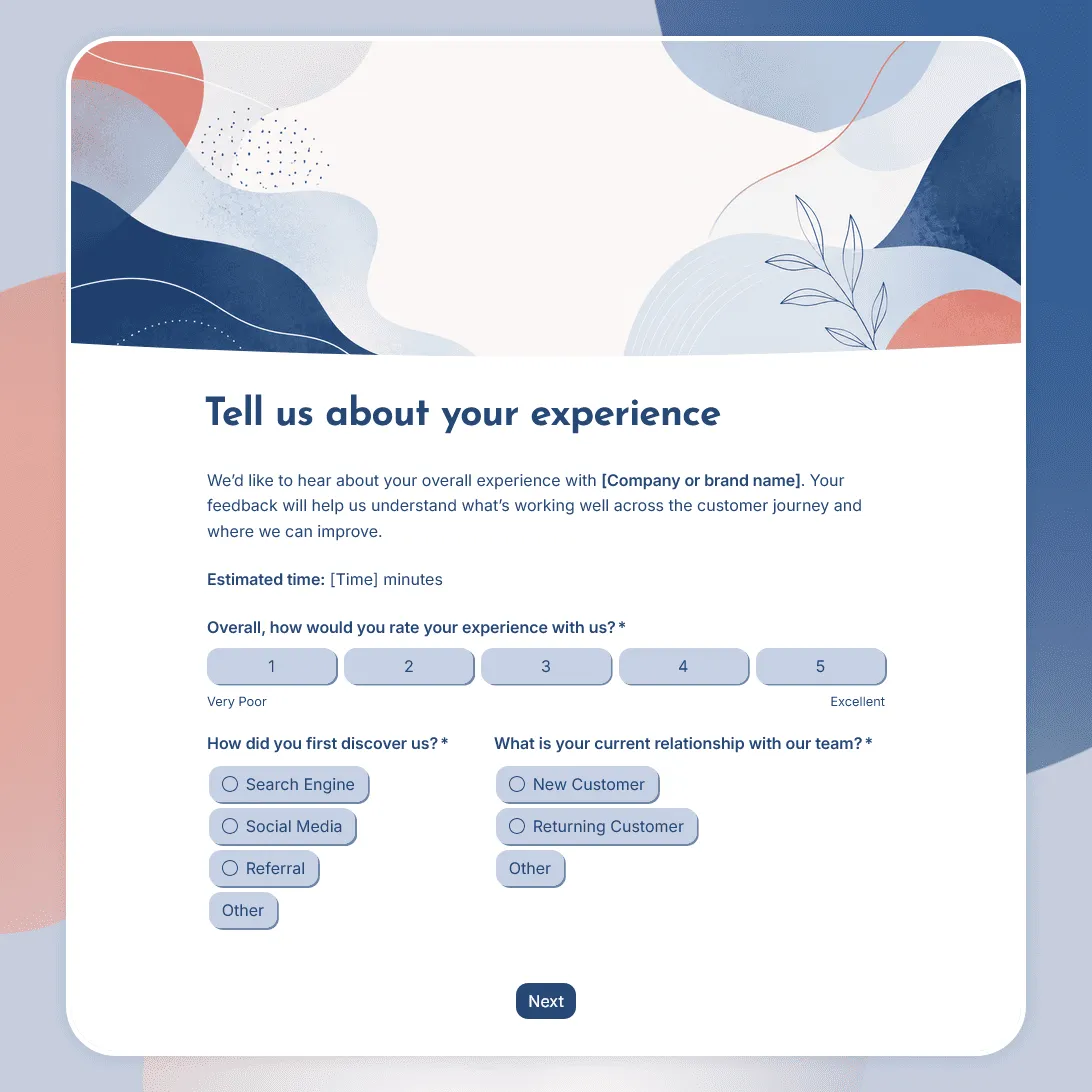
Customer Experience Survey Template
Free customer experience survey template for understanding the customer journey, including first impressions, onboarding, support, value, friction, and loyalty.
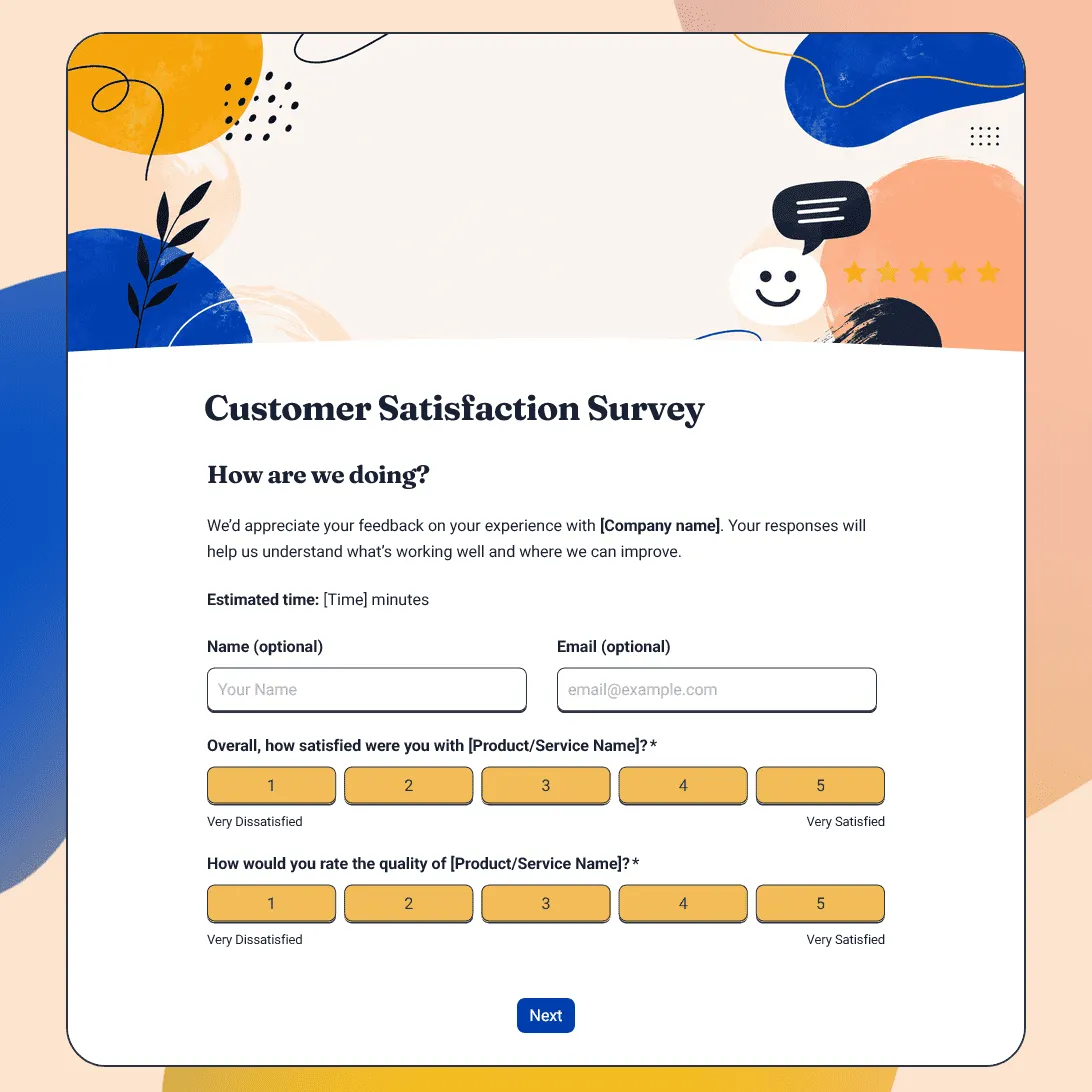
Customer Satisfaction Survey Template
Free customer satisfaction survey template for measuring customer experience, product quality, support, delivery, value, and likelihood to return.
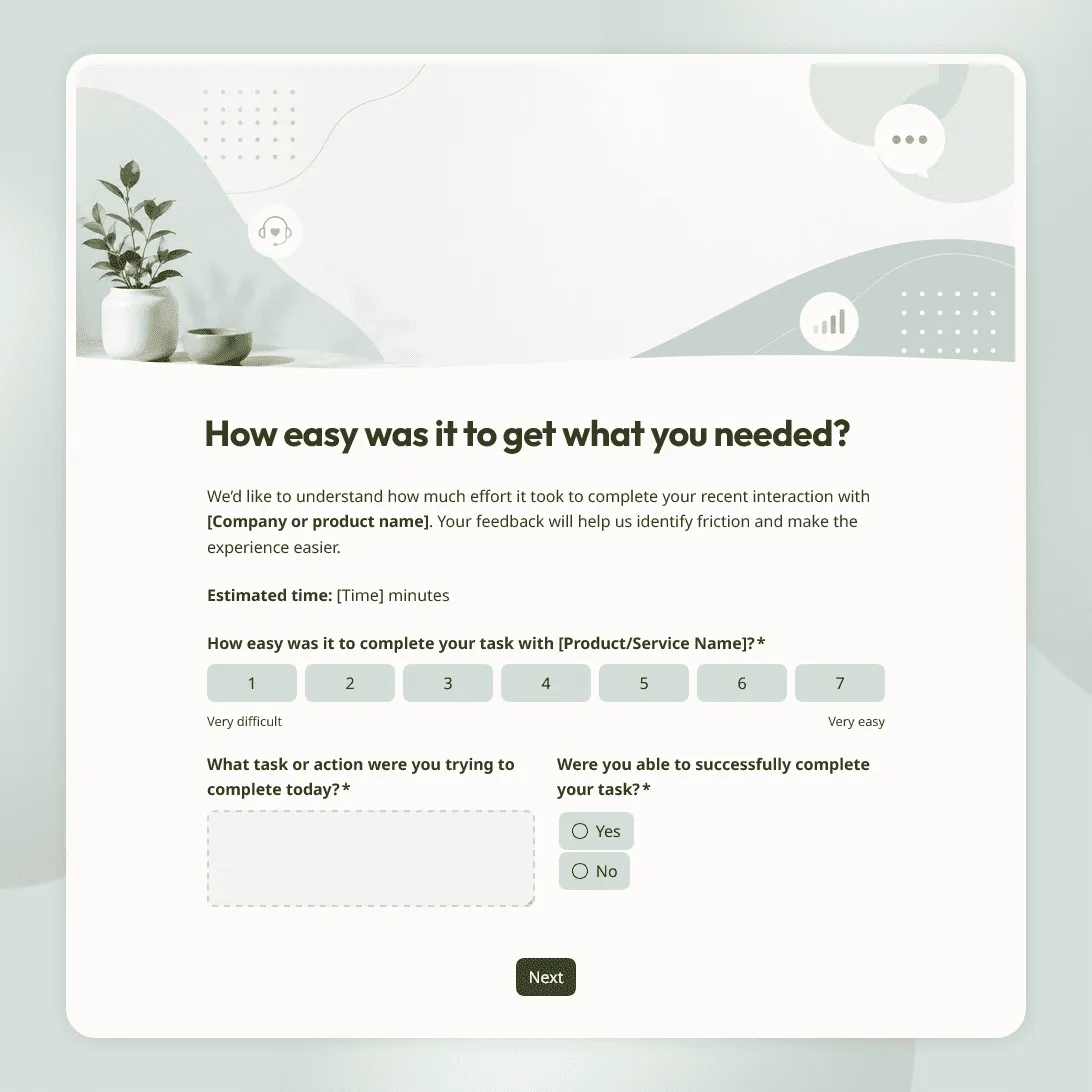
Customer Effort Score Survey Template
Free customer effort score survey template for measuring how easy it was for customers to get help, complete a task, or resolve an issue.