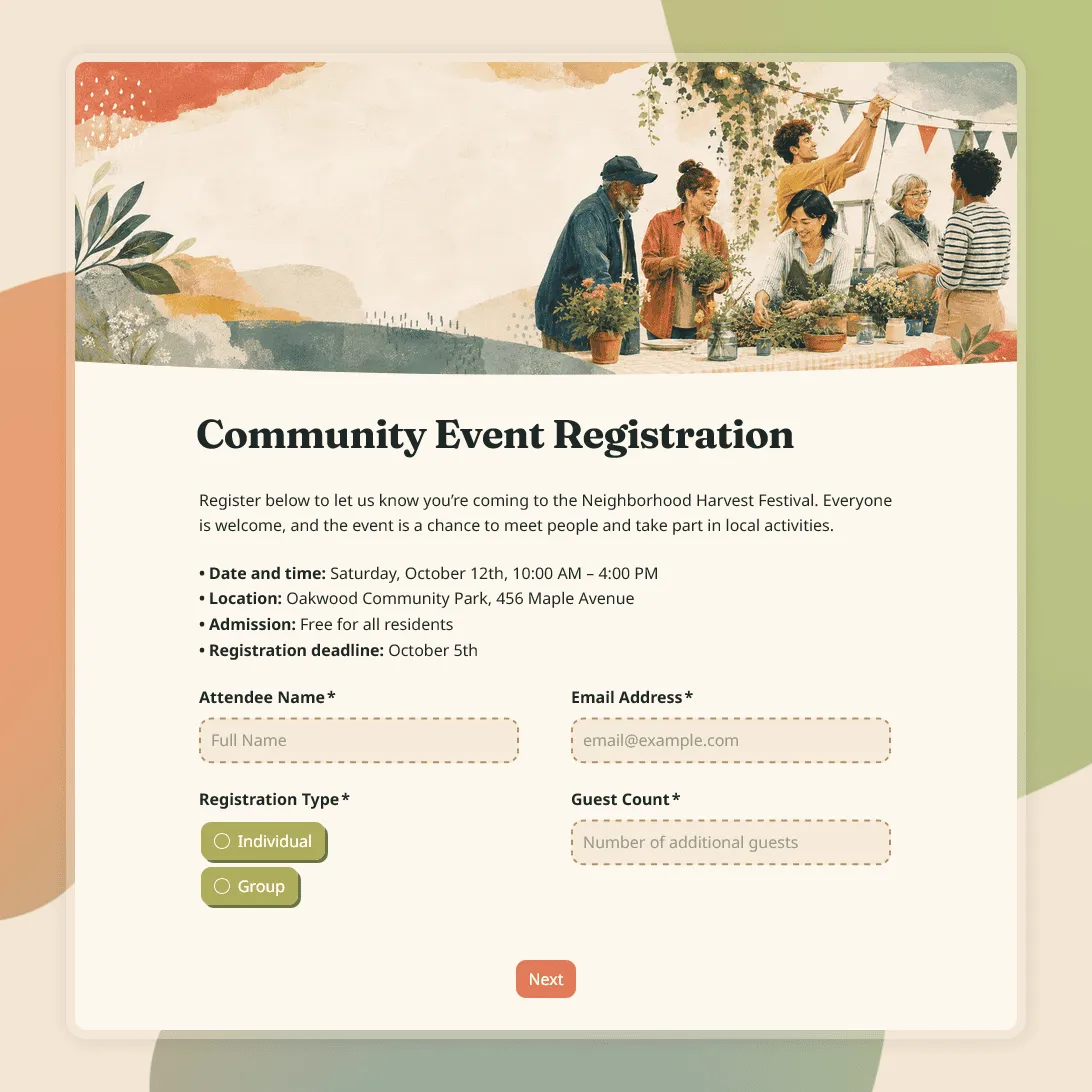
Community Event Registration Form Template
Free community event registration form template for local events, meetups, fundraisers, workshops, fairs, and public programs.
Need a custom event registration form?
Tell us about your event and FormGrid will generate a custom registration form you can customize.
About this community event registration form template
Use this community event registration form template for neighborhood meetups, public workshops, open houses, fairs, fundraisers, library events, school events, nonprofit programs, and local gatherings.
Community events often bring together different groups: attendees, families, volunteers, speakers, vendors, staff, or sponsors. This template gives you a starting point for collecting the details you need without making every guest answer a long set of questions.
What this template includes
This community event registration form template includes fields for:
- Attendee name and contact details
- Guest count or group size
- Registration type
- Session, activity, or time slot choice
- Dietary restrictions or allergies
- Accessibility needs
- Volunteer interest
- Consent or agreement
- Notes for the organizer
- Permission to receive event updates
Questions, text, layout, colors, fonts, buttons, cover image, confirmation message, and logic can all be changed.
How to use this template
Click “Use this template” to open the form in FormGrid. Then adapt it to the event you are actually organizing.
- Add the event basics. Replace the sample text with your event name, date, time, location, organizer, and registration deadline.
- Review the signup options. Replace the sample attendee types, sessions, activities, time slots, guest limits, or RSVP choices with your own.
- Trim the form. Remove fields you will not use. A small meetup may only need contact details and guest count. A fair or fundraiser may need more.
- Add any missing local details. Include parking, public transport, arrival time, what to bring, payment notes, age requirements, or other details people may ask about.
- Handle different roles. Use the registration type field to separate attendees, volunteers, vendors, speakers, or staff. With conditional logic, each group can see the questions that apply to them.
- Collect files when needed. Add a file upload field for permits, proposals, images, documents, or speaker materials.
- Update the confirmation screen. Use a custom end page to confirm the registration and share the next step.
- Share the form. Copy the form link, or add it to your event page with an embed code.
You can review signups in the response table, turn on email notifications, and export responses when you need a check-in list, attendee list, volunteer list, or follow-up file.
Related resources
- Event registration form template: A general event signup template for conferences, workshops, fundraisers, and public events.
- Volunteer application form template: Useful when volunteer roles need approval before the event.
- Event feedback survey template: Send this after the event to learn what went well and what should change.
- How to create an online registration form: A guide to planning fields, confirmation messages, and testing before you publish.
- Post-event survey questions: Question ideas for attendee, speaker, sponsor, or volunteer feedback.
Community event registration form template FAQs
Can one form handle attendees, volunteers, vendors, and speakers?
Yes. Use the registration type field to let people choose their role, then use conditional logic to show different questions based on the selected option.
Can I get an email when someone registers?
Yes. Turn on email notifications to receive each new registration in your inbox.
How do I check who has registered for the event?
You can review registrations in the response table. You can also export responses to CSV or Excel for check-in lists, attendee lists, or follow-up.
Can I collect documents or files?
Yes. Add a file upload field when vendors, speakers, volunteers, or attendees need to send documents, images, permits, proposals, or other files.
Can I embed the form on an event page?
Yes. Publish the form, then add it to your website with an embed code, or share the form link directly.
How much can I customize this community event registration form template?
You can customize the full form: questions, text, layout, colors, fonts, buttons, cover image, confirmation message, and form logic. You can also add, remove, reorder, or rewrite any field.
Is this community event registration form template free?
Yes. The template is free to use, and you can collect unlimited community event registrations on the free plan.
Related templates
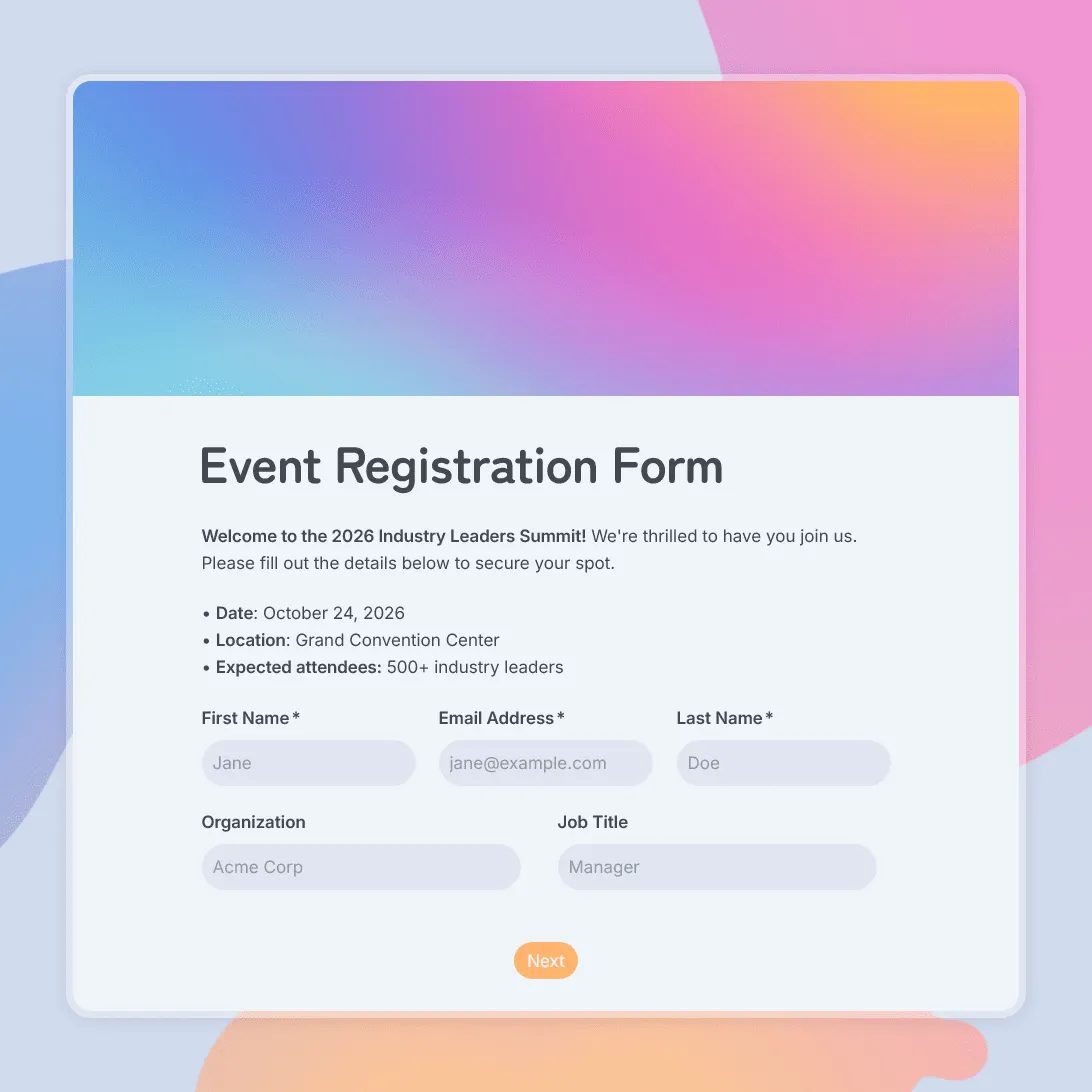
Event Registration Form Template
Use this free event registration form template to collect attendee details, preferences, and more.
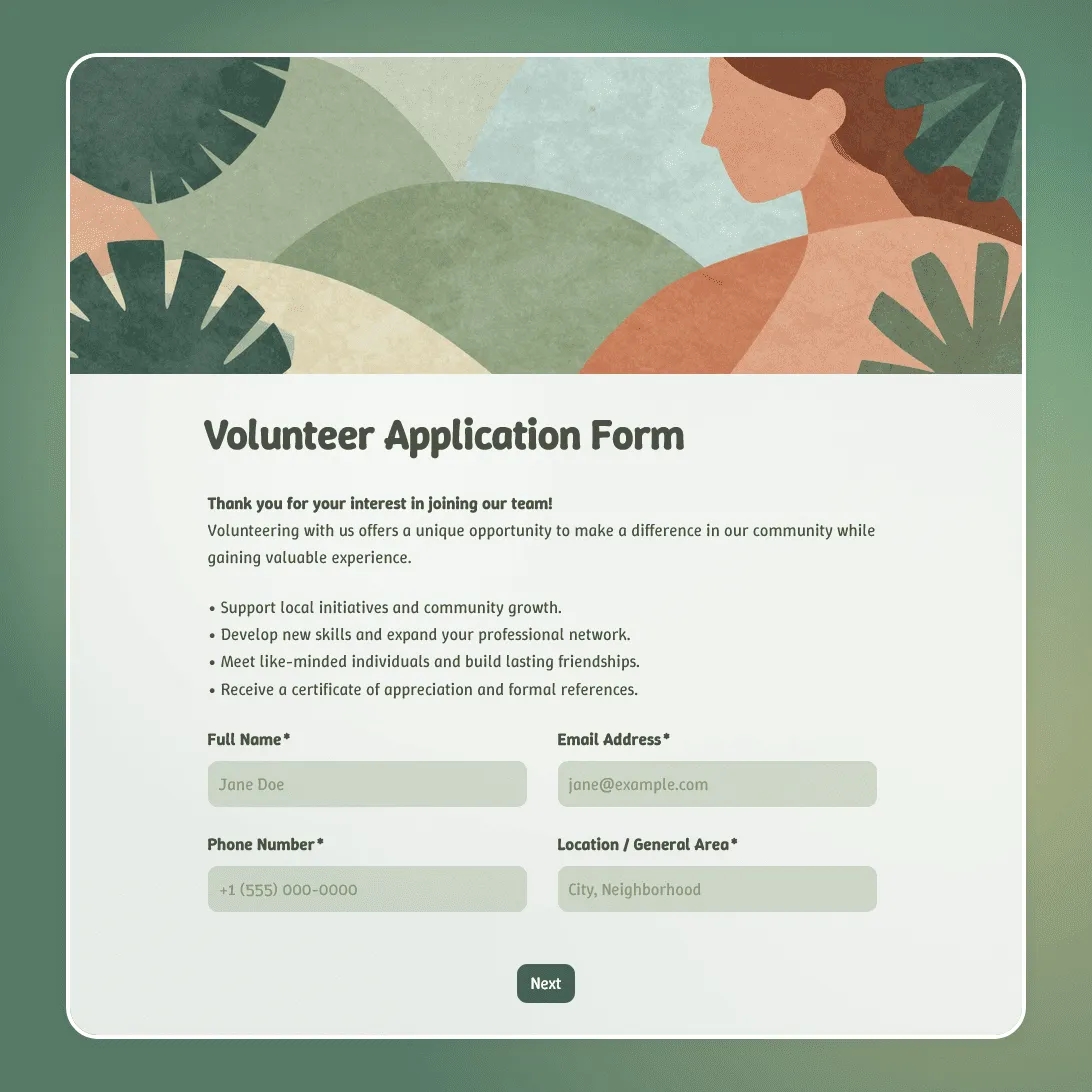
Volunteer Application Form Template
Free volunteer application form template for nonprofits, events, and community organizations. Collect skills, availability, and contact details.
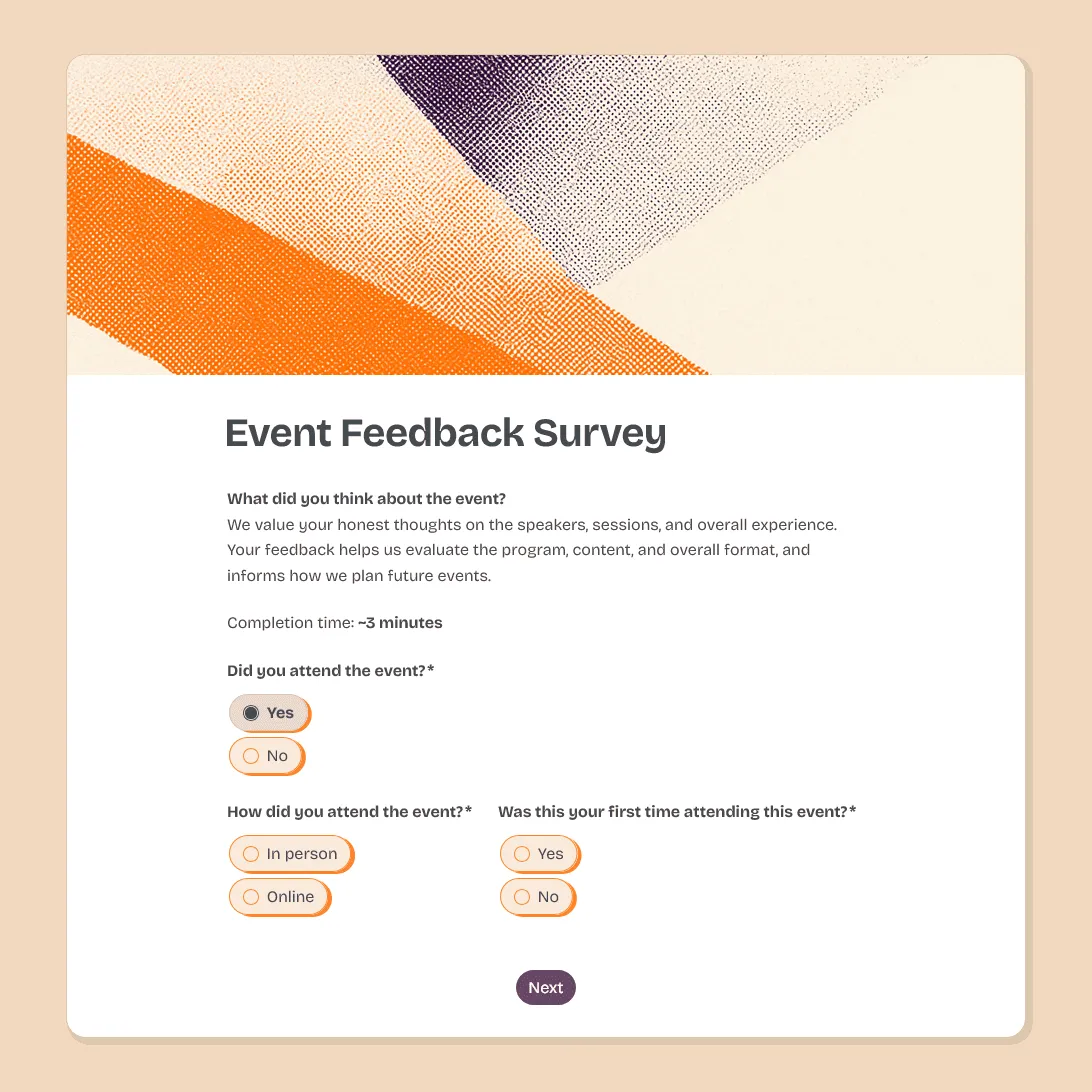
Event Feedback Survey Template
Free event feedback survey template for post-event evaluation. Measure satisfaction, identify what to improve, and make every event better than the last.