New Customer Questionnaire Template
Free new customer questionnaire template for collecting customer details, needs, goals, preferences, and other details.
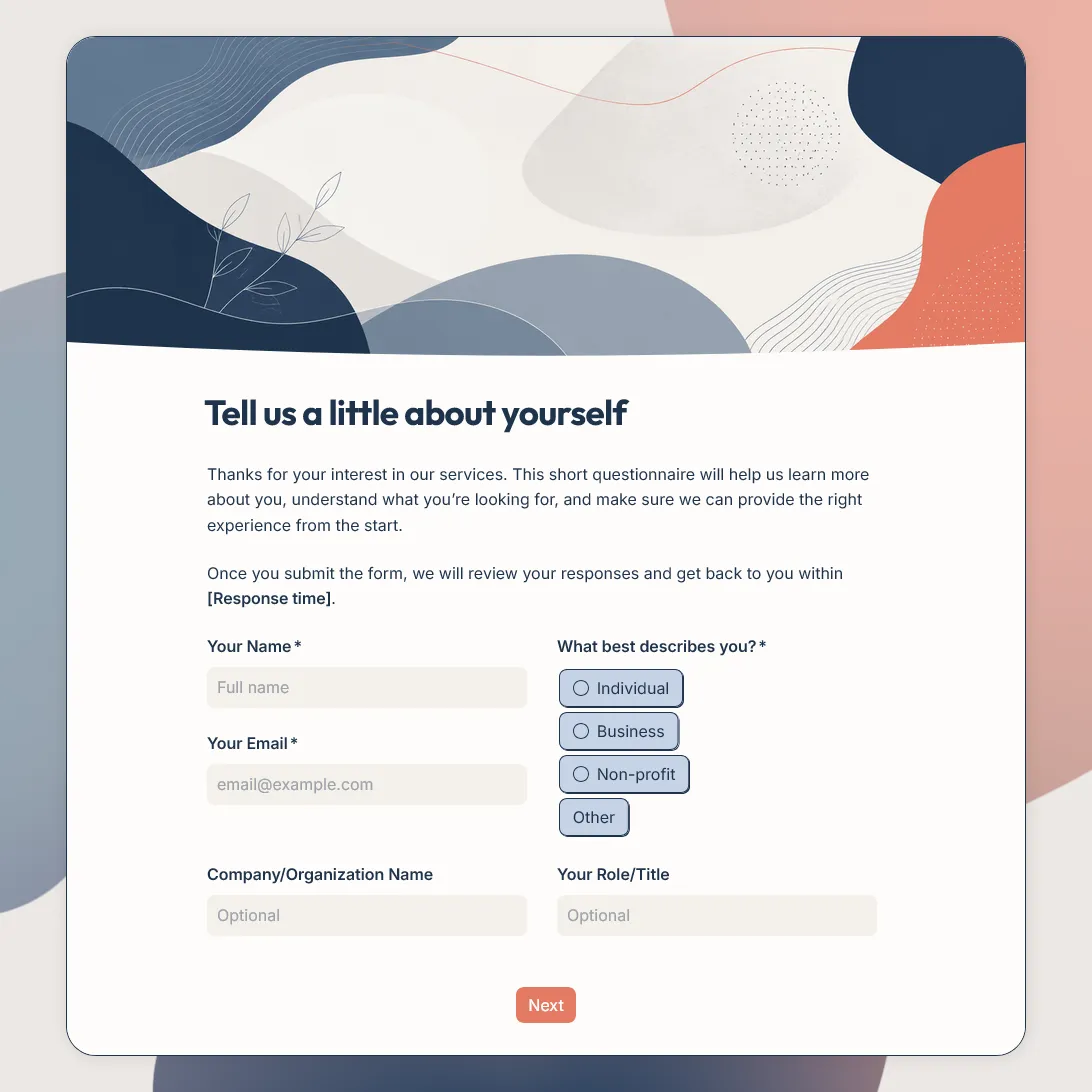
Need a custom new customer questionnaire?
Describe your business and FormGrid will create a tailored customer questionnaire for you.
About this new customer questionnaire template
New customers rarely arrive with the same context. Some know exactly what they need. Others are still comparing options, figuring out the right service, or trying to understand what happens after signup, purchase, booking, or inquiry.
This new customer questionnaire template gives you a structured way to collect that context at the start of the relationship. It asks who the customer is, why they came to you, what they are interested in, what they want to achieve, how quickly they need help, how they found you, and how your team should follow up.
It can be shared after a first purchase, trial signup, quote request, consultation request, booking, membership signup, or onboarding email. The answers can help sales, support, customer success, operations, or a small business owner respond with less back-and-forth.
For project-based service work, see the client intake form template. For feedback after an experience, see the customer feedback form template.
What this template helps you learn
This template focuses on the details that are useful when someone is new to your business:
- Who the customer is: name, email, customer type, company, role, or organization when relevant
- Why they are here: reason for getting in touch, product or service interest, current situation, or main question
- What they want: goals, preferences, priorities, expected outcome, or success criteria
- How urgent it is: timeline, deadline, launch date, booking date, or preferred start date
- How they found you: Google, referral, social media, email, marketplace, partner, event, or word of mouth
- What happens next: preferred contact method, follow-up permission, and any details your team needs before replying
The goal is to make the first response more useful. Instead of asking the same follow-up questions by email, your team can start with the customer’s context already in one place.
New customer questionnaire questions
A strong new customer questionnaire should feel like a helpful first step, not a long application.
Customer details
These questions help you identify the person and route the response correctly.
- What is your name?
- What is your email address?
- Which best describes you?
- Are you contacting us as an individual or on behalf of a business?
- What company, organization, or team are you part of?
Product or service interest
These questions show what the customer wants from you.
- What product, service, plan, package, or topic are you interested in?
- What made you reach out today?
- What are you hoping we can help with?
- Have you already purchased, signed up, booked, or started using anything?
- Is there a specific question you want us to answer?
Needs, goals, and preferences
These questions make the next step easier to personalize.
- What are you trying to achieve?
- What is your current situation?
- What matters most to you when choosing a solution?
- Do you have any preferences we should know about?
- Is there anything that would make this easier for you?
Timeline and follow-up
These questions help your team respond at the right speed and in the right way.
- How soon do you need help?
- Is there a deadline we should know about?
- How would you prefer to be contacted?
- May we follow up if we need more details?
- What should happen next from your point of view?
Discovery source
This question helps you understand where new customers come from.
- How did you first hear about us?
Keep the answer options tied to your real channels, such as Google, referral, social media, newsletter, marketplace, partner, event, community, ad, or word of mouth.
Review before sharing the questionnaire
Before sending the questionnaire to new customers, adjust the details that should match your business and follow-up process.
-
Intro text: Explain why you are asking these questions and what the customer can expect after submitting.
-
Customer type: Review the answer options so they match the customers you serve, such as individuals, businesses, members, subscribers, trial users, buyers, or new clients.
-
Product or service interest: Replace the default options with the products, services, plans, packages, locations, or topics that matter for your team.
-
Needs and goals: Check that the wording fits your first customer touchpoint, whether that is a purchase, signup, inquiry, booking, quote request, or onboarding step.
-
Timeline: Make sure the timeline options match how your team works, such as urgent, this week, this month, before a specific date, or flexible.
-
How they found you: Update the discovery options so they match your real channels.
-
Follow-up details: Tell customers whether you will reply by email, call them, send a quote, recommend a product, share a booking link, or provide onboarding details.
-
Success page: Update the final message with a clear thank-you and the next step.
After you publish the questionnaire, share the link in your welcome email, signup flow, first-purchase follow-up, consultation request page, booking confirmation, onboarding message, or customer portal. You can also embed the questionnaire on your website.
Send new customer answers to the right place
New customer answers are most useful when they reach the person responsible for the next step.
Use customer type, product or service interest, timeline, and follow-up preference to sort responses. Sales can review quote requests, customer success can prepare onboarding, support can answer early questions, and marketing can track how new customers found you.
You can export responses to CSV or Excel for sales follow-up, onboarding notes, support handoff, customer research, or source tracking. You can also send responses to Airtable, Notion, Slack, Zapier, Make, a spreadsheet, or another workflow your team already uses.
Add a send email block before publishing if customers should receive a confirmation email, booking link, next step, resource, quote instructions, or thank-you message after submitting the questionnaire.
Related guides and resources
- Client intake form template
- Customer onboarding feedback survey template
- Customer feedback form template
- How to create a feedback form
- How to measure customer satisfaction
New customer questionnaire FAQs
What is a new customer questionnaire?
A new customer questionnaire is a set of questions used at the start of a customer relationship. It helps you collect contact details, needs, goals, preferences, timeline, referral source, and follow-up permission before the next step.
What should a new customer questionnaire include?
A new customer questionnaire should include the customer’s name, email address, customer type, product or service interest, reason for getting in touch, current situation, goals, preferences, timeline, how they found you, and preferred follow-up method.
When should I send a new customer questionnaire?
Send it after a customer signs up, makes a first purchase, books a service, requests a quote, asks for a consultation, joins a program, or starts onboarding. The best timing is early enough that the answers can shape your first response.
Is a new customer questionnaire the same as a client intake form?
They overlap, but they are usually used in different contexts. A new customer questionnaire is broader and can work for product companies, service businesses, subscriptions, memberships, and onboarding. A client intake form is usually more detailed and tied to a specific service relationship or project.
Can I use this template for business customers?
Yes. Add or adjust questions for company name, role, team size, use case, current tools, buying timeline, decision process, and preferred follow-up method when the questionnaire is meant for business customers.
Should I ask how new customers found us?
Yes. Asking how new customers found you can help you understand which channels are bringing in real customers, such as search, referrals, social media, email, events, partners, marketplaces, ads, or word of mouth.
Can customers upload files with their answers?
Yes. Add a file upload field when customers need to share screenshots, documents, briefs, images, references, or other files.
Can I send an automatic confirmation email?
Yes. Add a send email block before publishing. The email can confirm that the questionnaire was received and include the next step, booking link, resource, quote instructions, or thank-you message.
Is this new customer questionnaire template free?
Yes. This new customer questionnaire template is free, and you can collect unlimited responses on the free plan.
Related templates
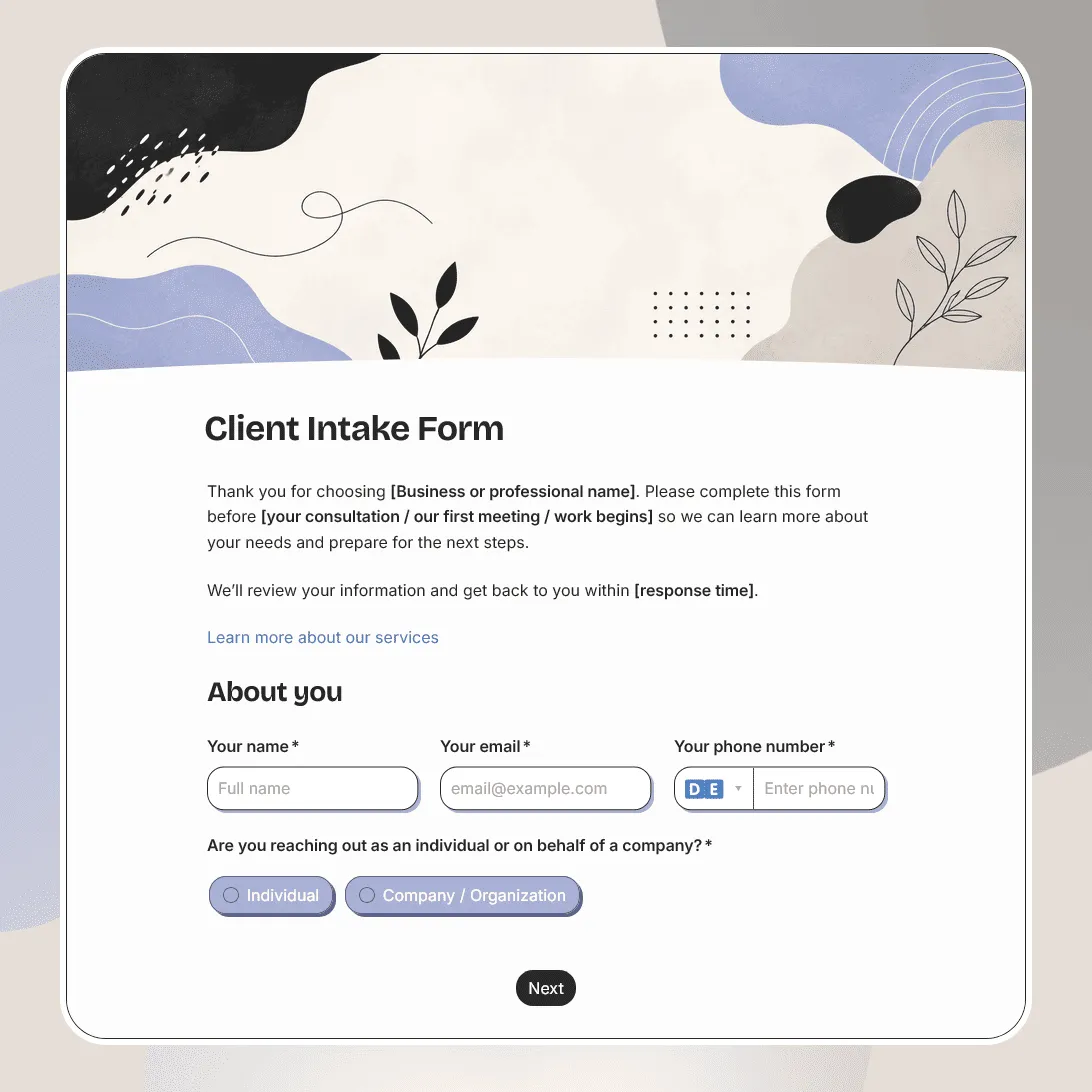
Client Intake Form Template
Free client intake form template for collecting client details, contact information, project goals, timelines, budgets, and more.
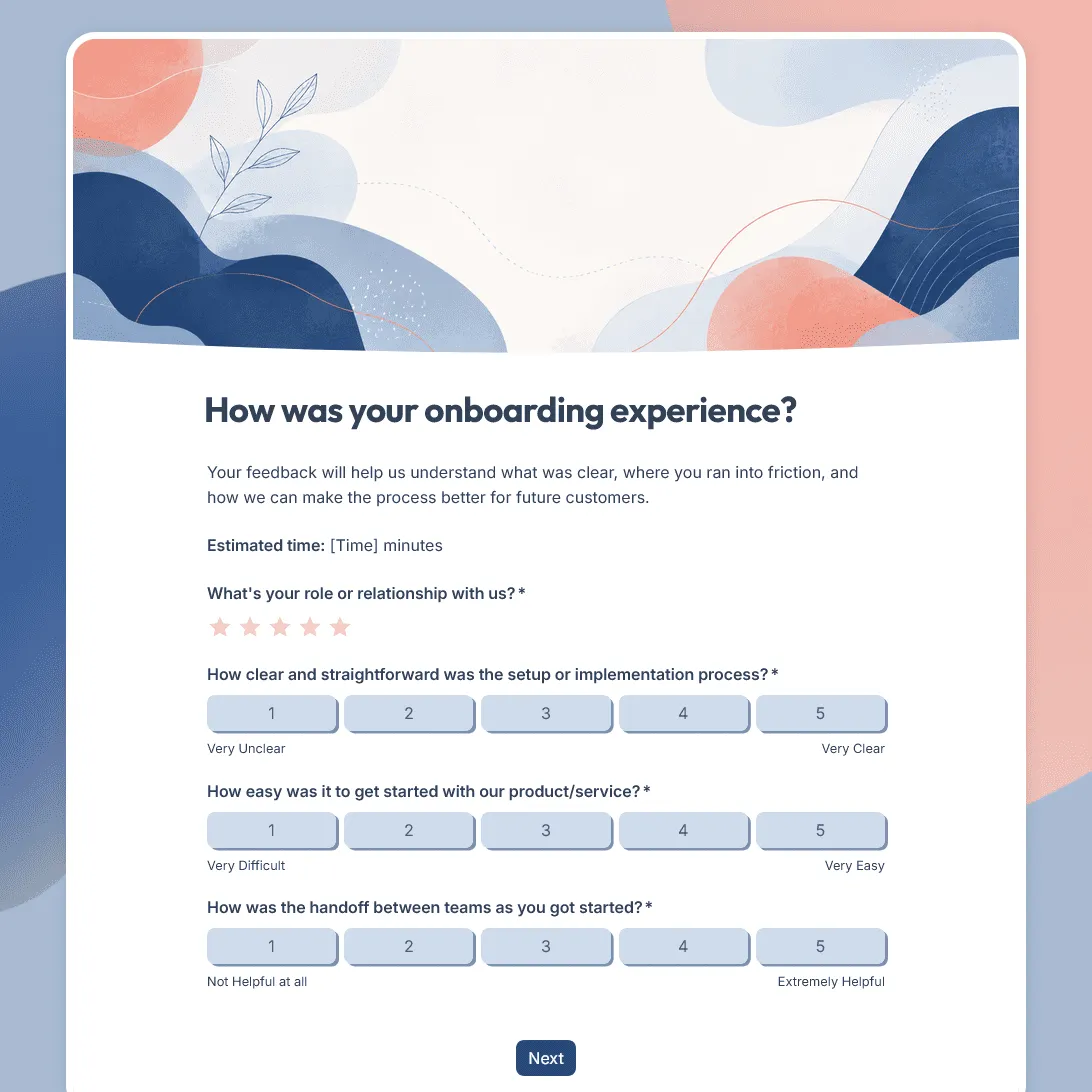
Customer Onboarding Feedback Survey Template
Use this free customer onboarding feedback survey template to uncover friction and improve the onboarding experience.
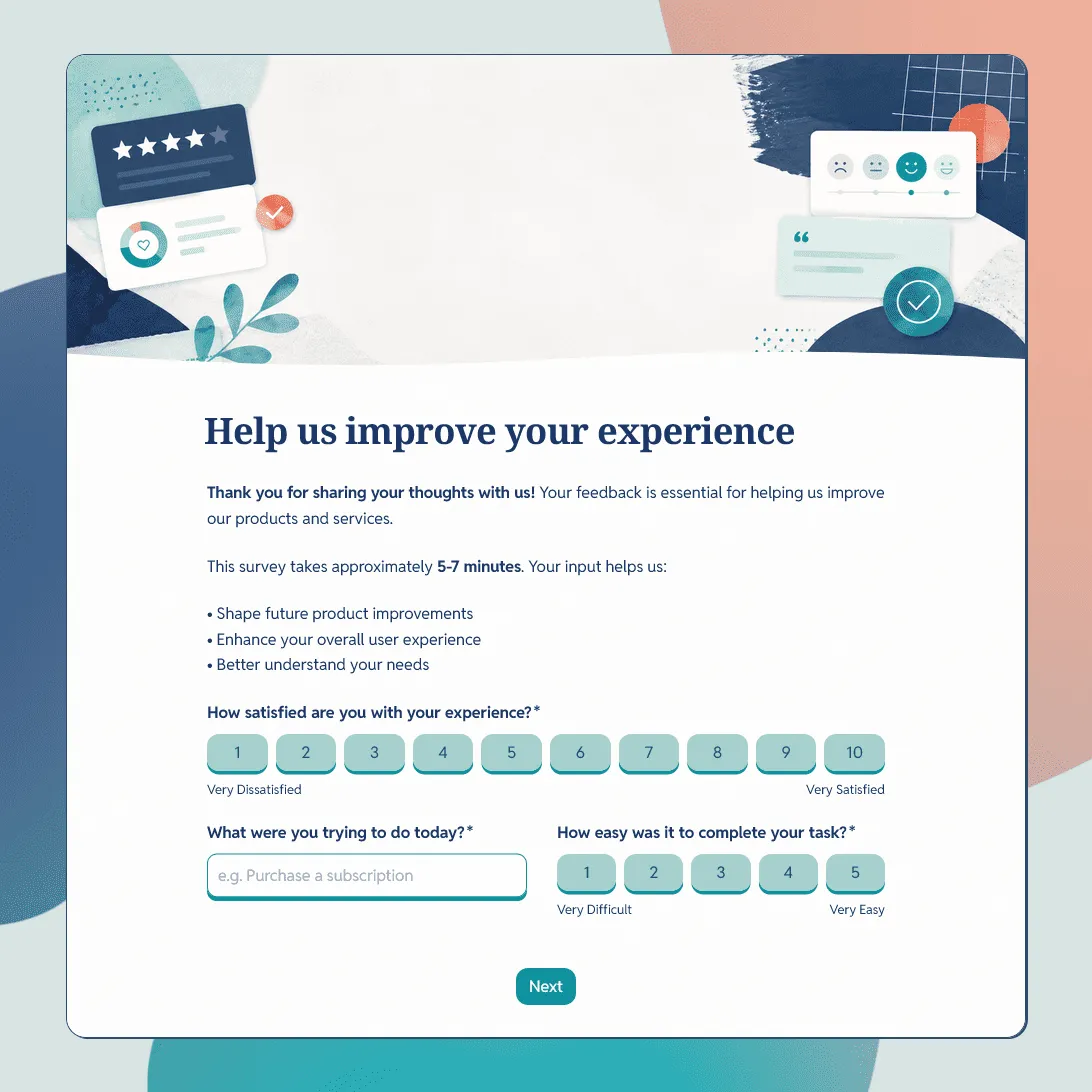
Customer Feedback Form Template
Use this free customer feedback form template to collect ratings, comments, suggestions, NPS, contact details, and follow-up consent.