Customer Complaint Form Template
Free customer complaint form template for collecting complaints, understanding what went wrong, and following up with customers.
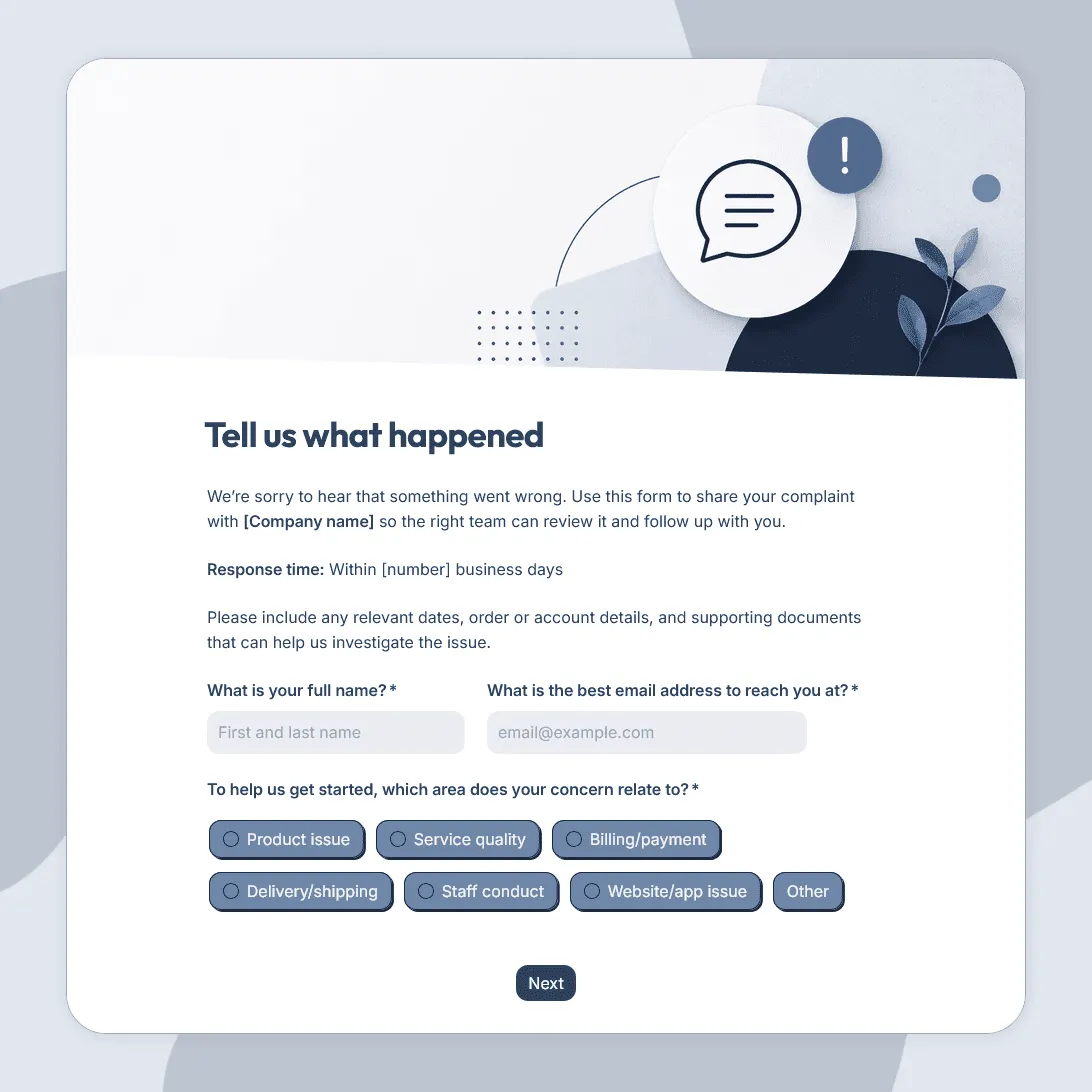
Need a custom complaint form?
Describe what you need and FormGrid will create a tailored complaint form template for you.
About this customer complaint form template
This free customer complaint form template helps you collect complaints in a clear, organized way.
Customers can use it to report problems with an order, product, service, appointment, delivery, billing issue, support experience, or account. Your team can then see what happened, how serious the issue is, and what the customer wants to happen next.
A good complaint form should not feel like a wall between the customer and your team. It should make it easier for customers to explain the issue, attach useful details, and ask for follow-up when they need help.
What this template includes
This customer complaint form template includes fields for:
- Customer name and contact details
- Complaint category
- Order, account, booking, or invoice reference
- Date of the issue
- Description of what happened
- How the issue affected the customer
- Preferred resolution
- File upload for screenshots, receipts, photos, or documents
- Permission to follow up
- Optional contact preferences
You can customize the complaint categories for your business. For example, you might include product quality, delivery, billing, support, service quality, appointment issues, account access, or other concerns.
With conditional logic, you can show different follow-up questions based on the complaint type. A billing complaint can ask for invoice details, a delivery complaint can ask for tracking information, and a product complaint can ask for photos or product details.
How to use this customer complaint form template
Click Use this template to open the form in FormGrid. From there, adjust the questions, layout, colors, and confirmation page to fit how your team handles complaints.
1. Choose the complaint categories
Start with categories customers will understand quickly. For example:
- product issue
- delivery problem
- billing issue
- support experience
- appointment or service complaint
- account access problem
Keep the list specific enough to help your team route the complaint, but not so detailed that customers have to guess which option fits.
2. Ask for the details your team needs
The right follow-up questions depend on the complaint type. An ecommerce complaint may need an order number, delivery date, and product photos. A billing complaint may need an invoice number or payment date. A service complaint may need the appointment date, location, or staff member.
Use conditional logic to show only the questions that apply. That keeps the form shorter and avoids making customers repeat information your team does not need.
3. Let customers explain the issue in their own words
Include an open text field for what happened, how it affected the customer, and what they expected instead. This is often the most useful part of the complaint because it gives your team the context behind the category.
You can also add a file upload field for screenshots, receipts, photos, documents, or other supporting details.
4. Decide how follow-up should work
Ask whether the customer wants a reply, then collect contact details if follow-up is needed. You can also ask for the customer’s preferred contact method or the best time to reach them.
For urgent complaints, use a send email block to notify the right person on your team as soon as the form is submitted.
5. Publish and share the form
After you publish your form, share it by link, add it to your contact page, or embed it on your website, help center, account portal, or order confirmation page.
Review complaints by category, severity, and owner. A single complaint may need a personal reply. Repeated complaints about the same issue usually point to something in the product, process, billing, delivery, or communication that needs to be fixed.
Related guides and resources
Customer complaint form FAQs
What is a customer complaint form?
A customer complaint form is a form customers can use to report a problem with a product, service, order, delivery, bill, support interaction, or account. It helps your team collect the details in one place so the issue can be reviewed and handled properly.
What should a customer complaint form include?
A customer complaint form should include the customer’s contact details, complaint category, description of the issue, date of the problem, relevant order or account details, preferred resolution, and permission to follow up. It can also include a file upload field for screenshots, receipts, photos, or documents.
How do I create a customer complaint form?
Start with this template, then customize the complaint categories and questions for your business. Add fields for any details your team needs to investigate the complaint, such as order numbers, booking references, product photos, invoice details, or support ticket information.
Should a complaint form ask for contact details?
Yes, if your team needs to follow up or resolve the issue. You can also make contact details optional if you want to allow anonymous complaints. A good approach is to ask whether the customer wants follow-up, then only collect extra contact details if they agree.
Can customers upload files with their complaint?
Yes. You can add a file upload field so customers can attach screenshots, receipts, photos, documents, or other evidence that helps explain the issue.
Can I send complaint notifications to my team?
Yes. In FormGrid, you can use a send email block to notify the right person when a complaint is submitted. You can also send different emails based on the complaint category or severity.
Can I use conditional logic in a customer complaint form?
Yes. Conditional logic is useful for complaint forms because different issues need different details. For example, a billing complaint can ask for invoice information, a delivery complaint can ask for tracking details, and a product complaint can ask for photos or product information.
How should I respond to a customer complaint?
Start by acknowledging the complaint and thanking the customer for explaining the issue. Then confirm what your team will review, ask for any missing details, and explain when the customer can expect a response. Keep the reply calm, specific, and focused on resolving the problem.
What is the difference between a customer complaint form and a customer feedback form?
A customer complaint form is for reporting a specific problem that may need follow-up. A customer feedback form template is broader and can collect suggestions, comments, compliments, and general feedback.
Can I use this customer complaint form template for free?
Yes. You can use this free customer complaint form template in FormGrid, customize it, and collect unlimited responses for free.
Related templates
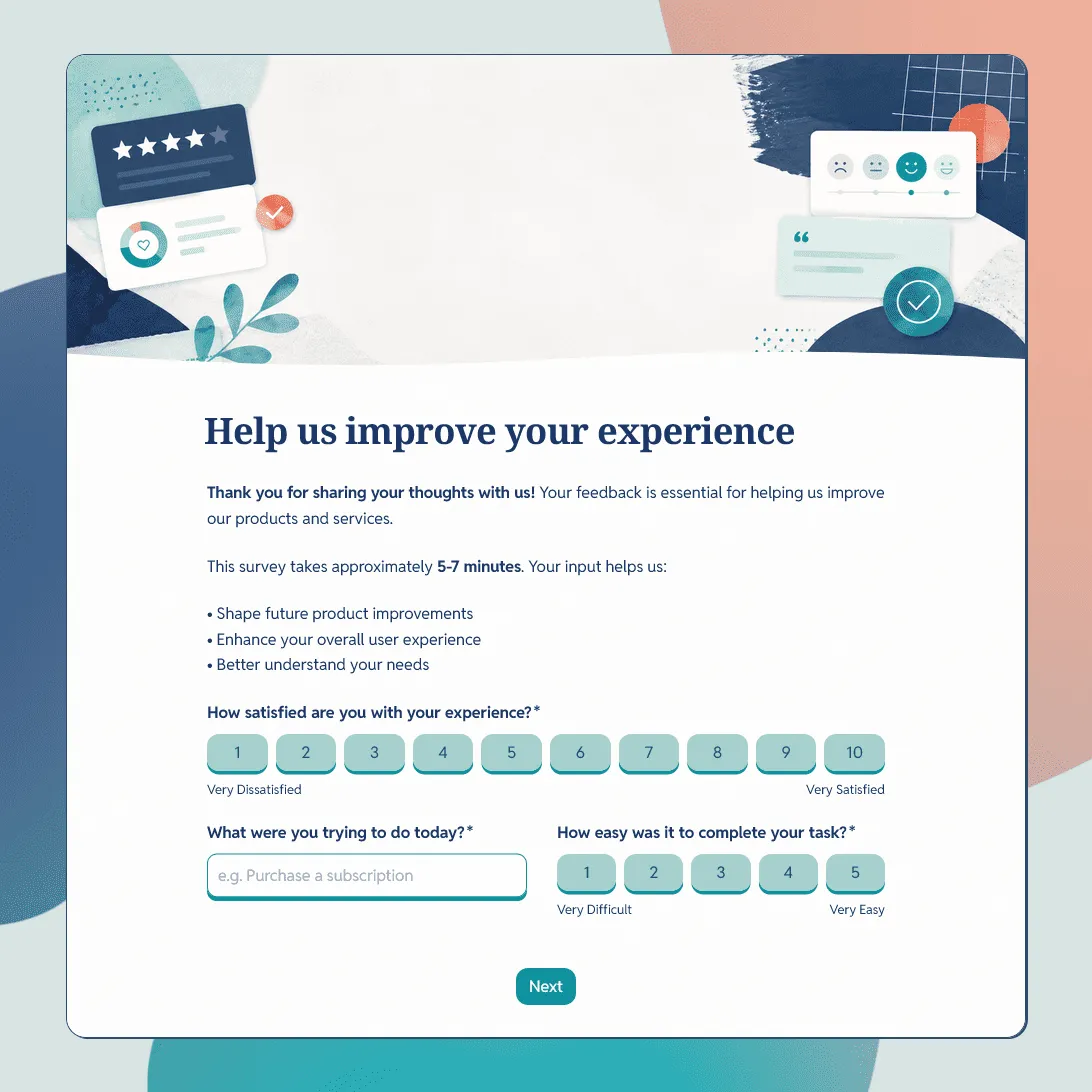
Customer Feedback Form Template
Use this free customer feedback form template to collect ratings, comments, suggestions, NPS, contact details, and follow-up consent.
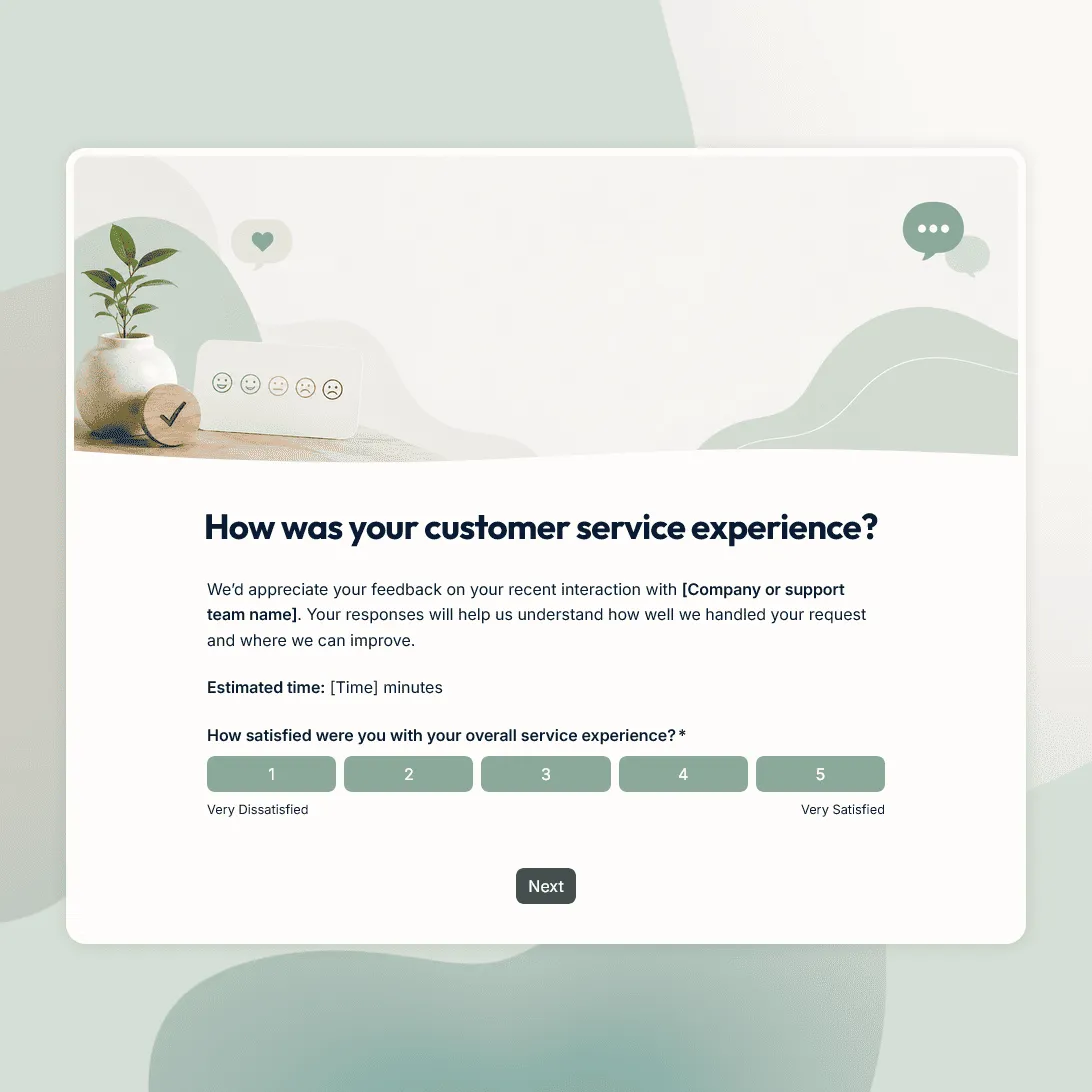
Customer Service Survey Template
Free customer service survey template for measuring support quality, response time, issue resolution, and customer satisfaction.
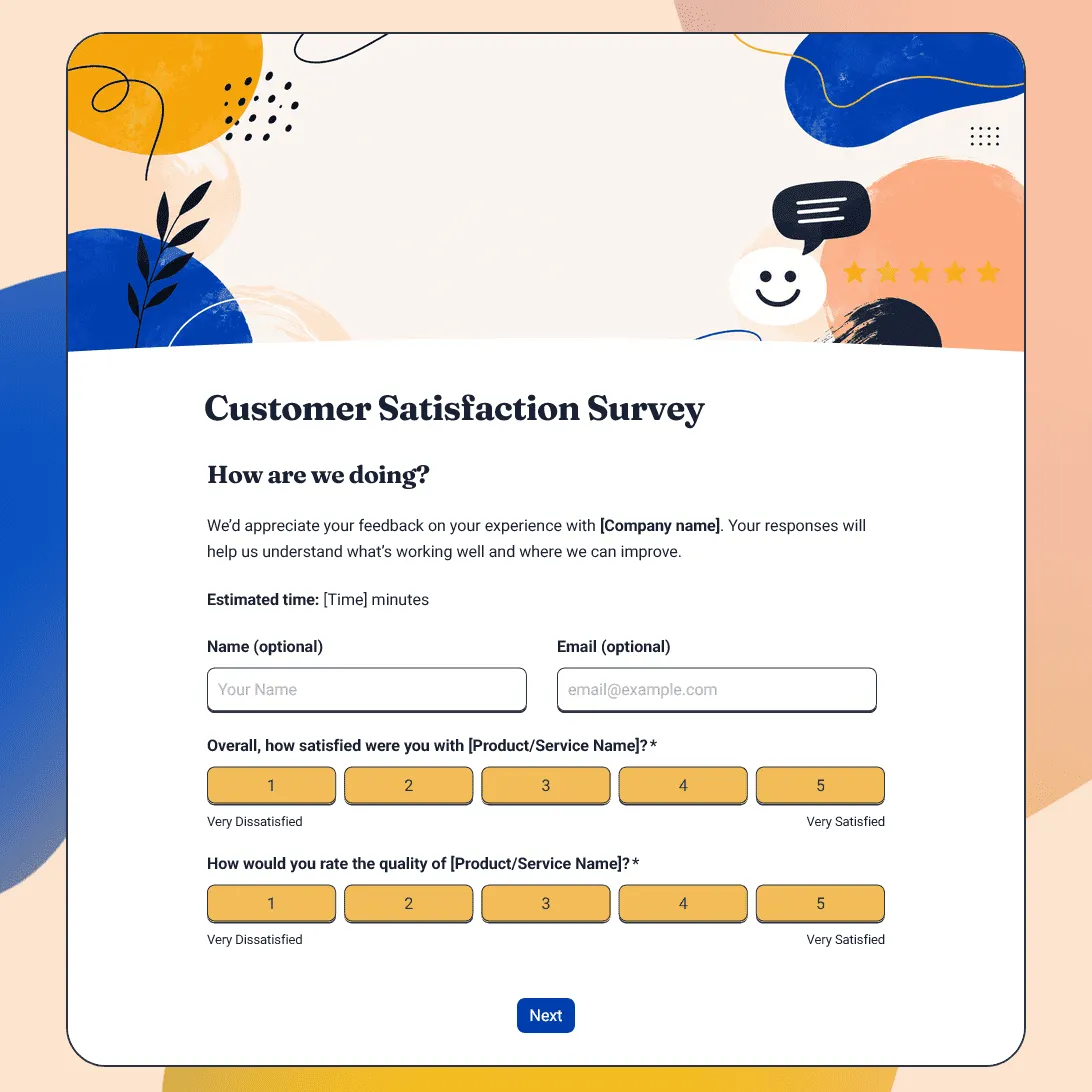
Customer Satisfaction Survey Template
Free customer satisfaction survey template for measuring customer experience, product quality, support, delivery, value, and likelihood to return.