Marathon Registration Form Template
Free marathon registration form template for races, charity runs, half marathons, 5Ks, 10Ks, and community running events. Fully customizable.
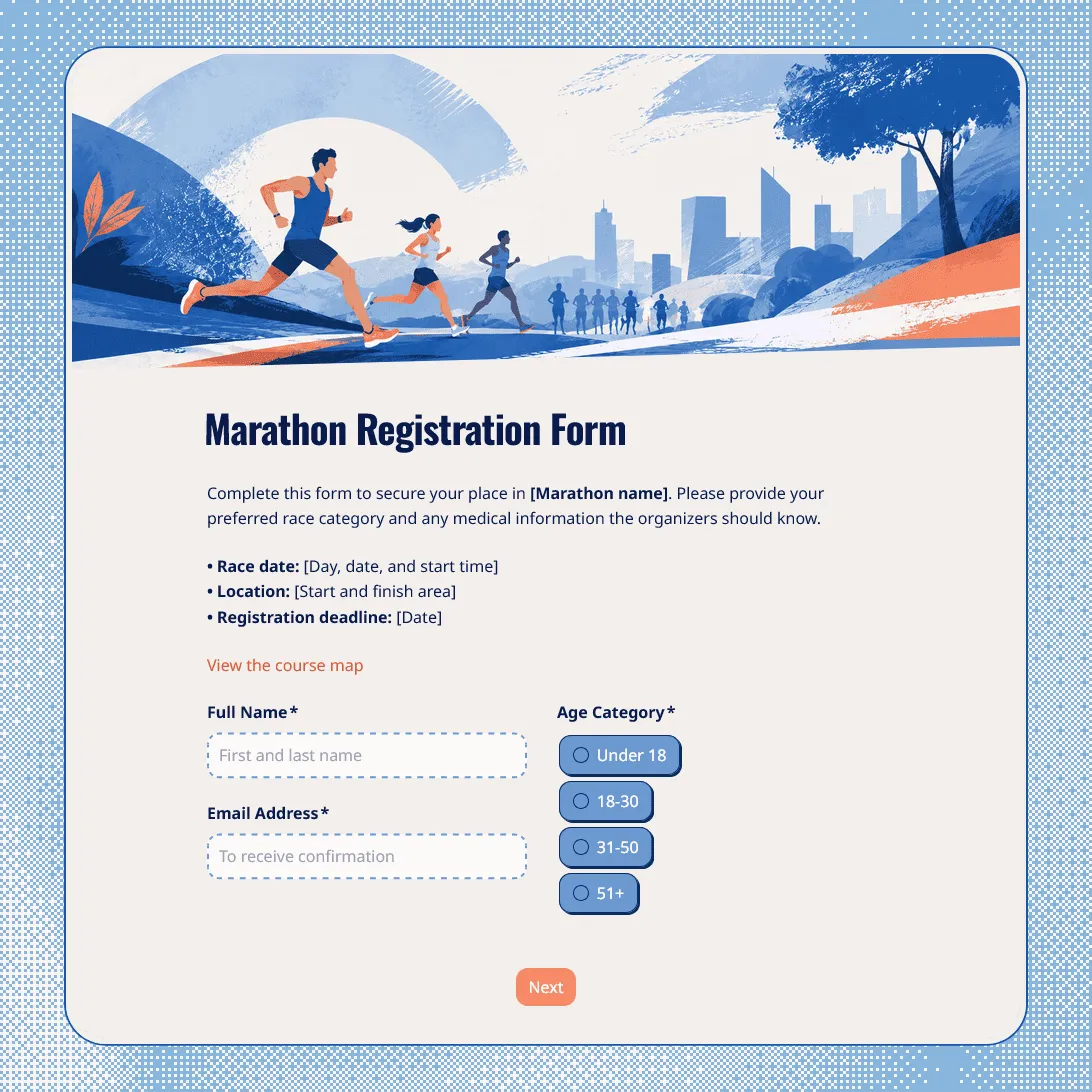
Need a custom marathon registration form?
Describe your marathon and FormGrid will generate a tailored registration form template.
About this marathon registration form template
Race registration has to be clear before race day, because small details can affect bibs, timing, safety, shirts, volunteers, check-in, and post-race follow-up.
This marathon registration form template works for marathons, half marathons, 10Ks, 5Ks, charity runs, school races, club races, fun runs, relay events, trail runs, and community running events. Use it to collect runner details, race distance choices, emergency contacts, shirt sizes, waiver agreement, medical notes, and race-day preferences in one place.
You can keep the form simple for a local fun run, or add more detail for timed races, fundraising events, multi-distance races, relay teams, youth runners, or events with packet pickup.
What this template includes
Marathon organizers can use this template to collect:
- Runner name and contact details
- Date of birth or age category
- Race distance or event category
- Running club, team, or organization
- Estimated finish time or pace group
- Emergency contact details
- Allergies, medical notes, or safety information
- T-shirt size
- Bib, race pack, or packet pickup preference
- Charity, fundraising, or donation details
- Accessibility needs
- Photo and video consent
- Waiver or liability agreement
- Parent or guardian consent for minors
- Signature field
- Email update permission
The template can be fully customized for your race, including the questions, design, images, and confirmation message.
How to use this template
Click “Use this template” to open the marathon registration form in FormGrid.
- Add the race details. Update the race name, date, start time, location, registration deadline, organizer contact, distance options, and any age or eligibility rules.
- Set up the runner fields. Keep the details your team needs for check-in, bib assignment, timing, safety, and communication.
- Edit the race categories. Replace the sample distance options with your own, such as marathon, half marathon, 10K, 5K, relay, kids’ run, charity walk, or virtual race.
- Review safety and emergency questions. Keep emergency contact, medical notes, allergies, accessibility needs, and waiver agreement fields where they are relevant.
- Add race-day logistics. Include shirt size, bib pickup, packet pickup time, shuttle details, parking notes, bag drop, or start wave preferences if your event uses them.
- Use logic for different runners. With conditional logic, minors can see parent consent fields, relay teams can see team questions, and charity runners can see fundraising fields.
- Send race details automatically. Add a send email block to email runners after registration. You can include confirmation details, packet pickup instructions, start time, location, parking, route links, or training reminders.
- Customize the design. Adjust the layout, theme, colors, fonts, button styles, and descriptions so the registration page fits your race brand, sponsor design, or event website.
- Publish and share the form. After you publish the form, share the link by email, social media, running club pages, sponsor sites, posters, QR codes, or your event page. You can also embed it with an embed code.
For help planning the signup flow, required fields, follow-up steps, and sharing options, read how to create a registration form.
Responses appear in your response table, where you can review runners, distances, shirt sizes, emergency contacts, waivers, and pickup preferences. You can also export responses when you need a spreadsheet for bib lists, check-in, timing partners, volunteer teams, shirt orders, or race-day planning.
Tips for marathon registration forms
A race form should help runners sign up quickly while giving your team the details needed to run the event safely.
-
Make the distance choice obvious. Put marathon, half marathon, 10K, 5K, relay, walk, or kids’ race options near the top so runners know they are registering for the right event.
-
Ask for timing details only when they help. Estimated finish time, pace group, or previous race time can help with corrals and waves, but it may be unnecessary for a casual fun run.
-
Keep safety details easy to find. Emergency contact, medical notes, accessibility needs, and waiver agreement should not be buried at the end of a crowded form.
-
Handle minors separately. Youth races or under-18 participants usually need parent or guardian consent. Conditional questions keep adult runners from seeing fields they do not need.
-
Use the confirmation email for race-day instructions. Runners will look for the practical details after signing up: start time, location, bib pickup, what to bring, parking, bag drop, and who to contact with changes.
Marathon registration form template FAQs
What should a marathon registration form include?
A marathon registration form usually includes runner name, email, race distance, date of birth, emergency contact, medical notes, t-shirt size, bib pickup details, waiver agreement, and consent fields. Timed races may also ask for estimated finish time or pace group.
Can I collect waiver signatures?
Yes. Add your waiver text and use a signature field when runners, parents, or guardians need to sign before submitting the form.
Can I ask different questions for marathon, relay, and fun run participants?
Yes. Use conditional logic to show different questions based on race distance, team type, age group, charity participation, or virtual race selection.
Can runners upload documents?
Yes. Add a file upload field if runners need to upload proof of qualification, medical certificates, signed documents, charity forms, or other files.
Can I send runners an automatic confirmation email?
Yes. Add a send email block to send an email after registration. You can include race-day details, packet pickup information, parking notes, route links, or next steps.
Can I embed this marathon registration form on our race website?
Yes. After publishing, you can add the form to your race website with an embed code, or share the form link directly by email, social media, QR code, or running club pages.
Can I customize this marathon registration form?
Yes. You can change the questions, descriptions, fields, conditional logic, layout, theme, colors, fonts, button styles, confirmation message, and automatic email steps.
Is this template free?
Yes. This template is free to use, and you can collect unlimited marathon registrations on the free plan.
Related templates
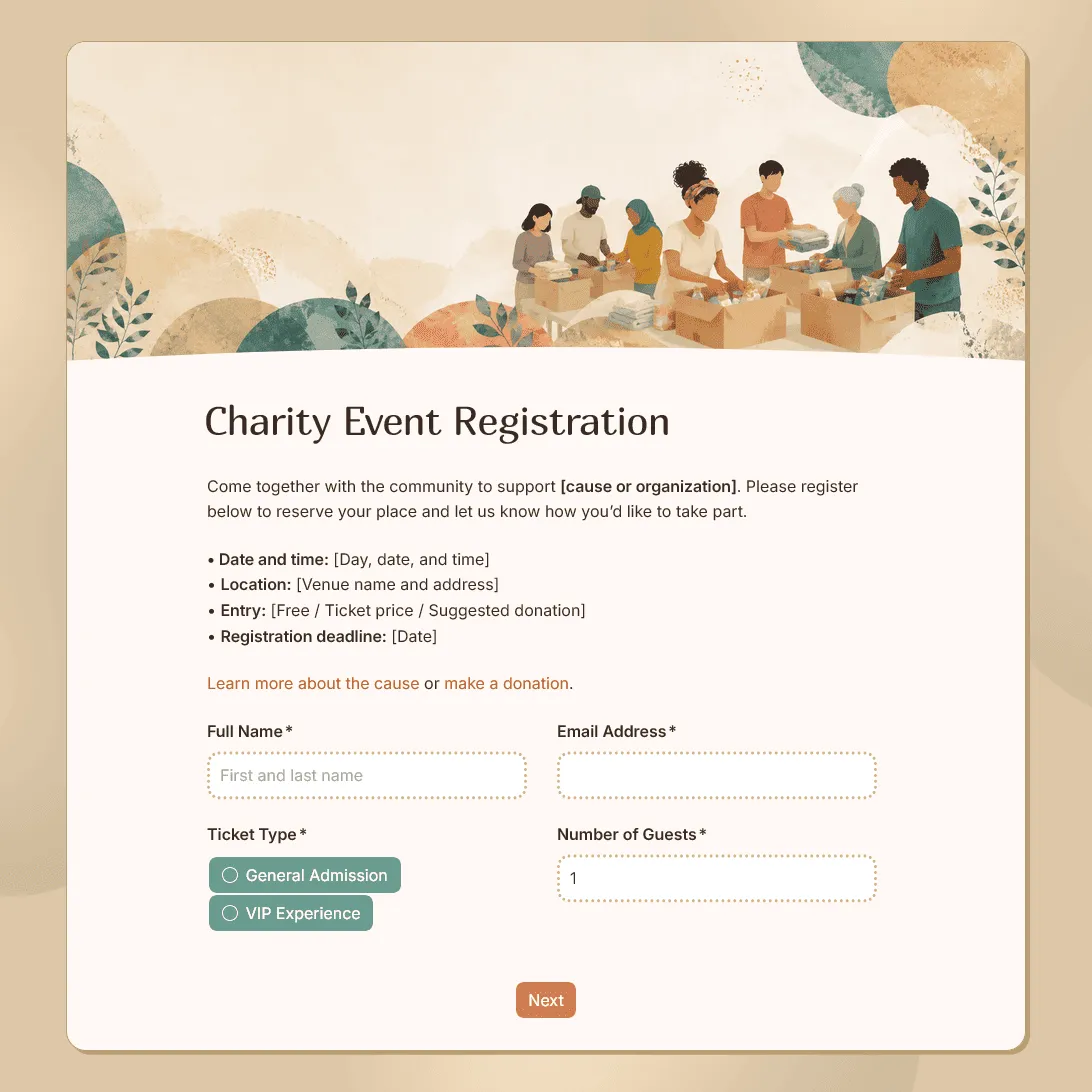
Charity Event Registration Form Template
Free charity event registration form template for fundraisers, charity walks, nonprofit events, and community campaigns.
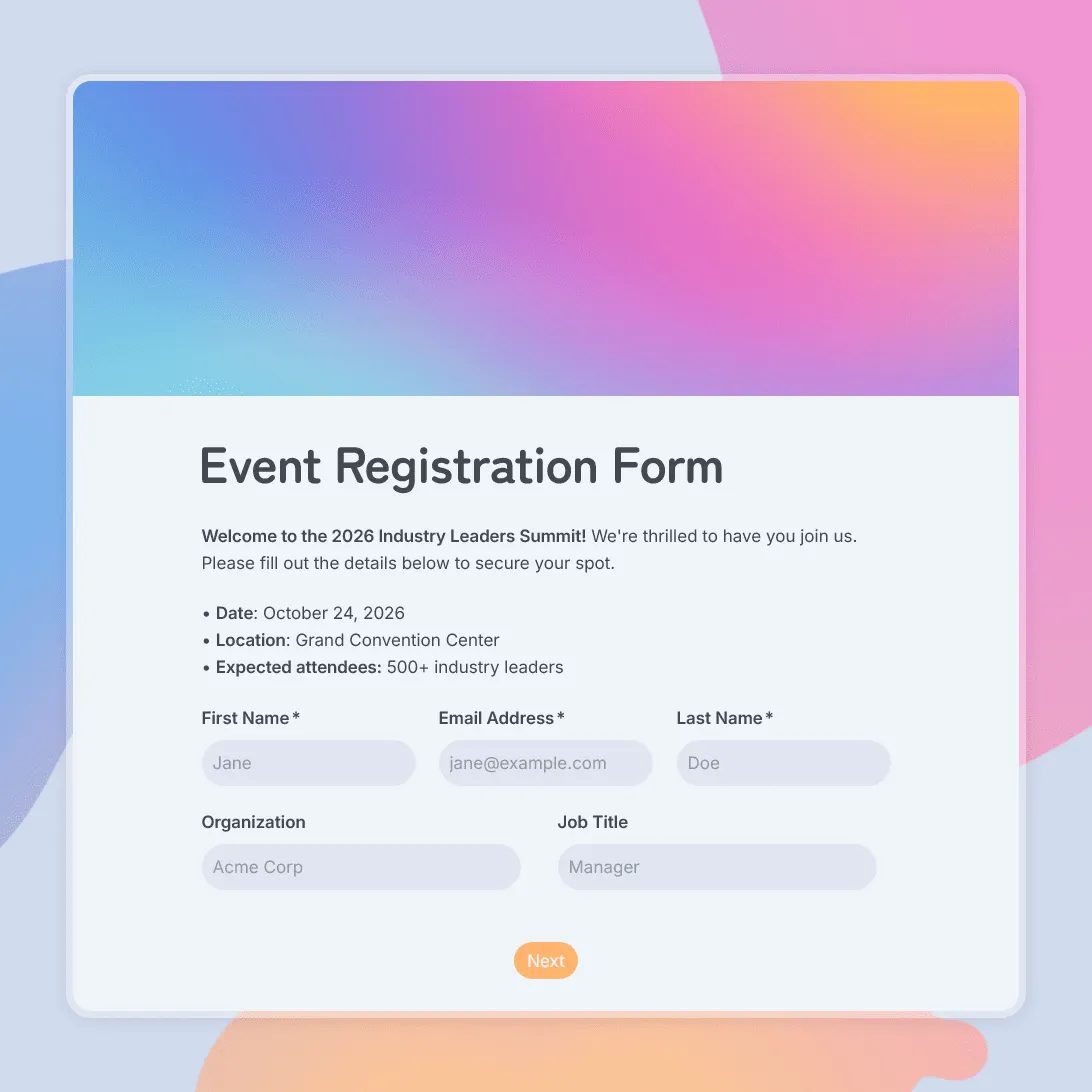
Event Registration Form Template
Use this free event registration form template to collect attendee details, preferences, and more.
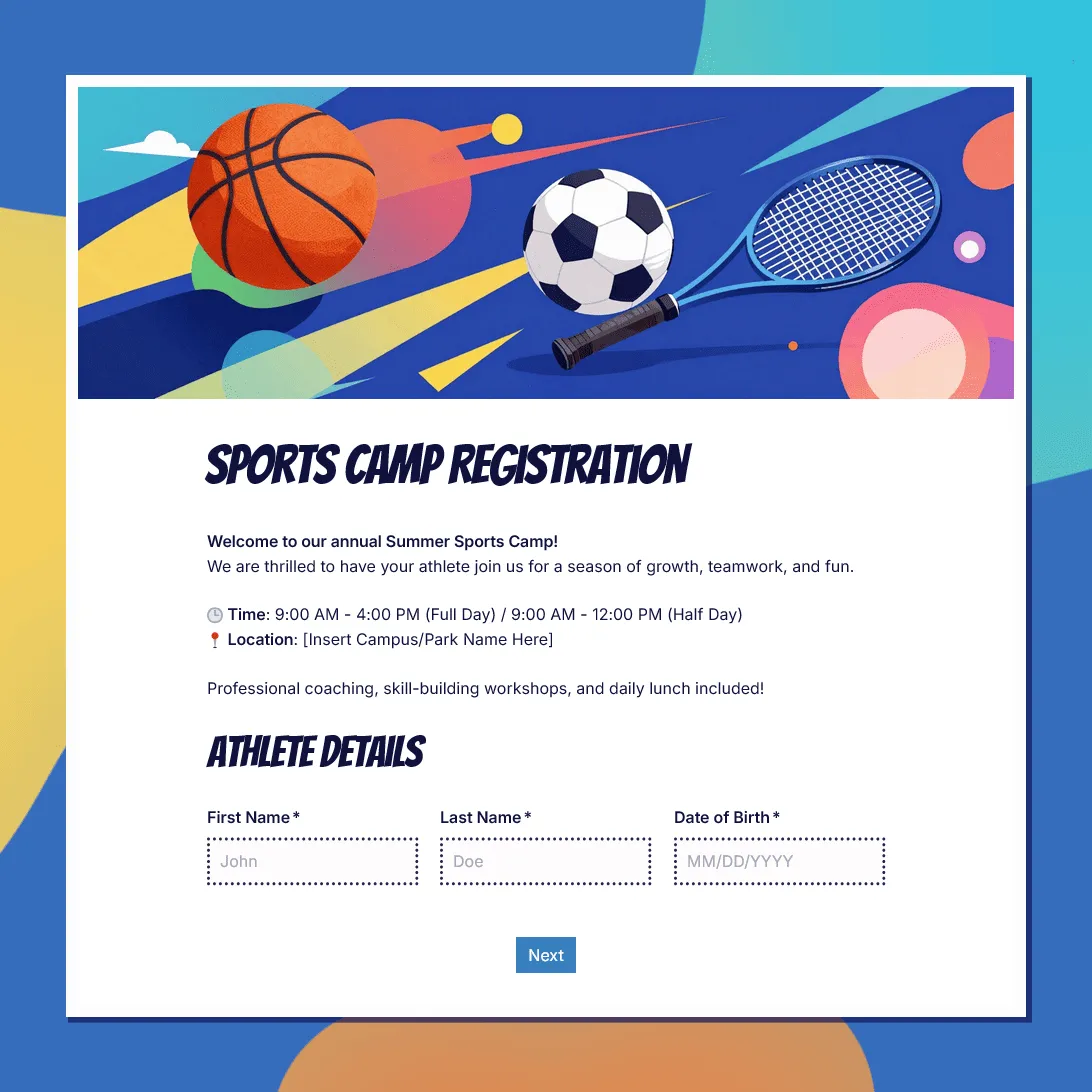
Sports Camp Registration Form Template
Use this free sports camp registration form template to collect athlete details, sport choices, waivers, and emergency contacts.