10 Best forms.app Alternatives in 2026 (Free and Paid)
Many people choose forms.app because it is easy to set up. It works well on mobile, has a large template library, and covers common use cases like surveys, order forms, quizzes, event registrations, and contact forms.
But forms.app can start to feel limiting once your forms become part of a bigger workflow. The free plan only includes 5 forms and 100 responses per month. Even the Basic plan is capped at 25 forms and 1,000 responses per month. If you need more design control, more responses, stronger integrations, or stricter compliance features, it makes sense to compare other options.
This guide covers the best forms.app alternatives, comparing their pricing, response limits, design flexibility, integrations, and the kinds of forms each tool handles best.
forms.app alternatives: Quick summary
Here is a quick look at how the most popular forms.app competitors compare:
| forms.app alternative | Best forms.app replacement for | Free plan | Starting price |
|---|---|---|---|
| FormGrid | Visually unique, custom designs | Available | $29/month |
| Jotform | Feature-heavy business processes | Available | $34/month |
| Formstack | Enterprise compliance and workflows | Not available | $83/month |
| Typeform | Conversational, step-by-step flows | Available | $29/month |
| Google Forms | 100% free, simple data collection | Available | Free |
| Tally | Minimalist, document-style editing | Available | $29/month |
| Fillout | Complex logic and database sync | Available | $15/month |
| Microsoft Forms | Teams using Microsoft 365 | Available | $9.99/month (Microsoft 365) |
| SurveyMonkey | Deep survey analytics and reporting | Available | $39/month |
| Zoho Forms | Operations running on Zoho CRM | Available | $10/month |
Why you might be looking for a forms.app alternative
forms.app is a capable form builder, especially for simple forms and quick launches. The limits become more noticeable when you need more responses, more control over the layout, or a form that connects deeply with the rest of your workflow.
Every plan comes with strict limits
The free plan is very limited: 5 forms and 100 responses per month. The Basic plan is not much roomier at 25 forms and 1,000 responses per month. None of the paid plans offer unlimited responses. This means you’re always one popular form away from being forced to upgrade.
Design and layout options can feel restrictive
forms.app gives you two main layouts: standard and conversational. You can adjust the basic styling, but you still work within a fairly fixed structure.
That is fine for simple forms. It becomes limiting when you want side-by-side fields, custom spacing, richer visual sections, or a form that feels like a natural part of your website instead of feeling like an embedded form template.
Limited integrations and no two-way syncing
forms.app works well for collecting new submissions and sending them to other tools. It is less suited to workflows where the form needs to pull in existing records, update data in Airtable or Notion, or act as a front end for a database.
Some teams need stronger compliance and workflow features
forms.app will not be the right fit for every regulated industry. If you need HIPAA support, advanced approval flows, document generation, or strict internal controls, one of forms.app competitors may be better suited to the job.
10 best forms.app alternatives and competitors
1. FormGrid
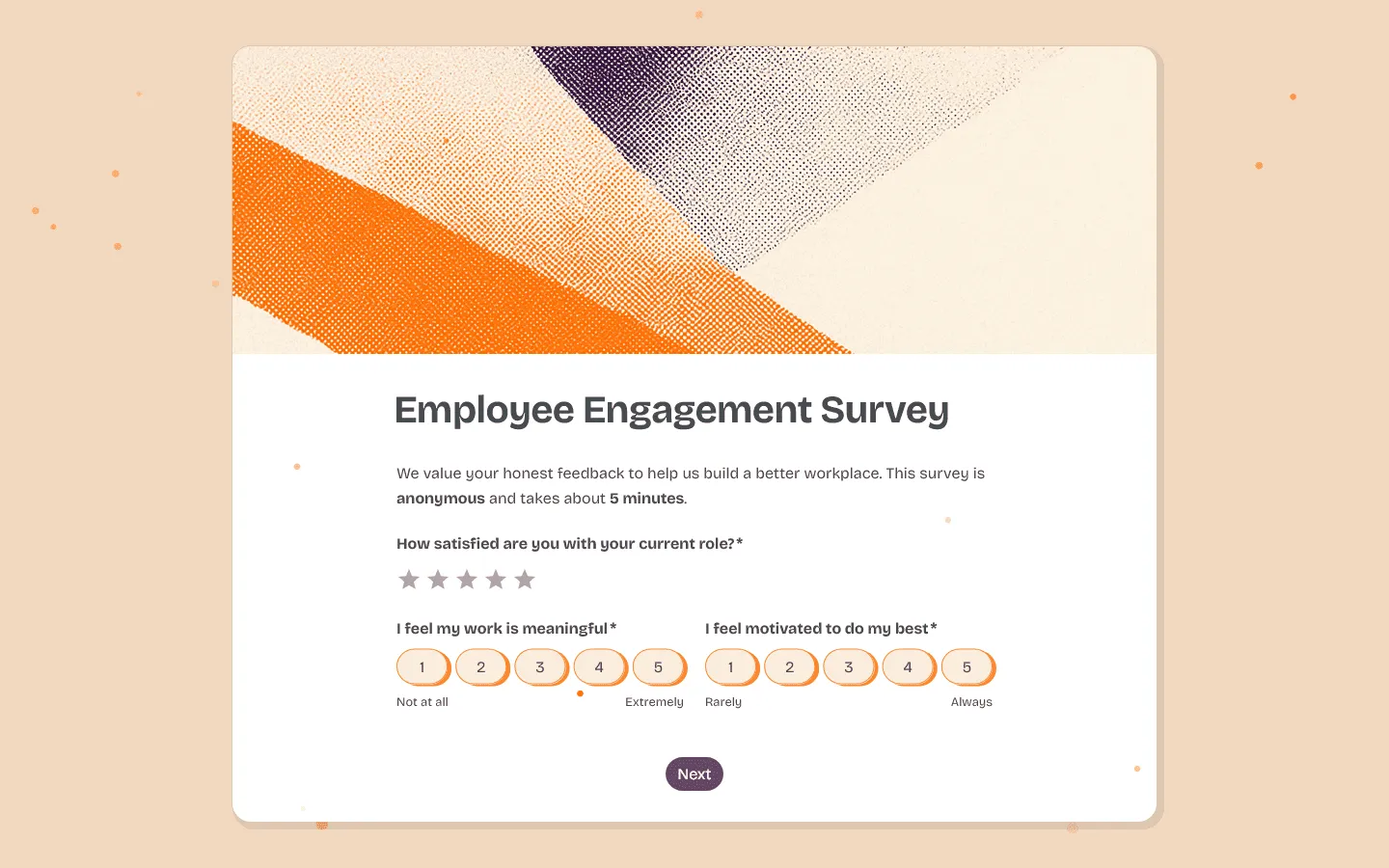
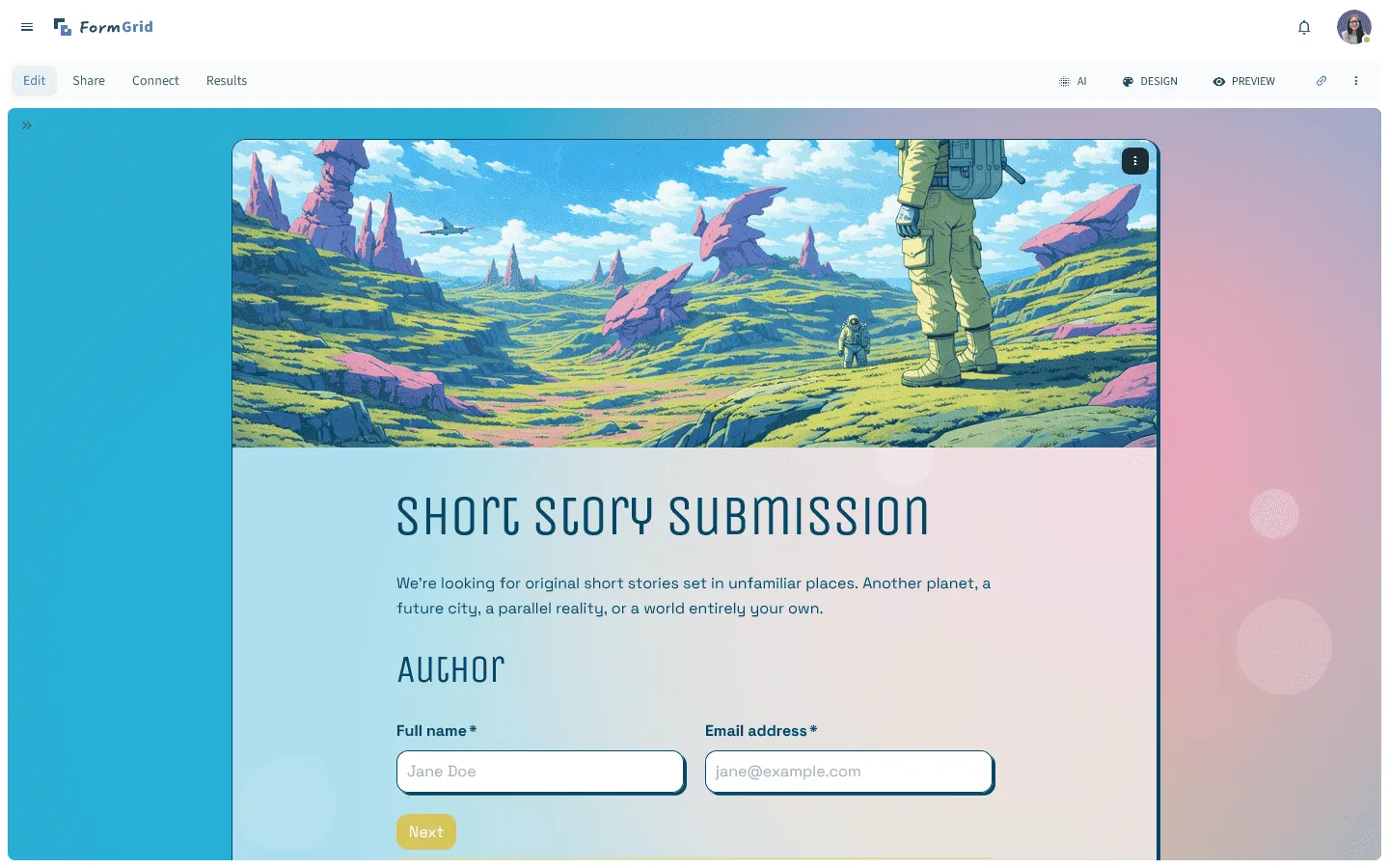
FormGrid is a good forms.app alternative if you want more control over how your form looks and feels. Instead of locking you into a standard vertical layout, it gives you much more control over placement, spacing, and overall page structure.
That matters most for public-facing forms where presentation is part of the job, like waitlists, onboarding flows, applications, and campaign pages. You can start from scratch or generate a fully custom form and edit it until it looks exactly how you want.
The free plan also includes unlimited forms and unlimited responses, so you never have to worry about response caps.
Pros
- Much more control over layout and visual presentation
- Unlimited forms and responses on the free plan
- AI can generate both content and an initial design
Cons
- Smaller template library than some older tools
- Not aimed at organizations that need healthcare compliance
Pricing
- Free: Unlimited forms and responses, access to core features
- Plus ($29/month): Collaboration, remove branding, version history
- Business ($79/month): Roles and permissions, advanced link settings
Why choose FormGrid over forms.app?
Choose FormGrid if forms.app feels too rigid visually, or if response limits are part of the reason you are looking around.
2. Jotform

If forms.app feels too light on features, Jotform is usually the next stop. It has thousands of templates and connects to almost any payment gateway you can think of. If you need a form to do something very specific (like collect a legal signature or run through a strict approval process) Jotform probably has a built-in tool for it.
The main drawback is the builder itself. Jotform has a lot packed into it, and the interface can feel busy compared to simpler tools. The free plan has very strict limits, and the paid plans jump in price quickly if you need HIPAA compliance or more storage space. You can read more in our overview of Jotform alternatives.
Pros
- Thousands of templates and widgets
- Handles complex approvals and payments natively
- Offers HIPAA compliance on higher tiers
Cons
- The builder interface is very busy
- The free plan restricts how many views and responses you get
Pricing
- Free: 5 forms, 100 responses/month
- Bronze ($34/month): 25 forms, 1,000 responses/month
- Silver ($39/month): 50 forms, 2,500 responses/month
Why choose Jotform over forms.app?
Pick Jotform if you need your forms to handle heavy business processes. It manages approvals, legal signatures, and medical compliance much better than forms.app.
3. Formstack
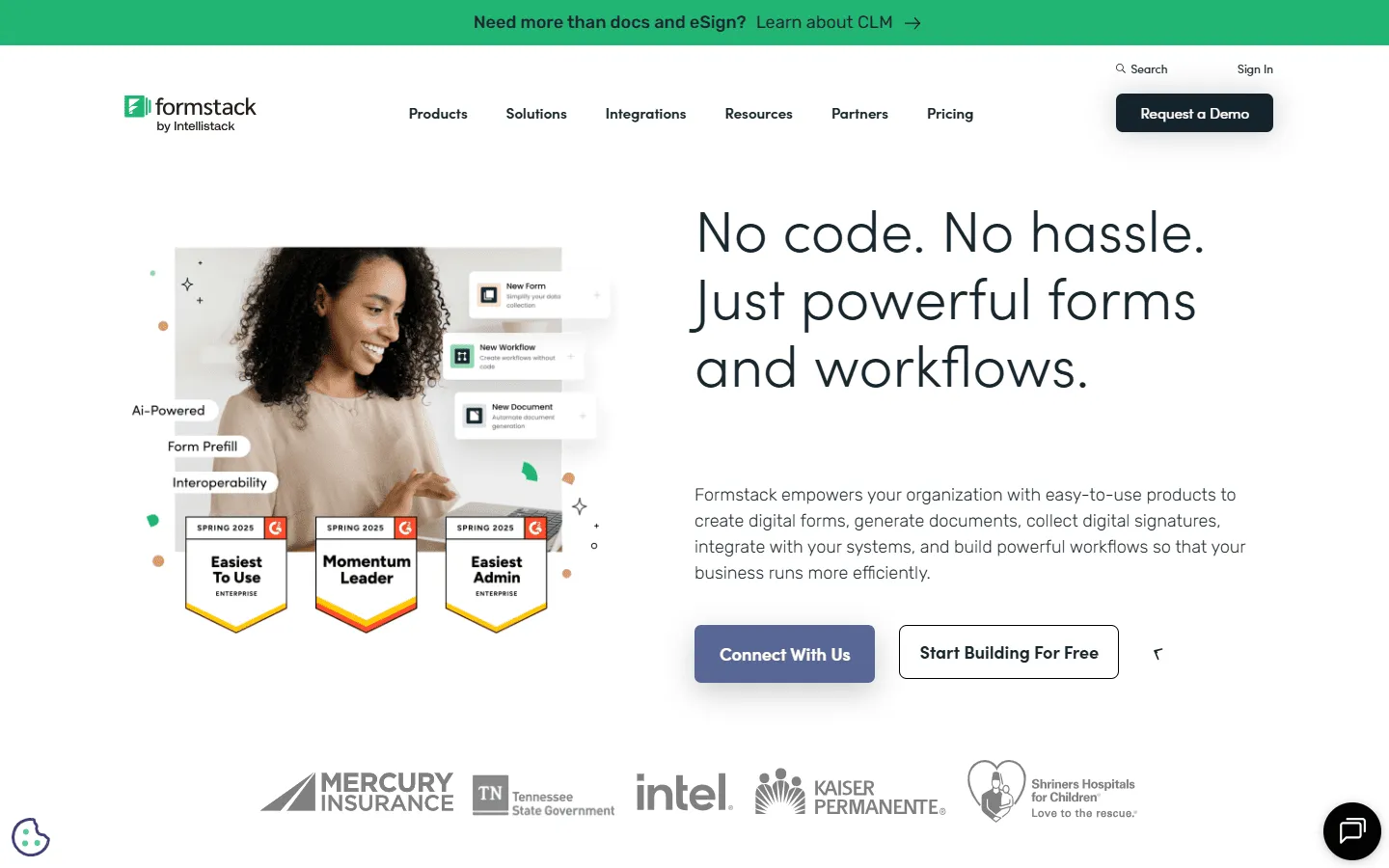
Formstack is built for large organizations that care more about compliance and security than visual design. It’s the tool you pick when your data needs to pass through strict internal rules, especially in healthcare or higher education.
Its biggest advantage is how it handles documents. You can set up a form to collect answers, automatically generate a PDF contract, and send it out for signatures without touching another app. We compare it to similar tools in our guide to Formstack alternatives.
This kind of power is expensive. It’s definitely not the right choice for a simple contact form, and the design options are purely functional.
Pros
- Generates custom PDFs and collects signatures automatically
- Built for strict security and compliance
- Handles complex internal approval chains
Cons
- The starting price is very high
- The design features are barebones
Pricing
- No free plan
- Forms ($83/month): 25 forms, 1,000 responses/form
- Suite ($250/month): 100 forms, 5,000 responses/form, document generation
Why choose Formstack over forms.app?
Choose Formstack if your organization requires strict data governance or the ability to generate secure PDF contracts directly from form submissions.
4. Typeform

Typeform is known for its one-question-at-a-time format. forms.app has a conversational view too, but Typeform still feels more polished, especially for surveys, quizzes, lead capture forms, and feedback forms where the experience matters.
The builder is easy to use, and branching logic is presented clearly. It is a good option when you want respondents to move through a form step by step instead of seeing everything at once.
The main issue is pricing. Typeform’s plans are tied closely to response volume, so it can become expensive for campaigns, public forms, or surveys with a larger audience.
You can compare similar tools in our Typeform alternatives guide.
Pros
- The most polished user experience available
- Makes logic and branching very easy to understand
- Looks great with custom videos and images
Cons
- Paid plans get expensive fast if you have a lot of traffic
- Editing a very long form takes a lot of clicking
Pricing
- Free: 10 responses/month
- Basic ($29/month): 100 responses/month
- Plus ($59/month): 1,000 responses/month
Why choose Typeform over forms.app?
Typeform is the right choice if you want a smoother respondent experience and are willing to pay a premium for a beautiful interface.
5. Google Forms
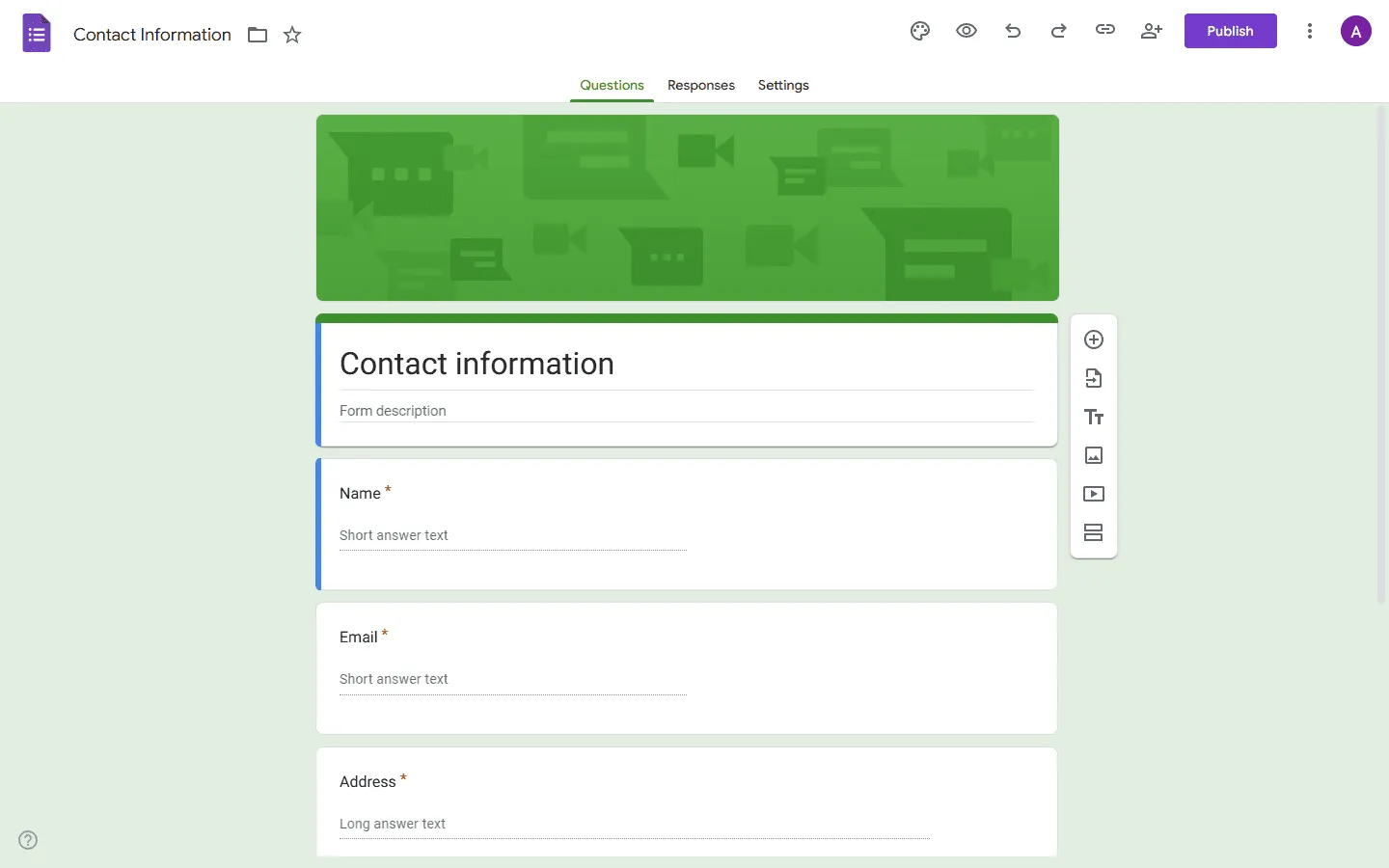
People usually switch from forms.app to Google Forms for one simple reason: cost. Google Forms is completely free. There are no response limits and no hidden upgrades.
Because it lives inside Google Workspace, every answer drops straight into a Google Sheet in real time. This makes it easy to share data with your team. If you are curious about similar tools, check out our Google Forms alternatives list.
The trade-off is the design. A Google Form always looks like a Google Form. You cannot change the layout, you cannot accept payments, and the logic is very basic. But for internal surveys or quick team polls, it’s still one of the simplest options.
Pros
- Completely free no matter how many responses you get
- Sends answers straight to Google Sheets
- Almost everyone knows how to use it
Cons
- You cannot really customize how it looks
- Lacks payments, custom logic, and integrations
Pricing
- Free: Unlimited usage
Why choose Google Forms over forms.app?
Use Google Forms when you just need the data and do not care about the presentation. It’s the most reliable free tool you can use for internal team questions.
6. Tally
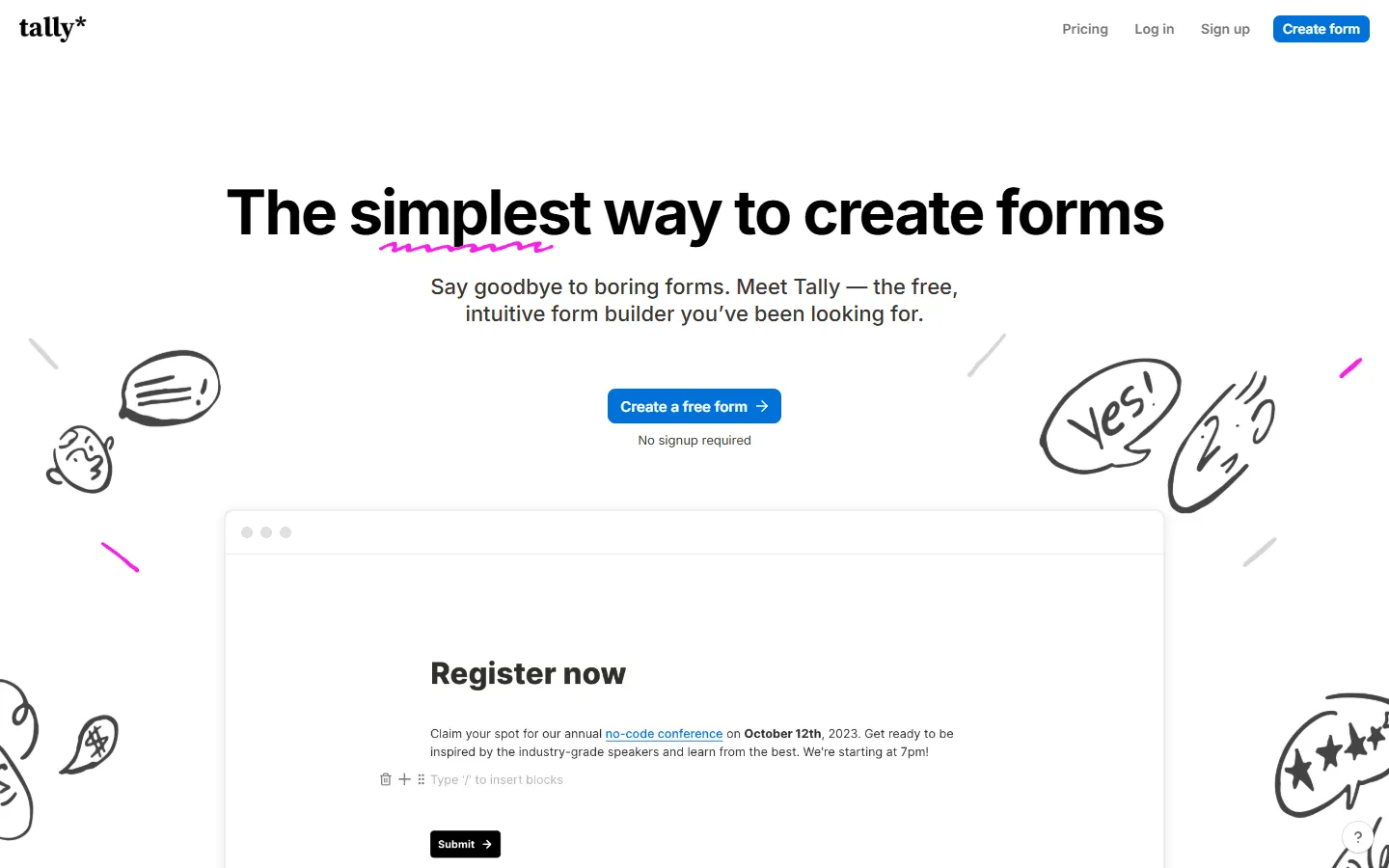
Tally feels more like a text document than a traditional form builder. Instead of dragging and dropping boxes, you just start typing. If you have ever used Notion, you will feel right at home. The whole building process is very fast and completely free of distractions.
Like FormGrid, Tally is very generous. The free plan includes unlimited forms and submissions. You even get access to conditional logic and file uploads without paying, which is something most other tools charge for. If you like the minimal feel, you can also explore Tally alternatives.
The forms always have a clean, minimal look. You cannot customize the layout heavily, so most Tally forms look fairly similar. But for creators and indie makers, that clean aesthetic is exactly what they want.
Pros
- Typing out forms feels very natural and fast
- Gives you unlimited responses for free
- Clean and modern appearance
Cons
- You cannot really change the basic vertical layout
- Might look too plain for highly visual brands
Pricing
- Free: Unlimited forms and submissions
- Pro ($29/month): Custom domains, remove branding
Why choose Tally over forms.app?
Switch to Tally if you want to use advanced features like logic and payments without paying for a monthly subscription, and you like a minimal design style.
7. Fillout
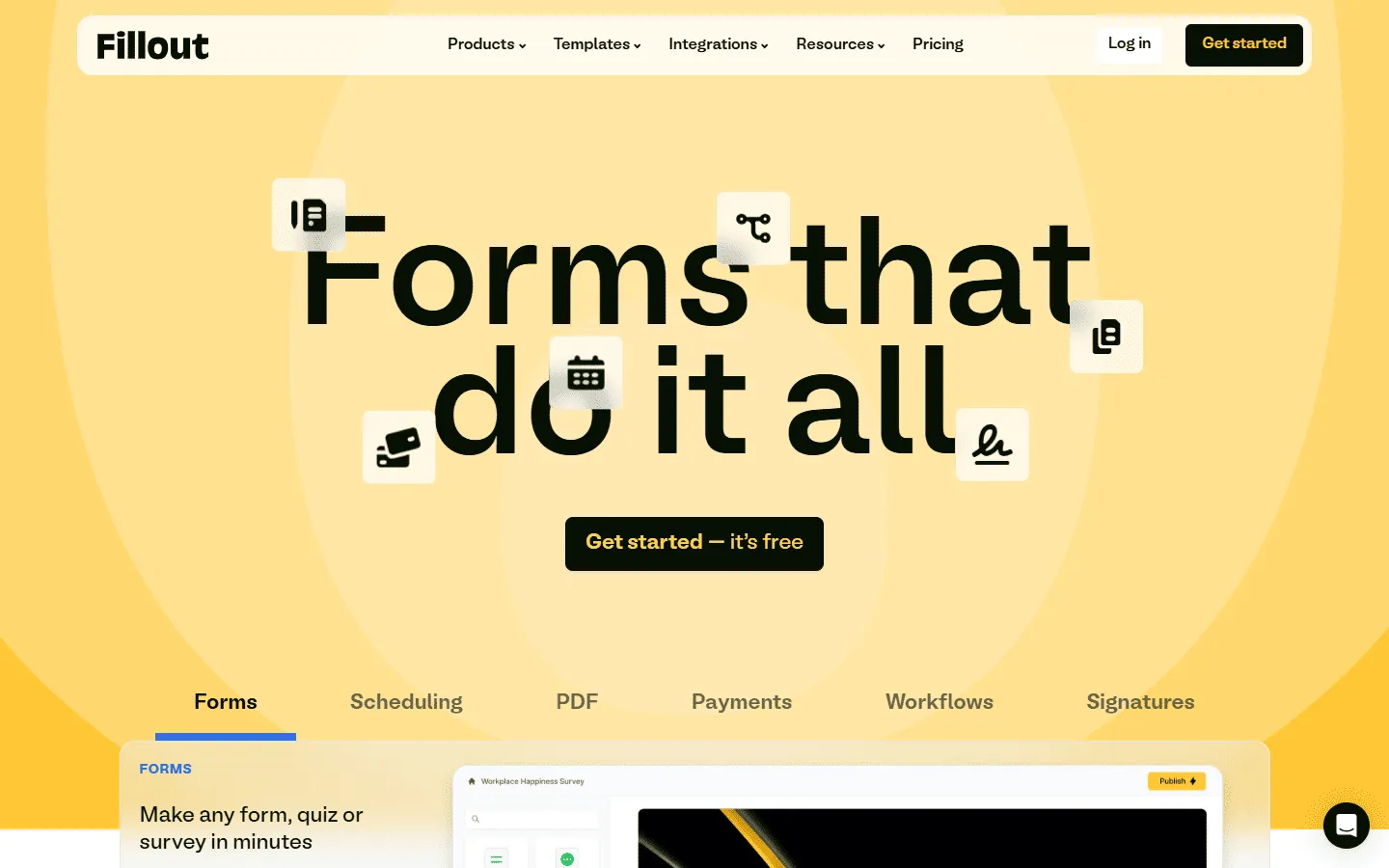
If your workflow depends on Notion, Airtable, or PostgreSQL, Fillout solves problems that forms.app does not handle especially well. Instead of just sending new data to your database, Fillout can pull existing records into the form. This means you can build client portals where people can log in and update their own information securely.
It handles complex logic better than almost anything else. If you are building a form with multiple branches, math calculations, and strict dependencies, Fillout keeps everything organized so you do not get lost in your own settings.
The design options are basic, but that is not really the point. It’s built to move data accurately, not to look flashy.
Pros
- Syncs data back and forth with your database
- Handles complex math and branching paths easily
- The interface stays clean even when the form gets complicated
Cons
- Does not give you much visual freedom
- Has fewer standard templates than forms.app
Pricing
- Free: 1,000 responses/month
- Starter ($15/month): 2,000 responses/month
- Pro ($40/month): 5,000 responses/month
Why choose Fillout over forms.app?
Choose Fillout if you need your forms to talk back and forth with Airtable or Notion.
8. Microsoft Forms
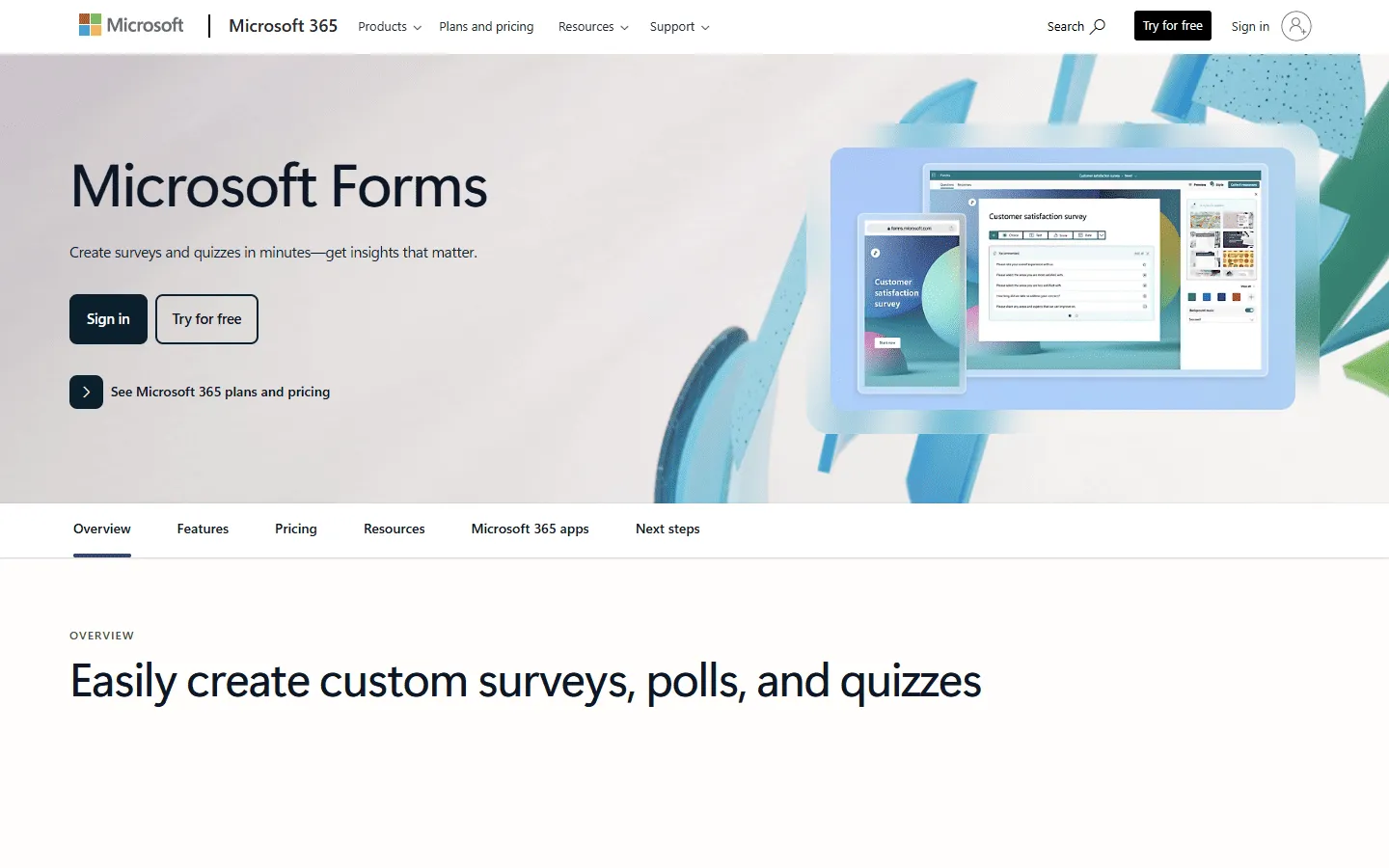
If your company already uses Microsoft 365, Microsoft Forms is the simplest choice. It’s included in your subscription, so you do not need to ask for a new budget or pass a new security review.
It works well with Excel and Teams. You can easily set up automated alerts when someone submits a response. (We cover this ecosystem more in our guide on Microsoft Forms alternatives.)
It’s very basic compared to forms.app. You will not find advanced logic or payment fields here. It’s not the best choice for customer-facing marketing, but it works well for internal IT requests or HR surveys.
Pros
- Already paid for if you use Microsoft 365
- Hits all the necessary corporate security standards
- Works natively with Excel and Teams
Cons
- Very little control over how it looks
- Lacks payment integrations and complex branching
Pricing
- Free: For personal accounts
- Business: Included in Microsoft 365 Business subscriptions
Why choose Microsoft Forms over forms.app?
Stick with Microsoft Forms if your company uses Microsoft 365. It drops right into your existing workflows without any extra software costs.
9. SurveyMonkey
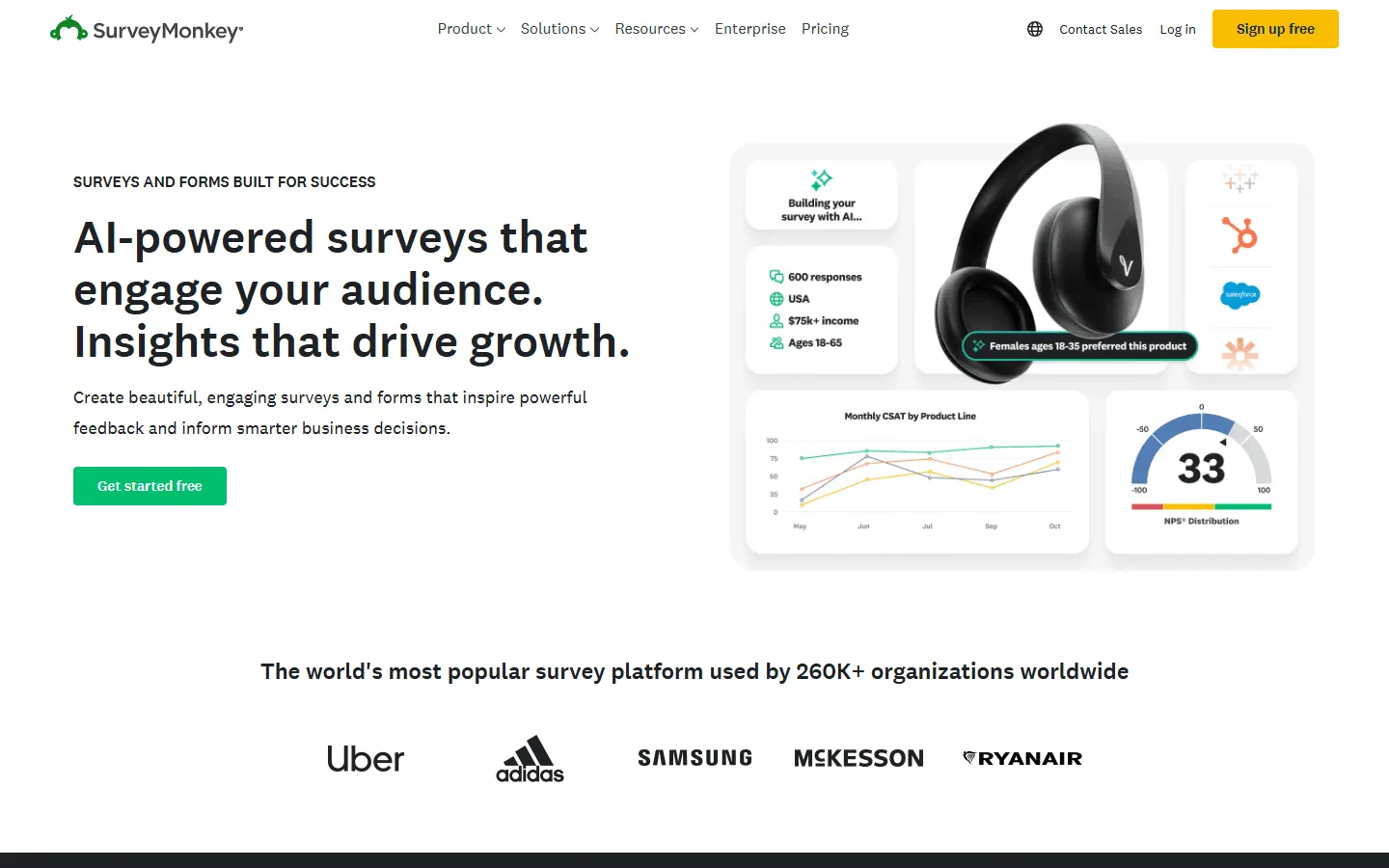
If you are leaving forms.app because you need to understand your data better, SurveyMonkey is is a good option. It’s built for serious research.
You get stronger reporting tools, question banks, filters, charts, and options for comparing responses across groups. That makes it more useful than forms.app when the work starts after the responses come in.
The builder feels more traditional, and the free plan is very limited. SurveyMonkey also pushes users toward paid annual plans, so it is not the best fit if you only need a simple form once in a while.
You can see how it compares to similar tools in our list of SurveyMonkey alternatives.
Pros
- Powerful tools for analyzing and filtering answers
- Lets you compare your results to industry benchmarks
- Includes templates written by research experts
Cons
- The free plan is very limited
- The interface feels a bit corporate and outdated
Pricing
- Free: Limited to 10 questions and limited responses
- Standard Monthly ($39/month): 1,000 responses/month
- Advantage Annual ($432/year): 15,000 responses/year
Why choose SurveyMonkey over forms.app?
Choose SurveyMonkey if your main job is making sense of the data you collect. The charting and analysis tools go way beyond what forms.app offers.
10. Zoho Forms
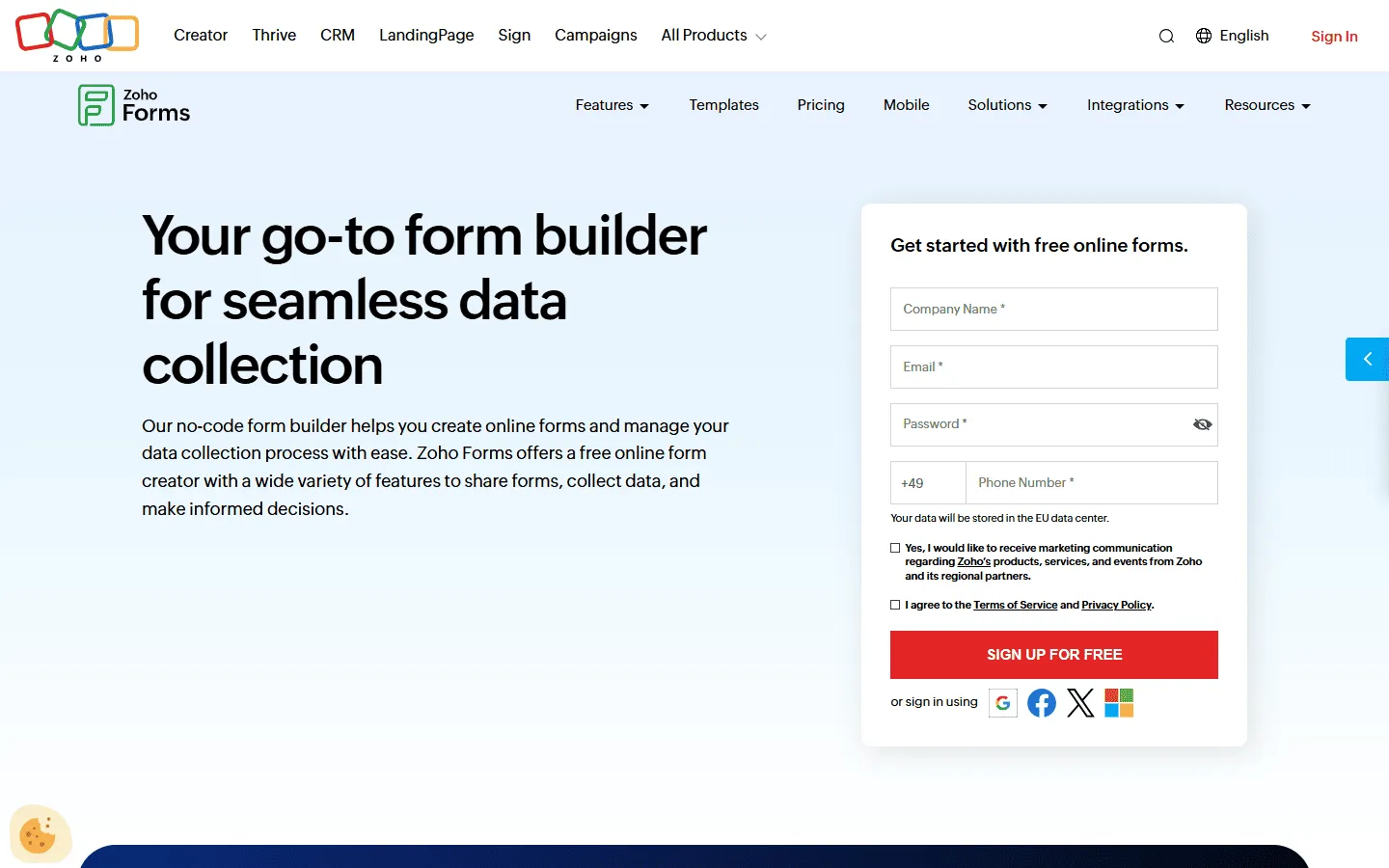
Zoho Forms makes the most sense for businesses already using Zoho CRM and other Zoho tools. Because it’s part of the same family, form submissions can automatically create new leads or update contact records without relying on Zapier.
It’s also great if you need to collect data offline. The mobile app lets field workers fill out forms without an internet connection and syncs everything later.
The design side is purely utilitarian. You will have to spend a lot of time writing custom CSS if you want the forms to look modern and fit into your website.
Pros
- Drops data directly into Zoho CRM automatically
- The mobile app works offline
- Gives you a lot of business features for the price
Cons
- The forms look very plain out of the box
- The builder menus take some getting used to
Pricing
- Free: 3 forms, 500 responses/month
- Basic ($10/month): 10,000 responses/month
- Standard ($25/month): 25,000 responses/month
Why choose Zoho Forms over forms.app?
If your business runs on Zoho, using Zoho Forms is a easiest fit. It keeps your data organized without messy third-party connections.
How we evaluated forms.app alternatives
We tested these forms.app alternatives by building the same set of forms in each tool: a lead capture form, an intake form with branching, and a public-facing form where design plays a bigger role.
We also looked at what happened after the first draft was done. That included changing the structure, moving fields around, updating logic, and checking how manageable the form still felt once it got longer or more complex.
More specifically, we looked at:
- How pricing and response limits hold up once submissions start coming in
- How much control each tool gives you over layout, spacing, branding, and page structure
- How clearly logic, calculations, and conditional flows are represented
- How well each tool works with Airtable, Notion, Google Sheets, CRMs, and payment tools
- How easy it is to keep editing a form without turning it into a mess
We revisit this comparison regularly to keep pricing, limits, and product changes up to date.
What to look for in a forms.app alternative
Before you switch, keep these things in mind:
- Response caps: Many tools limit how many responses you can get on a free or basic plan. If you expect a lot of traffic, look for tools like FormGrid or Tally that offer unlimited responses.
- Design freedom: If you are tired of forms looking like forms, find a tool that lets you change the grid, adjust spacing, and apply your own branding.
- Database syncing: If you want people to update records that already exist, you need a tool like Fillout that supports two-way syncing.
- Integrations: Make sure the new tool connects directly to the software you use most (like Salesforce or Notion) so you do not have to pay extra for third-party automation tools.
Conclusion: Which forms.app alternative should you choose?
The best choice depends on what is currently frustrating you about forms.app.
- If you want to design your own layouts: FormGrid lets you place elements anywhere on a grid.
- If you want advanced features for free: Tally gives you unlimited responses and logic without a subscription.
- If you need to update existing database records: Fillout connects directly to Airtable and Notion.
- If you care about user engagement: Typeform provides a very polished conversational flow.
- If you need strict compliance and document generation: Jotform and Formstack handle enterprise requirements well.
- If you want a completely free and simple tool: Google Forms is very reliable.