12 Best LimeSurvey Alternatives in 2026 (Free, Paid & Open-Source)
If you are looking for LimeSurvey alternatives, this guide covers the tools that people most often switch to, and why.
People usually choose LimeSurvey because it gives them a level of control that most survey tools do not. You can self-host it, run complex surveys, and keep your data on your own infrastructure.
That said, LimeSurvey is not the easiest tool to live with day to day. Setup takes work, the interface feels old, and even small surveys can turn into more setup than expected. For research teams, universities, NGOs, and companies that still need serious survey features but want a smoother experience, there are better options now.
We evaluated and compared the best LimeSurvey alternatives and competitors. This list includes hosted tools, open-source options, and simpler survey platforms for teams that want less maintenance and a better builder.
Best LimeSurvey alternatives: Quick summary
Here is a quick overview of how the top LimeSurvey competitors compare based on their strengths, free plans, and pricing.
| LimeSurvey alternative | Best LimeSurvey replacement for | Free plan | Starting price |
|---|---|---|---|
| FormGrid | Visually unique surveys | Available | $29/month |
| Jotform | Feature-heavy form building | Available | $34/month |
| SurveyMonkey | Deep research and survey analysis | Available | $39/month |
| Typeform | Guided, conversational flows | Available | $29/month |
| Google Forms | Simple, free data collection | Available | Free |
| Alchemer | Advanced branching and scripting | Not available | $55/month |
| Qualtrics | Enterprise experience management | Available | Custom |
| Qualaroo | Contextual website feedback | Not available | $69/month |
| QuestionPro | Multilingual surveys and panels | Available | $99/month |
| Zoho Survey | Zoho CRM users | Available | $10/month |
| Formbricks | Open-source product feedback | Available | Free |
| SurveyJS | Developers embedding surveys | Available | Free |
What is LimeSurvey?
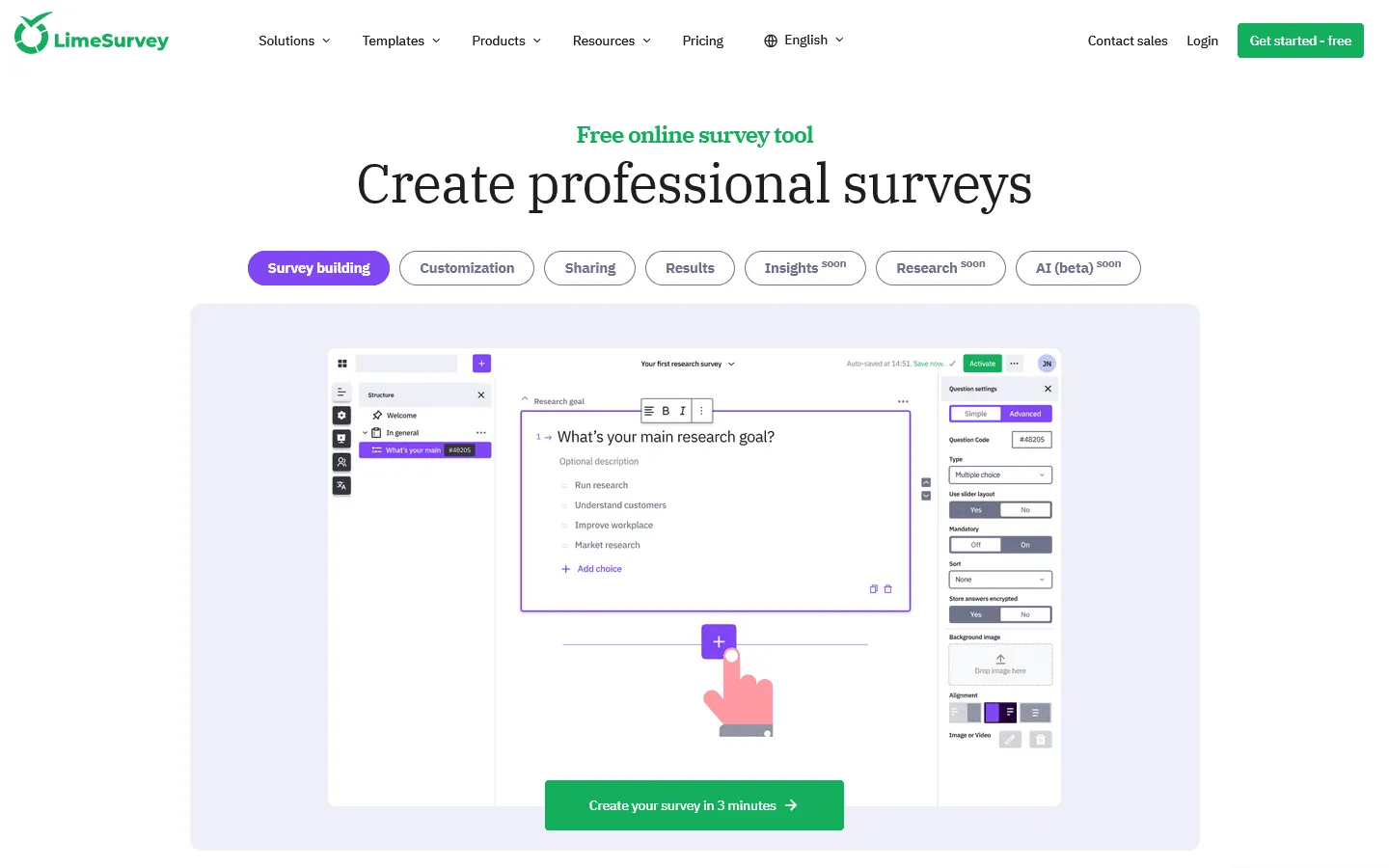
LimeSurvey is a survey platform best known for its open-source, self-hosted Community Edition. It supports complex question types, branching logic, multilingual surveys, and anonymous data collection. Because it is open-source and self-hosted, it is popular with universities, research institutions, government agencies, and NGOs that need full data ownership and do not want to pay per-response fees.
LimeSurvey also offers hosted cloud plans, but many teams still associate it most strongly with self-hosting and research-heavy use cases.
Why people look for LimeSurvey alternatives
LimeSurvey gives teams a lot of control, but that does not always translate into a better day-to-day experience.
- Too much setup for simple projects: Self-hosting is appealing in theory, but many teams do not want to spend time installing, configuring, updating, and maintaining survey software.
- A builder that feels harder than it should: LimeSurvey is powerful, but the interface can feel dated and overly technical, especially for teams that need to launch surveys quickly.
- Design takes work: You can customize LimeSurvey, but getting a polished, modern result usually requires extra effort.
- Cloud plans are not as simple as they look: If you do not want to self-host, you lose some of the cost advantage and start comparing LimeSurvey against easier SaaS tools with better UX.
- Not every team needs research-grade complexity: Marketing, HR, product, and operations teams often just want a tool that is easier to learn and easier to maintain.
How we evaluated the best LimeSurvey alternatives
To find the best alternatives to LimeSurvey, we looked at the things that usually push teams away from it in the first place:
- How much work it takes to set up and manage
- How easy it is to build and change logic
- How much control you get over the survey’s look and feel
- Whether you can self-host or use open-source
- Pricing and response limits
- Fit for academic, enterprise, product, and customer feedback use cases
Some of these tools are built for research teams. Others are better for fast feedback, nicer-looking surveys, or easier day-to-day use. The right choice depends on whether you care more about depth, design, ease of use, or self-hosting.
12 best LimeSurvey alternatives and competitors
1. FormGrid
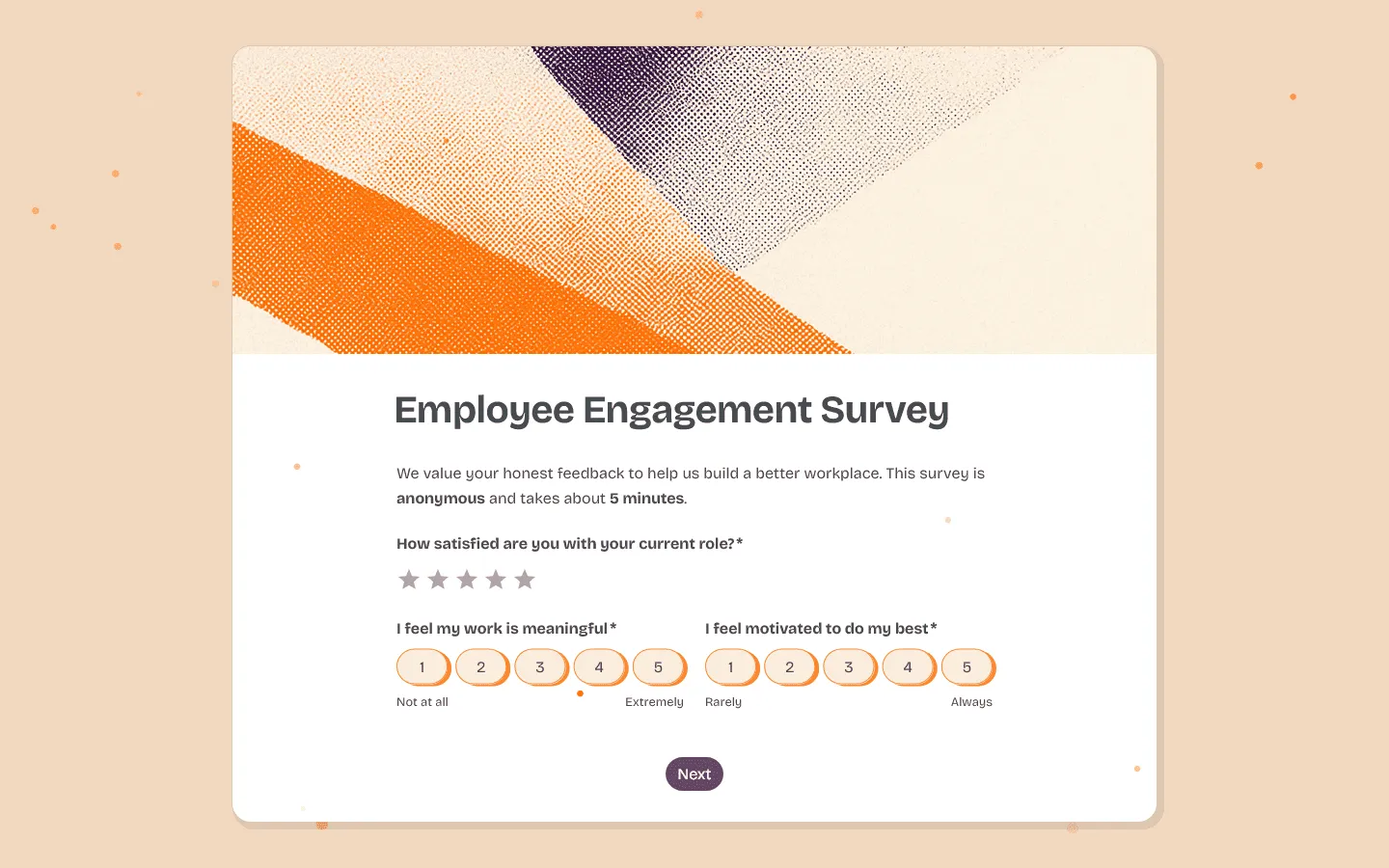
FormGrid is a great LimeSurvey alternative for teams that care about how their surveys look and do not want to build that with custom CSS. LimeSurvey surveys often look rigid and research-oriented. FormGrid gives you much more freedom over layout and presentation.
You can group questions, add visual elements, and shape the flow of the page instead of just picking a basic color theme. That matters for customer-facing surveys, waitlists, and lead capture, where presentation can affect completion rates.
The building experience is also much lighter. LimeSurvey requires you to navigate complex settings menus, but FormGrid is more direct. You can describe your goal and let FormGrid generate a fully custom survey in seconds, which you can then refine on a visual canvas. That makes it much faster to go from rough idea to published survey.
Pricing is another clear difference. If you use LimeSurvey’s cloud version, you face response limits quite early. FormGrid offers unlimited responses and forms on its free plan, so you can avoid both response caps and the work of self-hosting.

Key features
- Complete flexibility over visual design and layout
- Unlimited responses on the free plan
- AI-assisted survey creation
FormGrid pricing
- Free: Unlimited forms and responses, access to all core features
- Plus ($29/month): Collaboration, remove FormGrid branding, version history
- Business ($79/month): User roles and permissions, advanced link settings
Pros
- More design customization options compared to traditional survey platforms
- Setup is quick and easy
- Free tier is usable for real-world projects
Cons
- Lacks the advanced statistical analysis tools found in dedicated research platforms
- Not built for complex academic or scientific studies
2. Jotform

When it comes to sheer feature volume, Jotform is a close match for LimeSurvey’s flexibility. While LimeSurvey is strictly for surveys, Jotform covers almost any kind of data collection: payments, event registrations, contract signatures, and file uploads. If you need a tool that handles operational workflows and business forms alongside surveys, it usually makes sense to explore Jotform alternatives or just adopt Jotform directly.
The building interface is much more approachable than LimeSurvey’s backend. You drag and drop fields, apply themes, and connect integrations without writing code. Jotform also provides thousands of templates, which is helpful when you need to deploy a standard questionnaire quickly.
The downside is that Jotform can feel heavy and cluttered because it does so many things. The free plan is also quite restricted, limiting you to 100 responses per month. Once you exceed those limits, the pricing scales up quickly compared to self-hosting a free open-source tool.
Key features
- Extensive library of templates and widgets
- Ability to collect payments and electronic signatures
- Complex conditional logic and approval workflows
Jotform pricing
- Free: 5 forms, 100 responses/month
- Bronze ($34/month): 25 forms, 1,000 responses/month, no branding
- Silver ($39/month): 50 forms, 2,500 responses/month, more storage and integrations
- Gold ($99/month): 100 forms, 10,000 responses/month, HIPAA, priority support
- Enterprise (custom pricing): Unlimited usage, SSO, SLA, 1TB storage
Pros
- Handles much more than just standard surveys
- Easy to connect with hundreds of third-party apps
- Faster to configure than LimeSurvey
Cons
- Interface has many menus and settings
- Strict limits on the free and lower-tier plans
3. SurveyMonkey
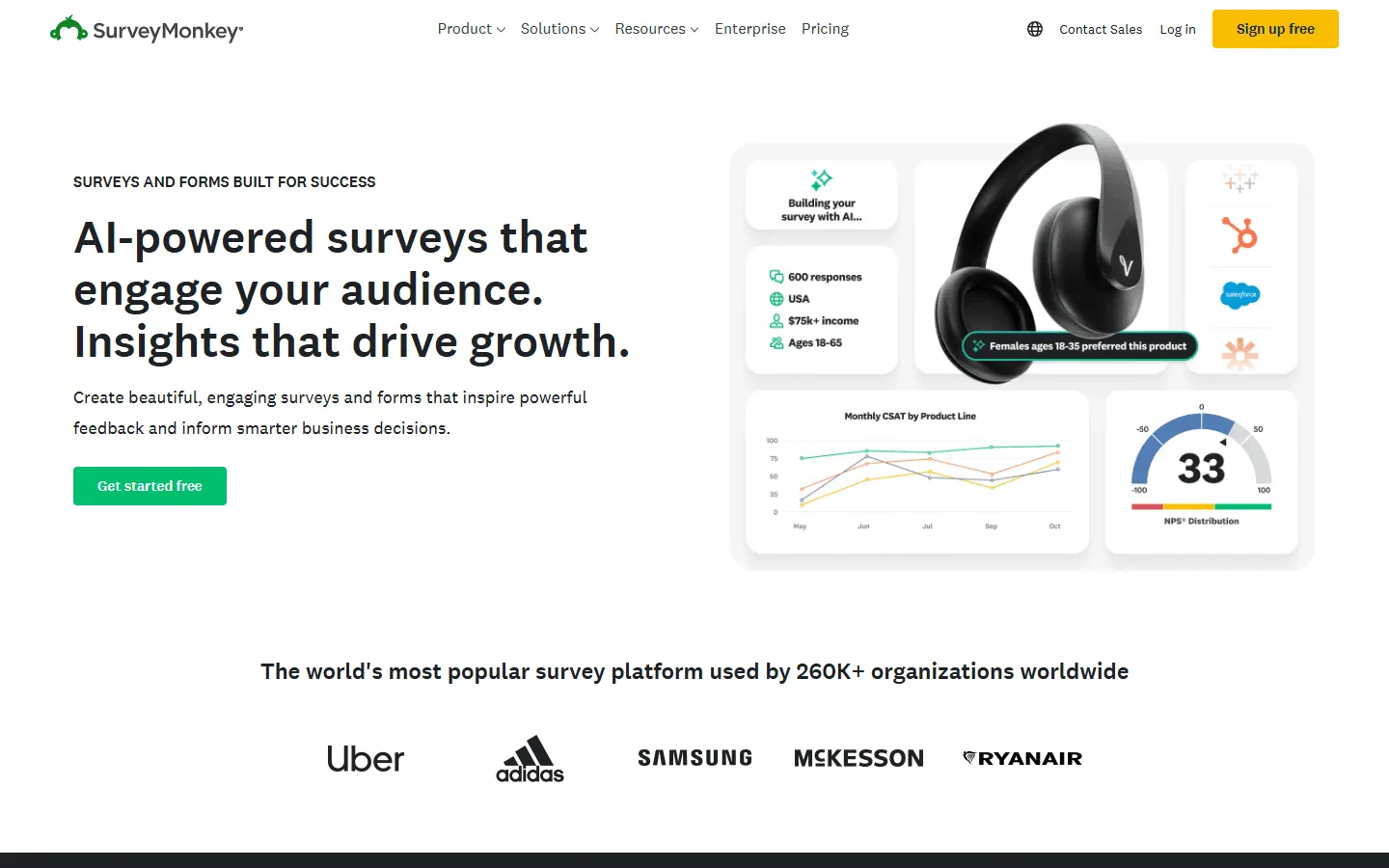
If you’re using LimeSurvey for research rather than simple forms, SurveyMonkey is one of the clearest commercial alternatives. It has the reporting and analysis features that simpler form builders usually do not. You get access to features like statistical significance testing, sentiment analysis, and industry benchmarking.
It is also easier to work with day to day. SurveyMonkey provides a clean, web-based interface that anyone on your team can learn quickly, avoiding the steep learning curve associated with LimeSurvey. If you find the pricing too high or the interface restrictive, examining SurveyMonkey alternatives can reveal more cost-effective options, but the core product remains strong for research teams.
SurveyMonkey’s main drawback is cost. The free plan is severely limited, allowing only 10 questions per survey and restricting how many responses you can view. If you have a large team, required minimum seat counts make it a substantial investment.
Key features
- Advanced statistical analytics and reporting dashboards
- Library of expert-certified questions
- Built-in panel services to find respondents
SurveyMonkey pricing
- Free: Limited to 10 questions per survey
- Individual Advantage ($39/month): Annual billing only
- Team Advantage ($25/user/month): Collaboration features, minimum 3 users
- Enterprise (custom pricing): Advanced security, governance, and integrations
Pros
- Excellent for complex research and data analysis
- Professional and recognizable brand for respondents
- Good team collaboration features on higher plans
Cons
- Very restrictive free tier
- High costs for teams and high-volume surveys
4. Typeform

Typeform offers the exact opposite experience of a typical LimeSurvey questionnaire. Instead of a long, static page of questions, Typeform presents one question at a time. That format feels lighter to fill out and can help completion rates for customer feedback and lead gen surveys.
Replacing LimeSurvey with Typeform makes sense when the user experience matters more than complex technical requirements. Typeform surveys look beautiful on mobile devices, include smooth animations, and allow you to embed images or video easily. If you like the style but need different pricing or features, there are quite a few Typeform alternatives that follow this one-question-at-a-time format.
The tradeoff is flexibility and cost. Typeform’s structure is rigid; you cannot place multiple questions side by side. Additionally, their plans limit responses heavily, meaning costs will rise quickly if your survey gets significant traffic.
Key features
- Conversational, one-question-per-screen layout
- Rich media support for questions and answers
- Logic jumps for personalized user paths
Typeform pricing
- Free: 10 responses/month, limited features
- Basic ($29/month): 100 responses/month, basic integrations
- Plus ($59/month): 1,000 responses/month, more logic, branding options, and integrations
- Business ($99/month): 10,000 responses/month, team features, advanced analytics, priority support
- Enterprise (custom pricing): Custom limits, SSO, custom domains, HIPAA compliance
Pros
- Beautiful, highly engaging user experience
- Often improves completion rates
- Looks great on mobile devices
Cons
- Expensive for high response volumes
- Format is too restrictive for certain types of surveys
5. Google Forms
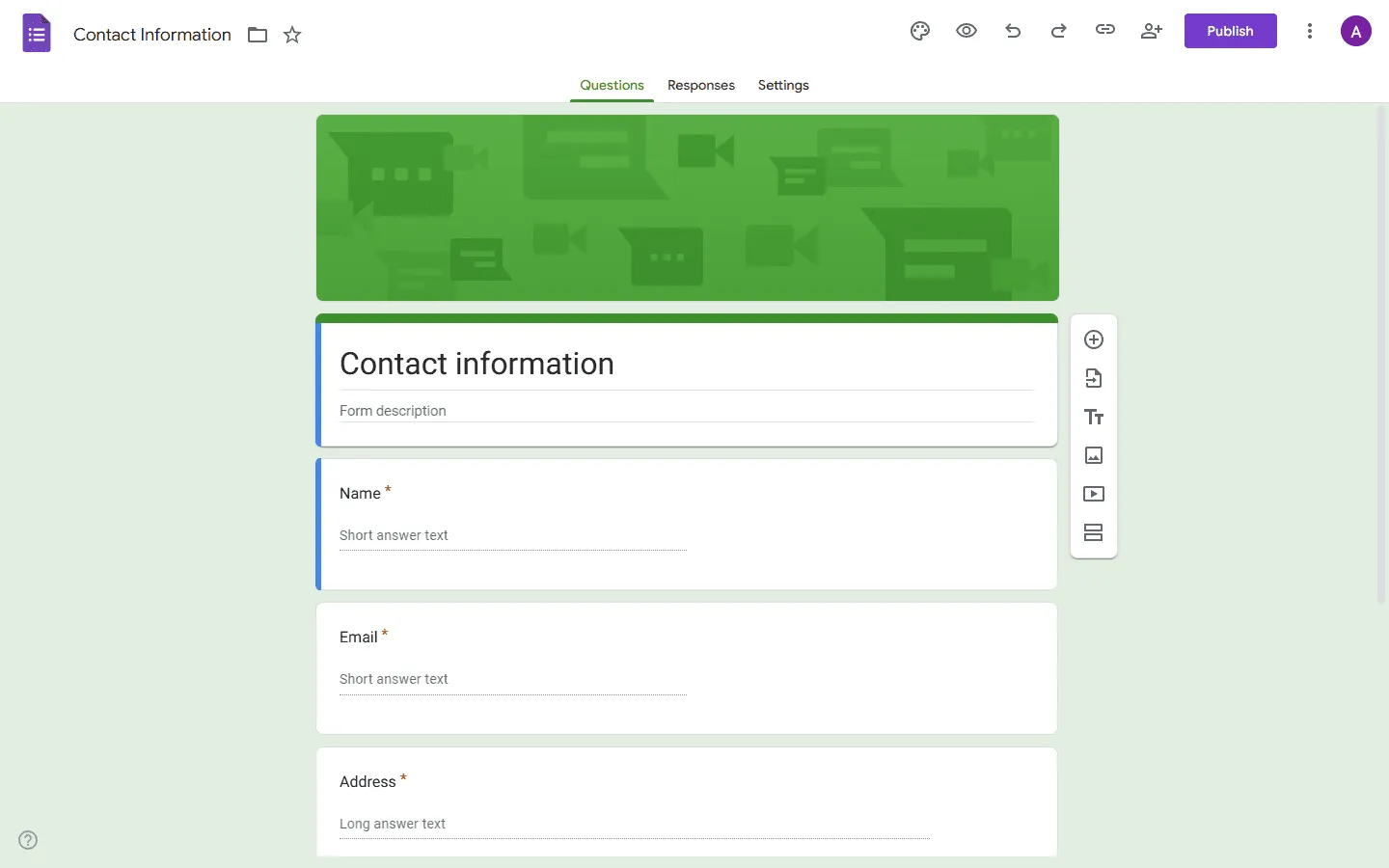
If you are leaving LimeSurvey because you want something simpler and free, Google Forms is the obvious fallback. There is no installation, no server maintenance, and no configuration required. You simply log in, add your questions, and share the link.
Responses go straight into Google Sheets, which makes it easy to share and sort through the data. If Google Forms feels a bit too basic, checking out Google Forms alternatives can help you find free tools with slightly better features.
The main drawback is that Google Forms is quite basic. The design options are limited to changing colors and header images. The logic is restricted to simple branching, and it lacks the advanced question types (like array or matrix questions) that LimeSurvey handles with ease. It is fine for internal polls but falls short for professional research.
Key features
- 100% free with unlimited responses
- Direct, real-time sync with Google Sheets
- Familiar interface that requires no training
Google Forms pricing
- Free: Unlimited responses, basic features
- Business (included with Google Workspace): Admin controls, shared drives
Pros
- Completely free and reliable
- Zero setup or maintenance
- Very easy for teams to collaborate on
Cons
- Looks generic and dated
- Lacks advanced logic and survey features
6. Alchemer
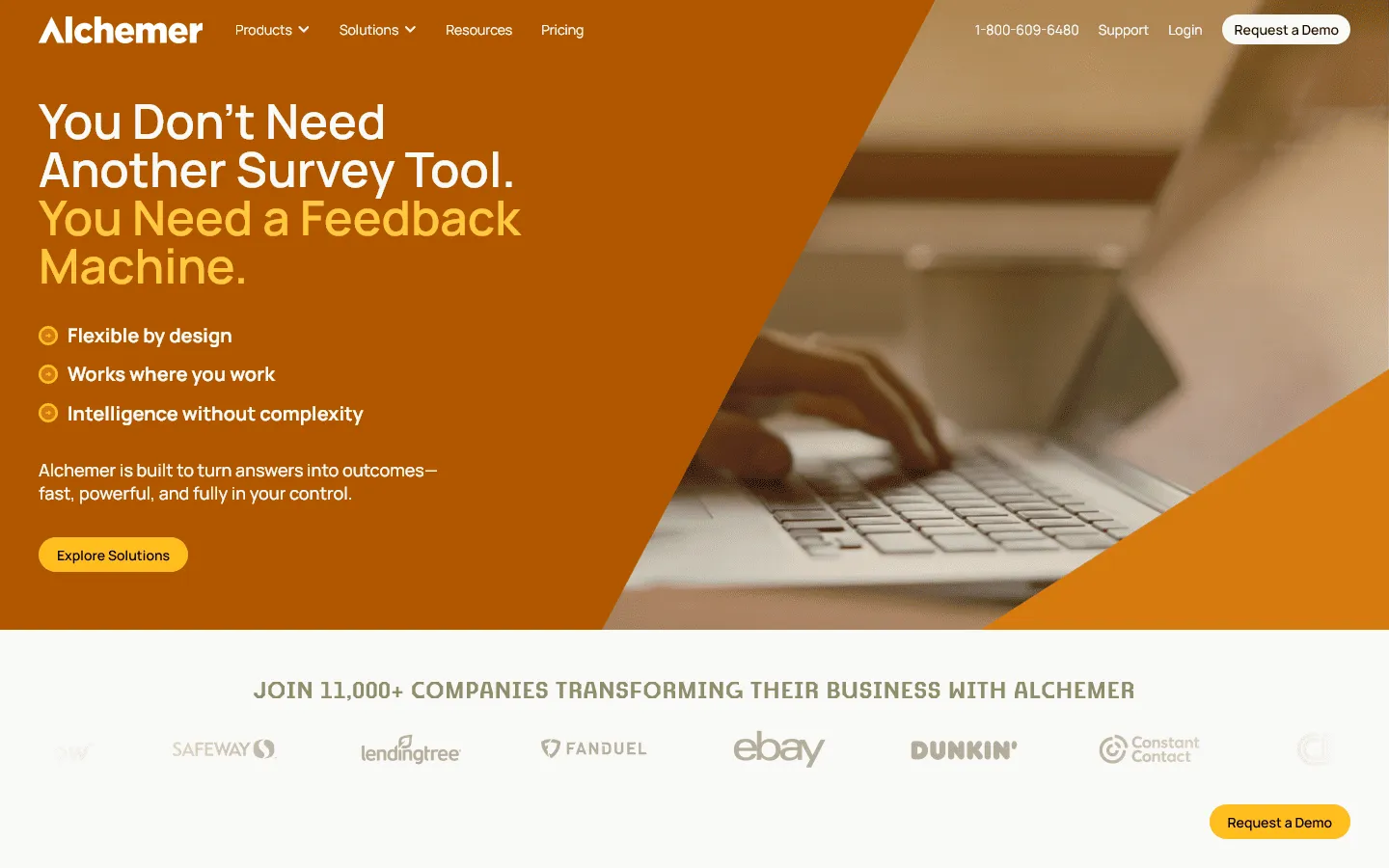
Alchemer (formerly SurveyGizmo) is one of the closest direct competitors to LimeSurvey when it comes to raw functionality. If you are moving away from LimeSurvey but still need complex branching, piping, quotas, and custom scripting, Alchemer is built exactly for those use cases.
While LimeSurvey requires technical knowledge to configure advanced logic, Alchemer provides a much more intuitive, drag-and-drop interface for building out sophisticated paths. It is widely used by researchers and enterprise teams who need power but want a managed, cloud-hosted platform rather than dealing with open-source hosting.
The tradeoff is the cost. There is no free plan, and pricing starts significantly higher than basic form builders. But for teams running complex data collection, the usability improvements over LimeSurvey justify the investment.
Key features
- Advanced skip logic, branching, and piping
- Custom scripting for highly specific functionality
- Enterprise-grade security and compliance
Alchemer pricing
- Collaborator ($55/month): 75,000 responses/year
- Professional ($165/month): 100,000 responses/year, custom branding, advanced logic
- Full Access ($275/month): 125,000 responses/year, advanced reporting
- Enterprise (custom pricing): Custom pricing, HIPAA, SSO
Pros
- Handles very complex survey structures easily
- Intuitive interface for researchers
- Excellent reporting and data visualization
Cons
- No free plan available
- Pricing is higher than standard survey tools
7. Qualtrics
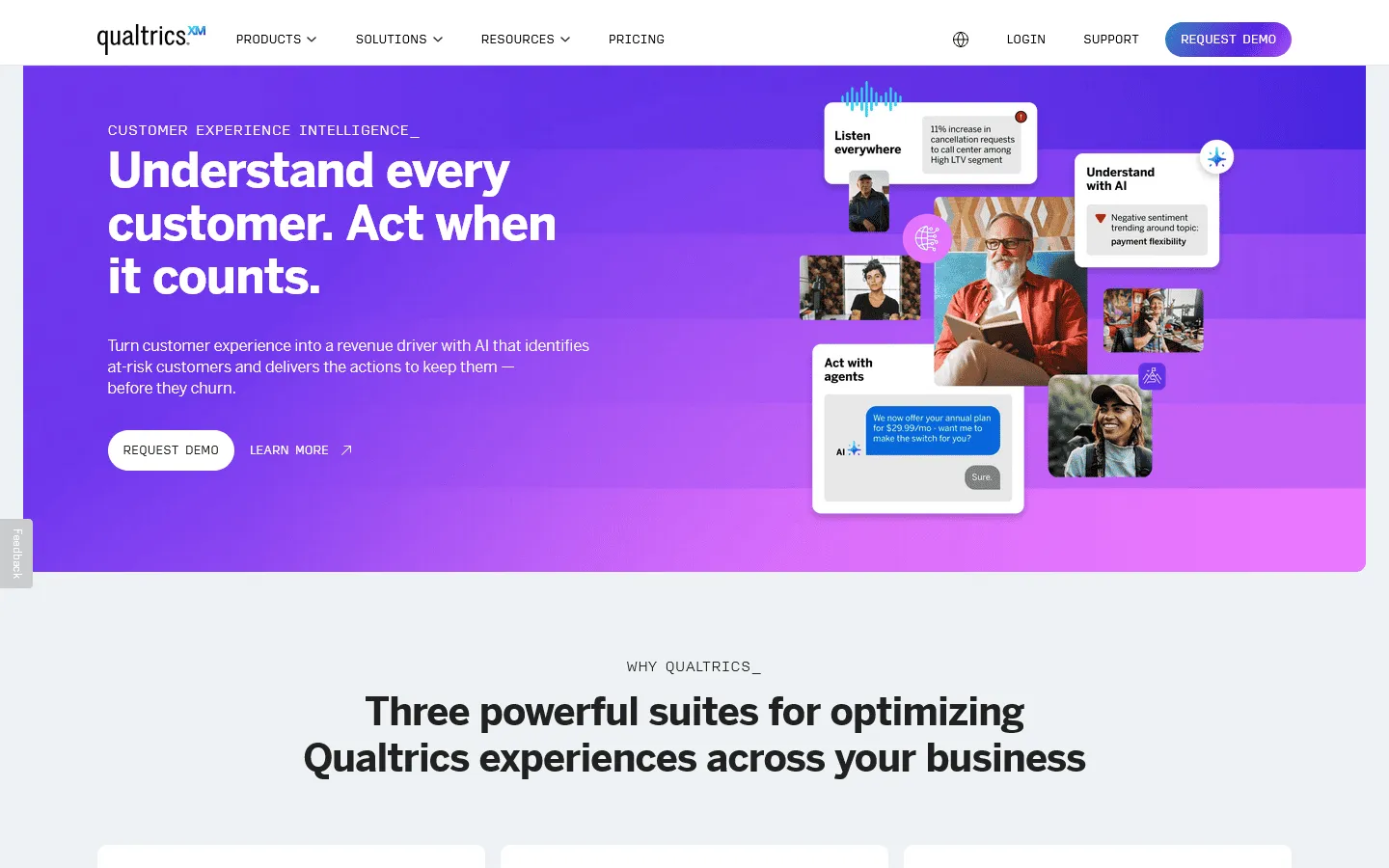
If your organization is outgrowing LimeSurvey’s capabilities and you have a budget for an enterprise platform, Qualtrics is typically the next step. It is an experience management platform used by large corporations and universities for complex research, employee engagement, and customer feedback programs.
Qualtrics offers very deep functionality. It supports advanced logic, quotas, validation, and over 100 question types. The reporting engine includes AI sentiment analysis and text analytics, allowing you to derive insights without exporting data to external statistical software like SPSS.
This power comes with a significant price tag and a steeper learning curve than simple form builders. It is overkill for basic surveys, but a serious option for large research programs.
Key features
- Enterprise-grade logic, branching, and data validation
- Powerful AI-driven text and sentiment analysis
- Comprehensive dashboards and custom reporting
Qualtrics pricing
- Free: Limited to 500 responses, 8 question types
- Custom pricing: Based on features and scale, typically enterprise-level
Pros
- Built for very complex, large-scale research
- High standards for security and compliance
- Deep analytical tools built-in
Cons
- Very expensive, with no transparent public pricing
- Takes time to learn and configure properly
8. Qualaroo
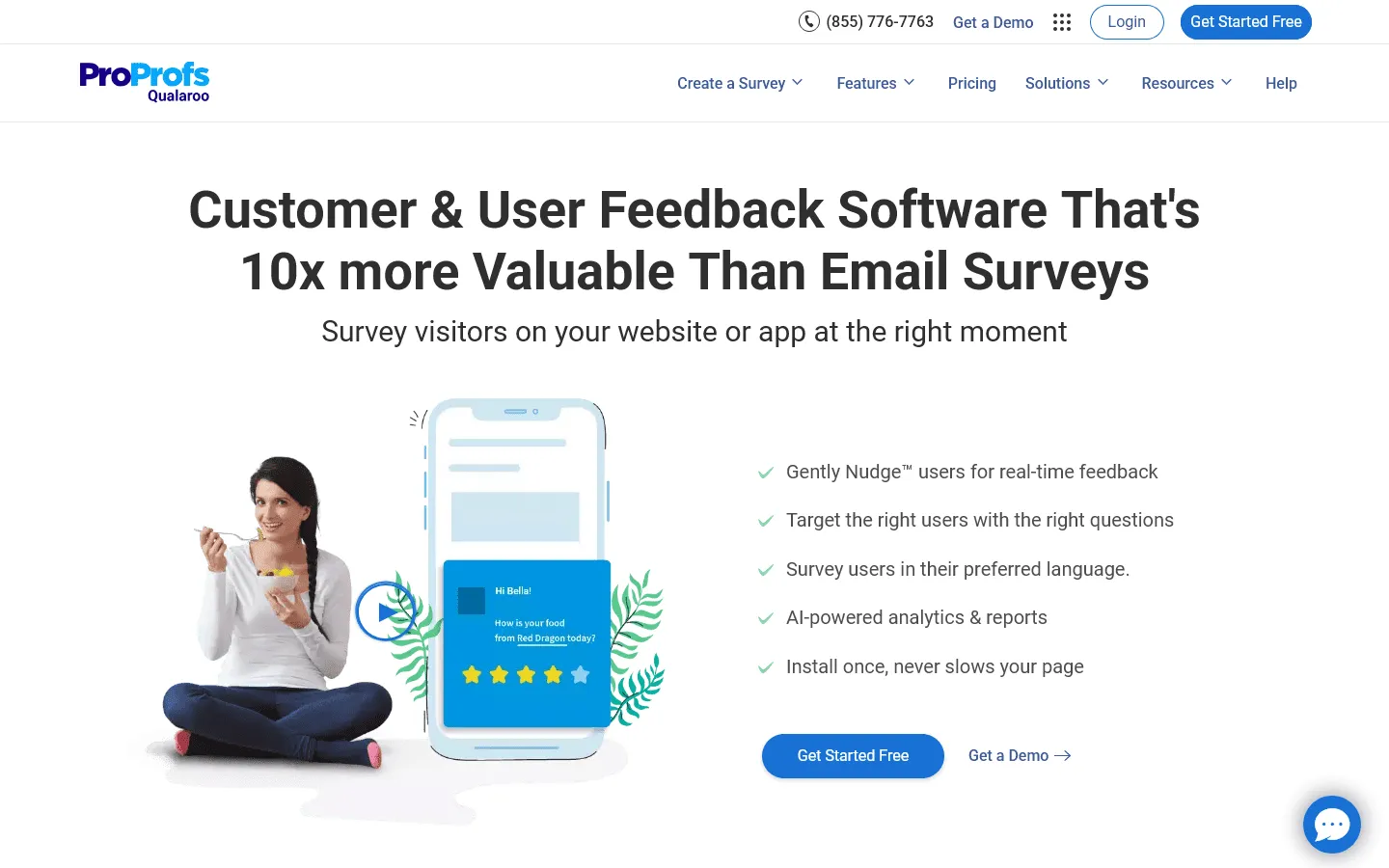
While LimeSurvey is primarily used to send long, standalone questionnaires via email or direct link, Qualaroo takes a completely different approach. It is an alternative meant for contextual, in-the-moment feedback. You use Qualaroo to embed unobtrusive survey “nudges” directly on your website or within your app.
If you are trying to understand why a user abandoned a checkout or how they feel about a new feature, a long LimeSurvey questionnaire sent hours later will yield low response rates. Qualaroo solves this by asking one or two targeted questions right when the user is taking action. If you’re focusing on website feedback, comparing top Qualaroo alternatives will give you a sense of this specific market.
The limitation here is scope. Qualaroo works well for micro-surveys and UX research, but it cannot replace LimeSurvey for extensive academic studies or deep market research questionnaires.
Key features
- Unobtrusive “Nudge” surveys for websites and apps
- Advanced targeting based on user behavior
- AI-powered sentiment analysis
Qualaroo pricing
- Essential ($69/month): 100K pageviews/month, basic targeting
- Premium ($149/month): Advanced targeting, branching logic
- Enterprise ($299/month+): Custom traffic, advanced AI integrations
Pros
- Achieves much higher response rates for UX feedback
- Catches users in the right context
- Integrates well with marketing and CRM tools
Cons
- Not suitable for long-form research surveys
- Can be expensive for high-traffic websites
9. QuestionPro
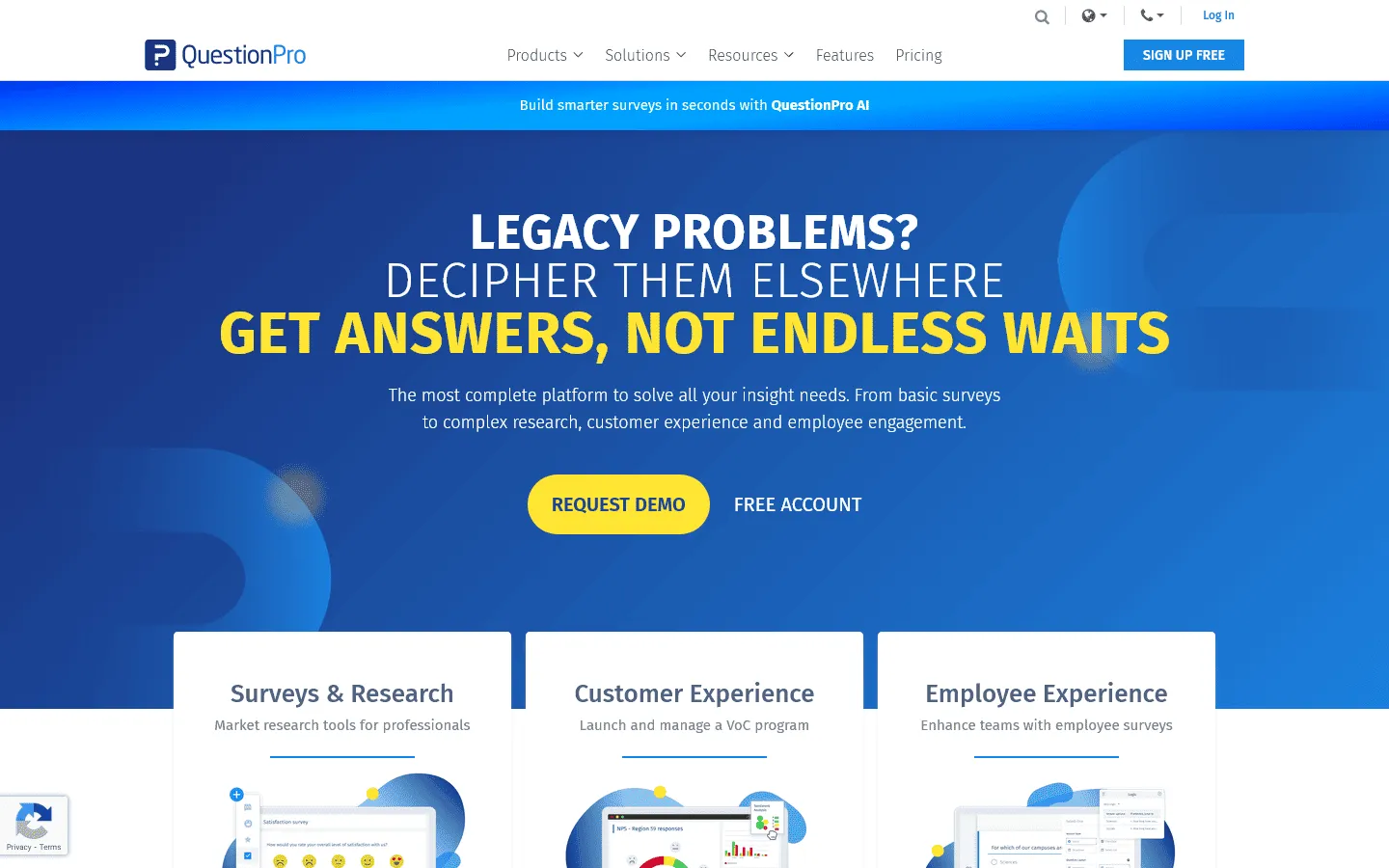
QuestionPro is a robust survey platform that handles the kind of heavy lifting LimeSurvey is known for, but in a managed, cloud-hosted environment. It is widely used by research firms and insights teams that need structured analysis.
A major advantage of QuestionPro over LimeSurvey is its built-in access to respondent panels and its strong multilingual support. If you are conducting global research, managing translations and analyzing data across dozens of languages is much smoother here. For teams trying to decide between QuestionPro and other enterprise options, checking a few QuestionPro alternatives can help clarify the feature differences.
The interface, while more reliable than LimeSurvey, can still feel a bit dated and complicated compared to the newest lightweight form builders. The pricing also starts around $99/month, making it a significant investment.
Key features
- Advanced research logic (MaxDiff, Conjoint analysis)
- Excellent multi-language capabilities
- Access to consumer panels directly through the platform
QuestionPro pricing
- Free: Limited features, 200 responses/survey
- Advanced ($99/month): 25,000 responses/year, custom branding, advanced logic, exports
- Team Edition ($83/user/month): 100,000 responses/year, team collaboration, custom branding
- Research Suite (custom pricing): Custom pricing, advanced quotas, offline app
Pros
- Handles very complex research methodologies
- Unlimited responses on paid plans
- Strong support for global, multilingual surveys
Cons
- Interface has a steep learning curve
- Starting price is relatively high
10. Zoho Survey
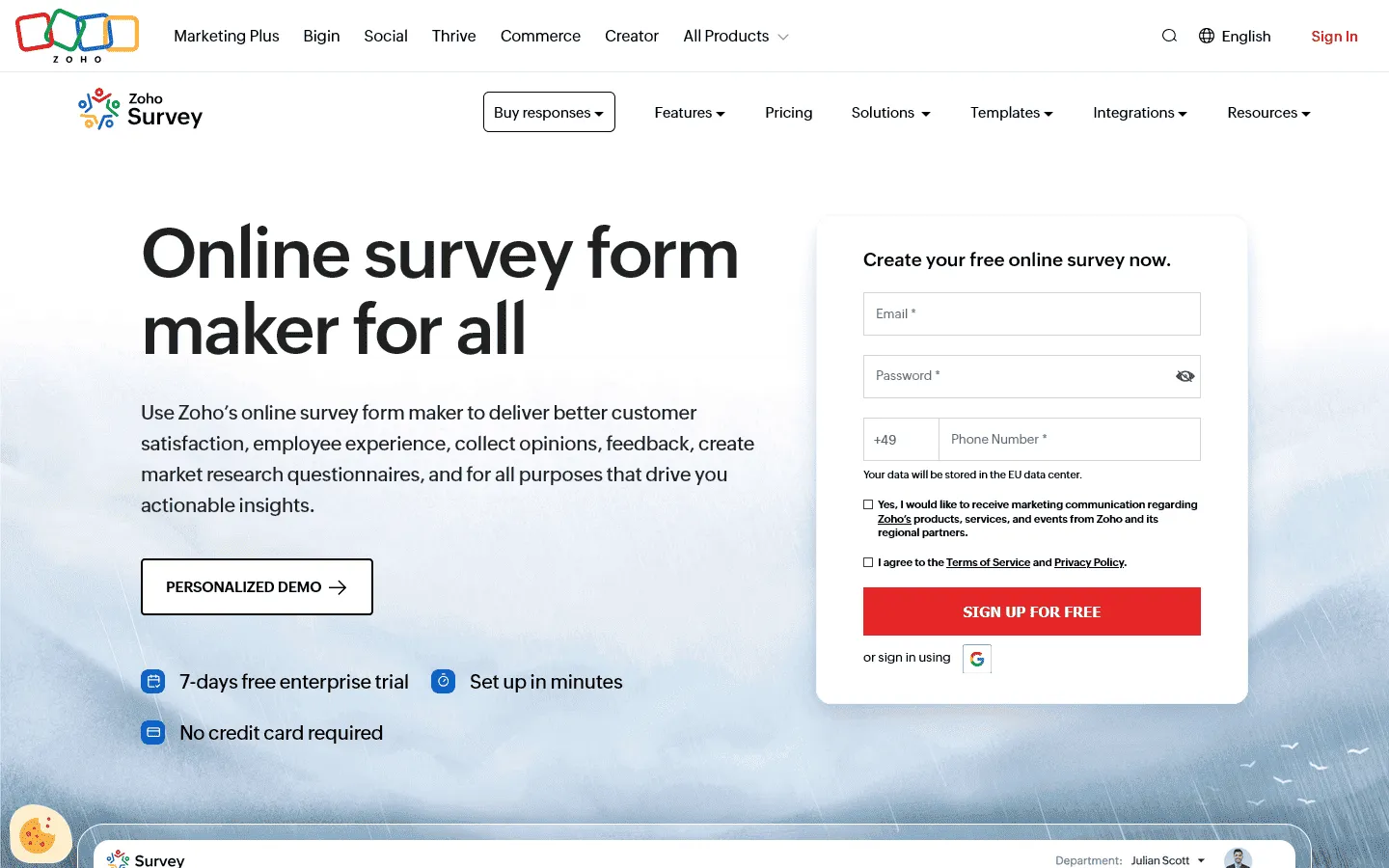
Zoho Survey is a practical alternative if you want to replace LimeSurvey with a tool that plugs directly into your business operations. It is a capable survey builder on its own, but its true strength is how well it integrates with the rest of the Zoho ecosystem (like Zoho CRM or Zoho Desk).
When a respondent completes a survey, that data can automatically update a customer record in your CRM or trigger a support ticket. This eliminates the manual data exports and imports that are often required when using a standalone installation of LimeSurvey.
Design-wise, Zoho Survey is very utilitarian. Your surveys will look professional but somewhat plain. If visual presentation is a top priority, other tools are better choices, but for operational efficiency, Zoho is very strong.
Key features
- Direct integration with Zoho CRM and other apps
- Support for offline data collection
- Multi-lingual surveys with automatic translation options
Zoho Survey pricing
- Free: 3 surveys, 10 questions/survey, 100 responses/survey
- Basic ($7.42/month): 3 surveys, 1,000 responses/survey, custom themes, basic integrations
- Plus ($25/month): Unlimited surveys, 3,000 responses/survey, advanced integrations
- Pro ($35/month): Unlimited surveys, 5,000 responses/survey, custom branding
- Enterprise ($75/month): Unlimited surveys, 7,000 responses/survey, SSO, audit logs
Pros
- Excellent for automating business workflows
- Very affordable pricing tiers
- Offline capabilities for field research
Cons
- Customization and design options are basic
- Less appealing if you don’t use other Zoho products
11. Formbricks
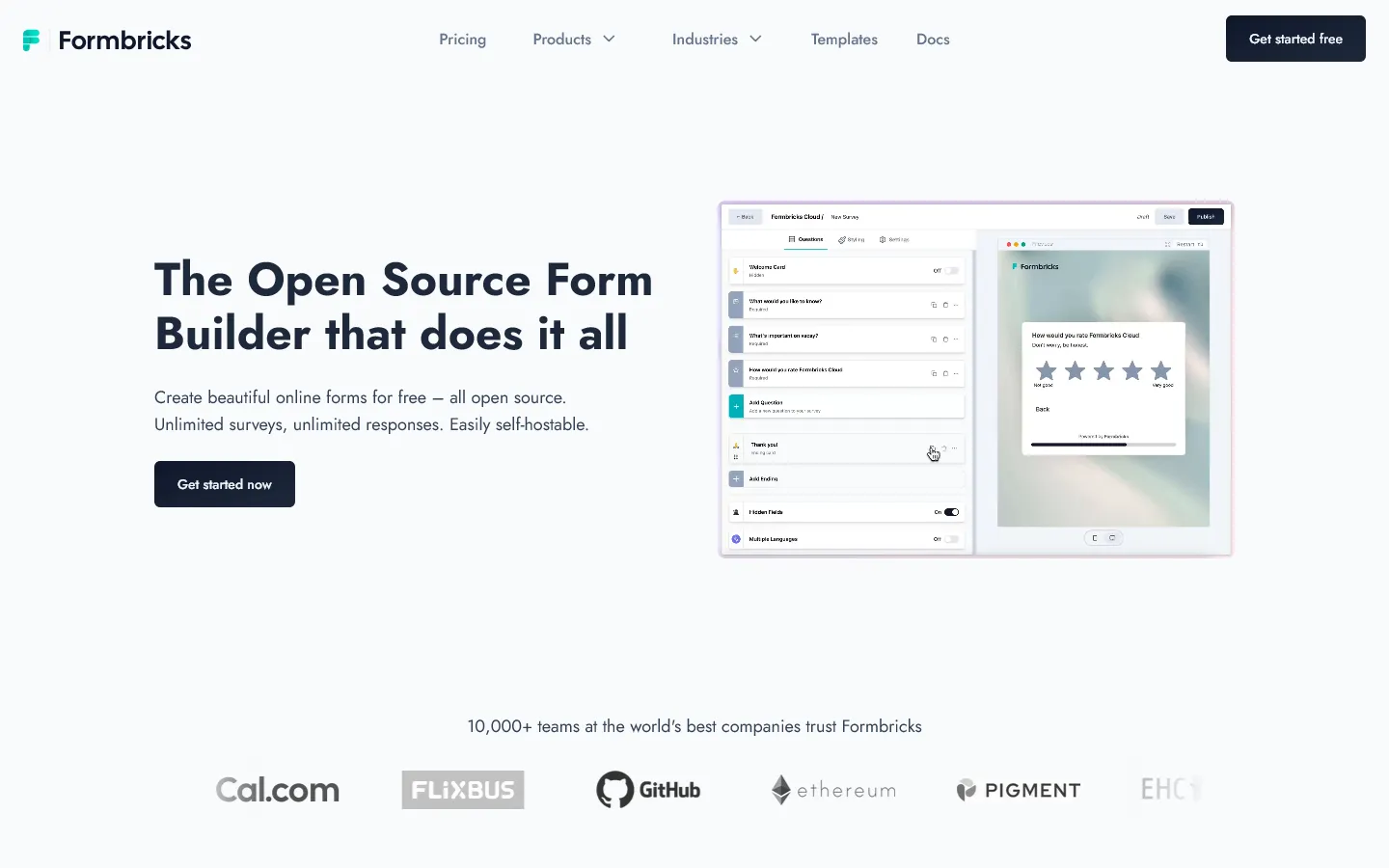
If the main reason you use LimeSurvey is because you need an open-source tool that you can self-host, Formbricks is a modern alternative worth considering. While LimeSurvey is built for standalone questionnaires, Formbricks is designed to run in-app and on-site surveys.
Formbricks works well for SaaS companies that want to trigger surveys (like NPS or feature feedback) directly within their product interface based on user actions. By self-hosting Formbricks, you maintain complete ownership of your user data, which is crucial for privacy and compliance in regulated industries.
Because it focuses on product feedback, it is not the right tool for sending a long, 50-question market research survey via email. But for contextual, real-time feedback, it is much more modern and practical than LimeSurvey.
Key features
- Open-source and fully self-hostable
- Targets in-app and website visitors contextually
- Built for NPS, PMF, and continuous product feedback
Formbricks pricing
- Open source: Free (self-hosted)
- Cloud plans: Free up to 100 responses/month, paid tiers from $99/month
Pros
- Keeps data completely under your control
- Less disruptive to users than emailed surveys
- Modern technology stack and clean UI
Cons
- Not meant for long, standalone research surveys
- Requires technical knowledge to deploy and maintain
12. SurveyJS
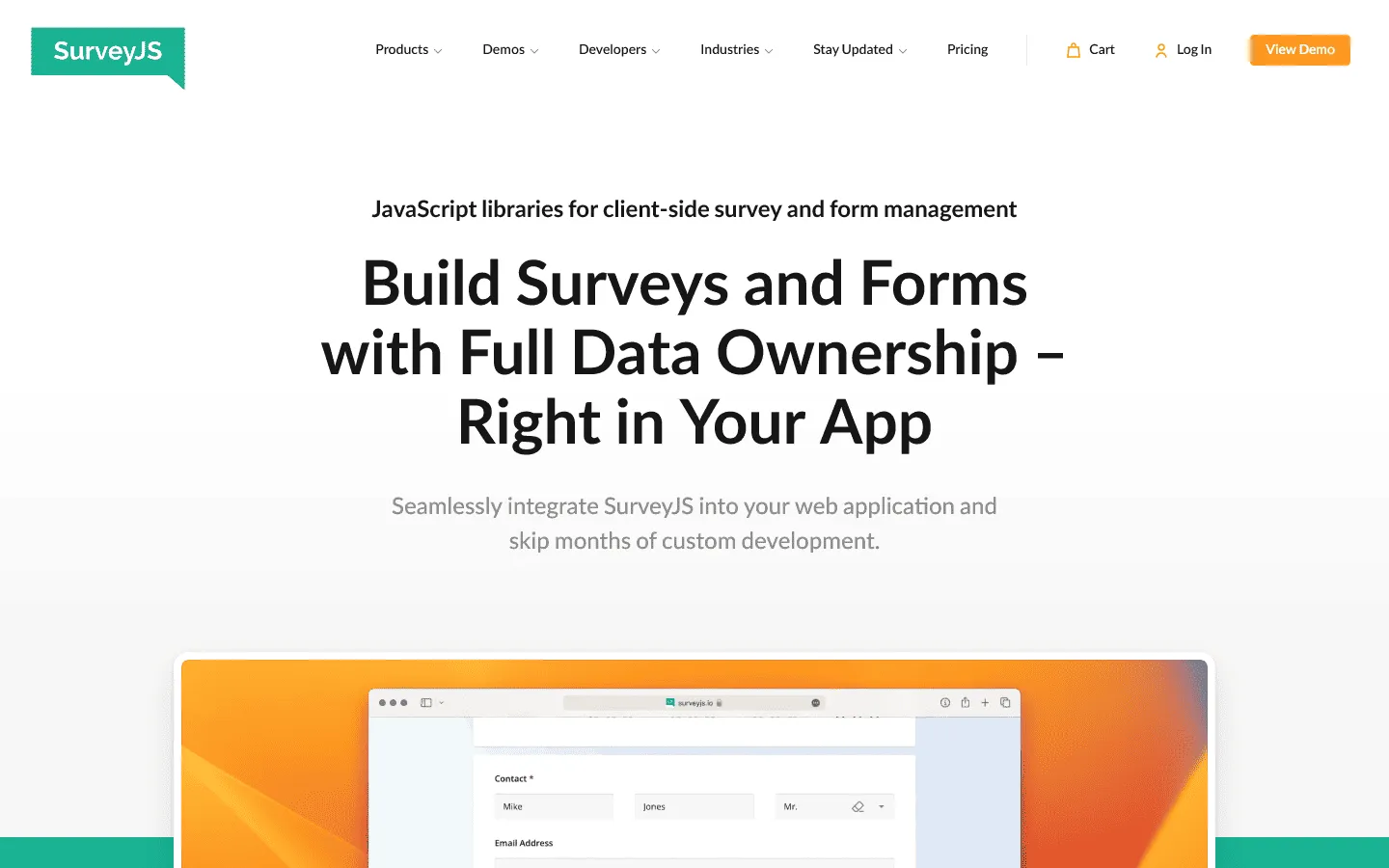
SurveyJS is a developer-focused LimeSurvey alternative. While LimeSurvey is a standalone application you install and run, SurveyJS is a set of JavaScript libraries that allows you to build a fully customizable survey system directly into your own software.
If you are a development team building a SaaS product and you need to embed complex surveys into your application, SurveyJS is often a better fit than using a bulky self-hosted LimeSurvey instance wrapped in an iframe. You have total programmatic control over how the surveys render, behave, and store data within your existing database architecture.
However, because it is essentially a developer toolkit rather than a ready-to-use SaaS dashboard, it is not suited for non-technical teams who just need a quick link to send out a feedback form.
Key features
- Embeds natively into your own JavaScript application (React, Angular, Vue, etc.)
- Complete data ownership because it integrates with your own backend
- Comprehensive form builder UI that you can integrate for your users
SurveyJS pricing
- Form Library: Free (MIT License)
- Creator ($499/year): License for the drag-and-drop form builder UI
- Export & Dashboard plugins: Additional licensing required
- No response limits: You manage your own hosting and data
Pros
- Absolute control for developers integrating surveys into their apps
- Your data never leaves your environment
- Highly extensive JavaScript API
Cons
- Requires an engineering team to implement
- Not a standalone SaaS tool
Best open-source LimeSurvey alternatives
If self-hosting and data ownership are the main reasons you chose LimeSurvey in the first place, most hosted survey builders will not feel like true replacements.
The strongest alternatives in this category are SurveyJS and Formbricks.
SurveyJS is the better fit for development teams that want to embed surveys directly into their own product and keep full control over the frontend, backend, and data model. It is closer to a toolkit than a ready-made survey platform.
Formbricks is a better fit if you want an open-source tool focused on product feedback, in-app surveys, and website-based feedback collection. It is more modern than LimeSurvey, but it is also more specialized.
If you need a fully hosted tool and are willing to trade some infrastructure control for ease of use, the other alternatives on this list will make more sense.
Conclusion: Which LimeSurvey alternative should you choose?
There is no single best LimeSurvey alternative. It depends on whether LimeSurvey feels too technical, too dated, too rigid, or just too much work.
- If you want better design and easier setup: FormGrid gives you visual freedom and speed without the clunky interface, plus a free plan with unlimited responses.
- If you need advanced statistical analysis: SurveyMonkey, Qualtrics, and Alchemer offer the research depth and analytical tools required for professional studies.
- If you want contextual user feedback: Qualaroo is great for triggering micro-surveys directly on your website or app instead of relying on email.
- If you want to keep data self-hosted: Formbricks is a modern open-source option, well-suited for in-app and product feedback without relying on an external SaaS.
- If you are building surveys into your own software: SurveyJS gives developers complete programmatic control through native JavaScript libraries.
- If you need simple, free data collection: Google Forms removes the headache of managing servers and gives you free, reliable data collection instantly.
- If user experience is the priority: Typeform creates conversational flows that feel much more engaging than an academic questionnaire.
- If you need complex business logic and payments: Jotform handles almost any form use case, replacing the need for separate survey and transaction tools.
LimeSurvey is still powerful, but a lot of teams no longer want the maintenance, the old interface, or the extra setup.
FAQ about LimeSurvey Alternatives
Is there an open-source alternative to LimeSurvey?
Yes. SurveyJS and Formbricks are two open-source LimeSurvey alternatives worth considering. They are both more modern in different ways, but they are also more specialized than LimeSurvey.
What is the easiest LimeSurvey alternative to use?
Google Forms, FormGrid, Jotform, and Typeform are all much easier to get started with than LimeSurvey, especially for non-technical teams.
What is the best LimeSurvey alternative for research?
For research-heavy use cases, SurveyMonkey, Alchemer, Qualtrics, and QuestionPro are usually better fits than lightweight form builders. The best choice depends on how much you value advanced analysis, panel access, multilingual support, and budget.