Microsoft Forms vs Google Forms: Which one is better? (2026)
Microsoft Forms and Google Forms are two of the most common tools for collecting data online.
Both are built into platforms many teams already use: Microsoft 365 and Google Workspace. On the surface they look similar, but they are designed for different ecosystems.
Microsoft Forms is built for organizations already using Microsoft 365, with tight connections to Excel, Teams, and SharePoint. Google Forms is the simpler option designed for the general audience. It is free, quick to set up, and sends responses straight to Google Sheets.
Below is a closer look at how Microsoft Forms and Google Forms compare in pricing, customization, features, and everyday use.
Microsoft Forms vs Google Forms: Features & differences
If you want the short version, here is the high-level breakdown:
| Feature | Microsoft Forms | Google Forms |
|---|---|---|
| Capterra rating | 4.6/5 (300+ reviews) | 4.7/5 (11,000+ reviews) |
| Best for | Microsoft 365 users, enterprises | Individuals, startups, education |
| Pricing | Included in M365 (free version limited) | 100% free |
| Design control | Minimal (themes and colors) | Moderate (header images, font selection) |
| Question types | Includes NPS, ranking, Likert | Includes grid options, dropdowns |
| Logic | Basic branching | Section-based branching |
| Spreadsheet sync | Excel | Google Sheets |
| Collaboration | Within Microsoft ecosystem | Real-time collaboration |
| Security | Advanced (HIPAA, FERPA compliant) | Standard (GDPR compliant) |
The main difference between Microsoft Forms and Google Forms is ecosystem integration. Microsoft Forms is built for Microsoft 365 users and works closely with Excel, Teams, and SharePoint. Google Forms integrates with Google Sheets and other Google Workspace tools and is completely free for anyone with a Google account.
Google Forms focuses on speed and simplicity. Microsoft Forms focuses more on security and tight integration with Excel, Teams, and SharePoint.
When to choose Google Forms or Microsoft Forms
In short:
- Choose Microsoft Forms if your organization is already all-in on Microsoft 365. It is the better choice for professional environments that need strict data governance, clean default aesthetics, and native Excel reporting.
- Choose Google Forms if you want a tool that is truly free and works for everyone. It is the best choice for quick data collection, collaborating in real-time on Google Sheets, and personal or small business use cases.
If neither feels right (maybe Microsoft is too restrictive and Google is too basic), you should look at FormGrid. It combines a modern, document-style editor with the design flexibility of a premium builder and a generous free plan.
What is Google Forms?
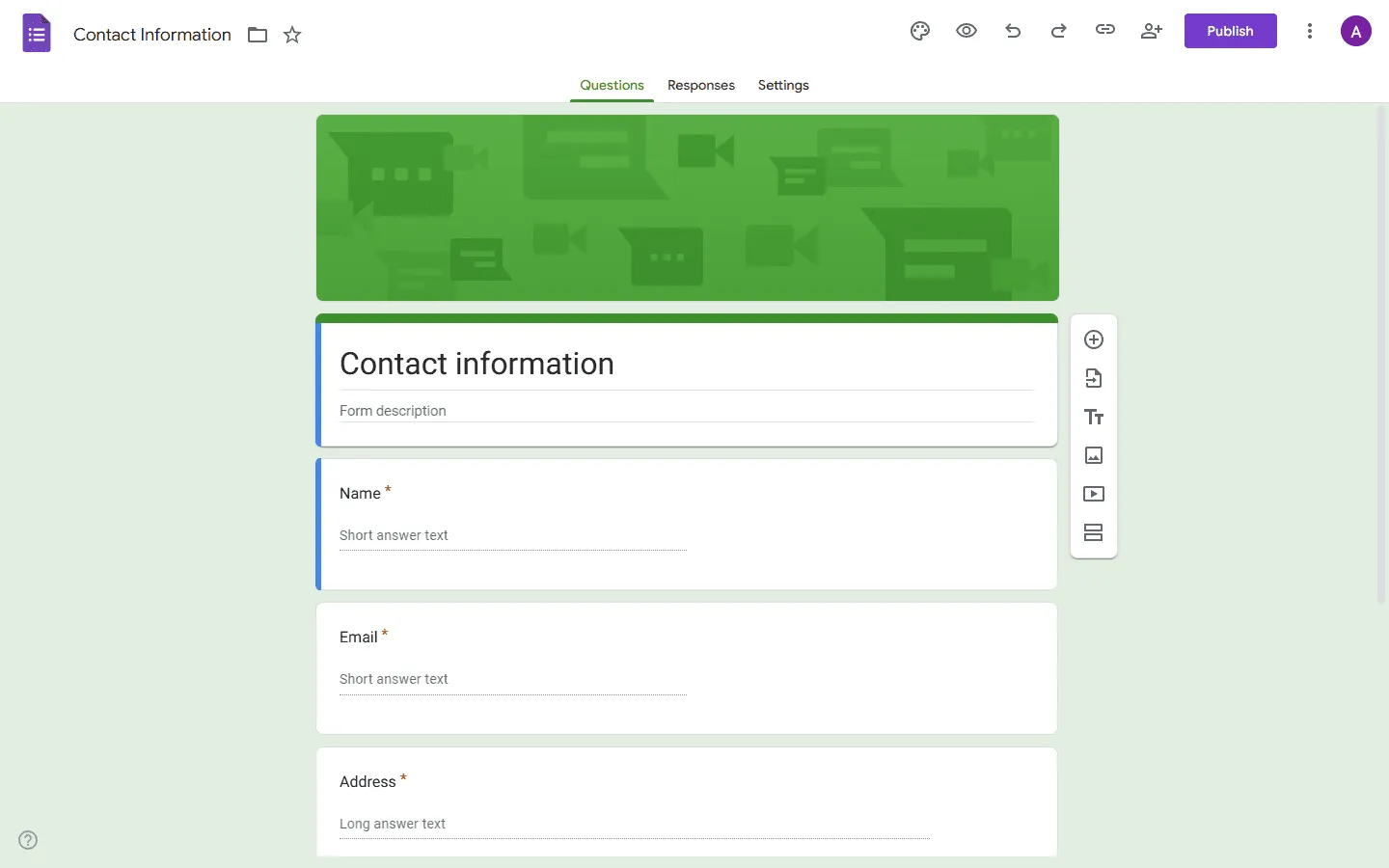
Google Forms is one of the most widely used form builders. Its popularity mostly comes down to two things: it is free and very easy to use. Since its launch in 2008, it has become the default way for people to collect everything from RSVP information to customer feedback.
It lives entirely in the browser and saves data directly to Google Sheets. If you have a Google account, you already have full access to it.
If you want to explore other form builders similar to Google Forms, see our guide to the best Google Forms competitors.
What are the advantages of Google Forms?
- Completely free: No limits on the number of forms or responses.
- Collaborative: Real-time co-authoring just like a Google Doc.
- Huge ecosystem: Thousands of add-ons and native integrations with Zapier and Make.
- Fast: It is very lightweight and loads instantly on any device.
What are the disadvantages of Google Forms?
- Generic design: Every Google Form looks like a Google Form. You can’t hide the “Powered by Google” vibe.
- Limited logic: You can only jump between sections, which makes complex surveys difficult to build.
- Basic reporting: The built-in charts are helpful, but you’ll almost always need to move data to Sheets for real analysis.
What is Microsoft Forms?
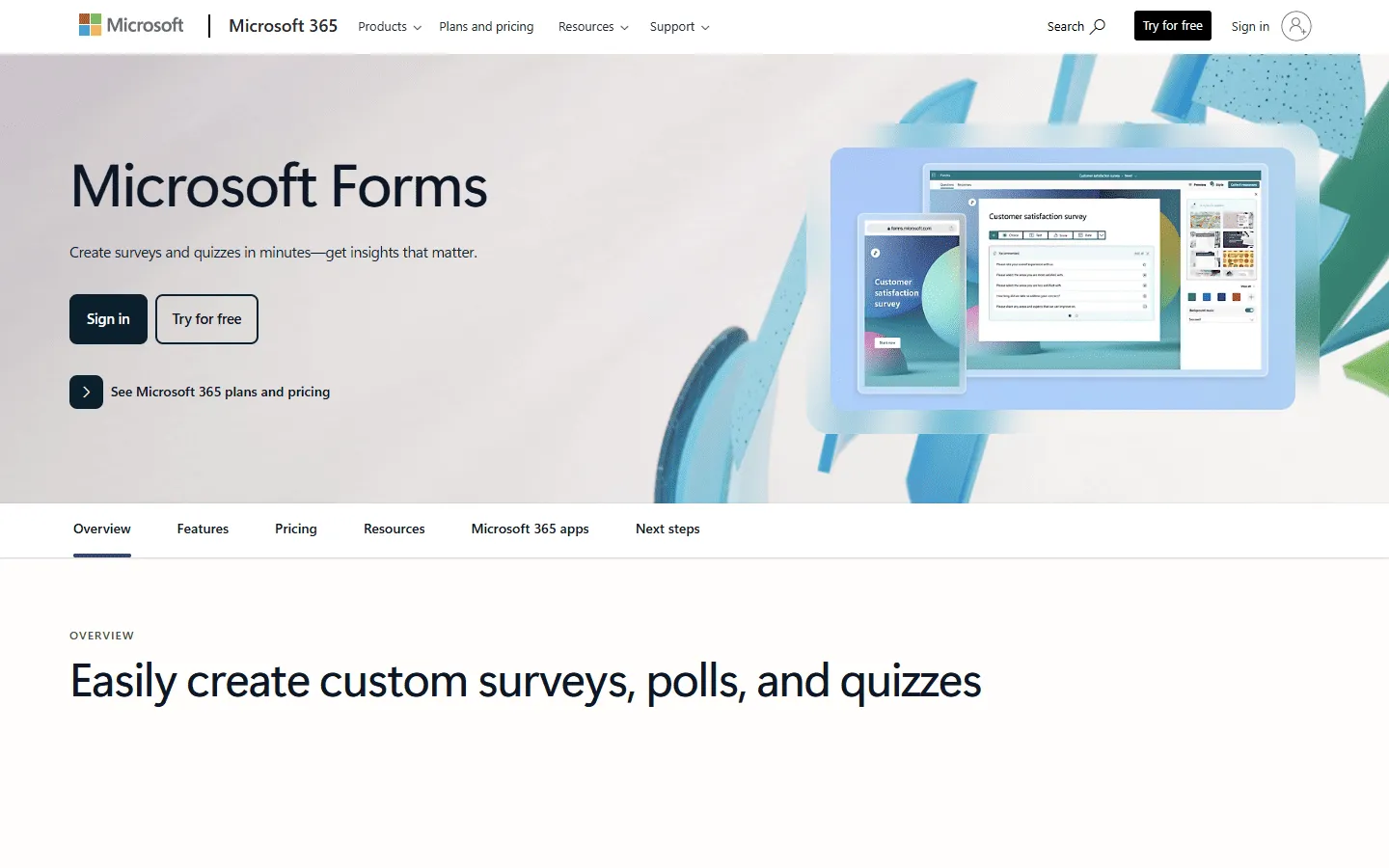
Microsoft launched Forms in 2016 as its answer to Google Forms. It was built specifically for the needs of businesses and schools using Microsoft 365.
It feels more “corporate” than Google Forms. The design is cleaner, the animations are smoother, and it feels like a native part of the Office ecosystem.
For other similar options, see our list of the best alternatives to Microsoft Forms.
What are the advantages of Microsoft Forms?
- Deep Excel integration: Data can sync to an Excel file sitting in your OneDrive or SharePoint.
- Professional features: Includes built-in features like Net Promoter Score (NPS) questions and Likert scales.
- High security: Because it is part of M365, it meets enterprise-level compliance standards (HIPAA, ISO 27001).
- QR Codes: Provides a native QR code generator for every form, making it easy for physical events.
What are the disadvantages of Microsoft Forms?
- Rigid customization: You are mostly stuck with their pre-defined themes.
- Desktop limitations: Syncing to a local Excel file can sometimes lead to versioning headaches compared to Google’s cloud-only approach.
- Less “open”: While it has improved, Microsoft Forms feels less flexible than Google for users outside of their specific ecosystem.
Detailed Google Forms vs Microsoft Forms comparison
Ease of use
Google Forms feels like a lightweight document editor. Adding questions, images, or sections is quick and intuitive, especially for users already familiar with Google Docs or Google Sheets.
Microsoft Forms has a cleaner interface with larger controls and smoother animations. It often feels more polished, particularly inside the Microsoft ecosystem.
However, the workflow can feel slightly more structured compared to Google Forms, which some users find faster for quick surveys.
The verdict: Google Forms is slightly faster for simple surveys, while Microsoft Forms feels more polished inside Microsoft 365 environments.
Integrations and ecosystem
Google Forms integrates naturally with Google Workspace. Responses flow directly into Google Sheets, and the data can easily be connected to tools like Looker Studio, Zapier, or Google Apps Script.
Microsoft Forms is deeply integrated with Microsoft 365. Responses can sync with Excel, Power Automate workflows, SharePoint, and Microsoft Teams.
For organizations already committed to one ecosystem, this integration often matters more than the form builder itself.
The verdict: Choose the form builder that matches the productivity tools your team already uses.
Pricing
Google Forms is completely free. There are no tiers, no response limits, and no paid “Pro” version of the builder itself. If you have a personal Google account or a Google Workspace account for work, you have the full power of the tool.
Microsoft Forms is also free, but with limitations There is a basic free version for personal Microsoft accounts, but its response limits are quite low (around 200). To get the full utility of the tool (up to 50,000 responses), you need a Microsoft 365 subscription.
The verdict: If budget is the only concern, Google Forms wins. If you are already paying for Microsoft 365, the cost of Microsoft Forms is $0.
Design customization
Both tools offer only basic design customization compared to newer form builders.
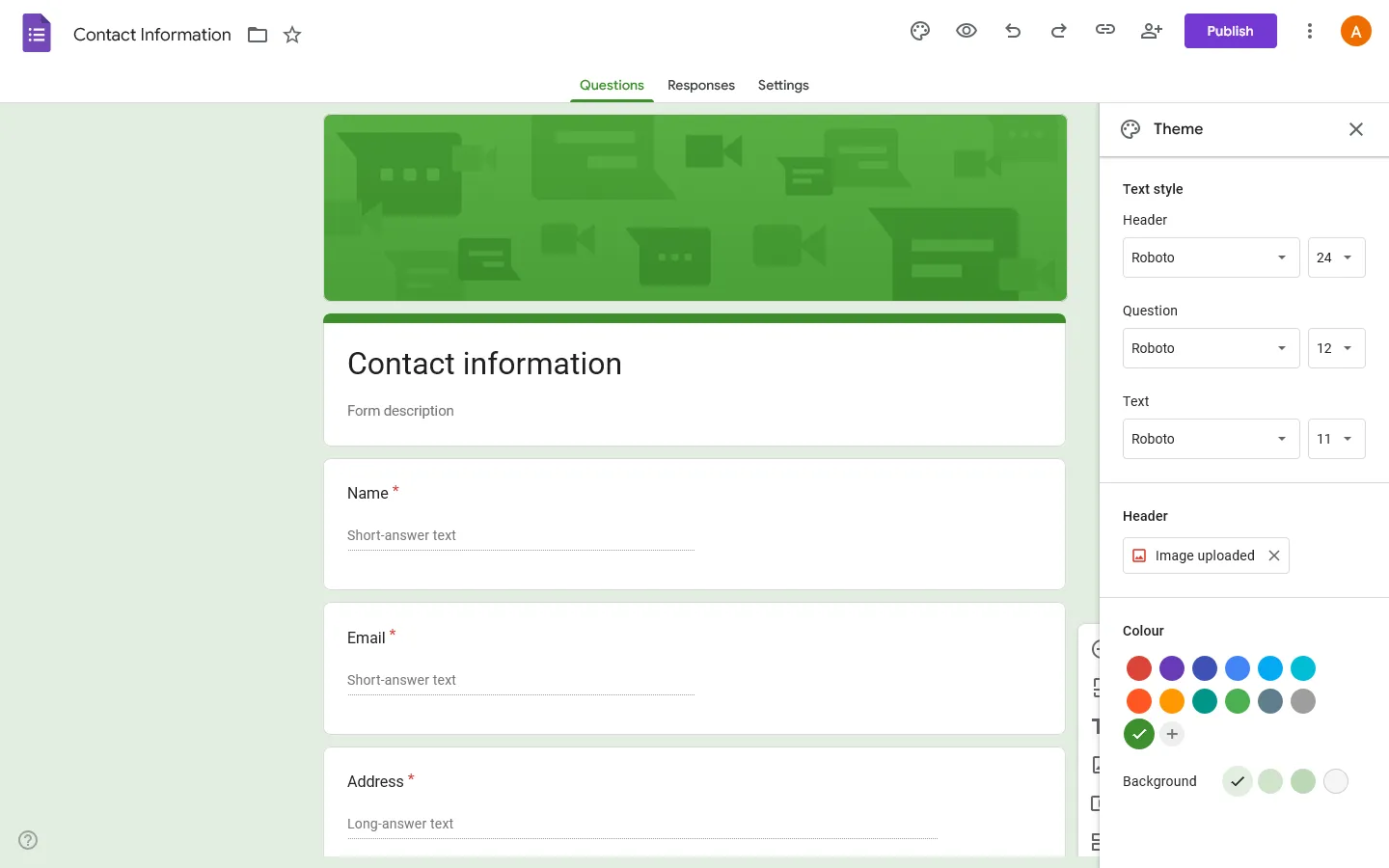
Google Forms allows users to upload a header image, choose a color theme, and select from a few fonts. However, the layout always follows the same single-column structure.
Microsoft Forms provides a collection of built-in themes, but users cannot fully customize the visual design.
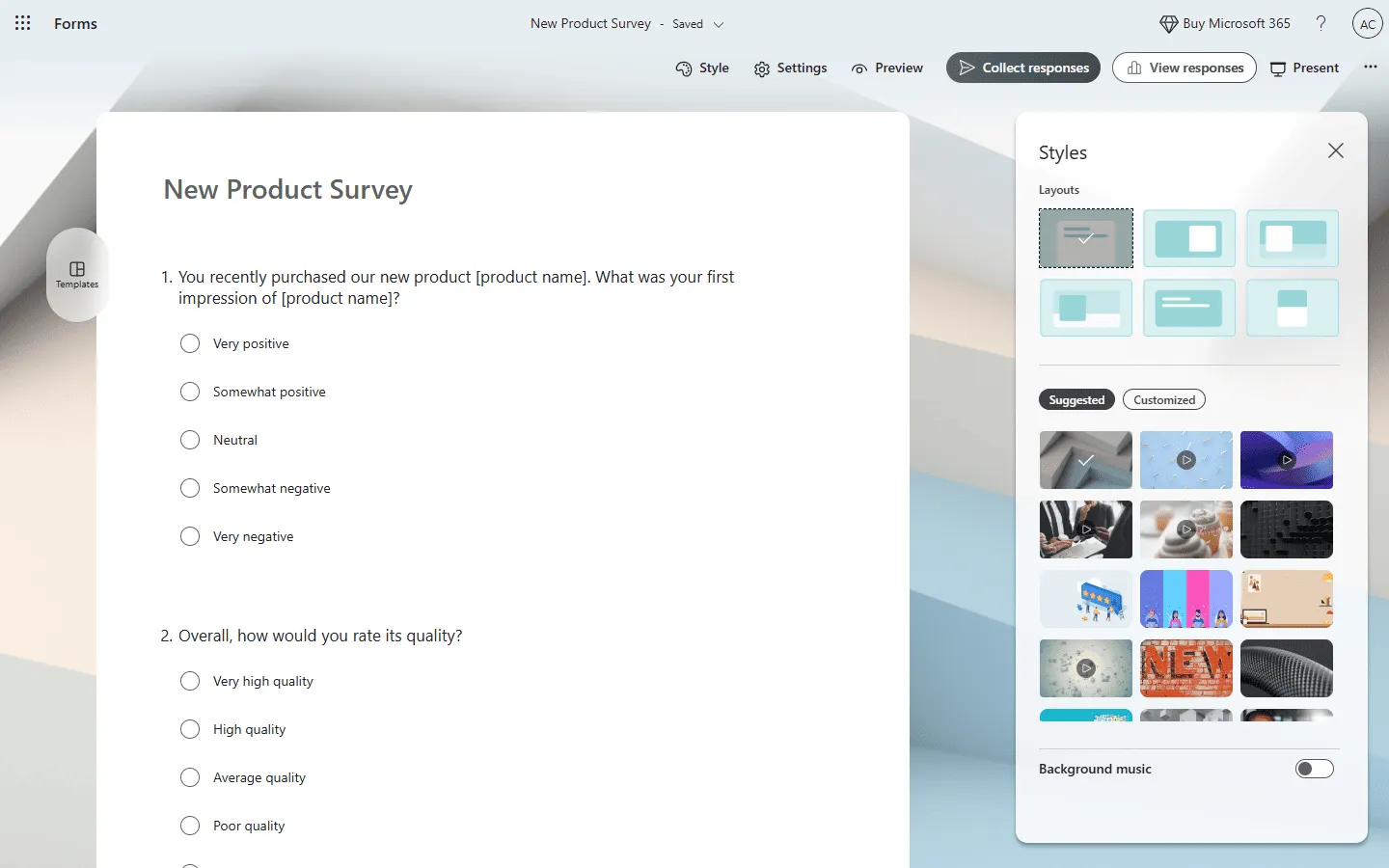
The verdict: Microsoft Forms has a better default “out of the box” look, but Google Forms is easier to customize with basic branding. Both tools produce similar-looking forms and don’t allow deeper visual customization.
Feature comparison: Microsoft Forms vs Google Forms
Question types
Google Forms supports common question types such as multiple choice, checkboxes, dropdowns, and grid questions.
Microsoft Forms includes additional survey-focused question types like Likert scales and Net Promoter Score (NPS).
Logic and branching
Google Forms allows section-based branching, where answers can send respondents to different sections of a survey.
Microsoft Forms also supports branching logic, but the implementation is slightly more structured.
Data analysis
Google Forms stores responses directly in Google Sheets, where users can run formulas, charts, and scripts.
Microsoft Forms integrates with Excel and Power Automate for reporting and workflow automation.
Use cases: When each tool works best
Google Forms works best for
- School projects and education
- Event registrations and RSVPs
- Simple feedback forms and surveys
- Small teams or individuals
- Projects that need a completely free tool
Microsoft Forms works best for
- Corporate internal surveys
- HR questionnaires
- Training quizzes
- Organizations using Microsoft 365
- Teams that rely on Excel reporting
Microsoft and Google Forms alternative: FormGrid
If you like the simplicity of Microsoft Forms and Google Forms but want more control over how your forms look, another option is FormGrid.

Both Microsoft Forms and Google Forms follow a fixed layout with limited branding options. FormGrid takes a different approach. It lets you design forms more freely, with custom layouts, typography, and visual styling.
Forms can be built manually using the document-style editor or generated from a short description. The result can feel closer to a small landing page than a traditional form.
You can try FormGrid for free if you want something more customizable than Microsoft Forms or Google Forms.
Conclusion: Should you choose Microsoft Forms or Google Forms?
The choice between Microsoft Forms and Google Forms usually comes down to where your data lives.
Use Google Forms if:
- You live in Google Sheets.
- You want a 100% free tool with no strings attached.
- You need to collaborate with people outside your organization easily.
Use Microsoft Forms if:
- You live in Excel and Microsoft Teams.
- You need enterprise-grade security and compliance.
- You want a cleaner, more professional look without any effort.
Both tools will get the job done. But if you want to stand out, give FormGrid a try instead.
FAQ
Is Microsoft Forms better than Google Forms?
Microsoft Forms is better for organizations already using Microsoft 365. It integrates tightly with Excel, Teams, and SharePoint. Google Forms is better for individuals or teams that want a completely free tool with easy collaboration.
Is Microsoft Forms free?
Microsoft Forms is included with Microsoft 365 subscriptions. A limited version is available for personal Microsoft accounts.
Does Google Forms work with Excel?
Not directly. Google Forms sends responses to Google Sheets, but the data can be exported to Excel if needed.
Can Microsoft Forms replace Google Forms?
For organizations using Microsoft 365, Microsoft Forms can replace Google Forms easily. However, it may feel restrictive for users who rely on Google’s ecosystem.